Your WordPress site is live but traffic is flat. After 20 years of building and optimizing WordPress sites, here are the 15 things I do on every single project to get Google traffic flowing.

Wrong file permissions are one of the most overlooked WordPress security holes. I've seen sites hacked because wp-config.php was world-readable. Here's exactly what every file and folder should be set to, and how to fix it.

Your WordPress login page gets attacked dozens of times every day, whether you know it or not. I've been hardening login pages for over a decade, and these 8 measures will shut down brute force attacks completely.

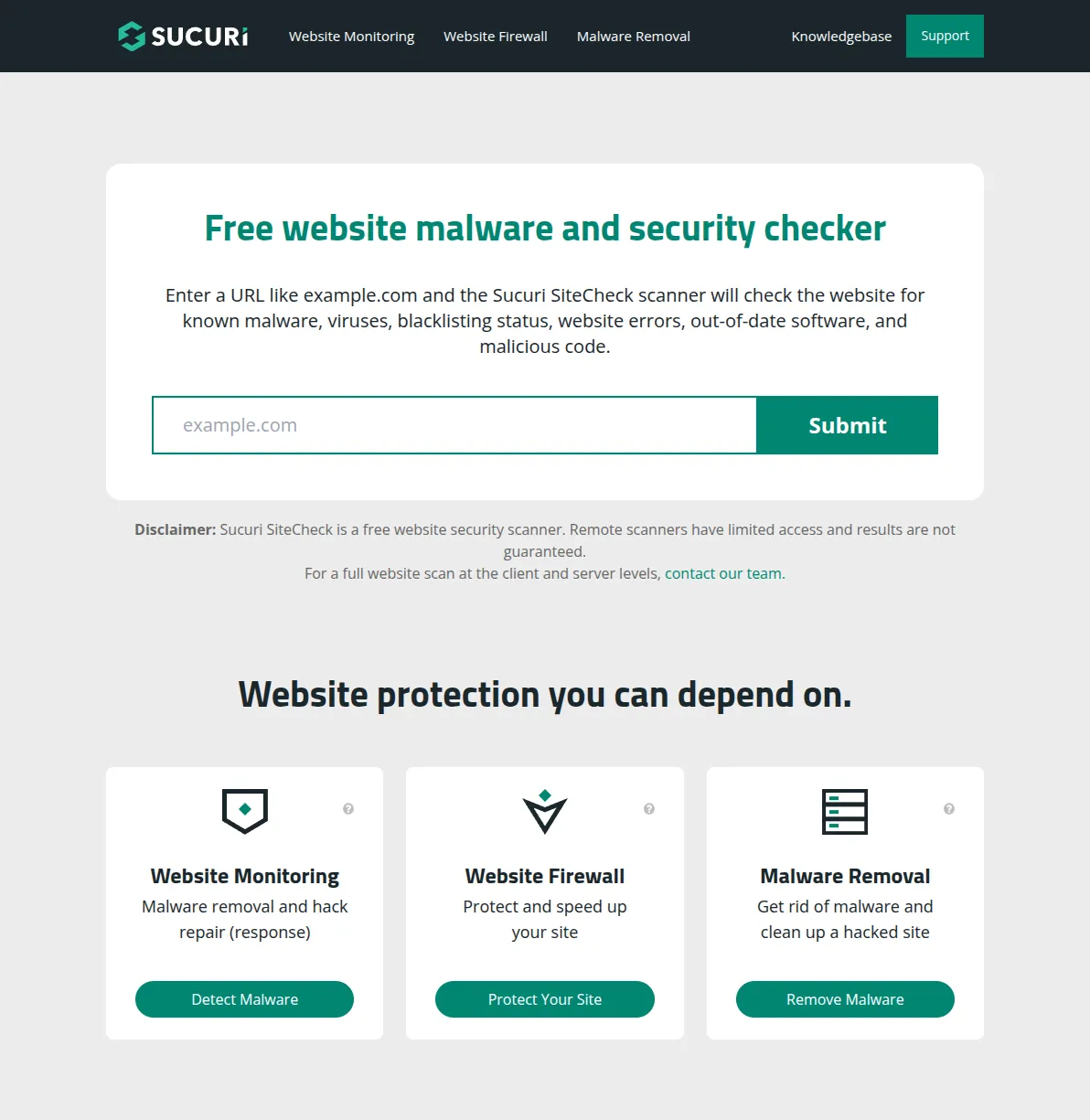
Your WordPress site got hacked — don't panic. I've cleaned malware from more sites than I can count over the past 20 years, and most infections can be fixed in an afternoon. Here's exactly what to do, step by step.

A web application firewall is your site's first line of defense against hackers, bots, and automated attacks. After testing dozens of firewall solutions over the years, I've narrowed it down to 5 that actually work. Here's how they compare — and which one I recommend for different situations.

SSL used to be optional. It's not anymore — Google penalizes sites without it, and Chrome slaps a 'Not Secure' warning on every page. The good news? It's free and takes about 10 minutes. Here's exactly how to set it up, plus how to fix the mixed content issues that trip up almost everyone.

After 20 years of building WordPress sites, I've cleaned up more hacked sites than I care to remember. Most of those hacks were completely preventable. This is everything I know about keeping WordPress secure — no fear-mongering, just practical steps that actually work.

Lazy loading defers images, iframes, and videos until they're scrolled into view. WordPress has native lazy loading since version 5.5, but there's more to it than just the built-in solution. Here's everything you need to know.

Your WordPress database accumulates junk over time — post revisions, spam comments, expired transients, orphaned metadata. I'll show you how to clean it up safely with WP-Optimize and phpMyAdmin, and how to schedule automatic cleanups.

Cloudflare's free CDN tier can cut your WordPress load times in half. I've set it up on every site I manage, and the process takes about 15 minutes. Here's exactly how to do it, step by step.

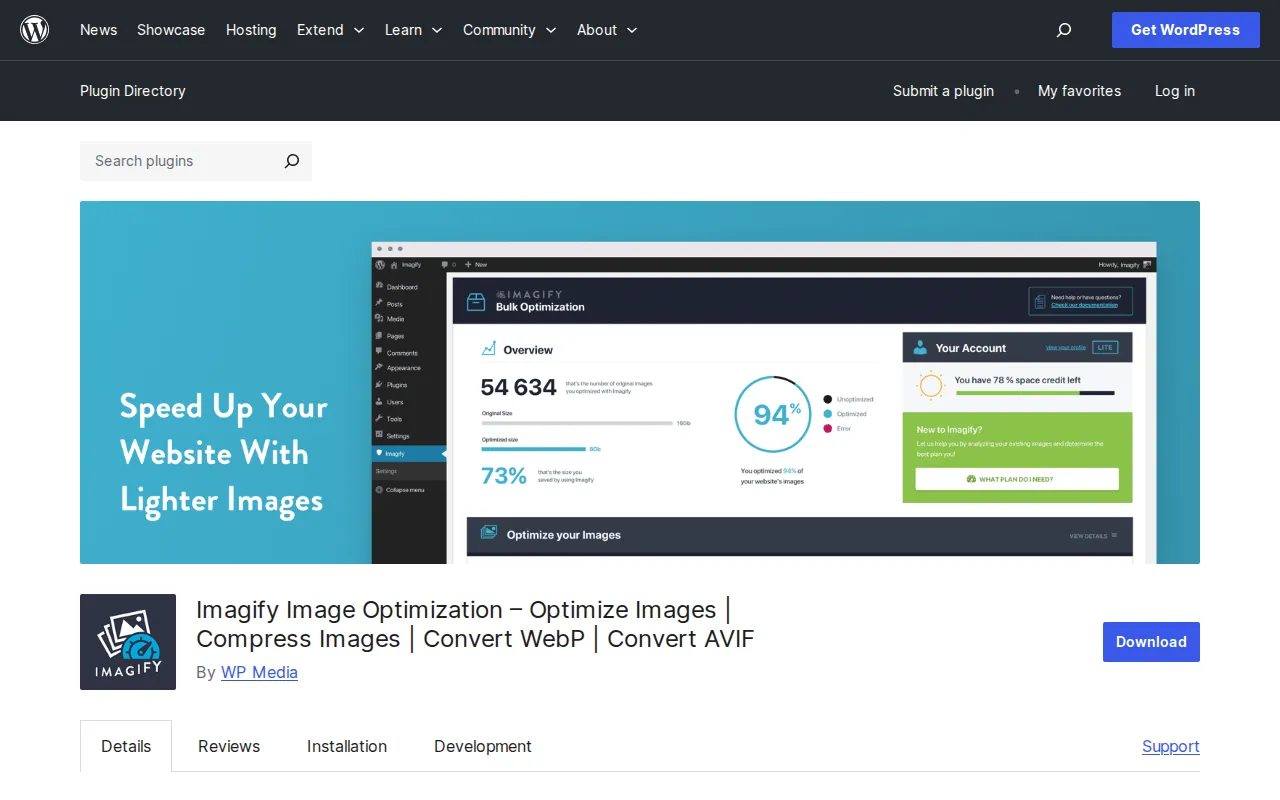
Images are the #1 reason most WordPress sites are slow. I've tested every major image optimization plugin and these are the 5 that actually deliver — with real compression numbers, WebP support, and honest free vs. paid breakdowns.

Google uses Core Web Vitals to rank your site. Here's what LCP, INP, and CLS actually mean, what good scores look like, and exactly how to fix each one on WordPress — no developer required.

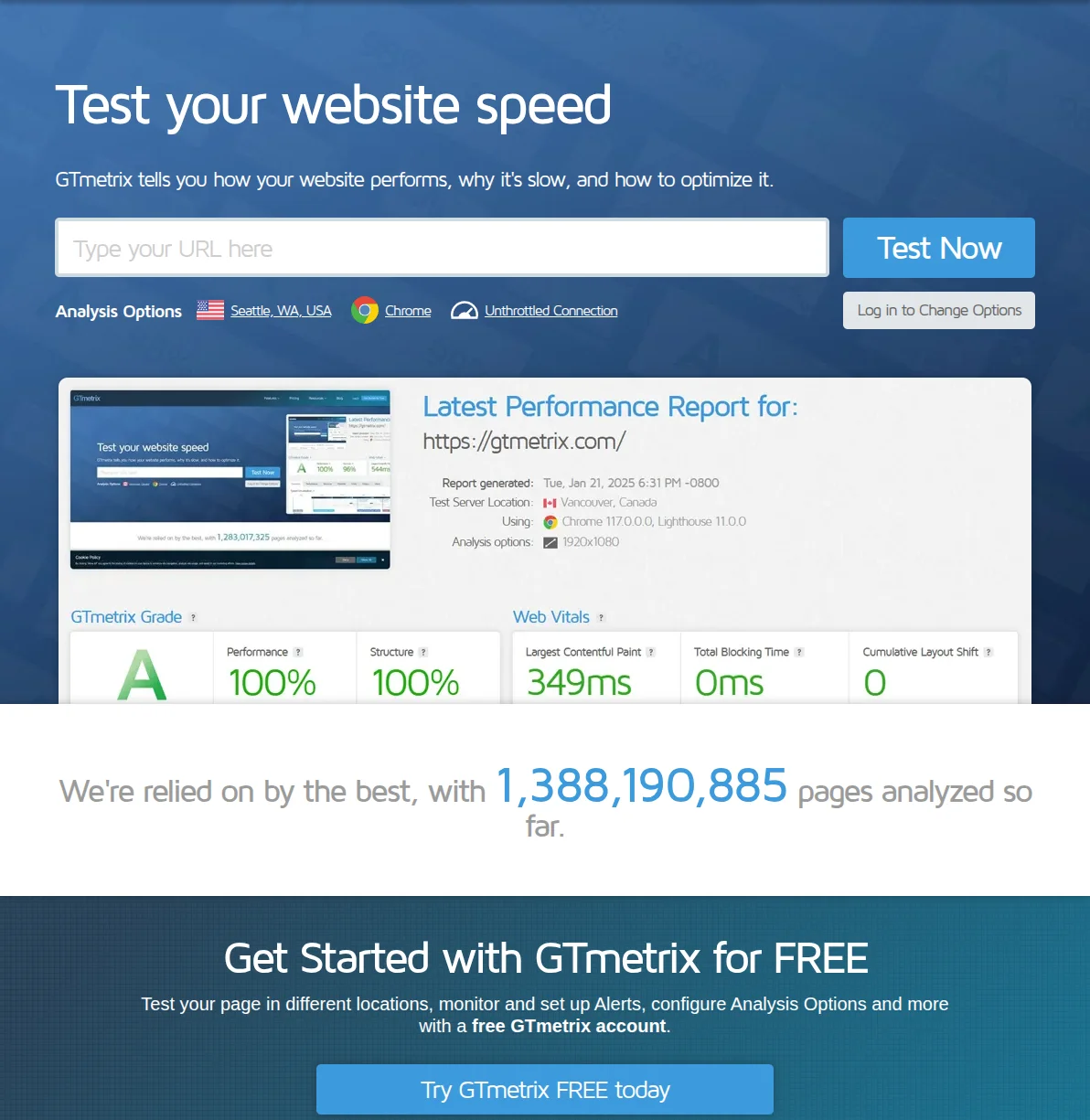
Your WordPress site is probably slower than you think. After 10+ years of optimizing WordPress performance, here's everything I know about making sites load in under 2 seconds — from quick wins to advanced techniques.

Your WordPress emails are probably going to spam right now. I've fixed this on hundreds of sites, and it takes about 10 minutes. Here's exactly how to set up SMTP so your contact forms, password resets, and notifications actually reach the inbox.

Starting a blog has never been easier or more rewarding. I've launched over a dozen blogs since 2006, and I'll walk you through the exact 7-step process to go from zero to your first published post — plus how to get your first 1,000 visitors and actually make money from your blog.

I've built dozens of online stores over the past decade, and WooCommerce remains my go-to recommendation for anyone serious about selling online. In this step-by-step tutorial, I'll walk you through every click — from installing WooCommerce to processing your first test order.

WordPress doesn't get hacked because it's insecure — it gets hacked because people skip basic precautions. Here are the 12 security steps I follow on every site I build, ranked by importance.

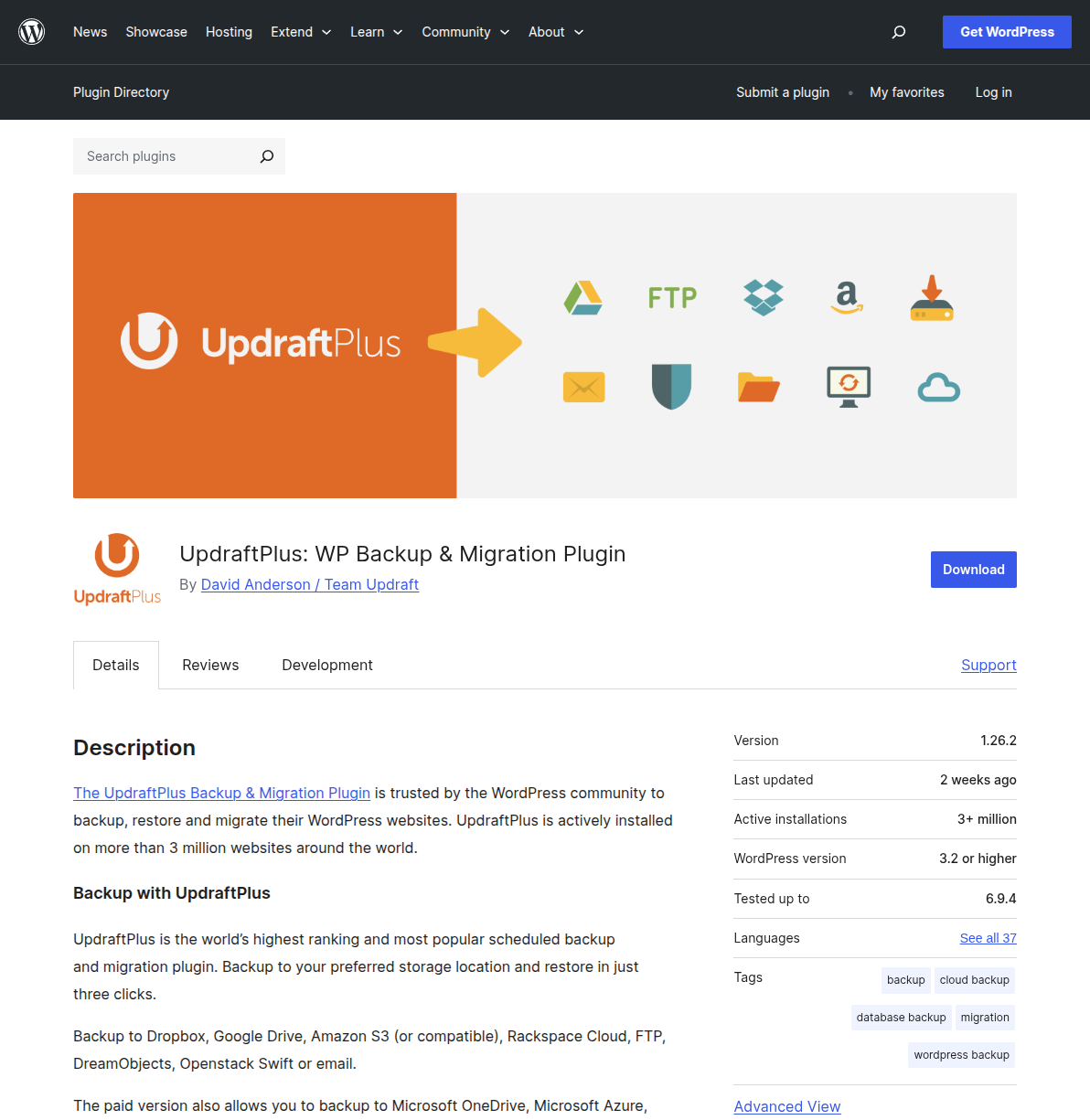
I lost a client's entire website once because nobody set up backups. It was a $15,000 WooCommerce store, gone overnight after a botched plugin update. That was the day I learned that WordPress backups aren't optional. Here's exactly how to protect your site.

A slow WordPress site is bleeding visitors, rankings, and revenue. I've spent 20 years optimizing websites, and these are the 10 changes that actually move the needle — ranked by impact, with exact steps you can follow right now.

A complete collection of step-by-step WordPress tutorials. From speeding up your site to setting up an online store — all in one place.

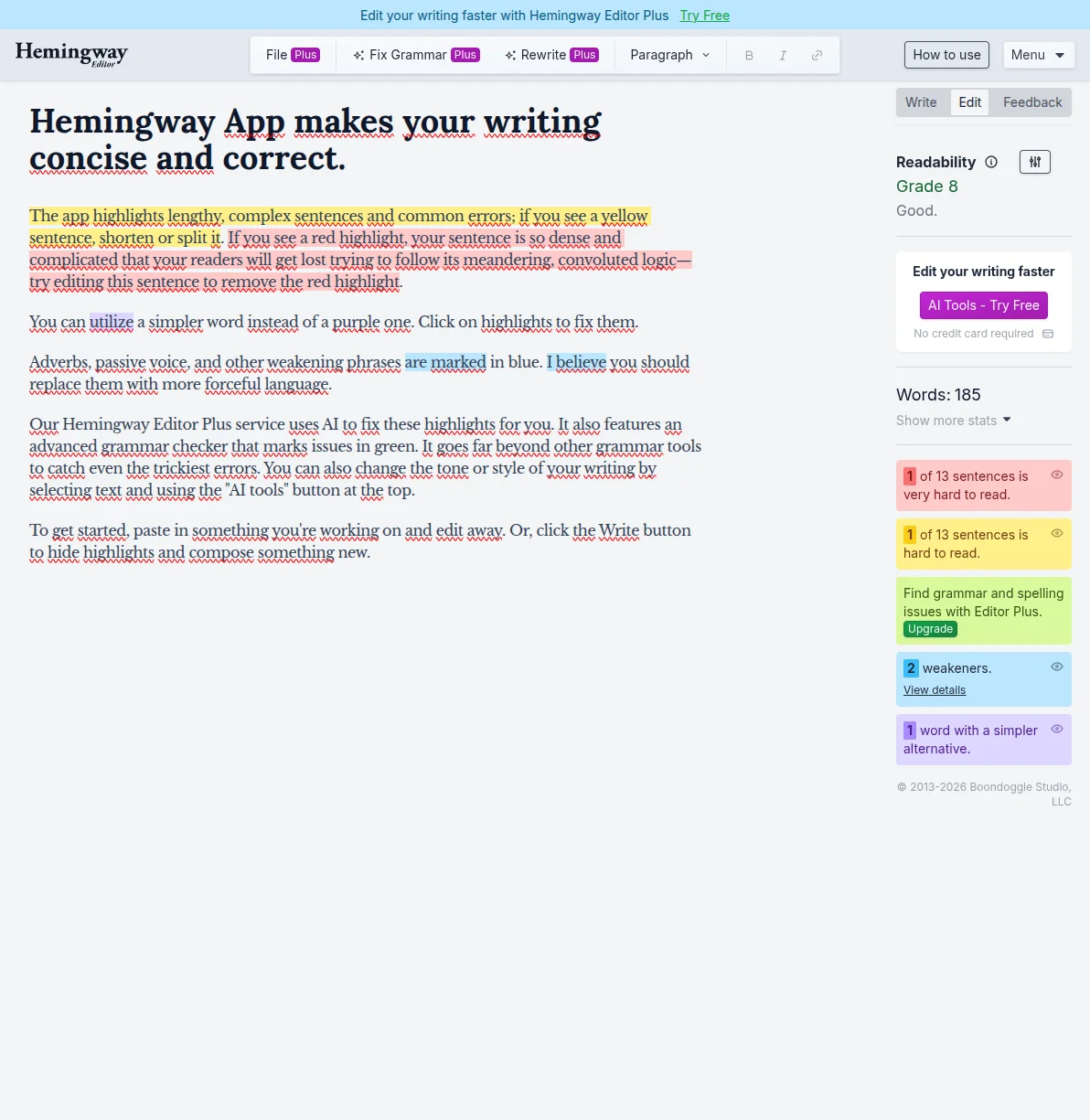
Most blog posts never get a single visitor from Google. I've written hundreds of posts over 20 years, and I've learned exactly what separates the ones that rank from the ones that collect dust. Here's my complete, no-fluff writing process.

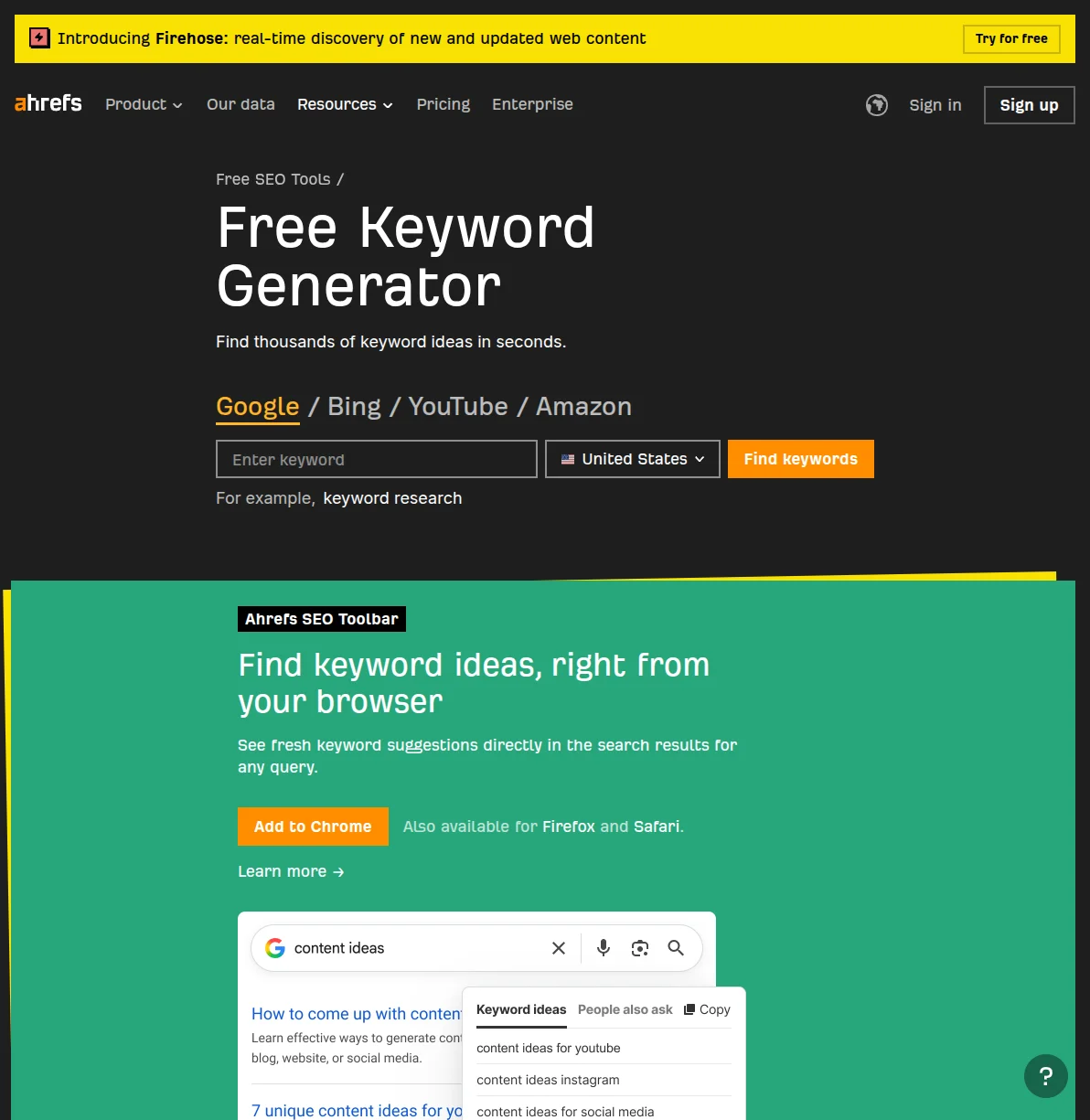
Keyword research doesn't have to be complicated. I'll walk you through the exact process I use to find low-competition keywords for every article on this site — using free tools only.

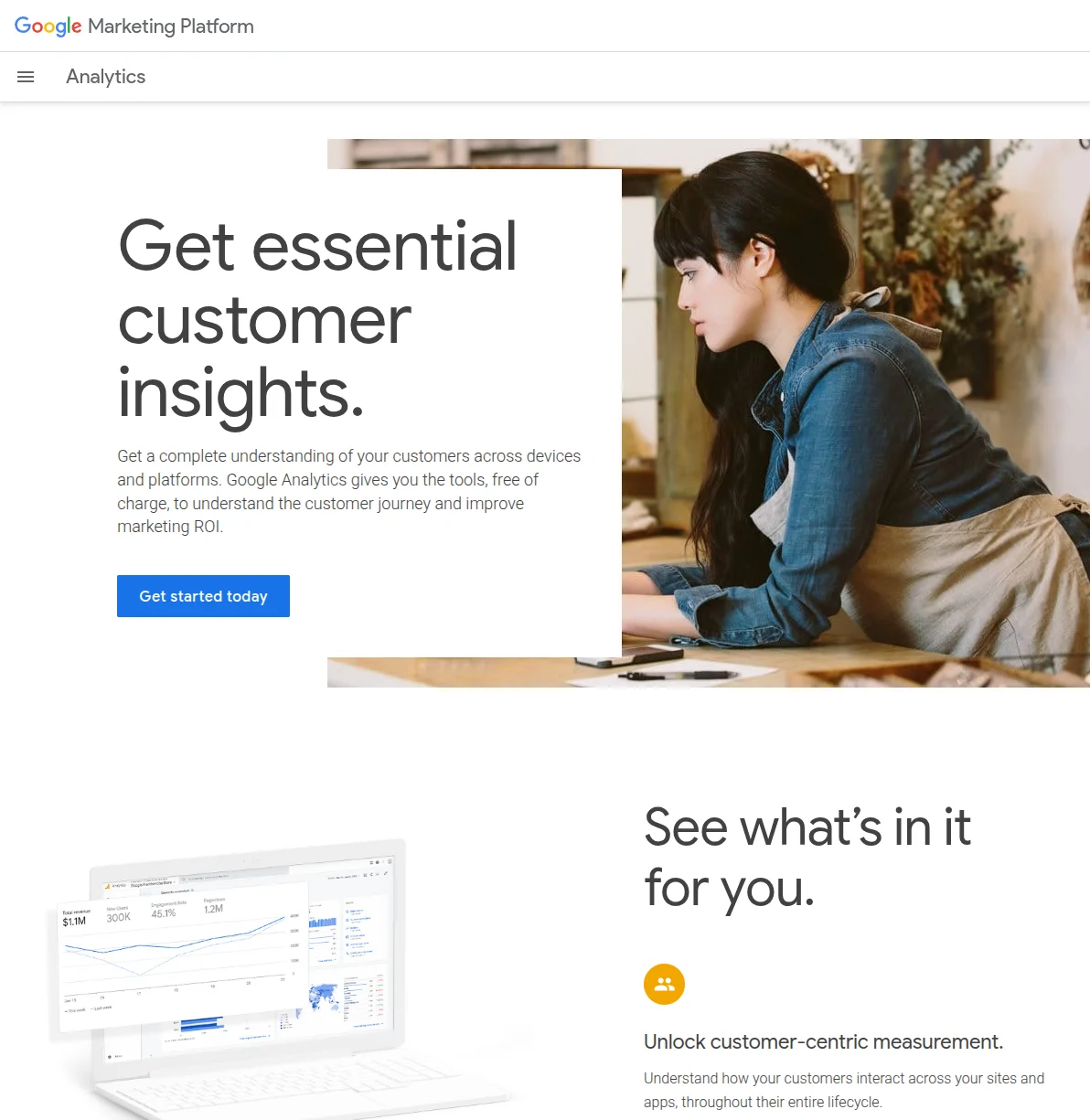
A practical, no-fluff guide to installing Google Analytics on your WordPress site. I walk you through three methods — MonsterInsights, Site Kit by Google, and manual code — so you can start tracking real visitor data today.

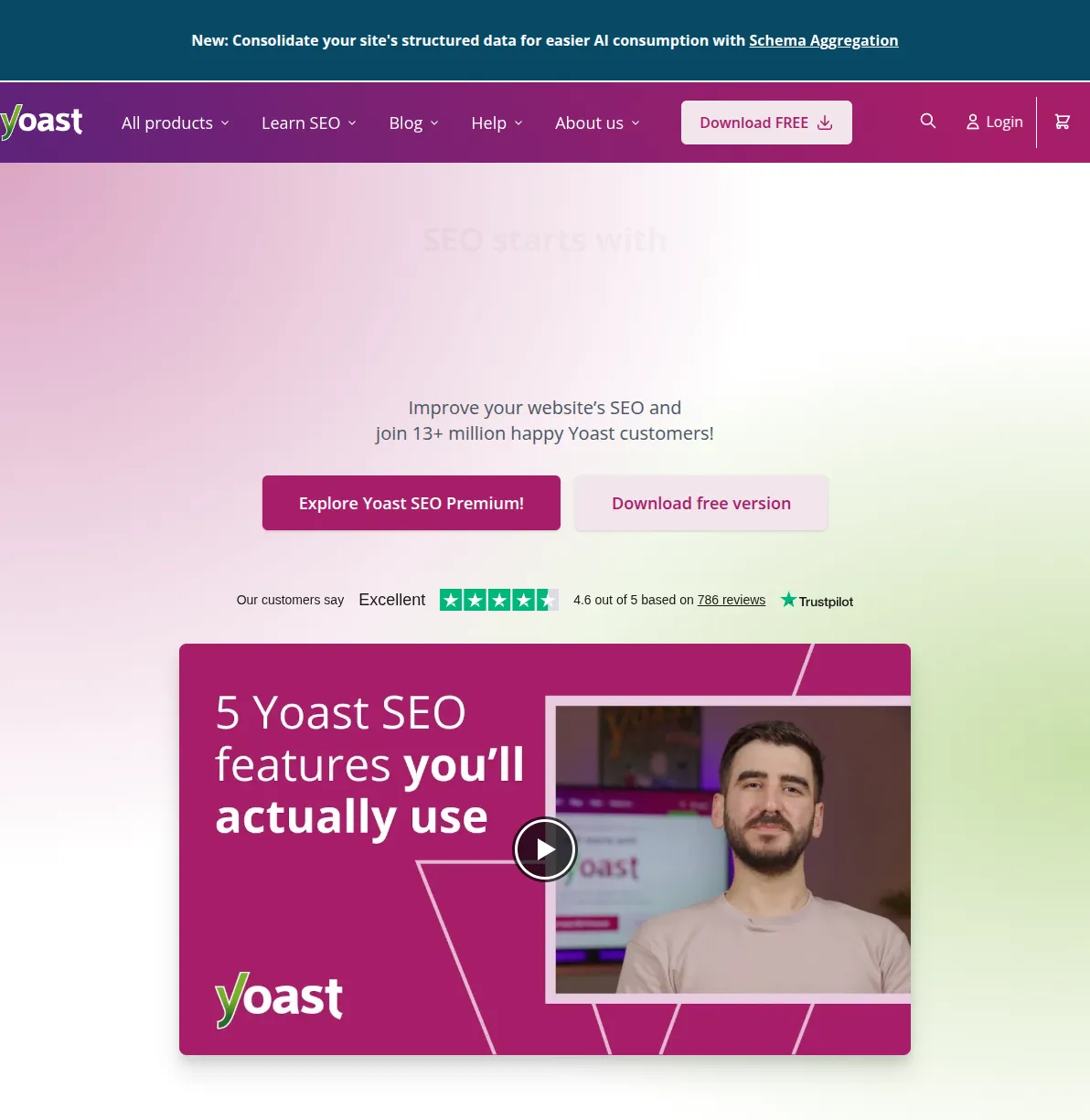
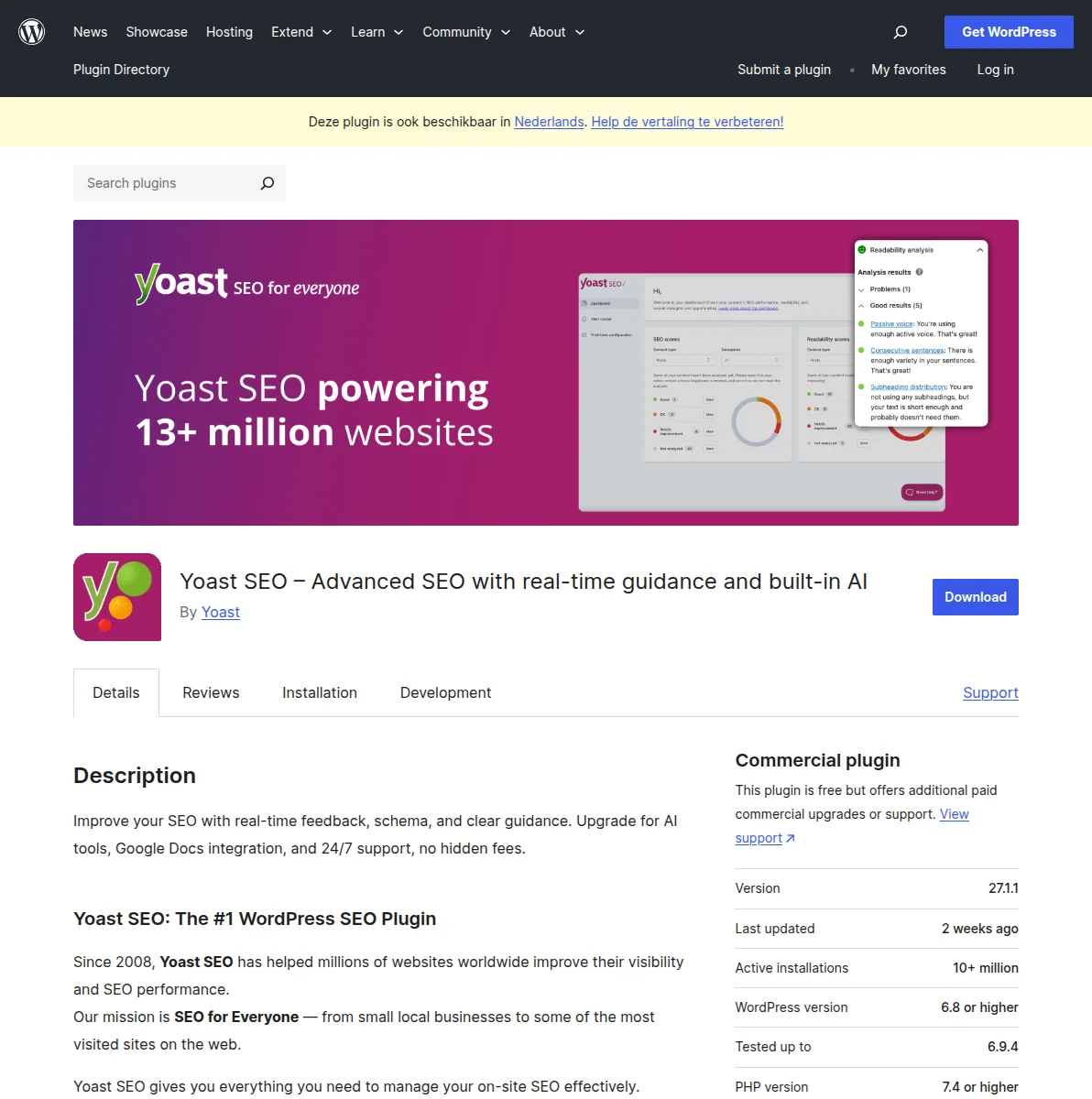
A no-nonsense, head-to-head comparison of Yoast SEO and Rank Math from someone who has used both for years. Feature table, pricing breakdown, and a clear recommendation so you can stop second-guessing and start optimizing.

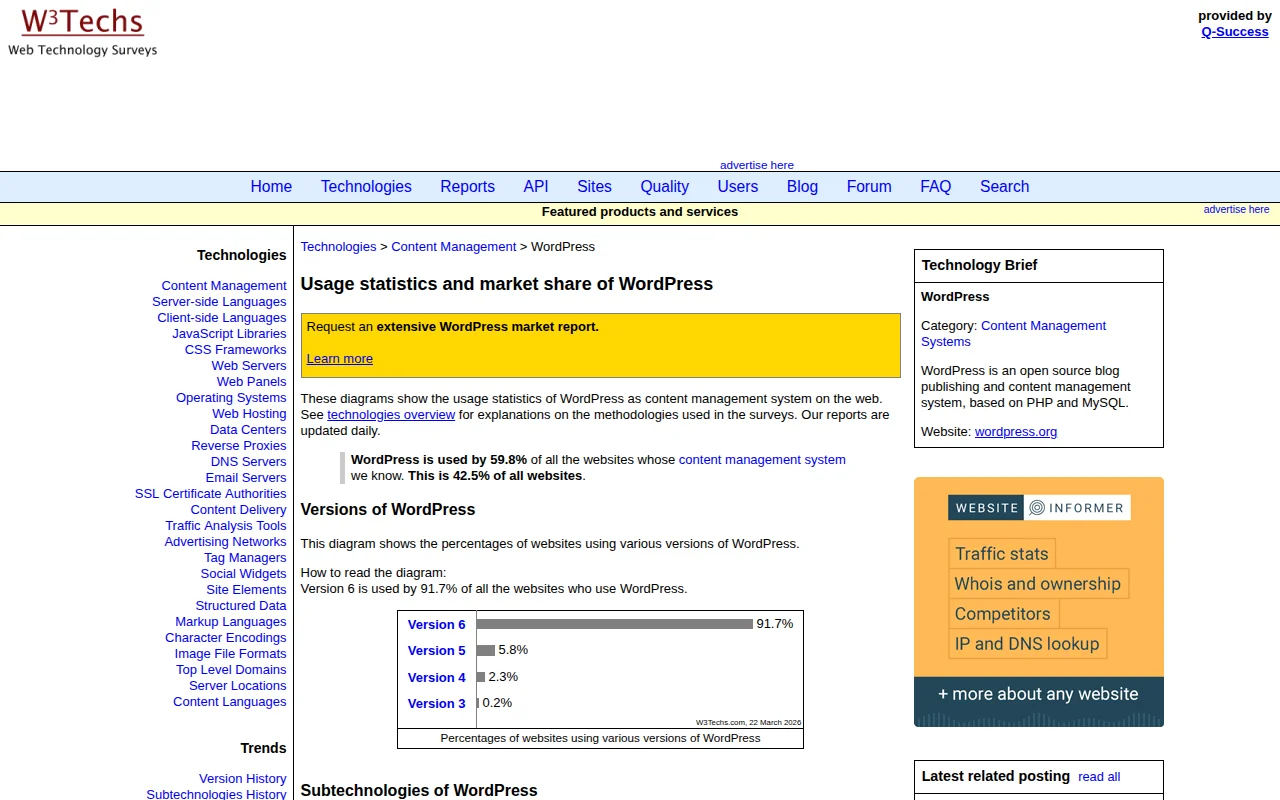
Yes, WordPress is excellent for SEO. After 20 years of building websites, I break down exactly why WordPress powers 43% of the web and how its clean code, permalink structure, plugin ecosystem, and mobile-ready themes give you a real edge in search rankings.

A concise, actionable WordPress SEO checklist covering setup, on-page optimization, technical SEO, and content strategy. Follow these 20 steps to give your WordPress site the best possible chance of ranking on Google.

A structured learning path to master WordPress SEO. From choosing the right plugin to writing content that ranks, follow these 6 steps to get your WordPress site on Google's first page.

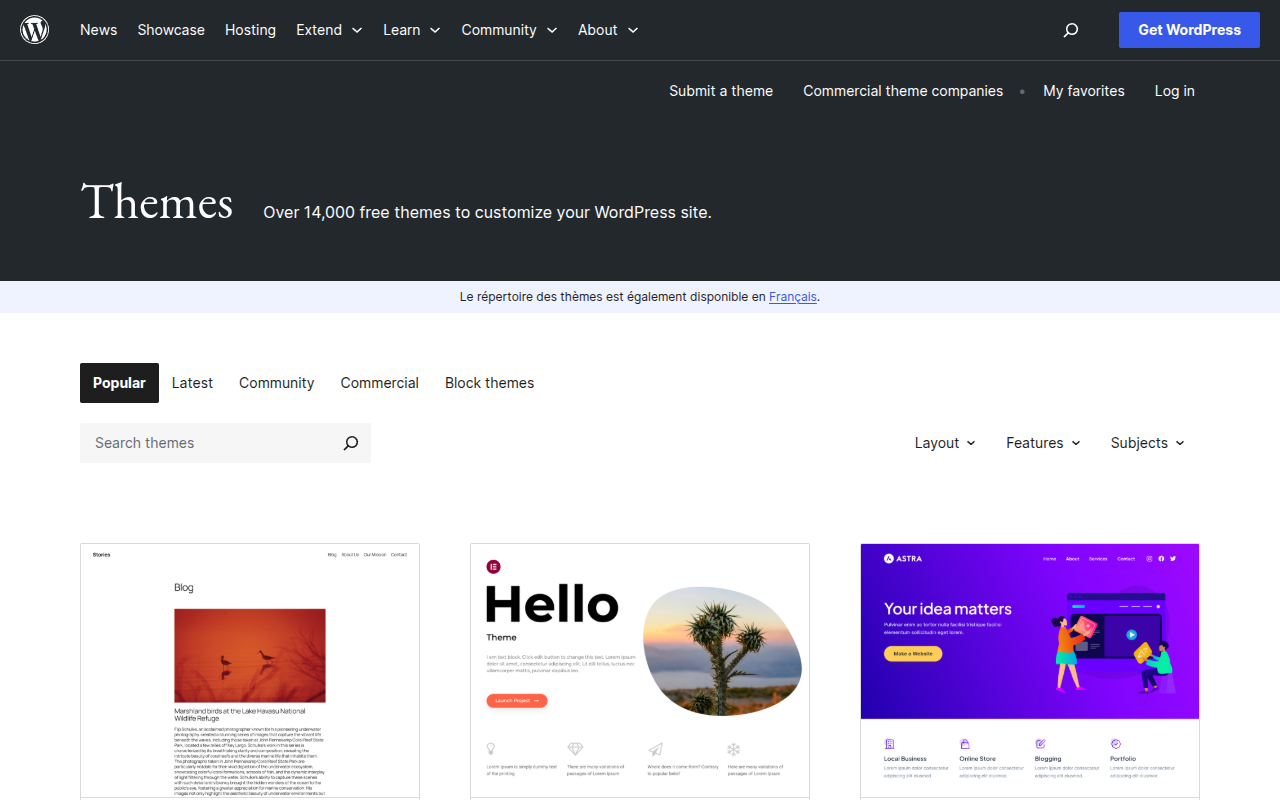
A practical, step-by-step guide for choosing a WordPress theme in 2026. Covers the WordPress theme directory, free vs premium themes, 7 must-check criteria, red flags to avoid, and how Full Site Editing changes the game.

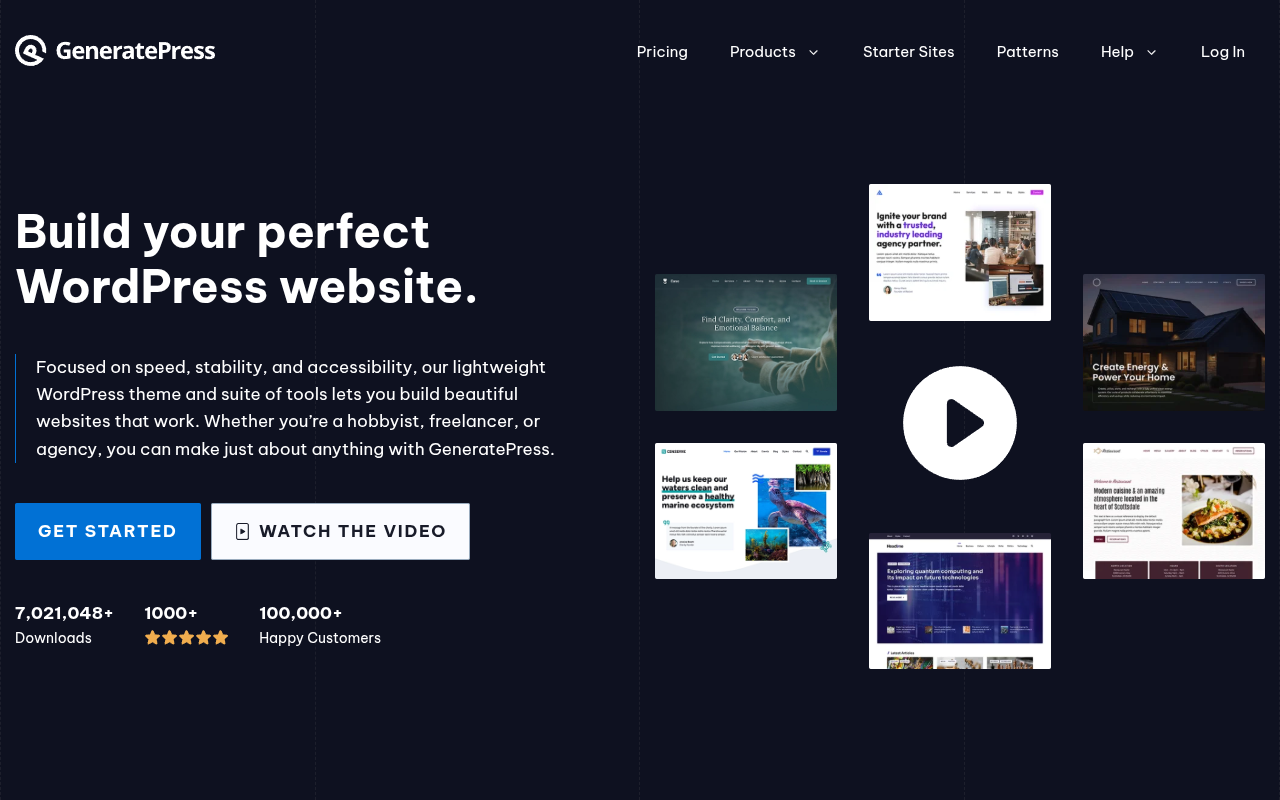
A detailed comparison of the two most popular lightweight WordPress themes — GeneratePress and Astra. Covers speed benchmarks, customization, template libraries, pricing, code quality, and which theme is better for developers versus beginners.

An honest, in-depth comparison of Elementor and Divi — the two most popular WordPress page builders. Covers pricing, performance, ease of use, WooCommerce support, template libraries, and the Gutenberg question so you can pick the right builder for your project.

An in-depth, hands-on review of the Astra WordPress theme in 2026. Covering performance benchmarks, Customizer options, Starter Templates, page builder compatibility, free vs Pro features, pricing, and an honest verdict on whether Astra deserves its reputation as the most popular WordPress theme.

A curated list of the best free WordPress themes in 2026 that rival premium alternatives. Covering Astra Free, Kadence Free, GeneratePress Free, and more — with honest breakdowns of what you get for free and what's locked behind a paywall.

A hands-on comparison of the best WordPress themes in 2026 — including Astra, GeneratePress, Kadence, OceanWP, and more. Find the right theme for speed, design flexibility, eCommerce, blogging, or just getting started without spending a dime.
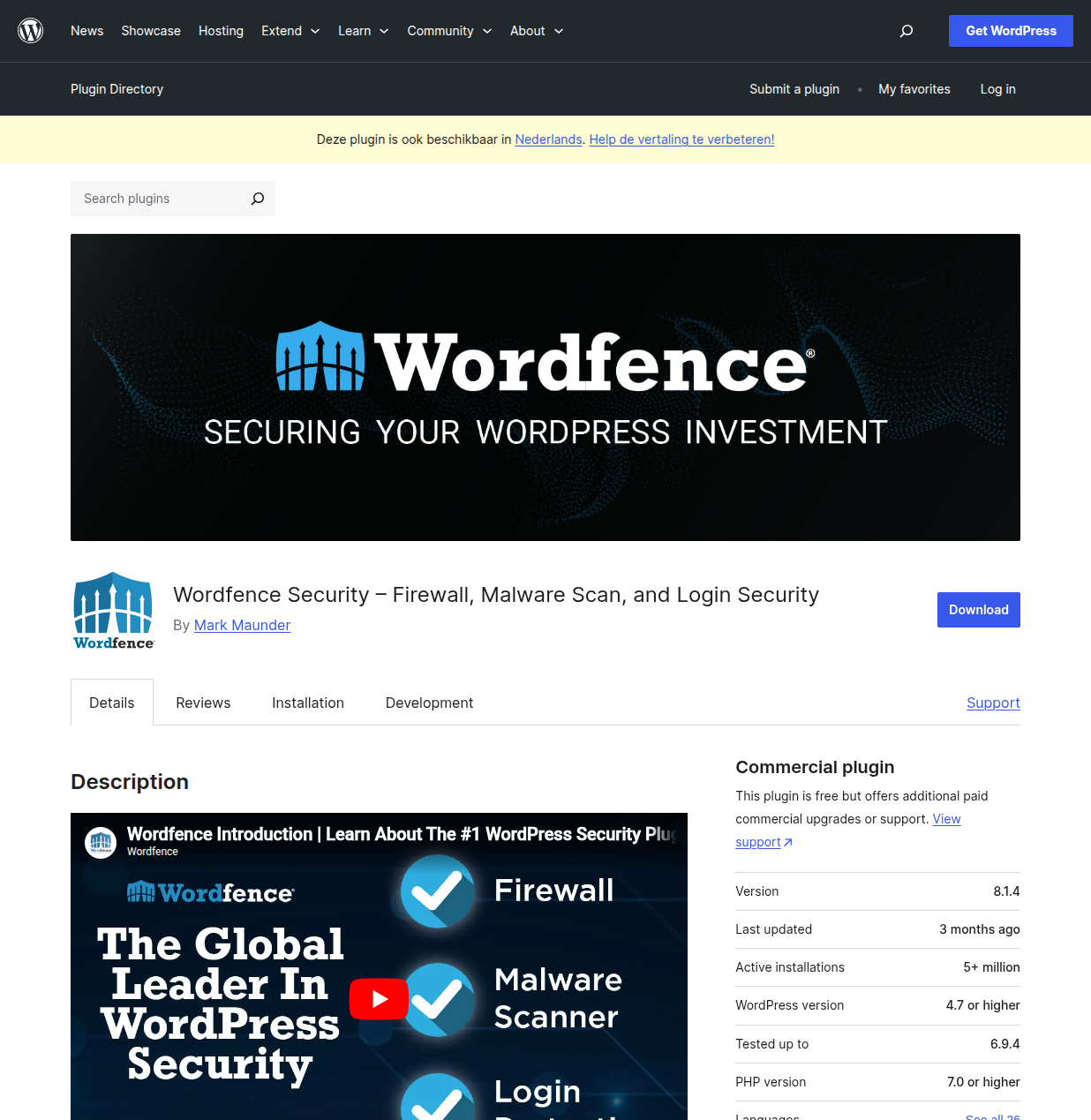
After cleaning up hacked sites, blocking millions of brute force attacks, and testing every major security plugin, these are the 5 WordPress security plugins I genuinely recommend.
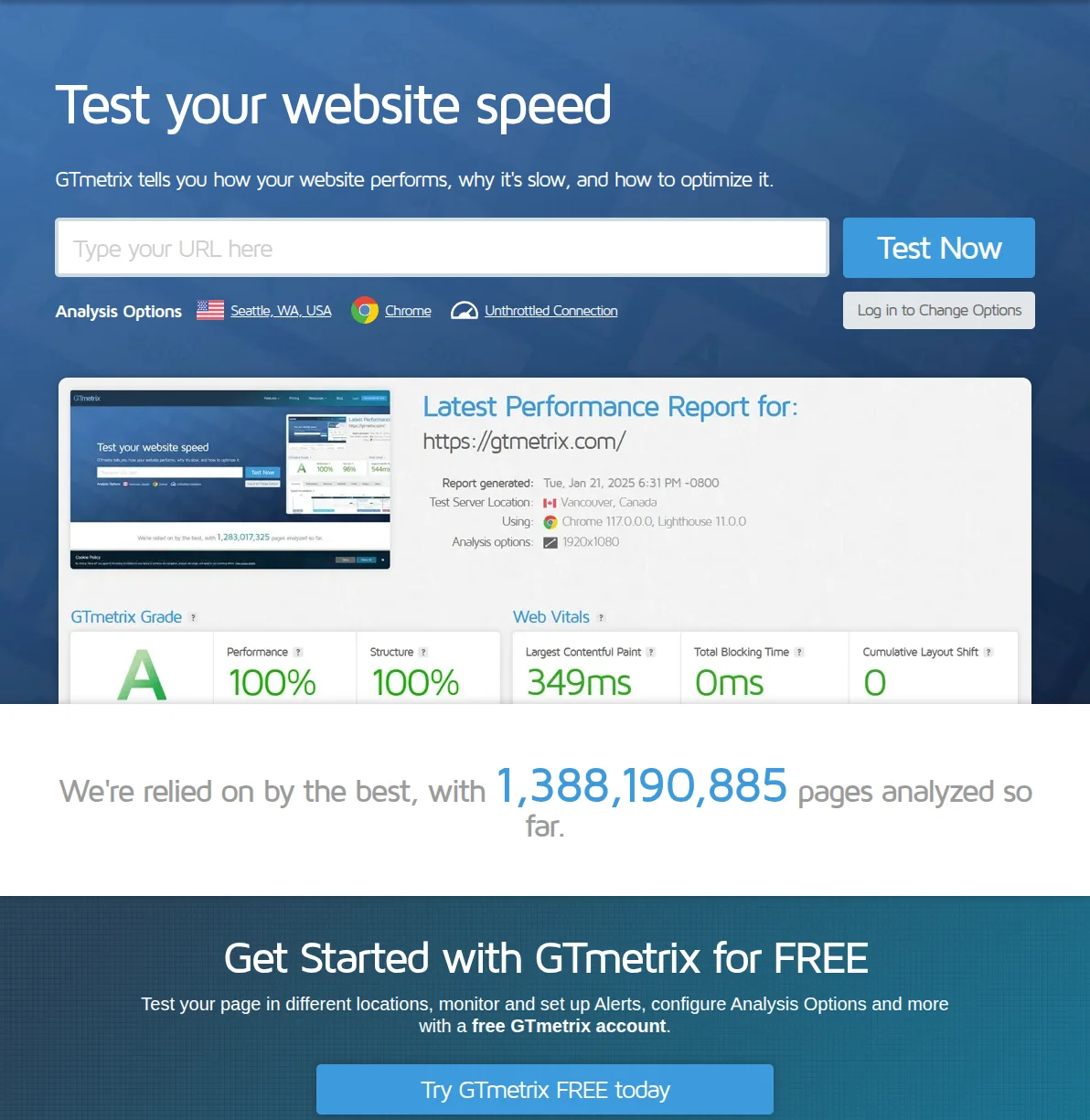
I've speed-tested every major WordPress caching plugin on real client sites. Here are the 5 that actually deliver — from premium powerhouses to free workhorses.

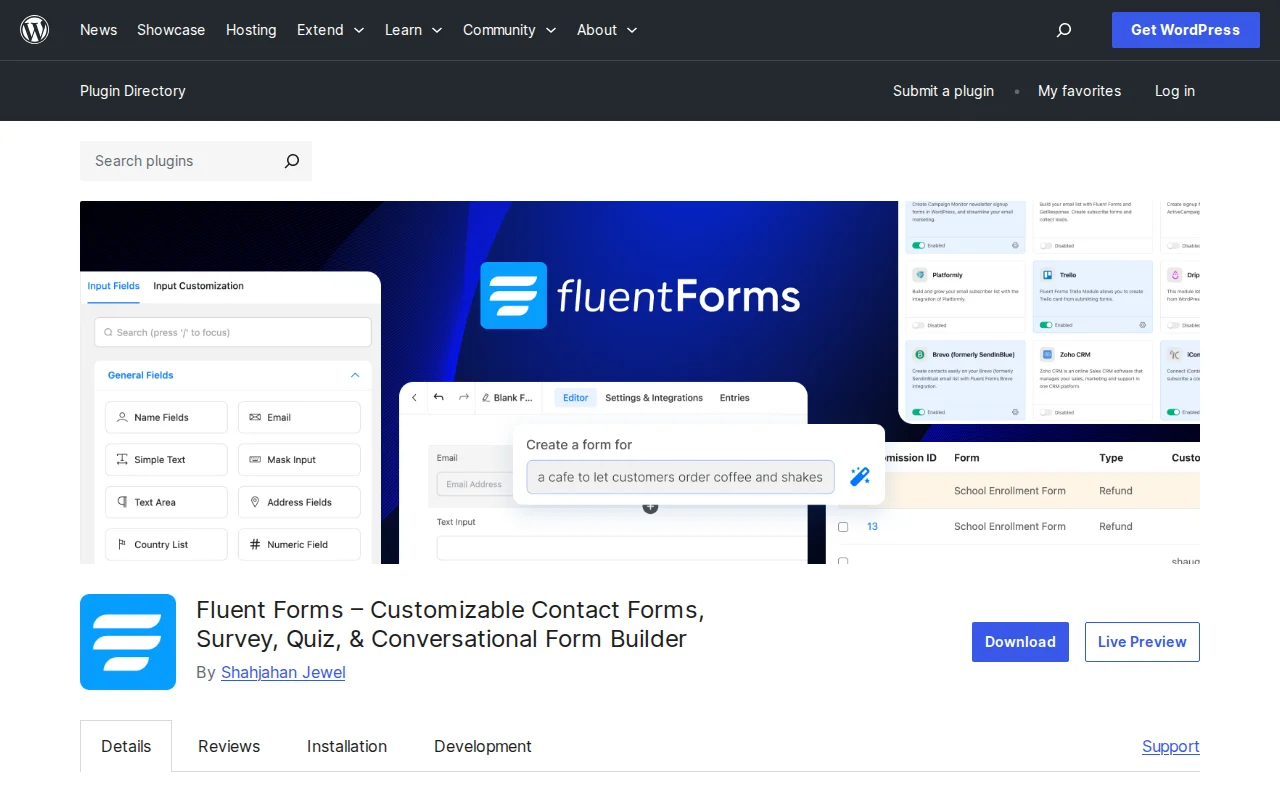
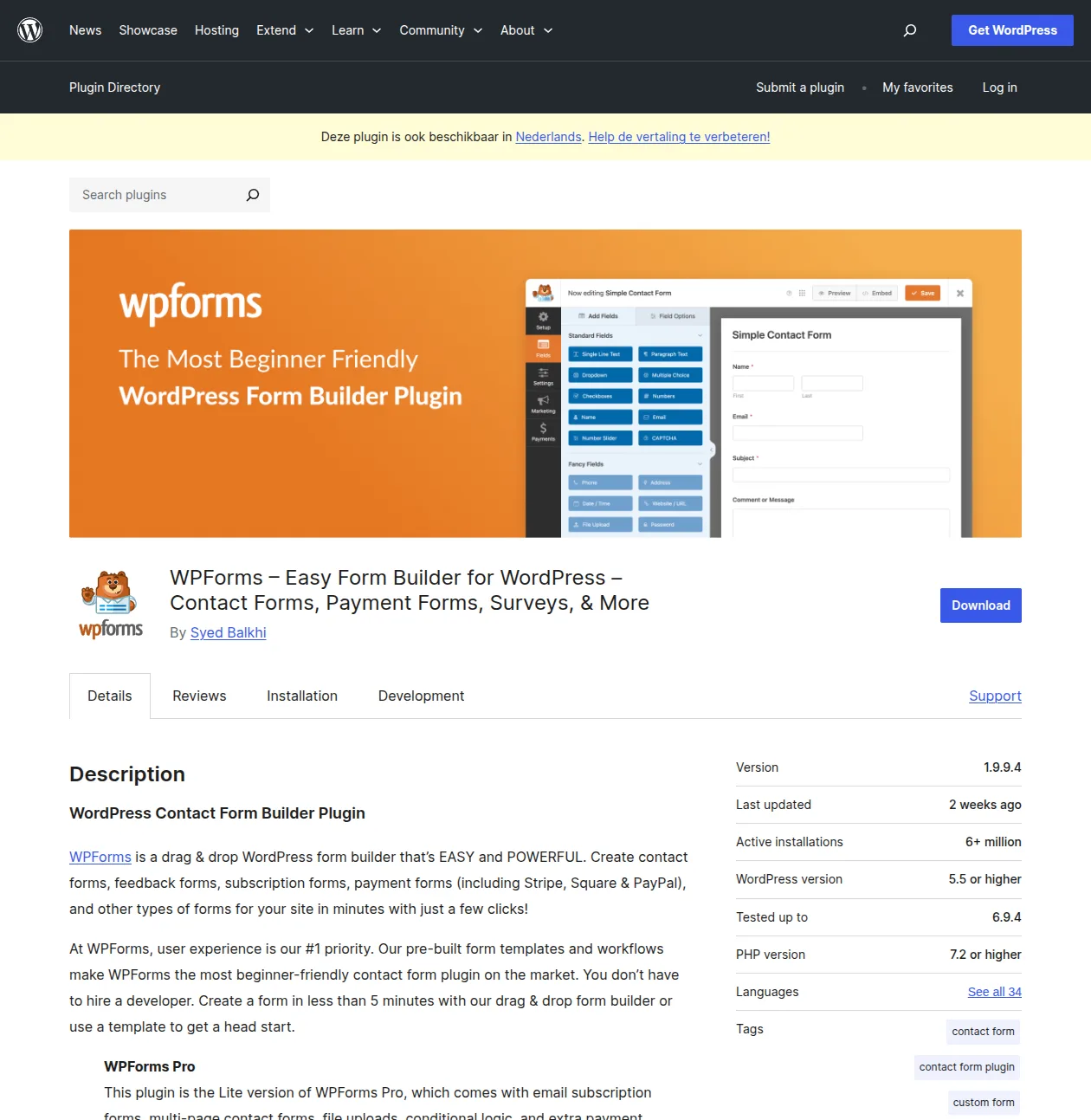
I've tested every major WordPress contact form plugin over the past decade. Here are my 5 picks — from free beginner options to powerful premium solutions.
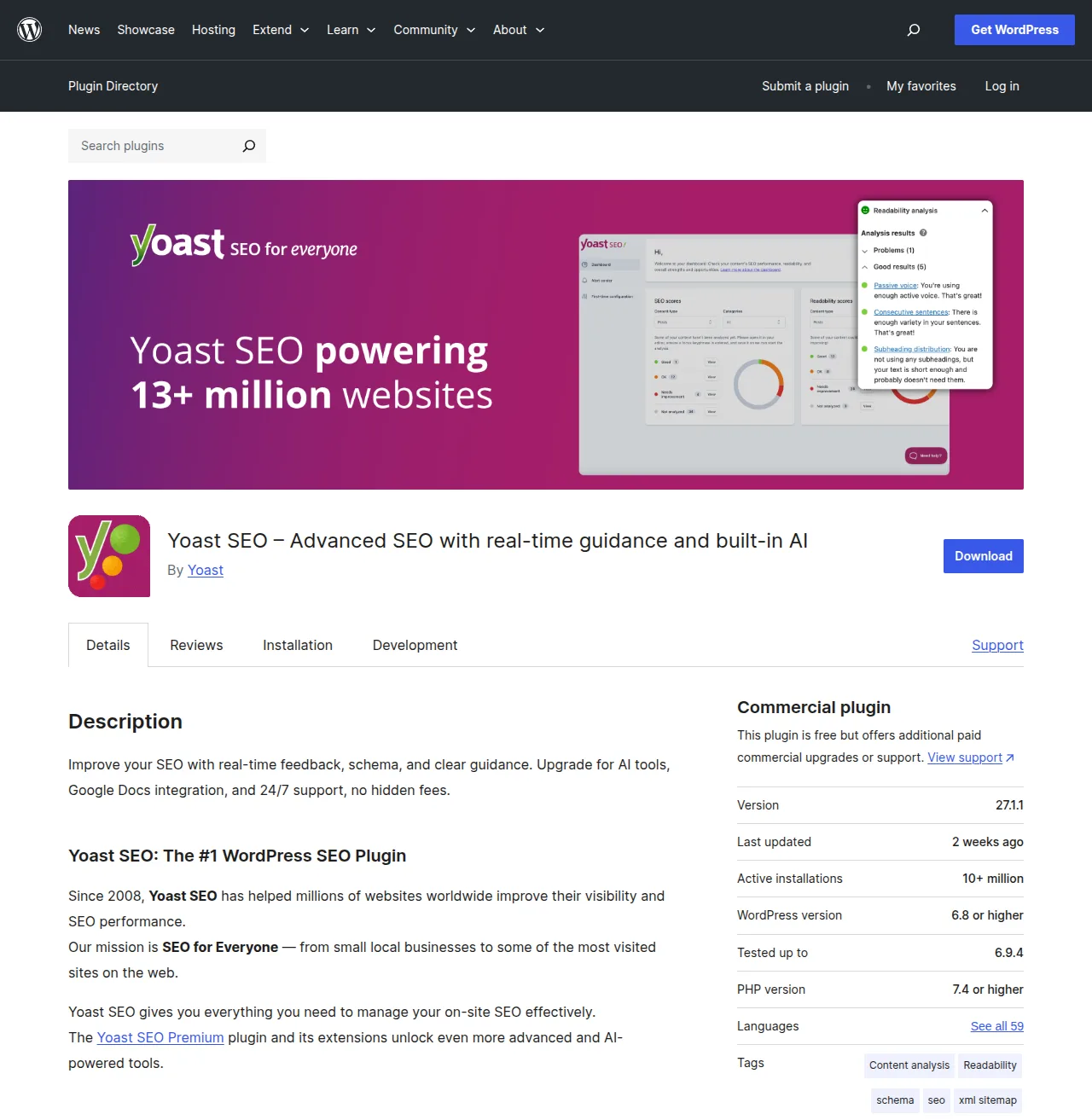
I've used every major WordPress SEO plugin over the past decade. Here's my honest comparison of Yoast SEO, Rank Math, and All in One SEO — with real features, pricing, and my recommendation.

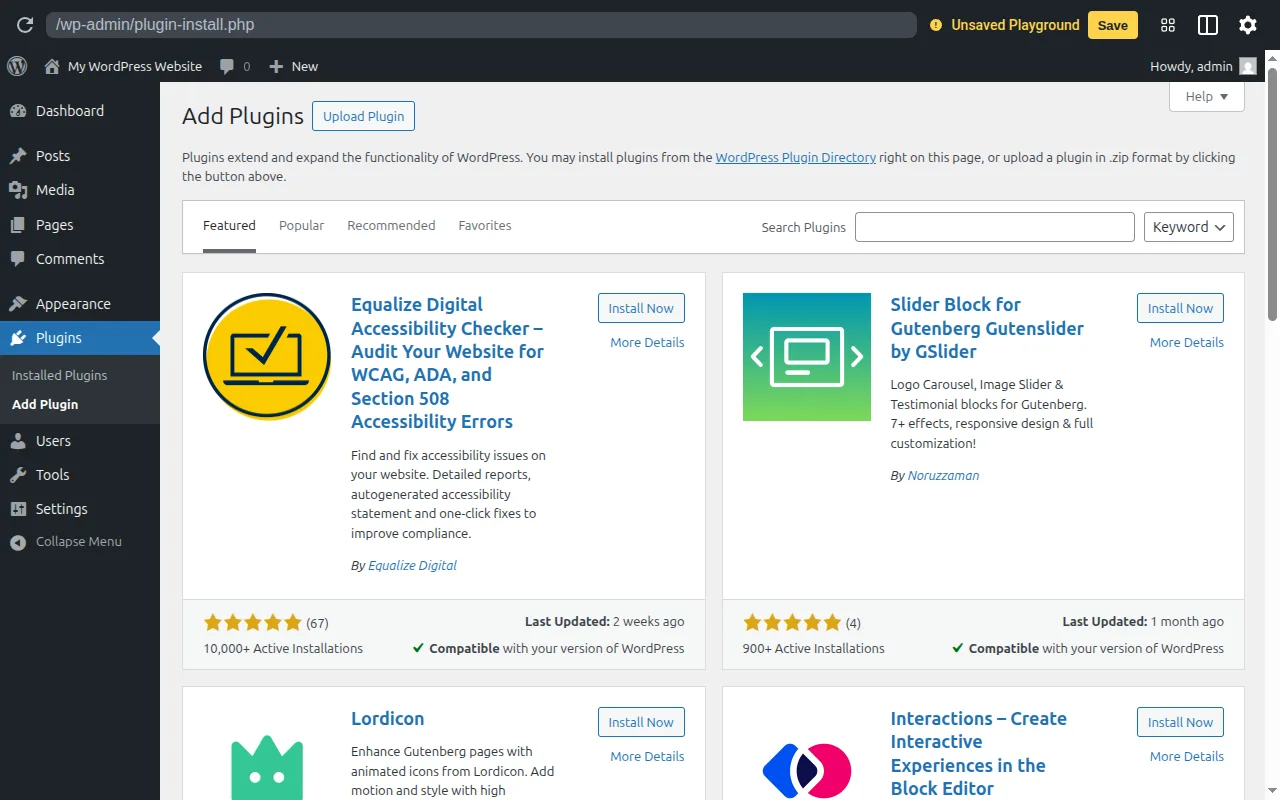
These are the exact 12 plugins I install on every new WordPress site. No bloat, no overlap — just the essentials that every site genuinely needs.

After 10+ years of building WordPress sites, these are the 15 plugins I install on every project. Real recommendations with alternatives for every budget.

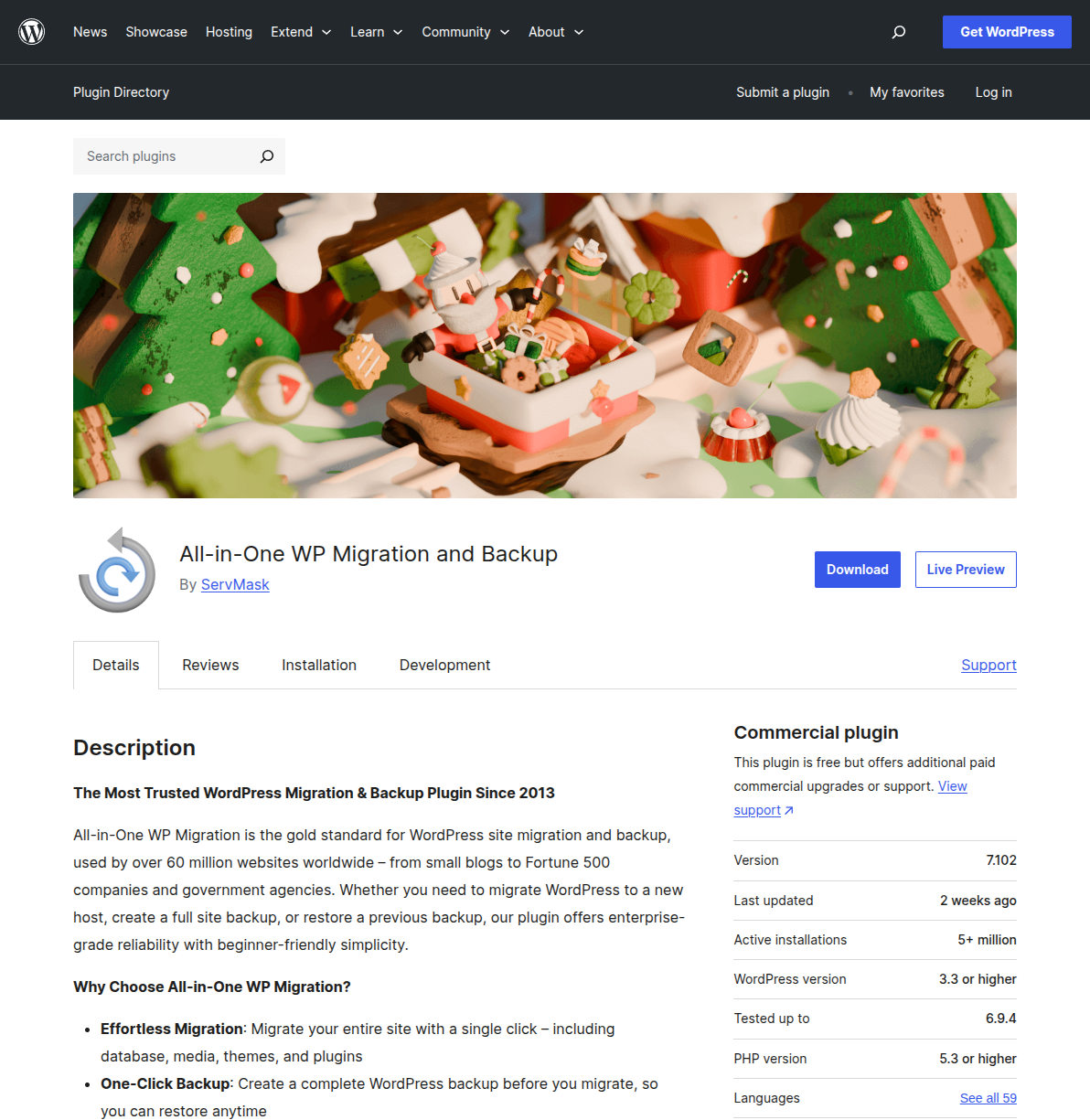
A step-by-step guide to migrating your WordPress site to a new host using All-in-One WP Migration, Duplicator, or manual FTP — with pre-migration checklists, post-migration verification steps, and fixes for the most common problems.

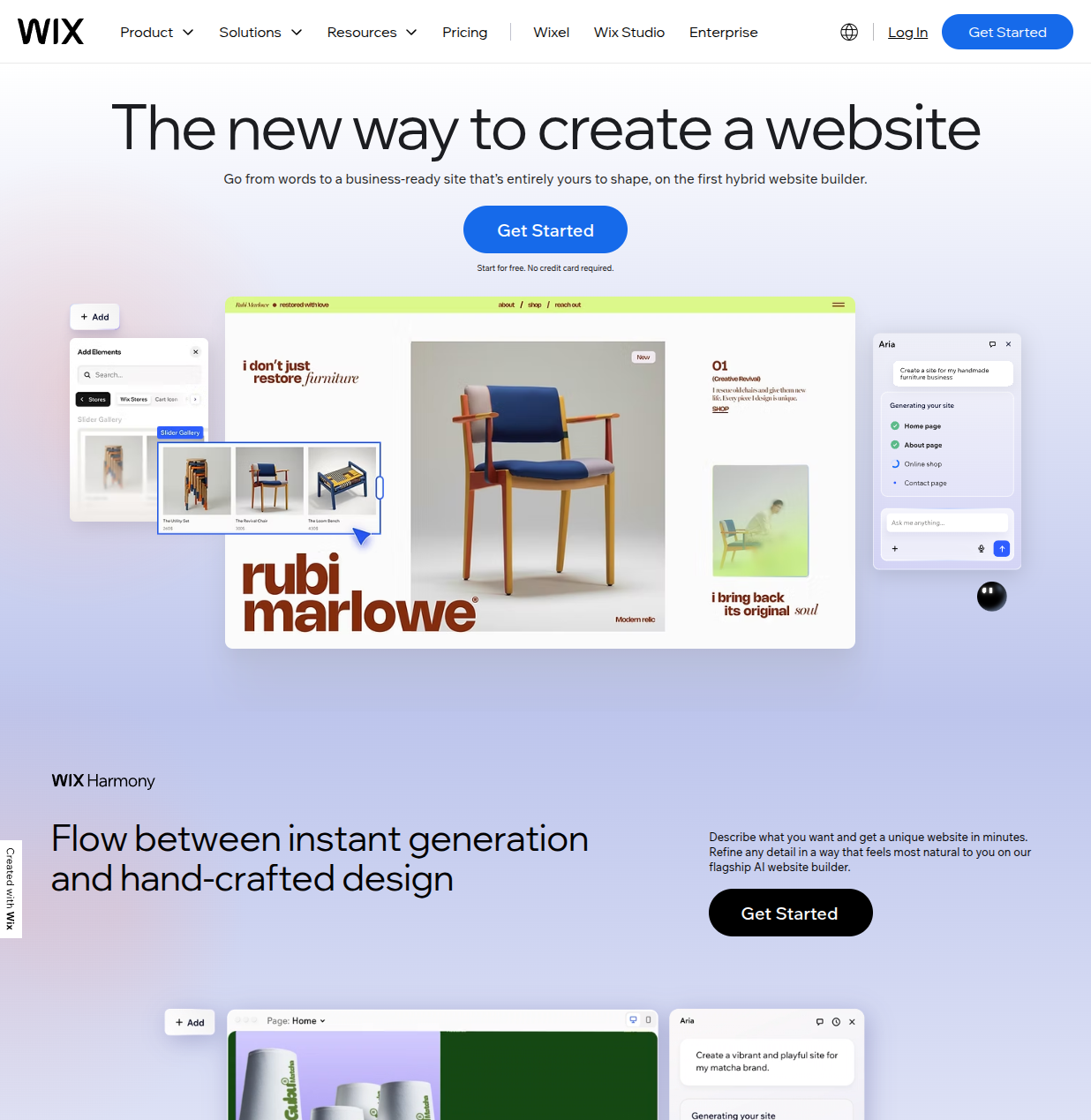
An honest, side-by-side comparison of WordPress and Wix from someone who uses both. Real pricing, real limitations, and clear advice on which platform fits your situation — not just a rehash of feature lists.

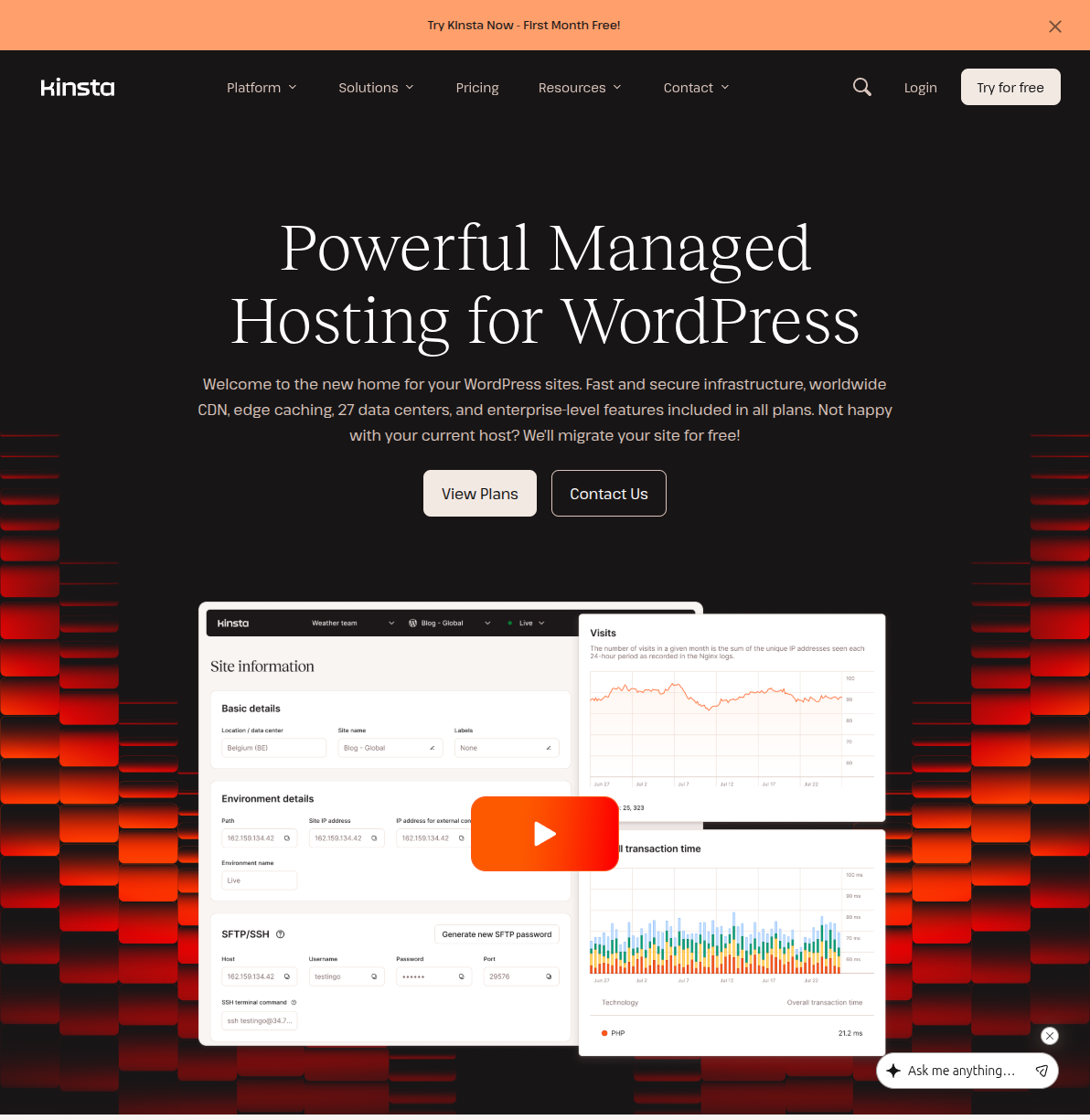
A no-fluff comparison of the 5 best managed WordPress hosting providers in 2026 — Kinsta, WP Engine, Cloudways, Flywheel, and SiteGround — with real pricing, performance data, and honest advice on whether you actually need it.

The best budget WordPress hosting options that don't sacrifice performance. Real pricing, honest trade-offs, and a clear recommendation for each budget level.

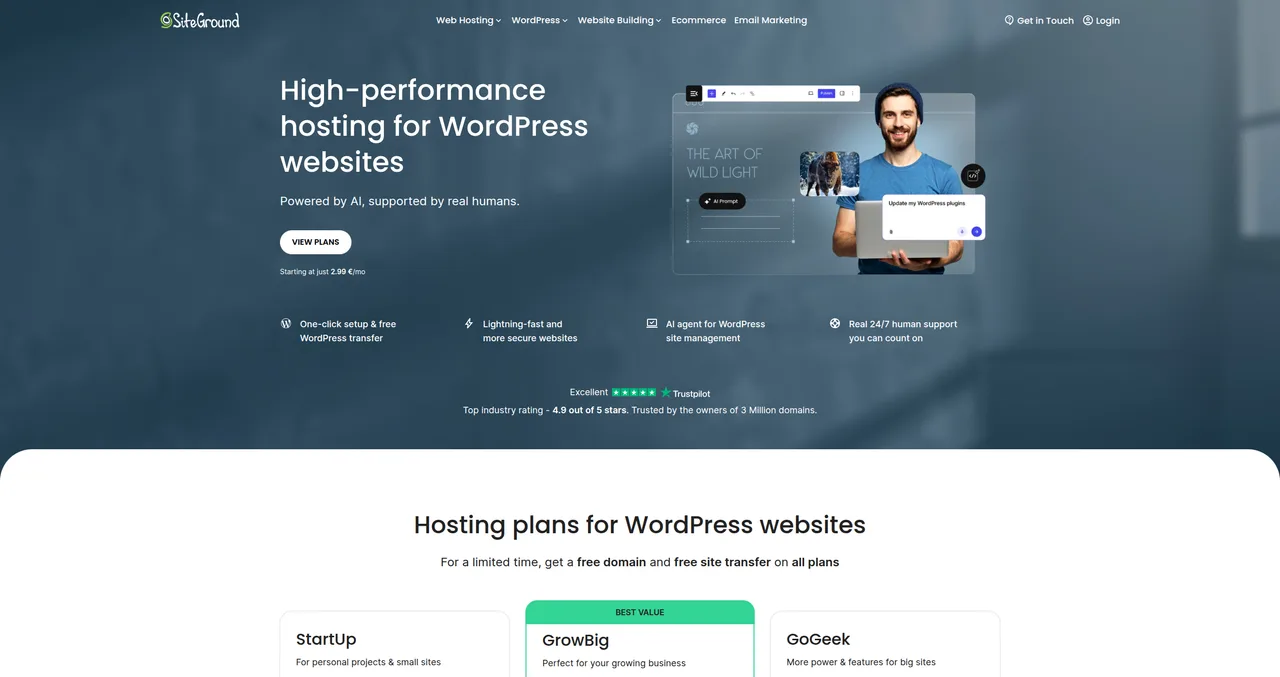
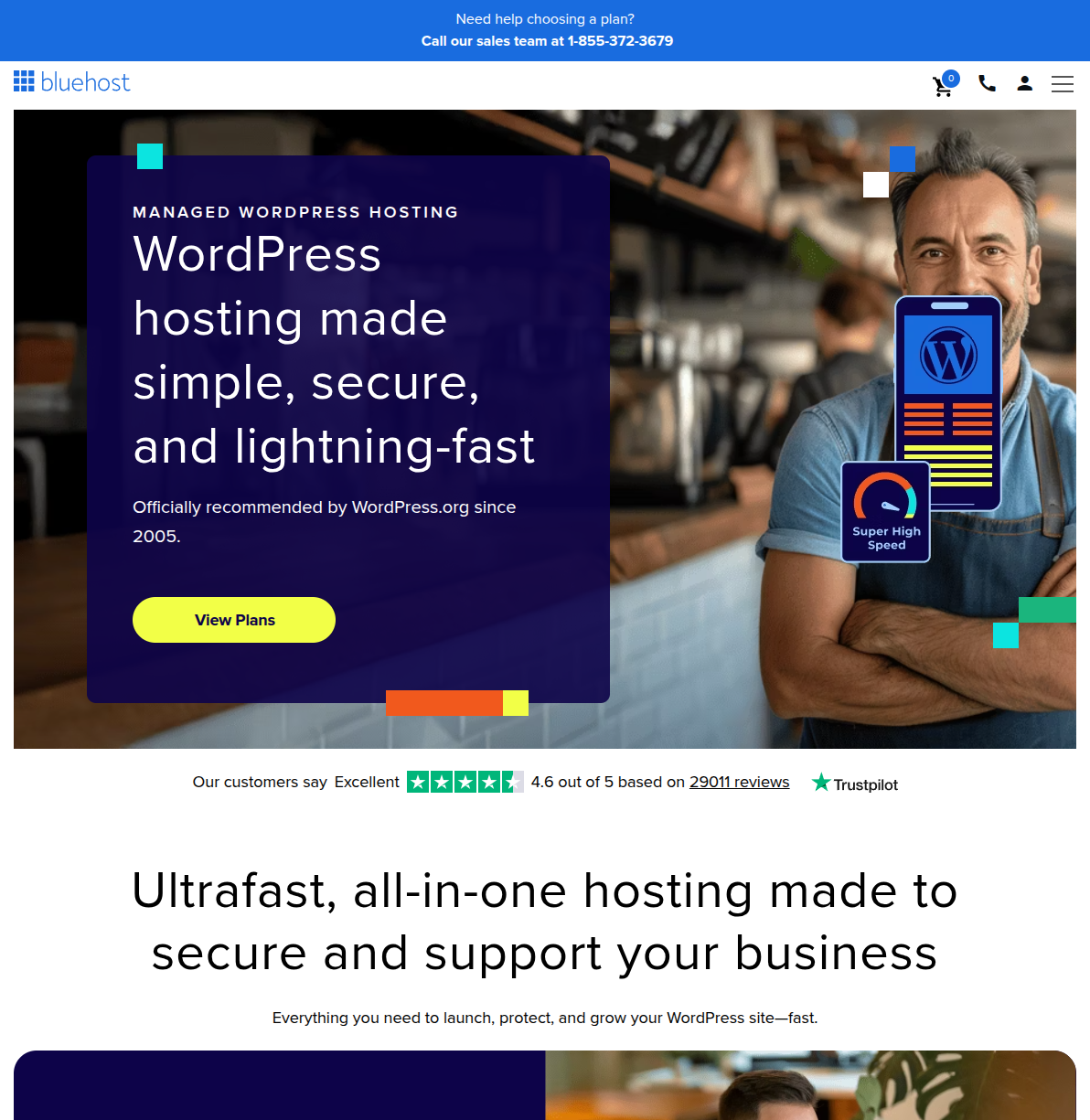
A detailed head-to-head comparison of Bluehost and SiteGround covering performance, pricing, support, and features to help you pick the right WordPress host.

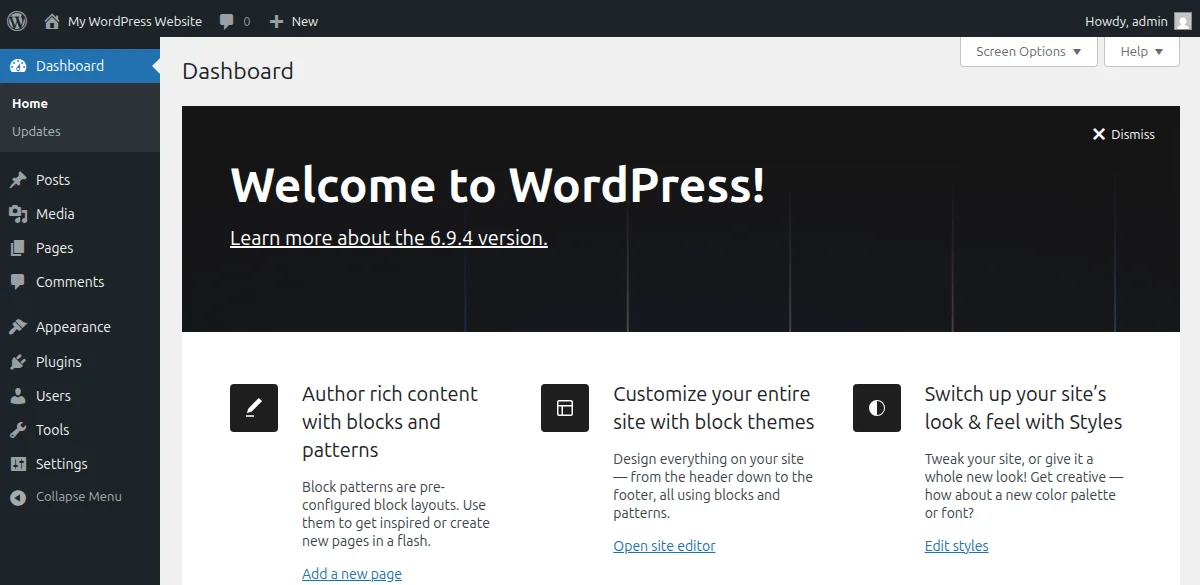
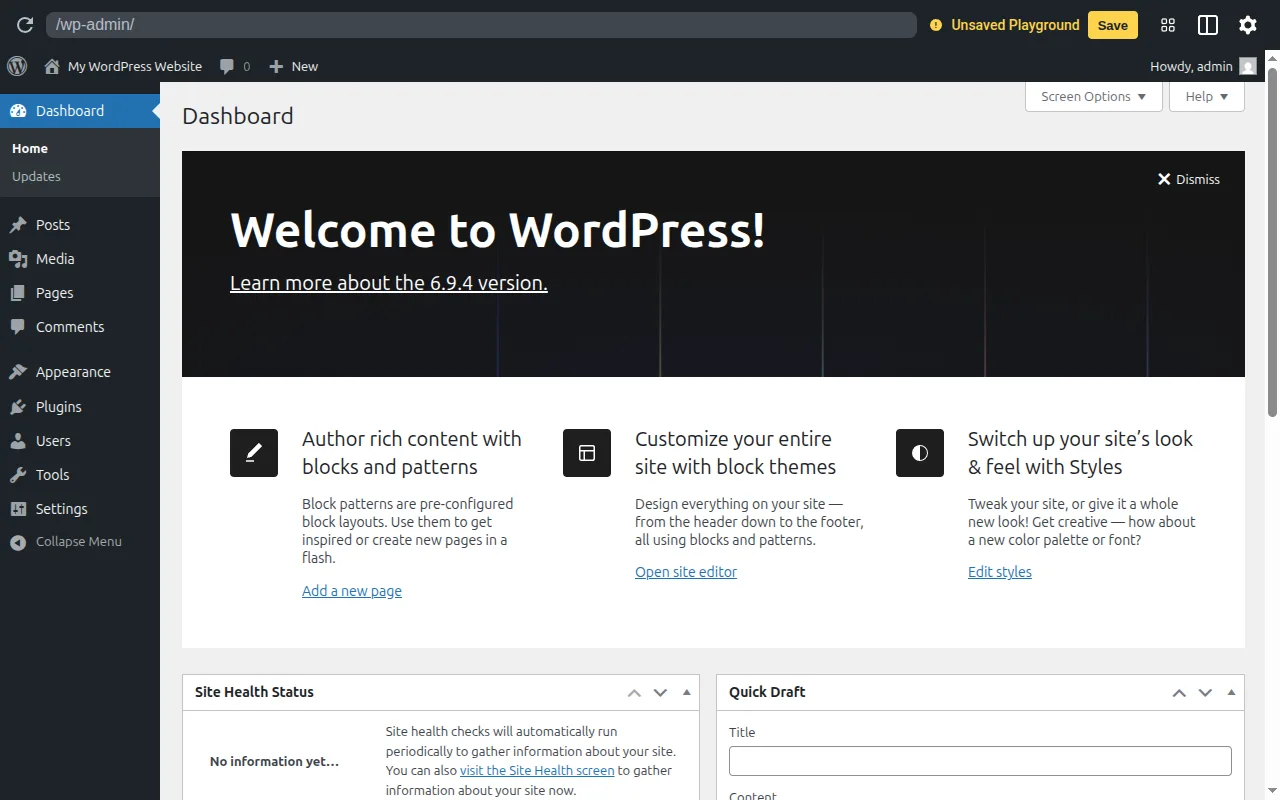
Just logged into WordPress for the first time and feeling overwhelmed? I walk you through every menu, every screen, and every button in the WordPress dashboard so you know exactly where everything lives.

WordPress itself is free, but a real WordPress site is not. After building dozens of sites, I break down every cost — from domain names to premium plugins — so you can budget properly.

WordPress is the world's most popular website builder, powering over 40% of all websites. In this guide, I'll explain exactly what WordPress is, how it works, and why it's the best choice for beginners.

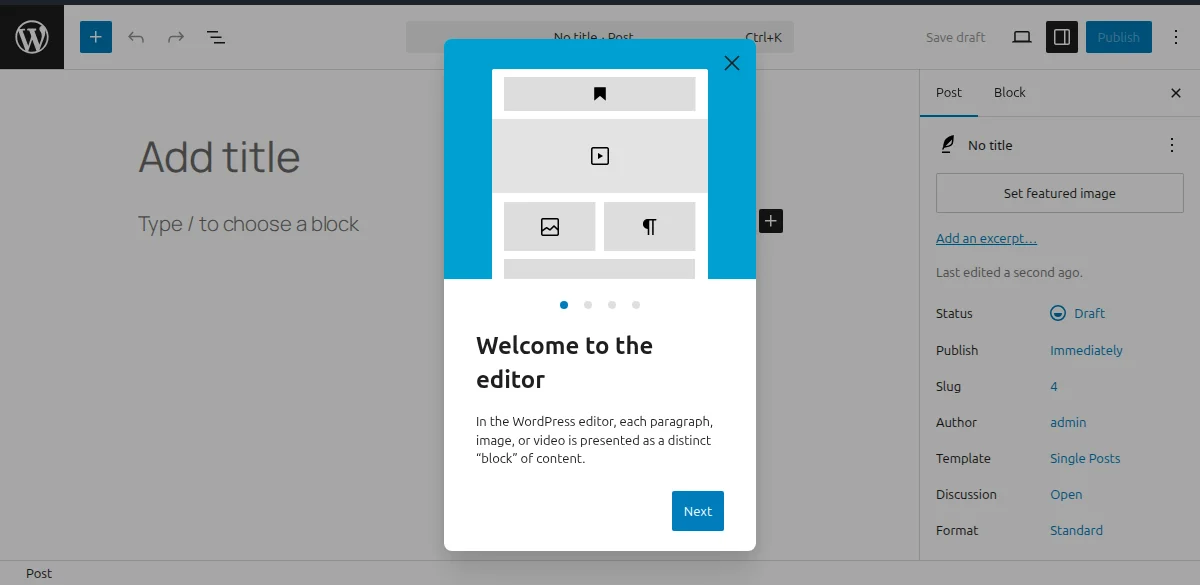
Learn how to install WordPress in under 15 minutes. I walk you through the entire process with screenshots — from choosing hosting to your first login.

Confused by WordPress.com and WordPress.org? I break down the key differences, pros and cons, pricing, and which one is right for you as a beginner.

I've tested every major WordPress host over the past decade. Here are my honest picks for 2026, with real performance data, pricing breakdowns, and recommendations for every budget.

I've installed WordPress hundreds of times over the past 20 years. Here's exactly how to do it — from one-click installers to manual setup, with troubleshooting tips for when things go wrong.

Picking a domain name is one of the first decisions you'll make. I share practical tips for choosing the perfect domain, where to register it, and common mistakes to avoid.

Learn how to build a WordPress website from scratch in 2026. I walk through every step with screenshots — hosting, setup, themes, plugins, and your first content.