
WordPress Tutorials — Everything You Need to Learn WordPress
These are the tutorials I wish existed when I started with WordPress back in 2006. No abstract theory, no fluff paragraphs about "what is WordPress" — just practical, step-by-step guides that solve real problems. I've been building WordPress sites for over 20 years now, and every tutorial below comes from problems I've actually solved, mistakes I've actually made, and workflows I've actually tested on dozens of live sites.
Bookmark this page. It's the master list of every tutorial on ZeroToWP, organized by what you're trying to accomplish. I add new guides regularly, so check back often.
Speed Up WordPress
A slow site kills your traffic, your conversions, and your search rankings. Google confirmed page speed as a ranking factor years ago, and visitors are even less patient than Google — 53% of mobile users leave a page that takes longer than 3 seconds to load. I've seen sites go from 6-second load times to under 2 seconds with the optimizations in this guide, and the traffic impact is almost immediate.
This tutorial walks you through 10 ranked optimizations — from the quick wins that take five minutes to the advanced techniques that squeeze out every last millisecond. You don't need to do all 10. Even the first three will make a noticeable difference.
Read the full guide: Speed Up WordPress →
Backup Your Site
I learned this one the hard way. Back in 2011, a hosting provider I was using had a catastrophic disk failure. No backups on their end — and I hadn't set up my own. Three client sites, gone. I rebuilt them from the Wayback Machine and fragments of local files, and it took weeks. Never again.
This tutorial covers three backup methods: automated backups with UpdraftPlus (my recommendation for most people), hosting-level backups through your control panel, and manual FTP/database backups for when you want full control. You'll know exactly where your backups are and how to restore them.
Read the full guide: Backup Your WordPress Site →
Secure Your Site
WordPress powers over 40% of the web, which makes it the biggest target for hackers and bots. The good news? Most attacks are automated and opportunistic — they go after the easy targets with weak passwords, outdated plugins, and no firewall. If you do even the basics right, you're safer than 90% of WordPress sites out there.
This is a 12-step security checklist that covers everything from SSL and login hardening to file permissions and malware scanning. I use this exact checklist on every site I build, and I haven't had a single site compromised since 2012.
Read the full guide: Secure Your WordPress Site →
Create an Online Store
WooCommerce powers millions of online stores, and for good reason — it's free, it's flexible, and it integrates with virtually every payment provider and shipping service. But setting it up from scratch can feel overwhelming if you've never done it before. Product pages, tax settings, shipping zones, payment gateways — there's a lot of moving parts.
This tutorial takes you from zero to your first live product in 8 clear steps. I built my first WooCommerce store in 2015, and I still use the same setup process today. You'll have a working store with payments enabled by the end of it.
Read the full guide: Create an Online Store with WordPress →
Start a Blog
Starting a blog is still one of the best ways to build an audience and create a real income online. I know that sounds like a cliche from 2010, but it's actually more true now than it was then — the tools are better, the audience is bigger, and the monetization options have exploded. My first blog was a disaster (terrible niche, no plan, generic content), but the second one became a legitimate income source within 8 months.
This guide covers the 7 steps from picking a profitable niche to publishing your first post. Not just the technical setup — the strategic decisions that determine whether your blog actually gets traffic or dies in obscurity like most blogs do.
Read the full guide: Start a WordPress Blog →
Fix Email Delivery
Here's something most WordPress tutorials don't mention: by default, WordPress sends emails through PHP's mail() function, which means your contact form submissions, order confirmations, and password reset emails are almost certainly landing in spam folders. I've talked to so many site owners who thought their contact form was broken — turns out, the emails were being sent, just straight into the spam abyss.
This tutorial shows you how to set up SMTP (Simple Mail Transfer Protocol) so your WordPress emails actually reach the inbox. It takes about 15 minutes and it's one of those fixes that makes you wonder why WordPress doesn't do this by default.
Read the full guide: Fix WordPress Email Delivery →
Where Should You Start?
If you already have a WordPress site: start with the speed optimization guide or the security checklist. These two make the biggest immediate impact on a live site. Speed directly affects your rankings and conversions, and security prevents the kind of disaster that can set you back months.
If you're building something new: start with Start a Blog if you want to create content, or Create an Online Store if you're selling products. Both guides cover the full setup from scratch, including hosting and domain setup.
Either way, get your backups configured before you do anything else. Seriously. Future you will thank present you.
More Learning Resources
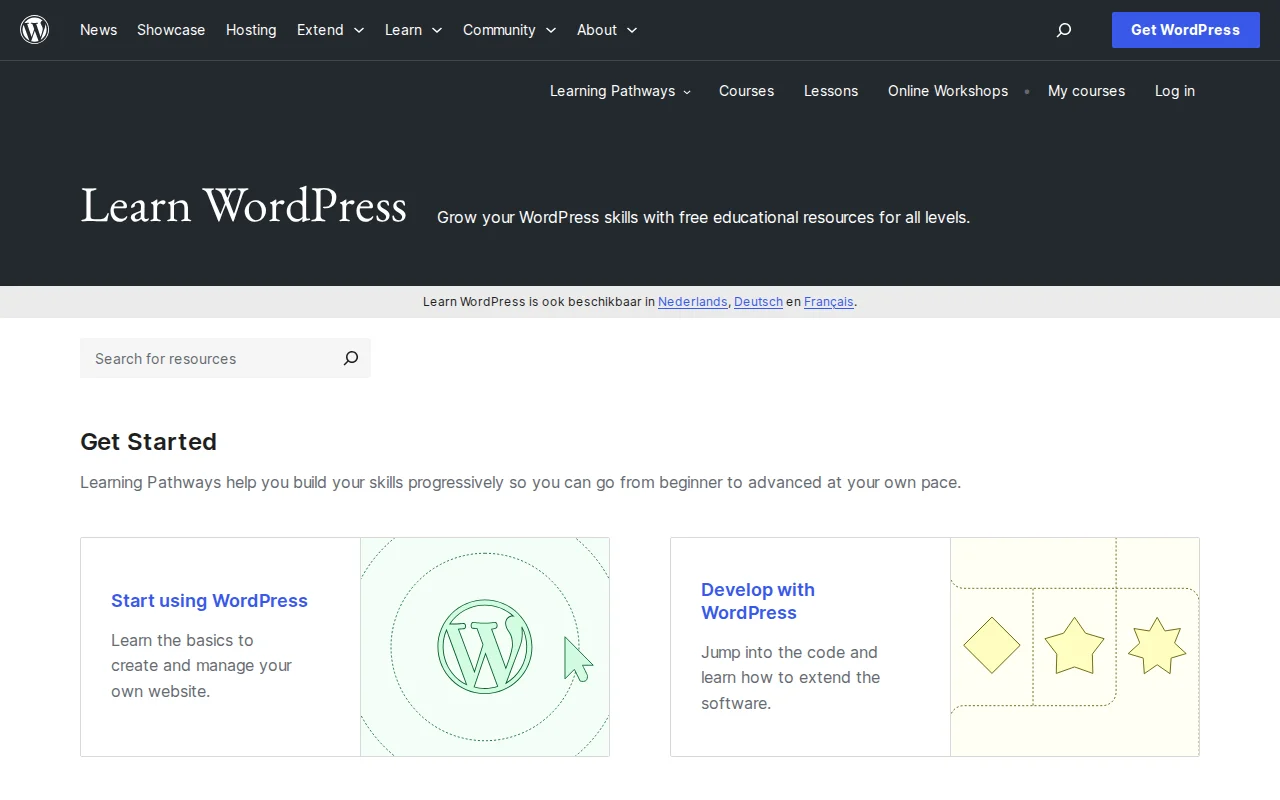
Beyond the tutorials here on ZeroToWP, WordPress has an excellent official learning platform at learn.wordpress.org. It offers free courses, lessons, and online workshops covering everything from the basics to theme development. The WordPress developer documentation is also surprisingly good if you ever want to dig into the technical side.
If you're just getting started with WordPress itself — choosing hosting, installing WordPress, picking a theme — check out our Start Here guide. For hosting comparisons and recommendations, head to WordPress Hosting. And if you want to know which plugins are worth installing, the WordPress Plugins hub has you covered. For the AI side of WordPress in 2026, see my guides to building a WordPress site with AI and connecting AI agents via MCP.
Frequently Asked Questions
Do I need any coding skills to follow these tutorials?
Not at all. Every tutorial on ZeroToWP is written for non-developers. I explain where to click, what to type, and what each setting does. If you can use a web browser and follow numbered steps, you can follow these guides. I've been a developer for 20+ years, but I write these for the version of me that was just getting started.
How long does it take to learn WordPress?
You can build and launch a basic WordPress site in a single afternoon — that includes hosting setup, WordPress installation, and your first pages. Getting comfortable with the dashboard, plugins, and customization takes a week or two of regular use. Becoming truly proficient — knowing how to troubleshoot problems, optimize performance, handle security — takes a few months. These tutorials are designed to fast-track that process.
Are these tutorials free?
Every tutorial on ZeroToWP is 100% free to read. Some guides recommend tools or hosting that I've tested and trust — those include affiliate links, which means I earn a small commission if you sign up through them. This doesn't cost you anything extra and it's how I keep the site running. I only recommend things I actually use myself.
How often do you add new tutorials?
I publish new tutorials and update existing ones regularly. WordPress changes fast — plugins get updated, best practices evolve, hosting providers change their offerings. I treat these guides as living documents. If something changes, I update the guide. Bookmark this page and check back, or follow along on the site to catch new guides as they drop.

Written by Marvin
Our team tests and reviews WordPress products to help beginners make confident choices.
Learn more about our team →You might also like
WooCommerce AI Automation: How to Run Your Store With AI in 2026
A practical guide to WooCommerce AI automation in 2026: the real tools, the working AI agent setups, and the parts of your store you should never hand over to a bot.
postWordPress 7.0: Everything You Need to Know About the 2026 Release
WordPress 7.0 is the biggest release in years — real-time collaboration, the Abilities API for AI, and expanded Block Bindings. Here is the confirmed timeline, the feature list, and exactly how to prepare your site.
postBest AI Plugins for WordPress in 2026 (Tested and Reviewed)
I spent three months testing AI plugins on my own WordPress sites. Here are the 9 that are actually worth installing in 2026 — honest pricing, real install counts, and where each one fits.
postHow to Connect AI Agents to WordPress: Complete MCP Setup Guide (2026)
A practical walkthrough of connecting Claude Desktop (or any MCP client) to WordPress using the official WordPress MCP Adapter, with real config, auth, and security notes.