 tutorials
WooCommerce AI Automation: How to Run Your Store With AI in 2026
A practical guide to WooCommerce AI automation in 2026: the real tools, the working AI agent setups, and the parts of your store you should never hand over to a bot.

Practical guides you can follow along with. Speed up your site, set up backups, secure WordPress, launch an online store, start a blog, and fix your email — all step by step.
tutorialsA practical guide to WooCommerce AI automation in 2026: the real tools, the working AI agent setups, and the parts of your store you should never hand over to a bot.
 tutorials
WordPress 7.0 is the biggest release in years — real-time collaboration, the Abilities API for AI, and expanded Block Bindings. Here is the confirmed timeline, the feature list, and exactly how to prepare your site.
 tutorials
I spent three months testing AI plugins on my own WordPress sites. Here are the 9 that are actually worth installing in 2026 — honest pricing, real install counts, and where each one fits.
 tutorials
A practical walkthrough of connecting Claude Desktop (or any MCP client) to WordPress using the official WordPress MCP Adapter, with real config, auth, and security notes.
 tutorials
OpenClaw is the most popular open-source AI agent on GitHub — and it can manage your entire WordPress site. Here are 5 real use cases that save hours of work every week.
 tutorials
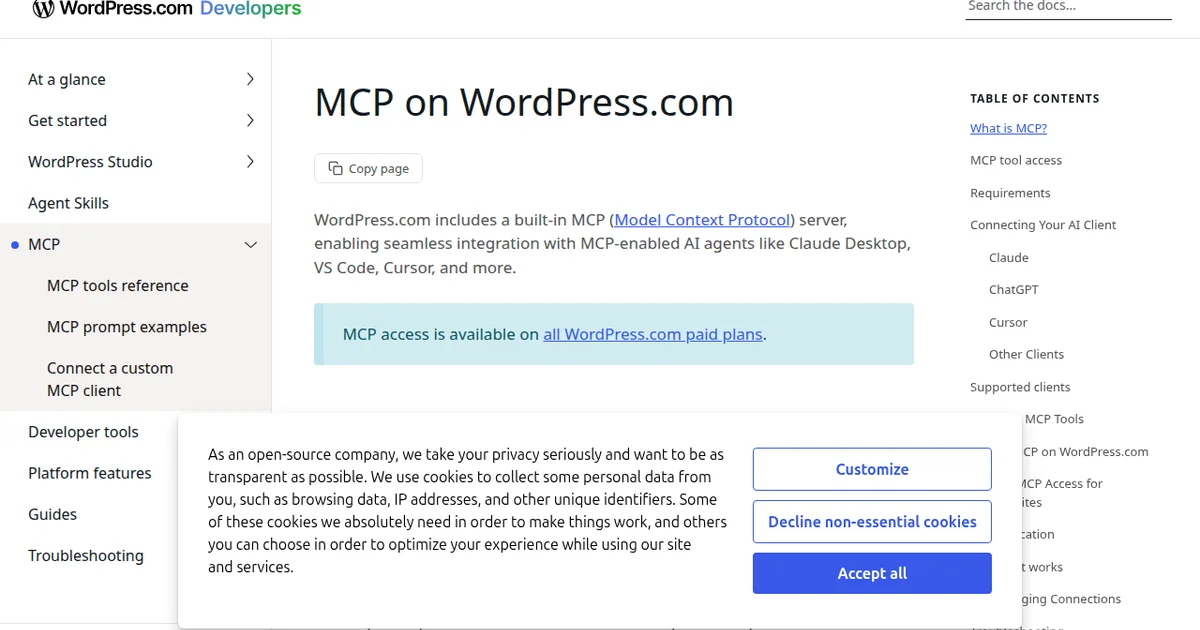
WordPress now has an official Claude connector. Instead of clicking through menus, you can manage your site with plain English. Here's how to set it up and 5 practical ways to use it.
 tutorials
Learn how to start a profitable WordPress blog from scratch, including setup, monetization strategies, and proven methods to generate income.
 tutorials
Headless WordPress uses WordPress as a backend CMS while a separate frontend handles the display. Here is when it makes sense and when it does not.
 tutorials
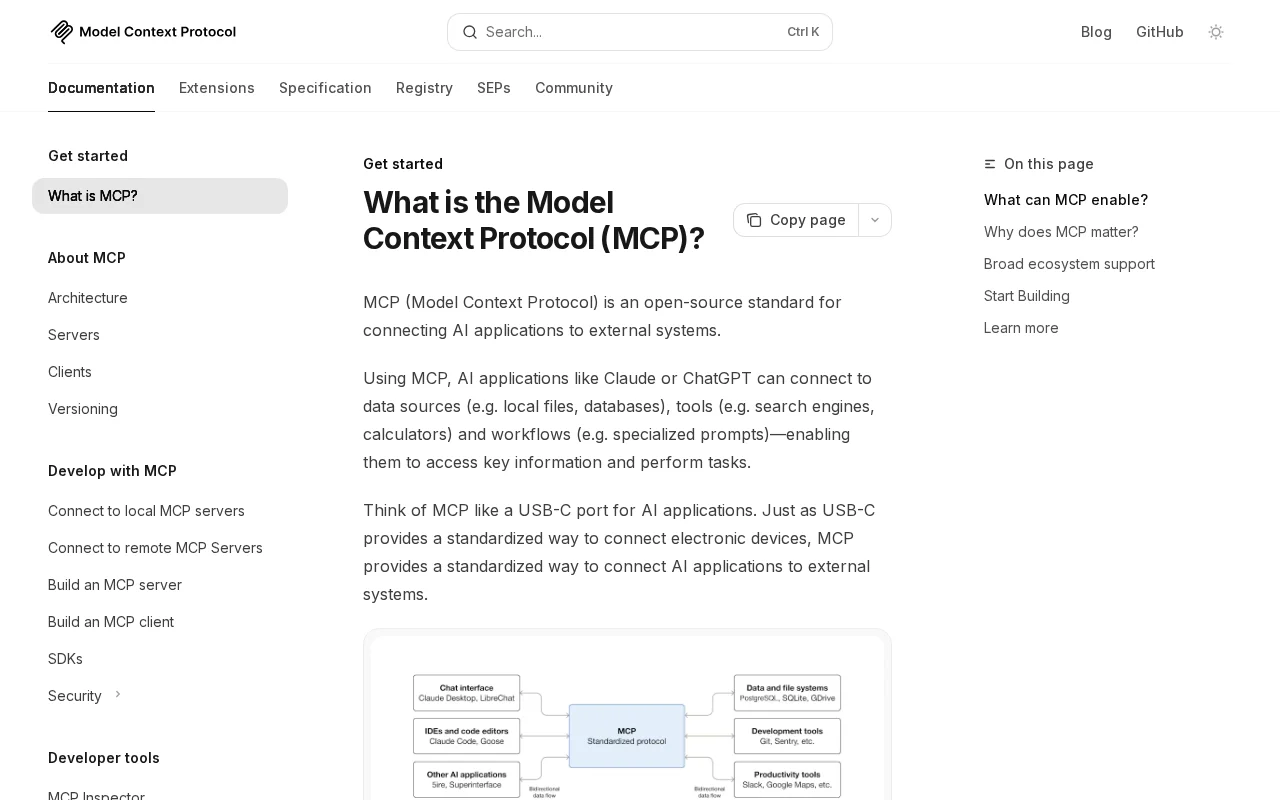
WordPress 7.0 introduces MCP support via the Abilities API. Here is what the Model Context Protocol is, how it works, and what it means for your site.
 tutorials
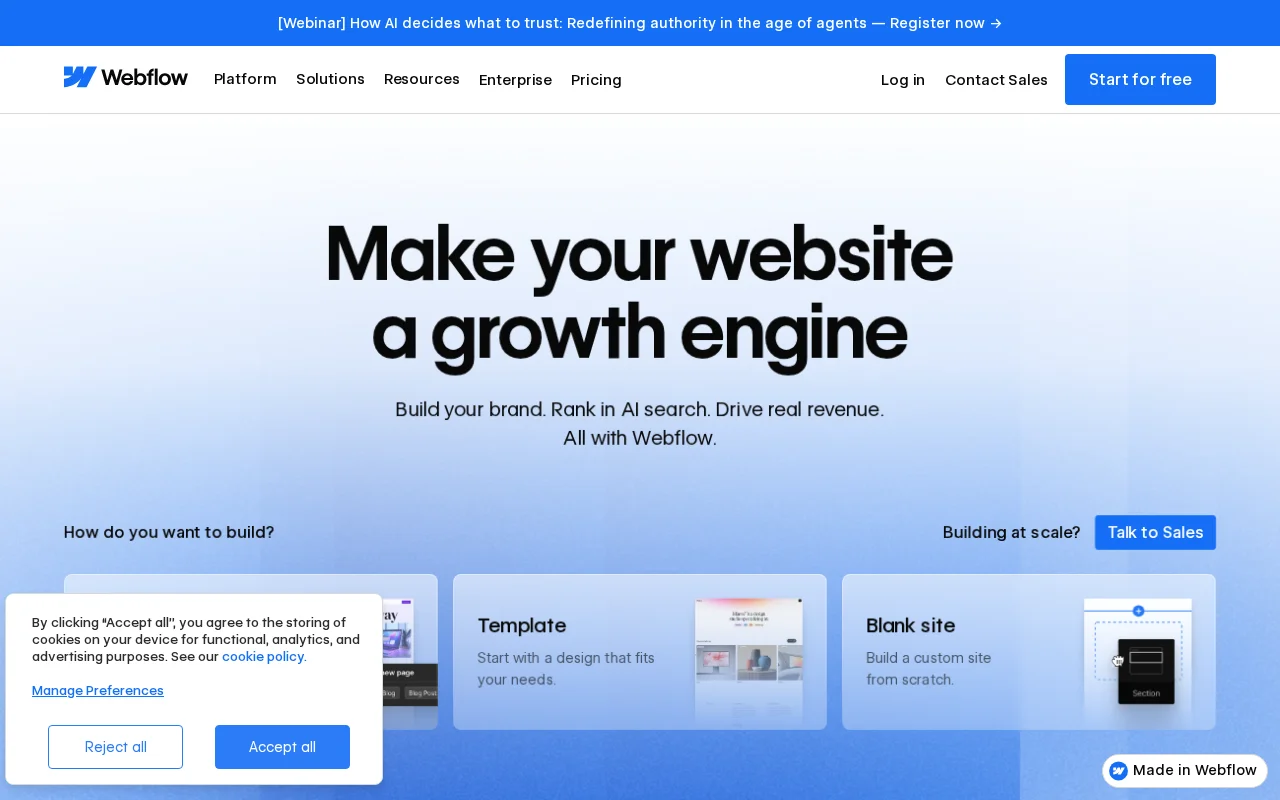
Honest comparison of Webflow and WordPress — pricing, ease of use, flexibility, SEO, and who each platform is best for.
 tutorials
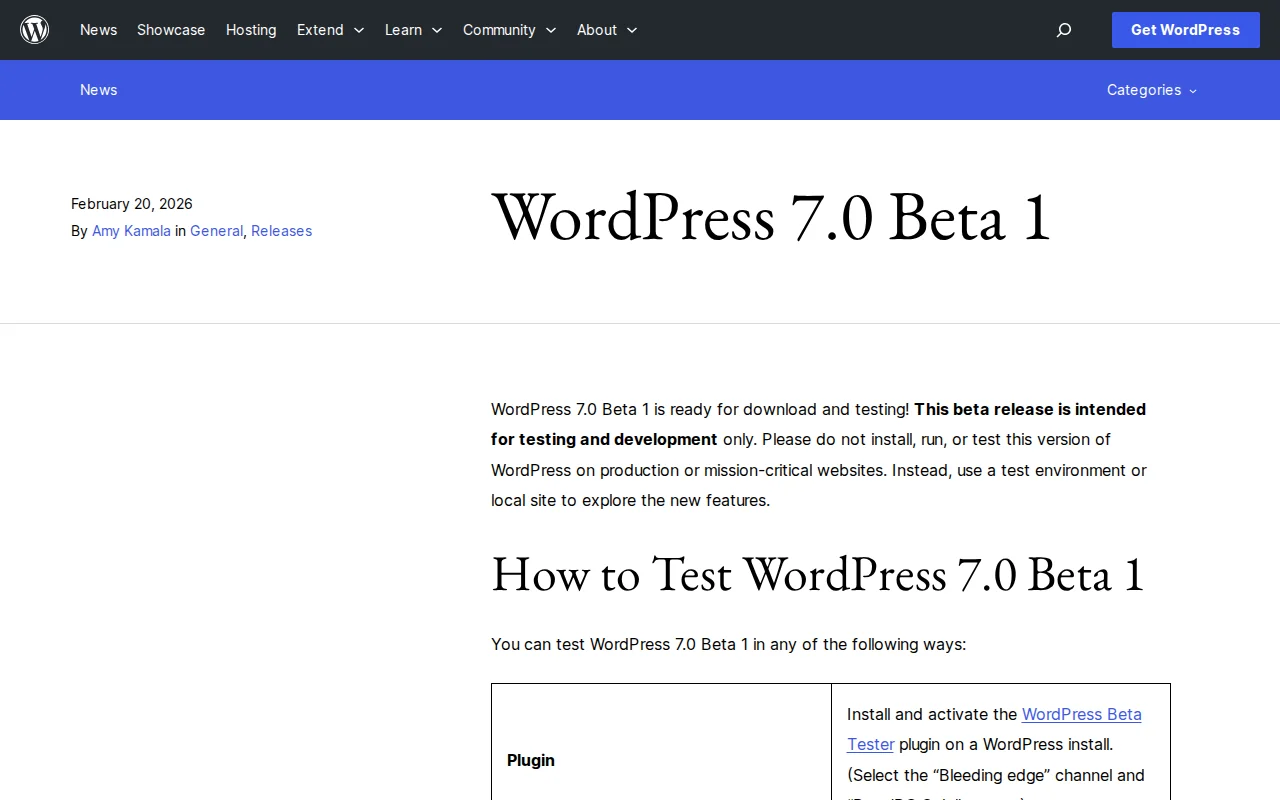
WordPress 7.0 launches April 9, 2026 with real-time collaboration, a redesigned admin, new blocks, responsive editing, and an AI foundation. Here is everything that is changing.
 tutorials
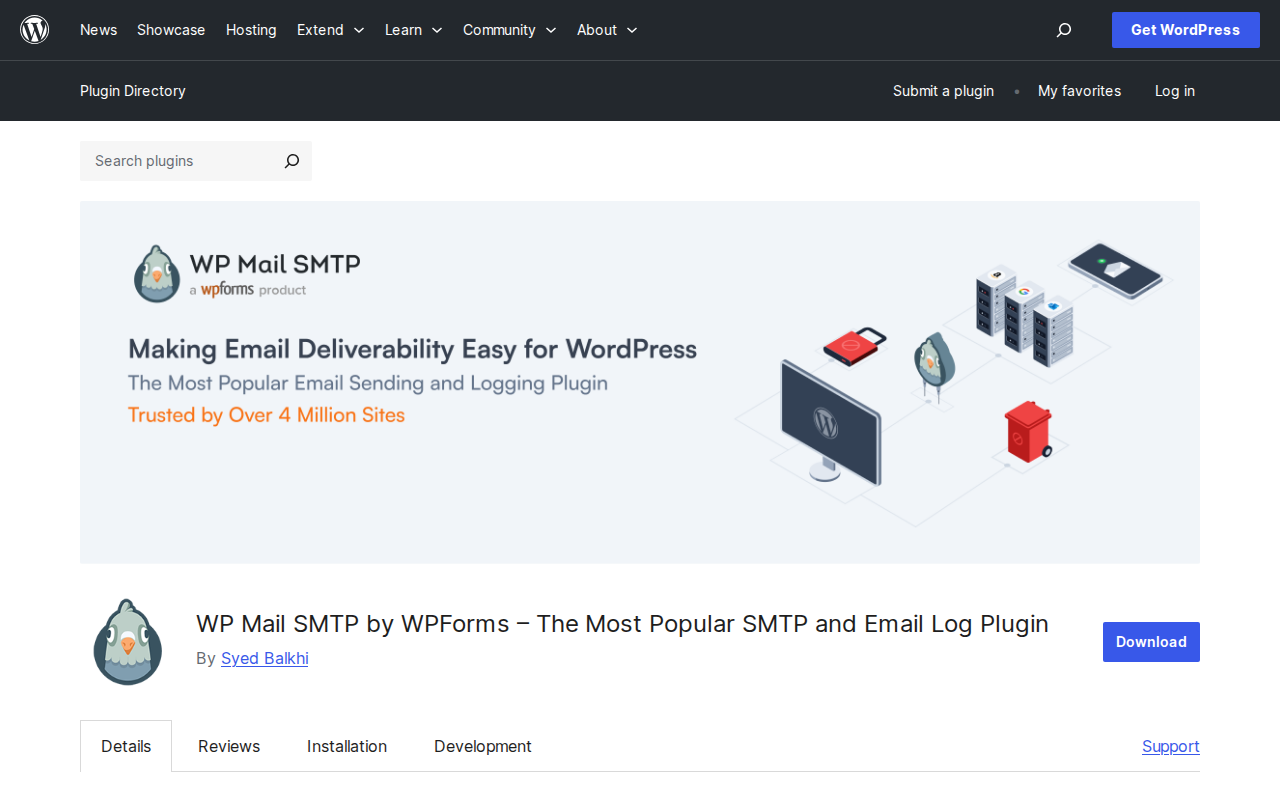
Your WordPress emails are probably going to spam right now. I've fixed this on hundreds of sites, and it takes about 10 minutes. Here's exactly how to set up SMTP so your contact forms, password resets, and notifications actually reach the inbox.
 tutorials
Starting a blog has never been easier or more rewarding. I've launched over a dozen blogs since 2006, and I'll walk you through the exact 7-step process to go from zero to your first published post — plus how to get your first 1,000 visitors and actually make money from your blog.
 tutorials
I've built dozens of online stores over the past decade, and WooCommerce remains my go-to recommendation for anyone serious about selling online. In this step-by-step tutorial, I'll walk you through every click — from installing WooCommerce to processing your first test order.
 tutorials
WordPress doesn't get hacked because it's insecure — it gets hacked because people skip basic precautions. Here is the 12-step WordPress security checklist I follow on every site I build.
 tutorials
I lost a client's entire website once because nobody set up backups. It was a $15,000 WooCommerce store, gone overnight after a botched plugin update. That was the day I learned that WordPress backups aren't optional. Here's exactly how to protect your site.
 tutorials
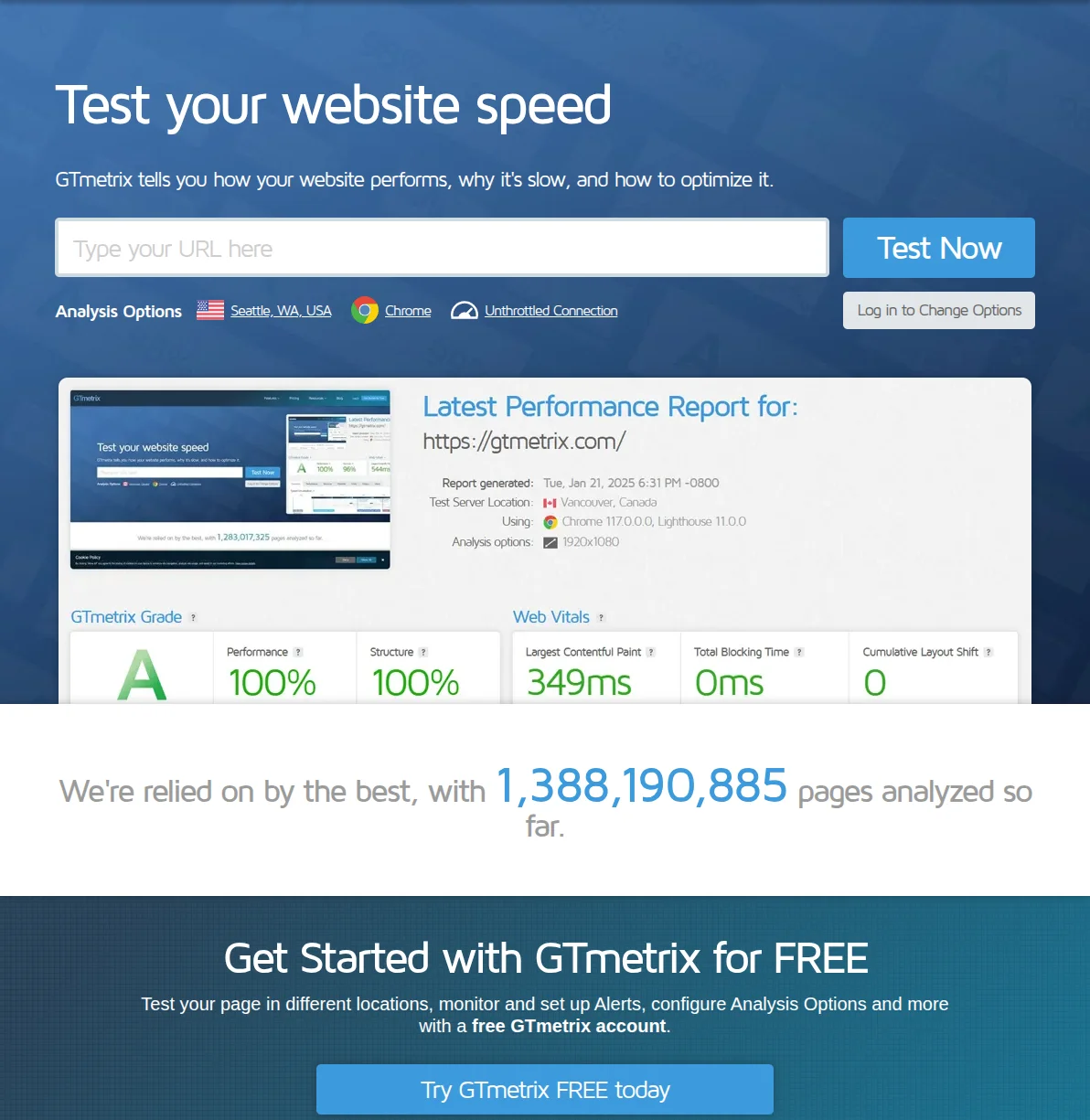
A slow WordPress site is bleeding visitors, rankings, and revenue. I've spent 20 years optimizing websites, and these are the 10 changes that actually move the needle — ranked by impact, with exact steps you can follow right now.
 tutorials
A complete collection of step-by-step WordPress tutorials. From speeding up your site to setting up an online store — all in one place.