WordPress Security Guide — Protect Your Site the Smart Way
WordPress security does not have to be scary. Follow these straightforward guides to protect your site from common threats, keep your data safe, and sleep well at night.

Wrong file permissions are one of the most overlooked WordPress security holes. I've seen sites hacked because wp-config.php was world-readable. Here's exactly what every file and folder should be set to, and how to fix it.
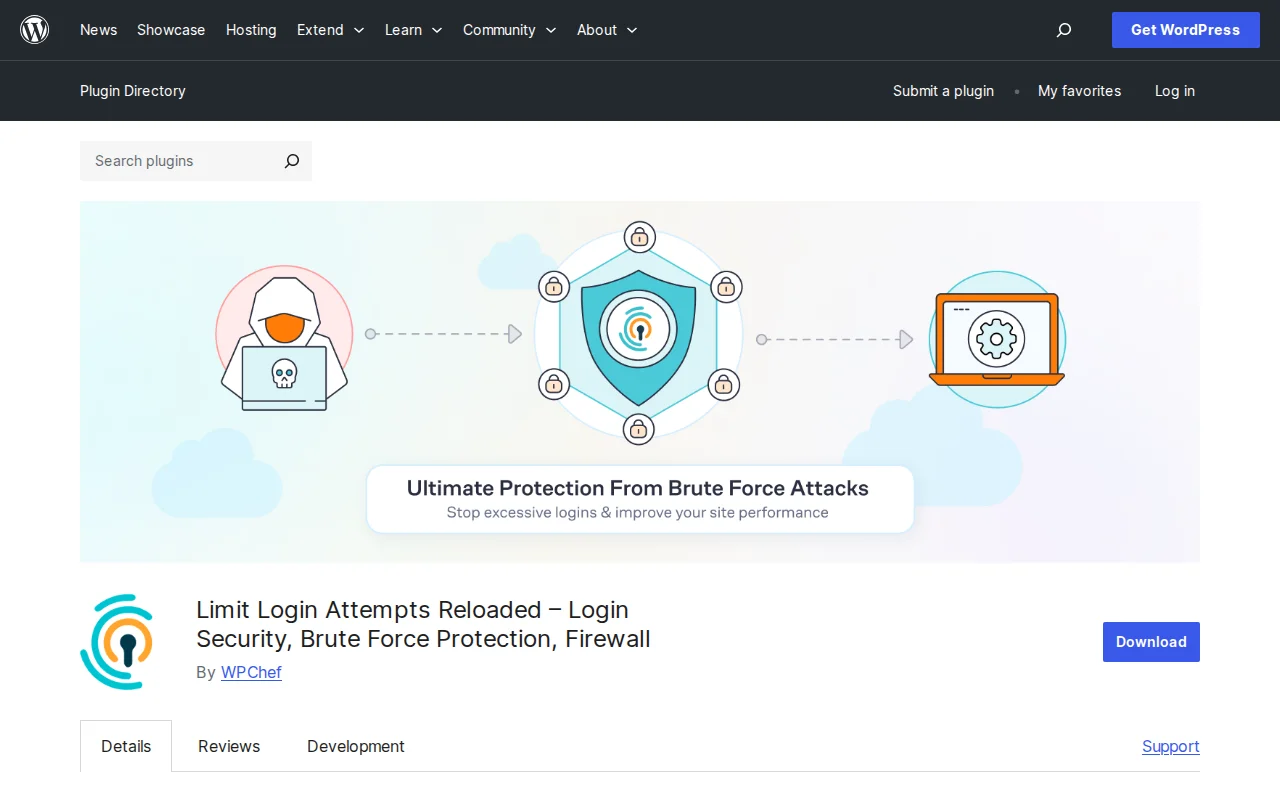
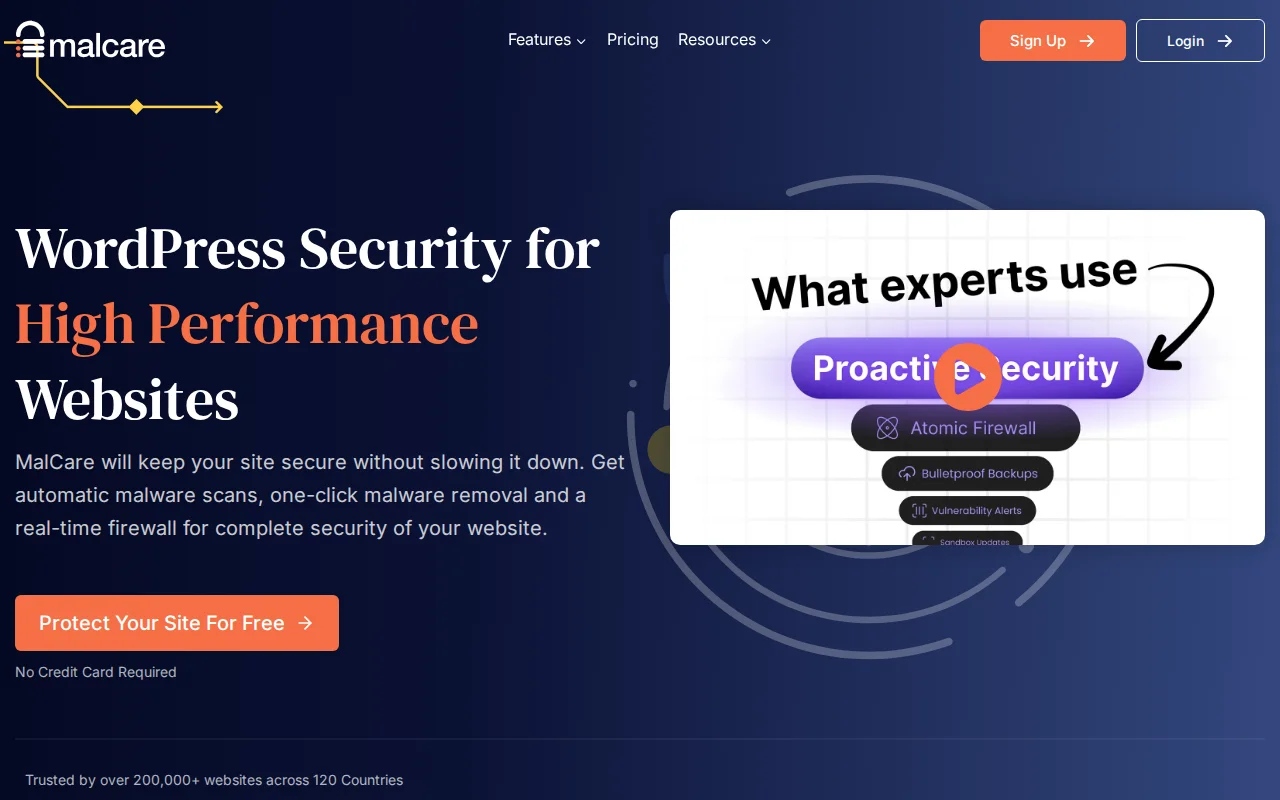
Your WordPress login page gets attacked dozens of times every day, whether you know it or not. I've been hardening login pages for over a decade, and these 8 measures will shut down brute force attacks completely.

Your WordPress site got hacked — don't panic. I've cleaned malware from more sites than I can count over the past 20 years, and most infections can be fixed in an afternoon. Here's exactly what to do, step by step.

A web application firewall is your site's first line of defense against hackers, bots, and automated attacks. After testing dozens of firewall solutions over the years, I've narrowed it down to 5 that actually work. Here's how they compare — and which one I recommend for different situations.

SSL used to be optional. It's not anymore — Google penalizes sites without it, and Chrome slaps a 'Not Secure' warning on every page. The good news? It's free and takes about 10 minutes. Here's exactly how to set it up, plus how to fix the mixed content issues that trip up almost everyone.

After 20 years of building WordPress sites, I've cleaned up more hacked sites than I care to remember. Most of those hacks were completely preventable. This is everything I know about keeping WordPress secure — no fear-mongering, just practical steps that actually work.