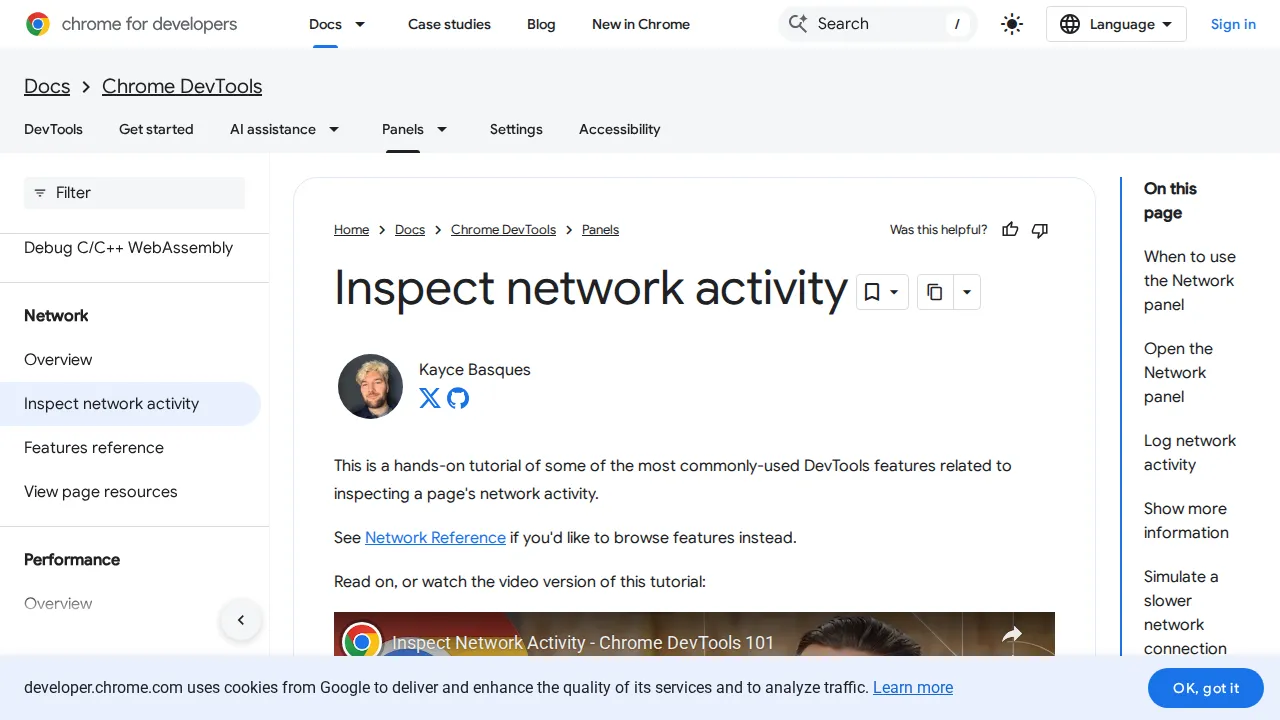
 errors
How to Fix the "Too Many Redirects" Error in WordPress
Stuck in a redirect loop? I explain what causes ERR_TOO_MANY_REDIRECTS in WordPress and walk through 6 fixes — from clearing cookies to fixing SSL conflicts and .htaccess rules.

WordPress errors look scary, but most have simple fixes. Follow these step-by-step guides to get your site back up and running in minutes, not hours.
errorsStuck in a redirect loop? I explain what causes ERR_TOO_MANY_REDIRECTS in WordPress and walk through 6 fixes — from clearing cookies to fixing SSL conflicts and .htaccess rules.
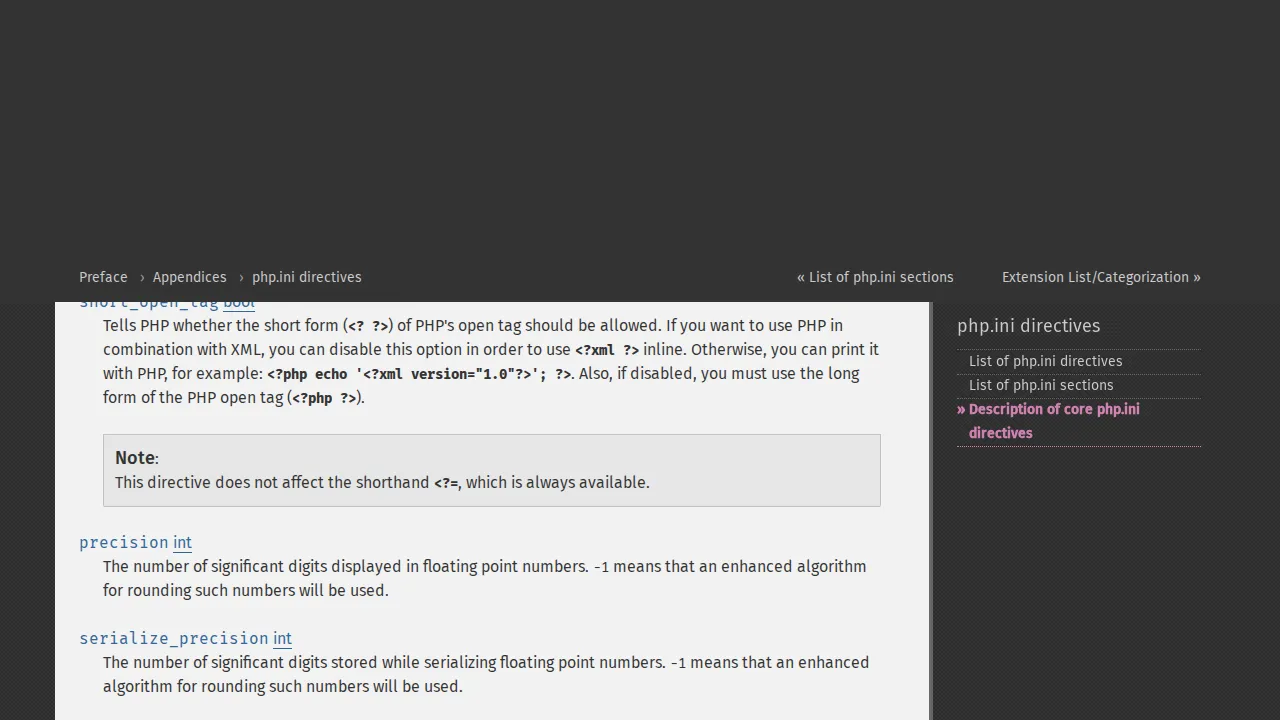 errors
Seeing "Fatal error: Allowed memory size of X bytes exhausted"? I explain why this happens and show you 4 ways to increase the WordPress memory limit — with exact code snippets for each method.
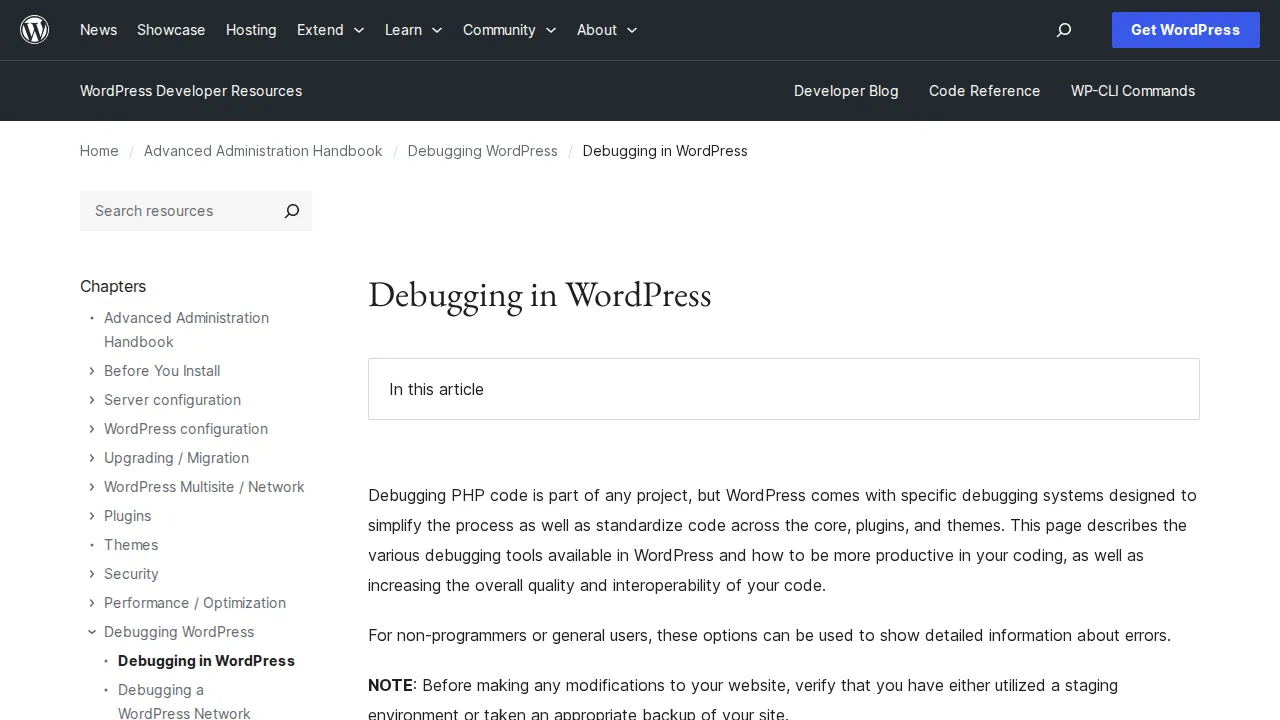 errors
The 500 Internal Server Error tells you nothing useful — just that something broke. I walk through the most common causes and the exact steps to fix each one, from .htaccess to plugin conflicts.
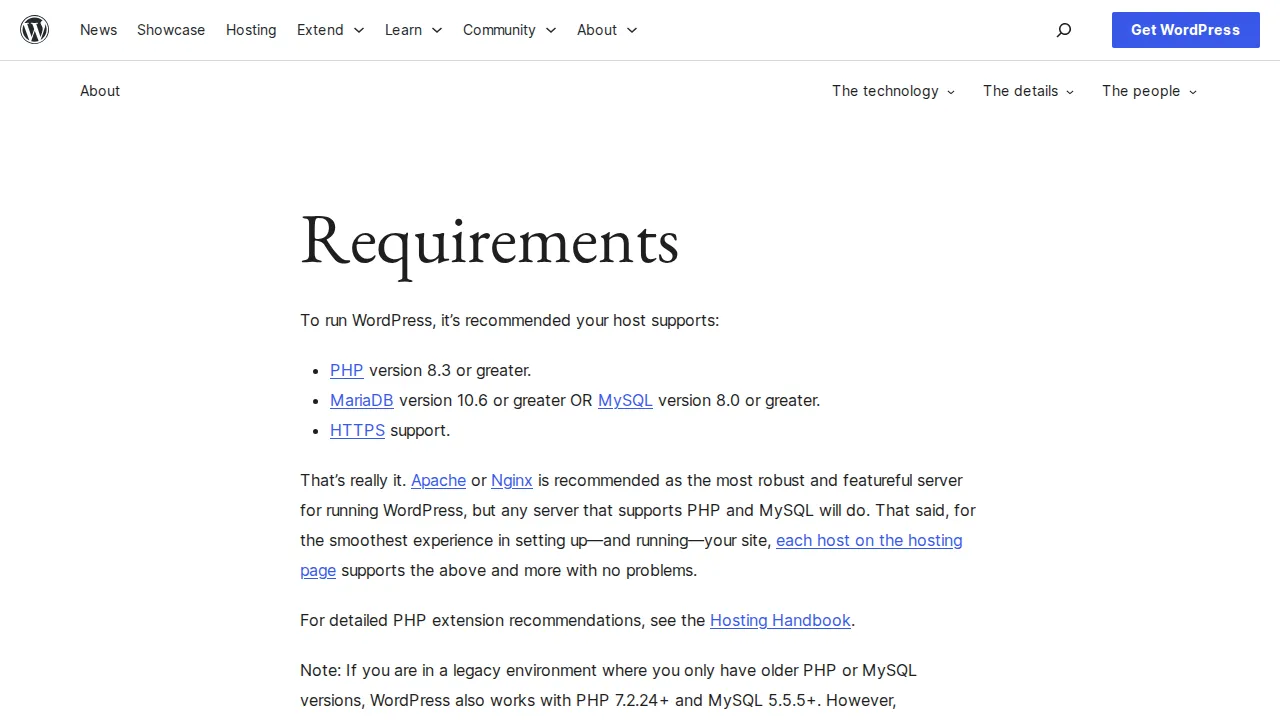 errors
Seeing "Error establishing a database connection" on your WordPress site? I walk through every cause and fix — from wrong credentials in wp-config.php to corrupted databases and server issues.
 errors
Your WordPress site shows a blank white page — no error, no clue. I walk through every method I use to fix the White Screen of Death, from enabling debug mode to disabling plugins via FTP.
 errors
WordPress errors are frustrating but rarely fatal. I cover the 11 most common WordPress errors with quick-fix solutions for each one — based on years of troubleshooting real sites.