
Webflow vs WordPress: Which Should You Choose? (2026)
If you're starting a new website in 2026, you've probably stumbled into the Webflow vs WordPress debate. Both are excellent platforms, but they solve different problems for different people. I've built sites on both, and here's what I honestly think.
The Short Answer
Choose WordPress if you want maximum flexibility, a massive plugin ecosystem, and full ownership of your site. Choose Webflow if you're a designer who wants pixel-perfect visual control without writing code, and you're okay with a smaller ecosystem and higher monthly costs.
What Is Webflow?
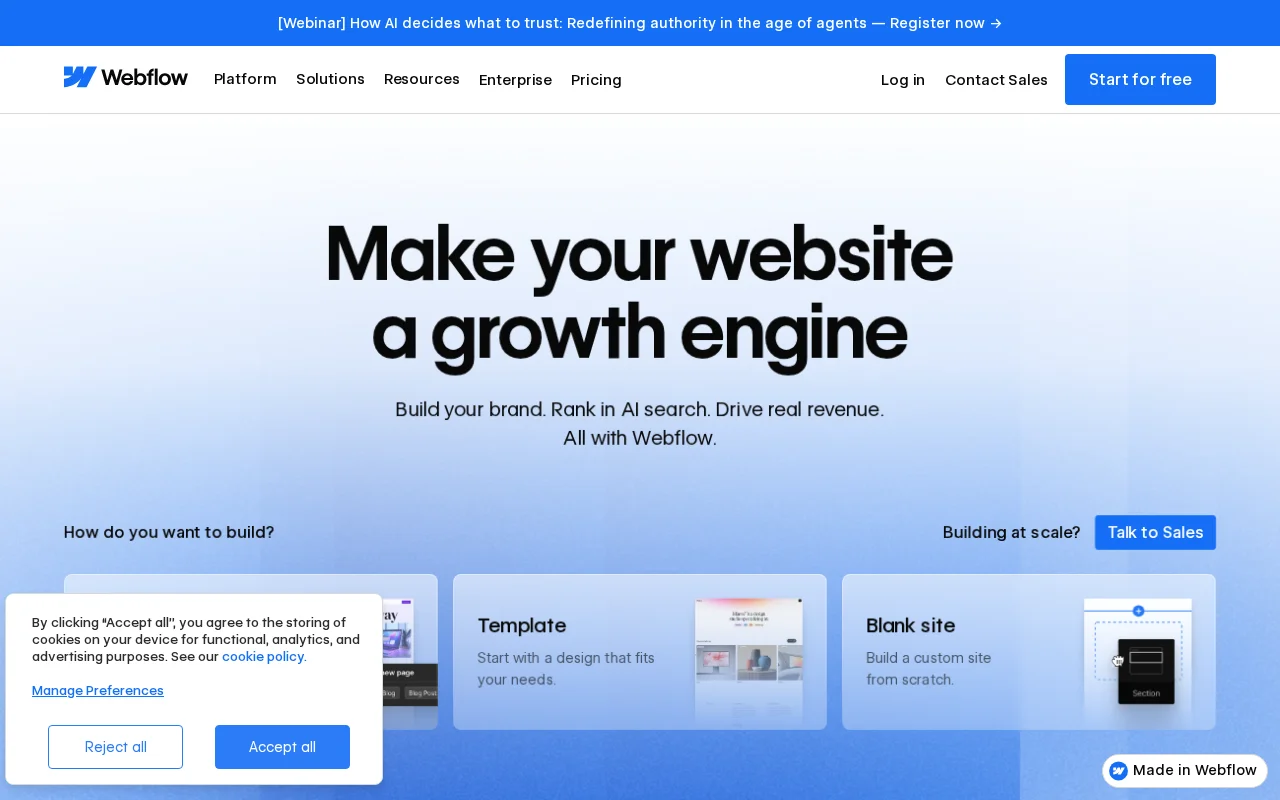
Webflow is a visual web design platform that combines a drag-and-drop builder with hosting, a CMS, and e-commerce — all in one package. Think of it as a professional design tool that outputs clean, production-ready code. Unlike traditional page builders, Webflow gives you direct control over CSS properties through a visual interface, which means designers can build complex layouts without writing a single line of code.
It's been gaining popularity with design agencies and freelancers who want more control over their output than platforms like Squarespace offer, but don't want to deal with the maintenance overhead of WordPress.
What Is WordPress?
WordPress is the open-source CMS that powers roughly 43% of all websites on the internet as of March 2026. That's not a typo — nearly half the web runs on WordPress, from personal blogs to enterprise sites like TechCrunch and The New Yorker. If you're new to it, check out our complete guide to what WordPress is.
The key distinction: WordPress is self-hosted software. You download it, install it on your own hosting, and you own everything. This gives you complete freedom but also means you're responsible for updates, security, and maintenance.
Pricing Comparison
This is where things get interesting. Let's look at real numbers.
Webflow Pricing (2026)
| Plan | Monthly Cost | What You Get |
|---|---|---|
| Starter | Free | Webflow.io subdomain, 2 pages, 1 GB bandwidth |
| Basic | $14/mo | Custom domain, 150 pages, 10 GB bandwidth |
| CMS | $23/mo | Full CMS, 2,000 items, 50 GB bandwidth |
| Business | $39/mo | 10,000 CMS items, 100 GB+ bandwidth |
| Enterprise | Custom | SSO, SLA, advanced security |
On top of site plans, you may also need a Workspace plan ($19/mo for the Core tier) if you're working with a team or want code export. And add-ons like Localization ($9–$29/mo per locale) and Analytics ($9/mo) add up quickly.
WordPress Pricing (2026)
| Item | Typical Cost |
|---|---|
| Hosting (shared) | $3–$10/mo |
| Domain name | $10–$15/year |
| Premium theme (optional) | $0–$60 one-time |
| Premium plugins (optional) | $0–$200/year |
WordPress itself is free. A basic WordPress site on shared hosting can cost as little as $5/month total. However, if you go with managed hosting (like Cloudways or WP Engine) and premium plugins, costs can climb to $30–$100/month — comparable to Webflow's mid-tier plans.
The key difference: with WordPress, you have more control over where you spend your money.
Ease of Use
Webflow's visual designer is powerful, but it has a steep learning curve. If you understand CSS concepts like flexbox, grid, and positioning, you'll feel right at home. If you don't, expect to spend a few weeks learning. Webflow essentially requires you to understand web design principles — it just lets you apply them visually instead of in code.
WordPress has a gentler on-ramp for beginners. The block editor (Gutenberg) handles basic content creation well, and page builders like Elementor or Kadence Blocks provide drag-and-drop design without requiring CSS knowledge. That said, WordPress has its own complexity: managing plugins, updates, and hosting adds overhead that Webflow abstracts away.
My take: Webflow is easier for designers, WordPress is easier for everyone else.
Design Flexibility
This is Webflow's strongest selling point. The visual designer gives you direct control over every CSS property — margins, padding, typography, animations, responsive breakpoints — all through an intuitive visual interface. You're essentially writing CSS without writing CSS. The result is clean, semantic HTML that performs well.
WordPress takes a different approach. Out of the box, you pick a theme and customize it within the theme's constraints. Page builders like Elementor and Divi expand your options significantly, but they often generate bloated HTML with excessive div nesting. For truly custom designs, you'll either need a developer or a tool like Oxygen Builder that generates cleaner output.
If design precision is your top priority and you have the skills to leverage it, Webflow wins here.
SEO Capabilities
Both platforms are perfectly capable of ranking well in search engines. The difference is in how they get there.
Webflow includes built-in SEO controls: meta titles, descriptions, Open Graph tags, auto-generated sitemaps, 301 redirects, and clean semantic markup. It's enough for most sites without any add-ons.
WordPress requires a plugin for advanced SEO, but those plugins are incredibly powerful. Tools like Rank Math and Yoast SEO give you content analysis, schema markup, XML sitemaps, redirects, and much more. Check our guide to the best WordPress SEO plugins for a detailed breakdown.
For most users, WordPress's SEO plugin ecosystem gives you more control and more data. But Webflow's built-in tools are solid if you don't want to manage plugins.
Plugins and Integrations
This is where WordPress pulls far ahead. The WordPress plugin repository has over 59,000 free plugins, plus thousands more premium options. Need a contact form? There are dozens. Membership site? Multiple options. E-commerce? WooCommerce powers millions of stores. There's genuinely a plugin for almost anything you can think of.
Webflow's ecosystem is much smaller. It has native integrations for some services and supports third-party tools through embeds and Zapier, but if you need something specific — say, a learning management system or an advanced booking engine — you're likely looking at custom code or workarounds.
For simple marketing sites and portfolios, Webflow's integrations are usually sufficient. For anything complex, WordPress's ecosystem is hard to beat.
Who Should Choose Webflow?
- Designers and agencies who want pixel-perfect control without developers
- Marketing teams building campaign landing pages that need to look polished
- Small business sites (under 100 pages) that prioritize design over functionality
- People who want zero maintenance overhead — no updates, no security patches
- Freelancers who want to design and hand off to clients with limited CMS editing
Who Should Choose WordPress?
- Bloggers and content creators who publish regularly and need a powerful CMS
- E-commerce stores that need WooCommerce's flexibility and extensions
- Anyone who needs specific functionality — memberships, forums, LMS, bookings
- Budget-conscious beginners who want a professional site for under $10/month
- People who want full ownership of their site, data, and hosting
If you're ready to get started with WordPress, our step-by-step beginner guide walks you through everything from picking hosting to publishing your first post.
Frequently Asked Questions
Is Webflow better than WordPress for SEO?
Neither platform is inherently better for SEO. Webflow generates clean code out of the box, while WordPress relies on plugins like Rank Math for advanced SEO features. Both can rank equally well when configured properly. WordPress has a slight edge for large content sites thanks to its more mature SEO tooling.
Can I migrate from Webflow to WordPress later?
Yes, but it's not seamless. You can export your Webflow content, but you'll need to rebuild your design in WordPress. The CMS structures are fundamentally different, so plan for a full redesign rather than a simple migration.
Is Webflow free to use?
Webflow has a free Starter plan, but it limits you to a webflow.io subdomain, 2 pages, and 1 GB of bandwidth. To use a custom domain and unlock the CMS, you'll need at least the Basic plan ($14/mo) or CMS plan ($23/mo).
Does Webflow replace WordPress entirely?
No. Webflow is excellent for design-focused sites and marketing pages, but WordPress still dominates for blogs, e-commerce, membership sites, and any project requiring extensive third-party integrations. They serve overlapping but distinct audiences.
Which is cheaper — Webflow or WordPress?
WordPress is typically cheaper for basic sites. A WordPress site on shared hosting costs $5–$10/month total, while a comparable Webflow site on the CMS plan costs $23/month. However, if you factor in premium WordPress plugins, managed hosting, and developer time, the costs can be similar for more complex projects.

Written by Marvin
Our team tests and reviews WordPress products to help beginners make confident choices.
Learn more about our team →You might also like
How to Start a WordPress Blog and Make Money: A Complete Beginner's Guide
Learn how to start a profitable WordPress blog from scratch, including setup, monetization strategies, and proven methods to generate income.
postHeadless WordPress: What It Is and When You Need It (2026)
Headless WordPress uses WordPress as a backend CMS while a separate frontend handles the display. Here is when it makes sense and when it does not.
postWordPress MCP: What Is the Model Context Protocol? (2026 Guide)
WordPress 7.0 introduces MCP support via the Abilities API. Here is what the Model Context Protocol is, how it works, and what it means for your site.
postWordPress 7.0: Everything You Need to Know (April 2026)
WordPress 7.0 launches April 9, 2026 with real-time collaboration, a redesigned admin, new blocks, responsive editing, and an AI foundation. Here is everything that is changing.