
7 Best SEO Plugins for WordPress in 2026 (Tested & Compared)
I’ve tested every major SEO plugin for WordPress on a clean install, compared their features side by side, and measured their performance impact. This isn’t a list of every SEO plugin that exists — it’s the seven that are actually worth installing in 2026.
How We Tested These SEO Plugins
Every plugin on this list was evaluated using the same methodology:
- Clean install test: Fresh WordPress 6.9.4 install with the Twenty Twenty-Five theme. No other plugins active.
- Feature checklist: 25-point comparison covering keyword analysis, schema markup, sitemaps, redirects, breadcrumbs, social media, and WooCommerce support.
- Performance impact: Memory usage, database queries, and JavaScript output measured before and after activation.
- Ease of use: Setup time from install to first optimized post, quality of documentation, and intuitiveness of the interface.
- Free vs. Pro value: What you actually get for free and what’s locked behind a paywall.
For a deeper look at our testing process, see how we test plugins.
Quick Comparison Table
| Plugin | Rating | Free Keywords | Schema | Redirects | Sitemap | Price (Pro) | Memory Impact |
|---|---|---|---|---|---|---|---|
| Rank Math | 4.9/5 | 5 | 840+ types | ✅ Free | ✅ | $69/yr | +0.35 MB |
| Yoast SEO | 4.8/5 | 1 | 11 types | ✅ Premium | ✅ | $119/yr | +1.62 MB |
| AIOSEO | 4.7/5 | 1 | 18 types | ✅ Premium | ✅ | $50/yr | +0.85 MB |
| SEOPress | 4.9/5 | Unlimited | Automatic | ✅ Free | ✅ | $49/yr | +0.28 MB |
| The SEO Framework | 4.9/5 | N/A | Automatic | ❌ | ✅ | Free | +0.22 MB |
| Squirrly SEO | 4.6/5 | N/A | JSON-LD | ❌ | ✅ | $29/mo | +1.10 MB |
| Slim SEO | 4.8/5 | N/A | Automatic | ❌ | ✅ | $99/yr | +0.15 MB |
The 7 Best WordPress SEO Plugins
#1 Rank Math — Best Overall (Free)
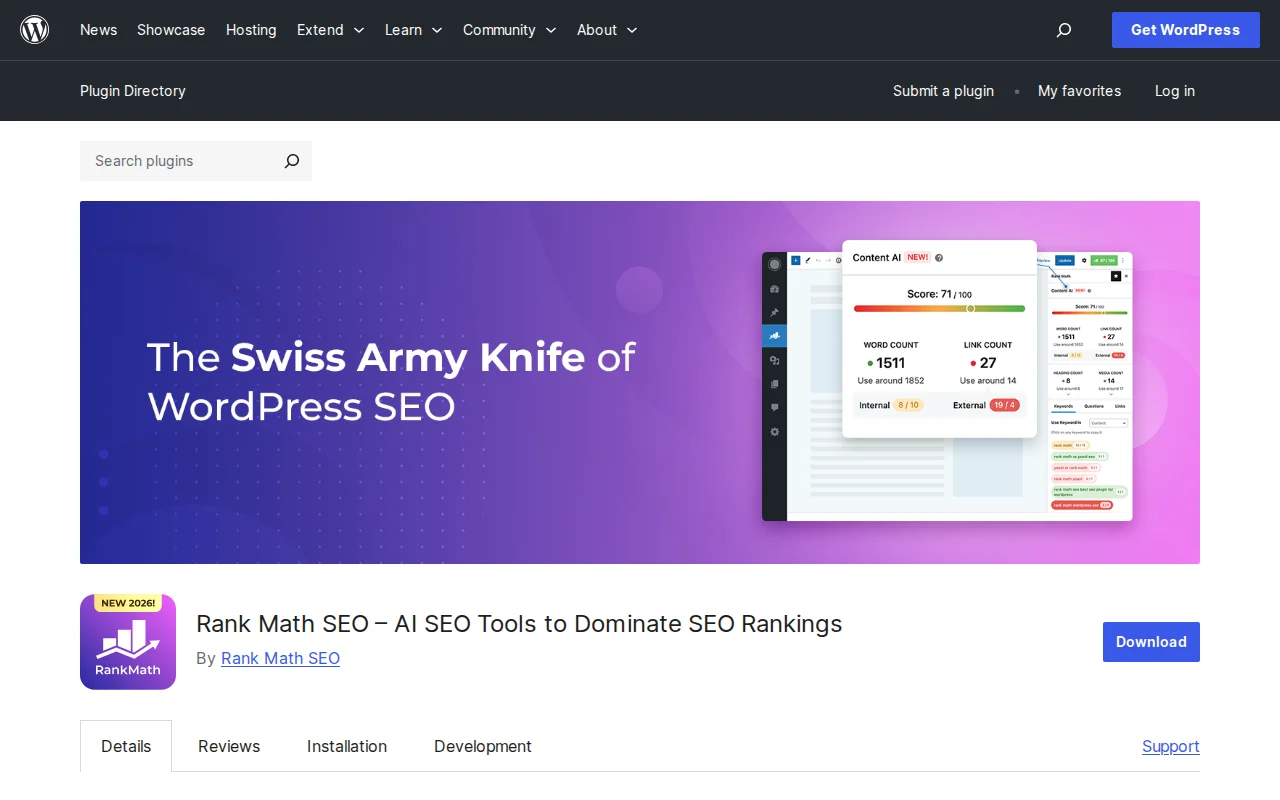
Rank Math earns the top spot because no other plugin gives you this much for free. While Yoast and AIOSEO lock features like multiple focus keywords, redirects, and advanced schema behind a paywall, Rank Math includes them all in its free version.
Key features (free):
- 5 focus keywords per post — Yoast and AIOSEO limit you to 1
- 840+ schema types with a visual schema builder
- Redirect manager and 404 monitor
- Google Search Console integration directly in the dashboard
- Content AI (limited) for keyword suggestions
- Smallest footprint: 61.1k lines of code, +0.35 MB memory
Rank Math Pro ($69/year) adds advanced analytics, keyword rank tracking, Google Ads integration, and more schema types. But honestly, the free version covers 90% of what most sites need.
Best for: Anyone who wants the most features without paying. The default choice for new WordPress sites in 2026.
#2 Yoast SEO — Most Popular
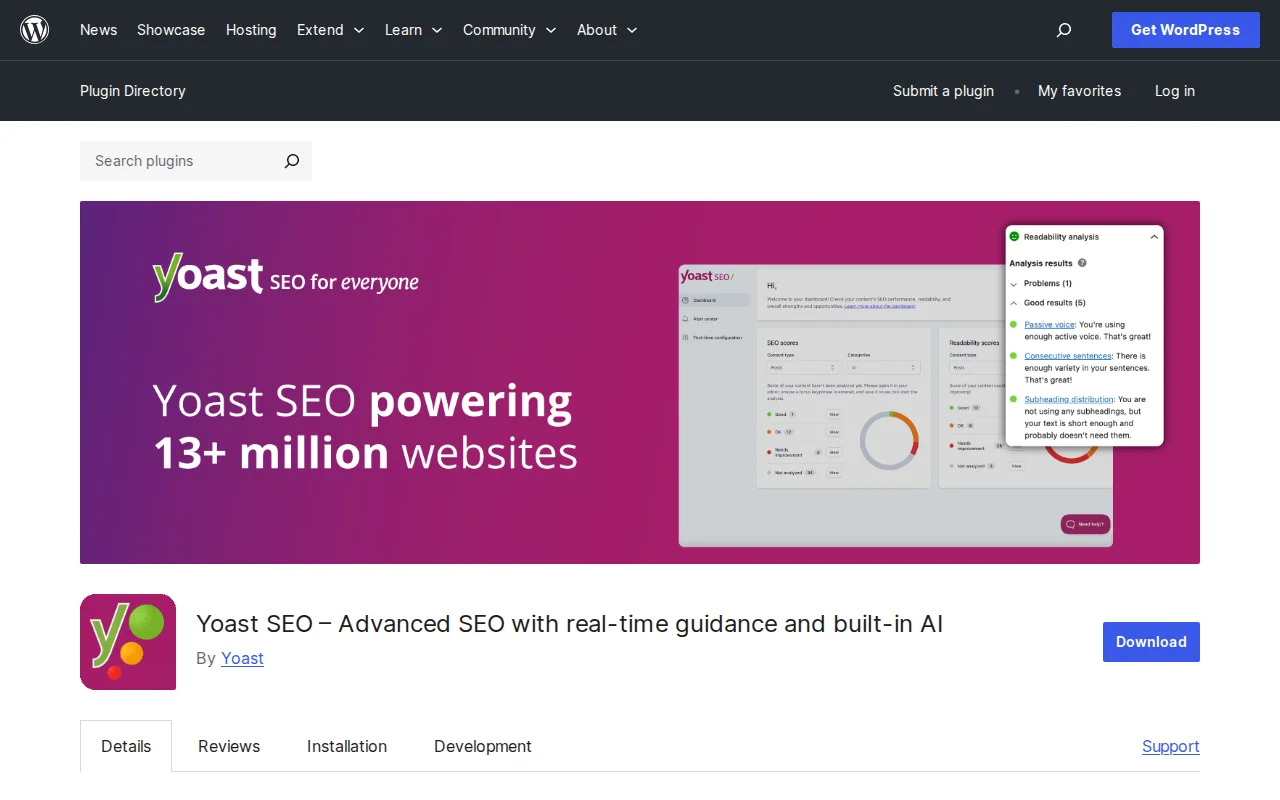
Yoast SEO is the most installed WordPress SEO plugin with over 12 million active installations. It pioneered the traffic-light SEO analysis system that every competitor has since copied.
Key features:
- Readability analysis — Still the best in the industry. Evaluates sentence length, passive voice, transition words, and reading ease.
- Breadcrumbs module — Flexible breadcrumb implementation without extra plugins
- SEO and readability scores with clear, actionable feedback
- Cornerstone content feature for pillar pages
- Extensive documentation and the largest community
Yoast Premium ($119/year per site) adds 5 focus keyphrases, redirect manager, internal linking suggestions, and an IndexNow integration for faster indexing.
The honest downside: The free version feels increasingly limited compared to Rank Math. One focus keyword, no redirects, no advanced schema. And at $119/year per site, Yoast Premium is the most expensive option on this list. The heavier memory footprint (+1.62 MB) is also noticeable on resource-constrained hosting.
Best for: Established sites already using Yoast who value readability analysis and don’t want to migrate. Beginners who want the most tutorials and guides available online.
#3 All in One SEO (AIOSEO) — Best for Beginners
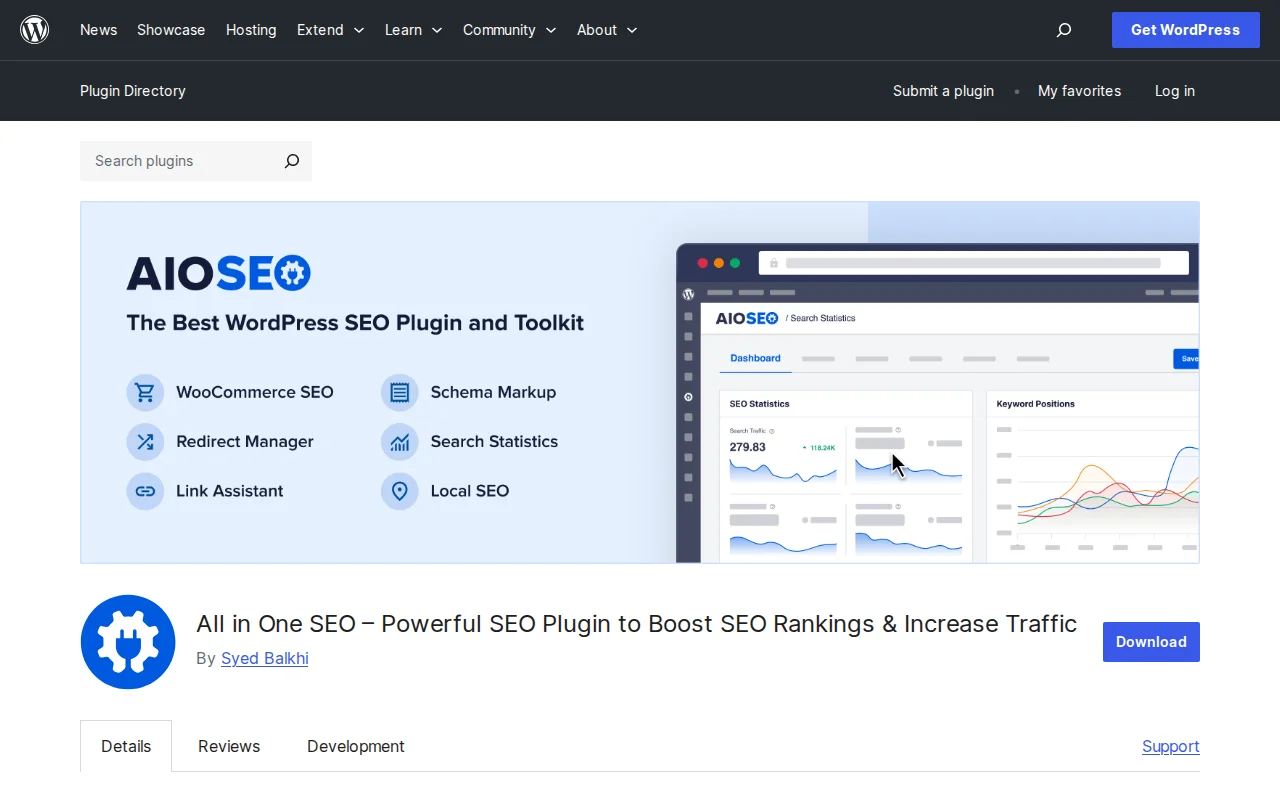
AIOSEO has been around since 2007 and serves over 3 million active installations. Its setup wizard is the most beginner-friendly of any SEO plugin.
Key features:
- Setup wizard that configures SEO settings in under 5 minutes
- TruSEO score — Detailed, per-section analysis (title, readability, content, technical)
- Local SEO (Pro) — Google Maps integration, local business schema
- WooCommerce SEO (Pro) — Product schema, breadcrumbs, open graph for products
- Link Assistant (Pro) — Internal linking suggestions with one-click insertion
AIOSEO Pro starts at $50/year for a single site — the most affordable premium tier. The free version is solid but limited to one focus keyword and basic schema.
Best for: Beginners who want a guided setup experience. WooCommerce stores that need dedicated e-commerce SEO features.
#4 SEOPress — Best Lightweight Option
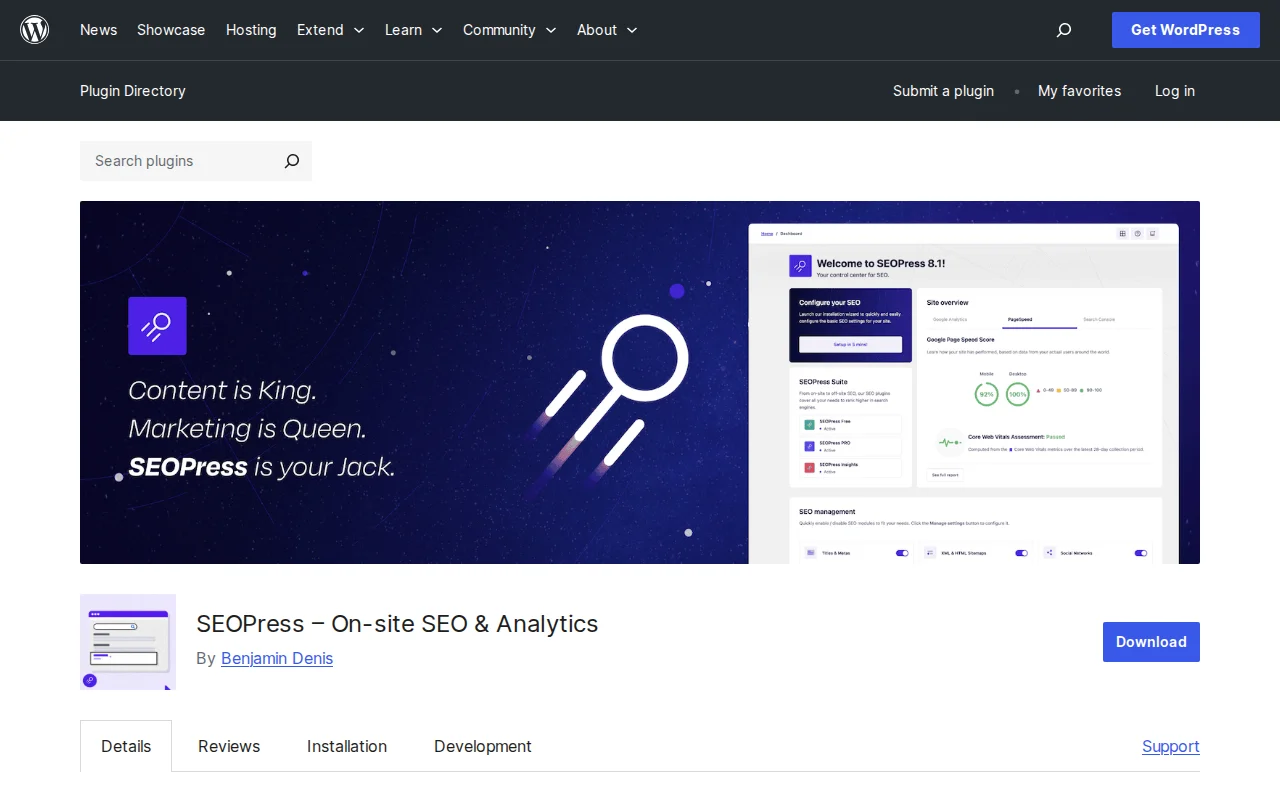
SEOPress is the developer’s SEO plugin. No ads, no upsell banners, no tracking. Just clean, fast, privacy-respecting SEO tools.
Key features:
- Unlimited keywords in the free version
- Zero dashboard ads or upsell notices
- White label — Remove all SEOPress branding (great for agencies)
- GDPR-friendly — No outbound requests, fully privacy-compliant
- Redirect manager included for free
- Content analysis with Google suggestions integration
- Tiny footprint: +0.28 MB memory impact
SEOPress Pro ($49/year) adds structured data (schema) types, WooCommerce SEO, local SEO, video sitemap, and Google News sitemap. 95% of users who rate it give it 5 stars.
Best for: Developers, agencies building client sites, and anyone who hates dashboard clutter. If you want Rank Math’s power in a cleaner package, this is it.
#5 The SEO Framework — Best for Speed
The SEO Framework is the anti-Yoast. No upsell notices. No visual scores. No hand-holding. It automatically generates optimized titles, descriptions, and schema markup based on your content — then gets out of the way.
Key features:
- Automatic optimization — Generates meta titles, descriptions, and Open Graph tags without configuration
- Lightest footprint: +0.22 MB memory impact. The fastest SEO plugin tested.
- No ads, no upsells, no tracking — even in the free version
- Color-coded SEO meters on post lists for quick overview
- Focus keyword support via free Extension Manager add-on
The SEO Framework is completely free. Premium extensions exist for local SEO, article enhancement, and monitoring, but the core plugin is full-featured without paying.
Best for: Minimalists, performance-obsessed developers, and anyone who just wants SEO to work without thinking about it. If you find Yoast and Rank Math overwhelming, try this.
#6 Squirrly SEO — Best for Non-SEO Experts
Squirrly SEO takes a fundamentally different approach: instead of analyzing your content after you write it, it coaches you while you write with a real-time Live Assistant.
Key features:
- Live Assistant — Real-time SEO coaching as you type
- Focus Pages — Step-by-step optimization tasks with explanations
- Keyword research built-in — Find keywords without leaving WordPress
- SEO audit — Site-wide analysis with prioritized fix suggestions
- AI-powered suggestions for content and keyword optimization
Squirrly Pro ($29/month or $290/year) for the full feature set. The free version is limited but gives you a taste of the coaching approach. Over 23,000 paying customers in 150+ countries.
The honest downside: The monthly pricing is expensive compared to alternatives. The heavier memory footprint (+1.10 MB) reflects its real-time analysis engine. The interface is busy.
Best for: Content creators and bloggers who know nothing about SEO and want guided, step-by-step help. Not for developers or advanced users.
#7 Slim SEO — Best No-Configuration Option
Slim SEO is for people who want SEO to just happen. Install it, and it automatically generates meta tags, schema markup, and sitemaps based on your existing content. No settings pages to configure.
Key features:
- Automatic meta tags — Generates titles and descriptions from content
- Automatic schema — Article, breadcrumb, and FAQ schema without configuration
- Automatic sitemap — Generated on activation
- Smallest footprint of all: +0.15 MB memory impact
- Automatic image alt text from filename
Slim SEO is free. A Pro version ($99/year) adds link manager, 404 redirect, header/footer scripts, and schema for WooCommerce products.
The honest downside: No focus keyword analysis. No content scoring. No snippet preview. You trust the automation and move on. If you want to actively optimize each post, this isn’t for you.
Best for: Small blogs, personal sites, or anyone who wants decent SEO with literally zero effort. Install and forget.
Yoast vs. Rank Math vs. AIOSEO: Head-to-Head
These three dominate the market, so here’s a deeper comparison:
| Feature | Rank Math (Free) | Yoast (Free) | AIOSEO (Free) |
|---|---|---|---|
| Focus keywords | 5 | 1 | 1 |
| Schema types | 840+ | 11 | 18 |
| Redirect manager | ✅ | ❌ | ❌ |
| 404 monitoring | ✅ | ❌ | ❌ |
| Search Console integration | ✅ | ❌ | ❌ |
| Readability analysis | ✅ Basic | ✅ Advanced | ✅ Basic |
| Breadcrumbs | ✅ | ✅ | ✅ |
| Codebase size | 61.1k lines | 97.1k lines | ~80k lines |
| Memory usage | +0.35 MB | +1.62 MB | +0.85 MB |
| Pro price (1 site) | $69/yr | $119/yr | $50/yr |
| Pro price (10 sites) | $199/yr | $1,188/yr | $199/yr |
Bottom line: Rank Math’s free version beats Yoast Premium in feature count. AIOSEO is the most affordable premium option. Yoast wins on readability analysis and community size. For a full deep-dive, see our Yoast vs. Rank Math comparison.
Free vs. Premium: Is a Paid SEO Plugin Worth It?
For most WordPress sites, a free SEO plugin is enough. Rank Math’s free version covers keyword analysis, schema markup, redirects, sitemaps, and Search Console integration. That’s more than Yoast Premium offered just a few years ago.
Consider upgrading if you:
- Run a WooCommerce store and need product schema + WooCommerce-specific SEO
- Need local SEO features (Google Maps integration, local business schema)
- Manage multiple sites and want centralized analytics (Rank Math Pro’s 10-site plan is $199/yr vs. Yoast’s $1,188/yr)
- Want AI-powered content suggestions and keyword tracking
- Need video or news sitemaps for specialized content
If none of those apply, save your money. A free SEO plugin plus good content will get you further than a premium plugin plus mediocre content.
Which SEO Plugin Should You Choose?
Here’s my decision tree:
- New site, want maximum free features: → Rank Math
- Complete beginner, want hand-holding: → AIOSEO
- Established site, already using Yoast: → Stay with Yoast (migration isn’t worth the risk unless you’re frustrated)
- Developer or agency: → SEOPress (clean, white-label, private)
- Minimalist, want zero config: → The SEO Framework or Slim SEO
- Non-technical, want coaching: → Squirrly SEO
- Performance above all: → The SEO Framework (+0.22 MB) or Slim SEO (+0.15 MB)
No matter which plugin you choose, the plugin is just the tool. What matters is your content strategy, keyword targeting, and consistent publishing. For the complete picture, start with our WordPress SEO guide.
Frequently Asked Questions
Is Rank Math really free?
Yes. Rank Math’s free version includes 5 focus keywords per post, 840+ schema types, redirect manager, 404 monitor, Google Search Console integration, and content analysis. No trial, no time limit. Rank Math Pro ($69/year) adds keyword rank tracking, advanced analytics, and Google Ads integration, but the free tier is genuinely full-featured.
Can I switch from Yoast to Rank Math without losing SEO settings?
Yes. Rank Math includes a built-in migration wizard that imports your Yoast settings, focus keywords, meta titles, meta descriptions, and schema data. The same is true for AIOSEO. After migration, verify a few key pages in Google Search Console to make sure everything transferred correctly.
Do I need an SEO plugin if I use WordPress?
Technically no. WordPress handles basic SEO (sitemaps, headings, alt text) natively. But without a plugin, you can’t customize meta descriptions, set focus keywords, add advanced schema markup, or get content analysis feedback. For any site that takes search traffic seriously, an SEO plugin is essential. See our guide on adding SEO keywords in WordPress for the details.
Which SEO plugin is best for WooCommerce?
AIOSEO and Rank Math both offer strong WooCommerce integration. AIOSEO’s Pro version includes dedicated WooCommerce SEO with product schema, breadcrumbs, and Open Graph tags. Rank Math’s free version covers basic product schema. For a dedicated e-commerce store, AIOSEO Pro or Rank Math Pro are the strongest choices.
Does Yoast SEO slow down WordPress?
Yoast has the highest memory footprint of the major SEO plugins (+1.62 MB vs. Rank Math’s +0.35 MB). On well-resourced hosting, you won’t notice the difference. On budget shared hosting, it can add to cumulative plugin bloat. Neither Yoast nor Rank Math significantly impact frontend Core Web Vitals scores on their own — server infrastructure and image optimization are far larger factors.
Can I use two SEO plugins at the same time?
No. Running two SEO plugins simultaneously causes conflicts: duplicate meta tags, competing sitemaps, schema markup errors, and unpredictable behavior. Choose one and deactivate the other. All major plugins include migration tools to import settings from competitors.
What happened to the Yoast vs Rank Math debate?
In 2026, it’s largely settled. Rank Math’s free version objectively offers more features. Yoast still has the largest user base and the best readability analysis. The real competition has shifted to Rank Math vs. SEOPress for developers, and AIOSEO vs. Yoast for beginners. Choose based on your needs, not the loudest voices online.

Written by Marvin Kweyu
Our team tests and reviews WordPress products to help beginners make confident choices.
Learn more about our team →You might also like
Best WordPress SEO Plugins in 2026 — Yoast vs Rank Math vs All in One SEO
I've used every major WordPress SEO plugin over the past decade. Here's my honest comparison of Yoast SEO, Rank Math, and All in One SEO — with real features, pricing, and my recommendation.
post15 Best WordPress Plugins in 2026 — My Essential Picks After 10+ Years
After 10+ years of building WordPress sites, these are the 15 plugins I install on every project. Real recommendations with alternatives for every budget.
postBest WordPress AI Chatbot Plugins in 2026 — 5 Options Compared
I checked the current WordPress AI chatbot plugin landscape and narrowed it to 5 realistic options: AI Engine, Tidio, Chatway, WPBot, and Smartsupp.
postHow to Add SEO Keywords in WordPress (With & Without Plugins)
Learn how to add SEO keywords to your WordPress site with and without plugins. Step-by-step tutorial covering titles, meta descriptions, headings, content, images, and more.