
Plugin
Quick Definition
A plugin is a package of code you install on your WordPress site to add new features or extend existing ones — like adding a contact form, improving SEO, or setting up an online store.
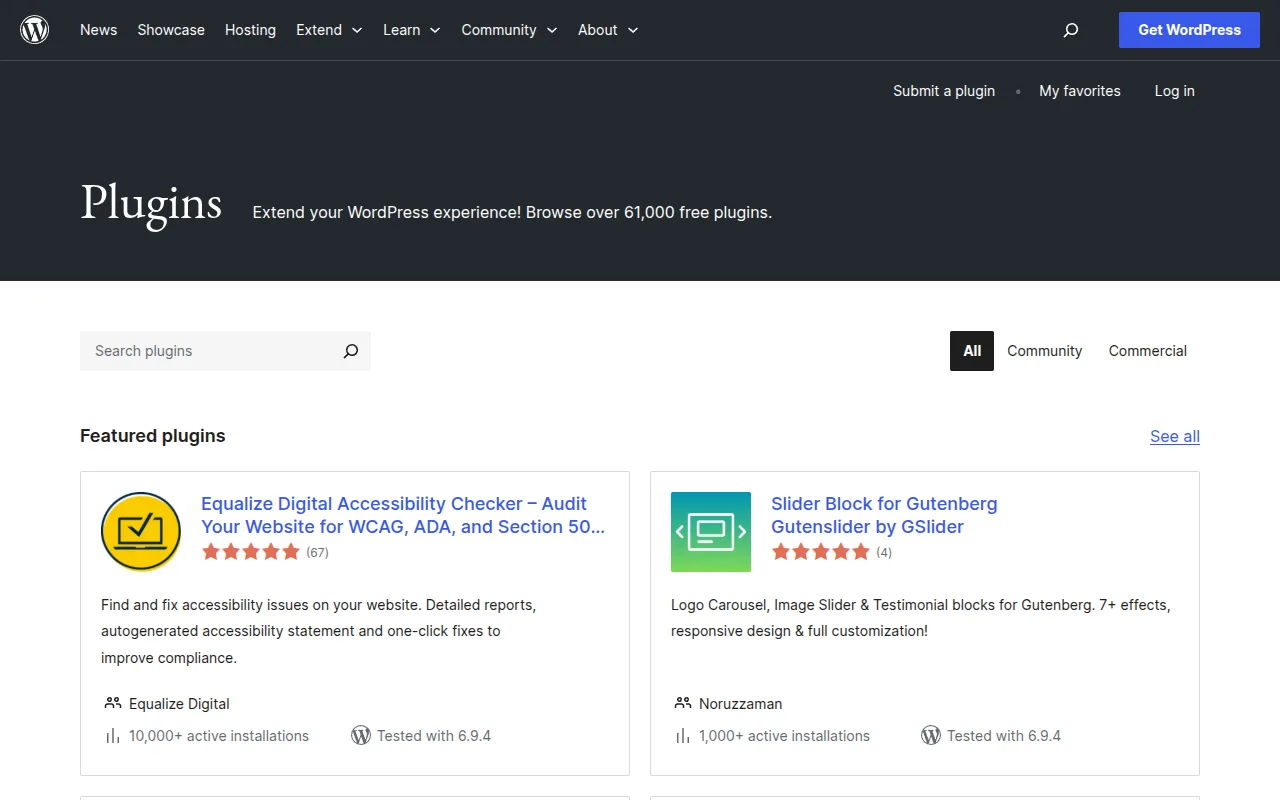
What Is a Plugin?
According to the official WordPress developer handbook, plugins are packages of code that extend the core functionality of WordPress. They're primarily written in PHP and can include additional assets like CSS stylesheets, JavaScript, and images.
Think of WordPress as a smartphone and plugins as apps. Your phone works fine out of the box, but you install apps to do specific things — email, banking, social media. Plugins work the same way. WordPress handles the basics (publishing content, managing users), and plugins add everything else.
As of March 2026, the official WordPress plugin directory hosts over 61,000 free plugins. Some of the most popular include Elementor (10M+ installs), Yoast SEO (10M+ installs), and WooCommerce (7M+ installs).
Plugins in Practice
You install plugins from your WordPress dashboard: go to Plugins → Add New Plugin, search for what you need, click Install, then Activate. That's it — no coding required.
Plugins can be activated or deactivated at any time without affecting your theme. You can also use the same plugin across multiple sites. Most plugins are free, though many offer premium versions with extra features — typically $49-$199/year.
A word of caution: installing too many plugins can slow your site down. I recommend sticking to 10-15 quality plugins rather than 30+ mediocre ones. See our 12 must-have plugins guide for the essentials.
Why It Matters
Plugins are what make WordPress so powerful. Without them, WordPress is a solid blogging platform. With them, it becomes anything — an online store (WooCommerce), a membership site, a forum, a booking system. The plugin ecosystem is the main reason WordPress powers 42.4% of the web. Browse our best plugins guide to find the right ones for your site.
Sources: Plugin Developer Handbook, Introduction to Plugin Development, WordPress.org Plugin Directory