
Yoast vs Rank Math in 2026 — Which SEO Plugin Should You Actually Use?
I've been switching between Yoast SEO and Rank Math on different WordPress sites since 2019. At this point I've set up each plugin on dozens of projects — blogs, affiliate sites, client builds, WooCommerce stores. I've seen them both evolve from scrappy SEO tools into full-blown optimization platforms, and I have strong opinions about when you should use one over the other.
If you're stuck in the "Rank Math vs Yoast" debate, here's my bottom line upfront: Rank Math is the better choice for most WordPress users in 2026. It gives you significantly more features for free, the interface is modern and fast, and the gap between its free and pro tiers is narrower than Yoast's. That said, Yoast is still a legitimate choice — especially if you value simplicity over feature density or you're already invested in their ecosystem. Let me walk you through exactly why.
Yoast vs Rank Math — Quick Feature Comparison
Before I dive into the details, here's a side-by-side snapshot of how these two plugins compare across the features that actually matter. I've marked which plugin wins in each category — or if it's a tie.
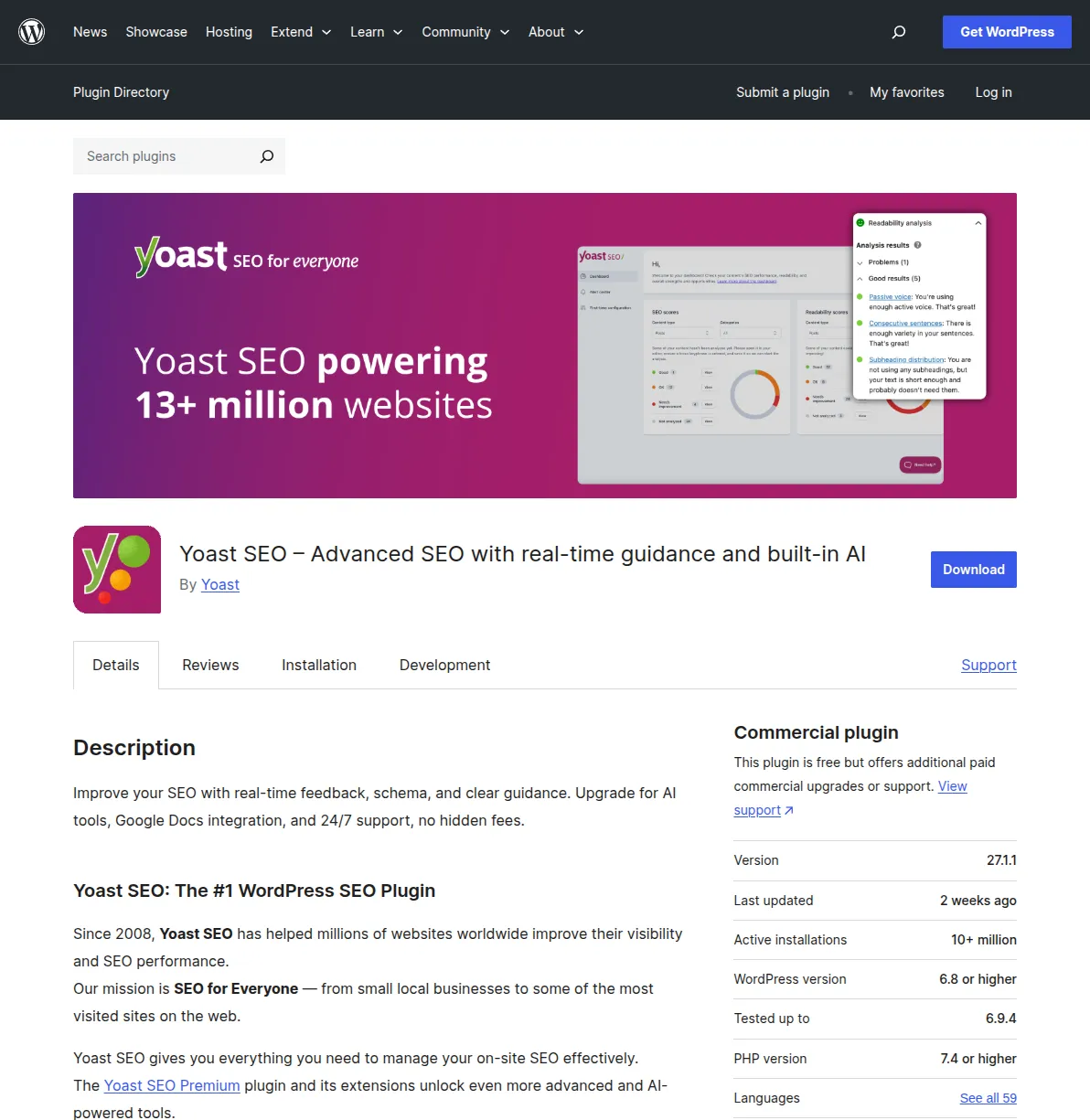
| Feature | Yoast SEO (Free) | Rank Math (Free) | Winner |
|---|---|---|---|
| Focus keywords | 1 | 5 | Rank Math |
| Content analysis | Yes | Yes | Tie |
| Readability analysis | Yes | Yes | Tie |
| XML sitemaps | Yes | Yes | Tie |
| Schema/structured data types | Basic (Article, FAQ, HowTo) | 20+ types (free) | Rank Math |
| Redirect manager | Premium only | Free | Rank Math |
| Internal linking suggestions | Premium only | Free | Rank Math |
| Google Search Console integration | No (use Site Kit) | Built-in | Rank Math |
| Local SEO | Premium only | Free (basic) | Rank Math |
| WooCommerce SEO | Separate add-on | Built-in | Rank Math |
| Image SEO (auto alt tags) | No | Free | Rank Math |
| 404 monitor | No | Free | Rank Math |
| Role manager | Yes | Yes | Tie |
| AI content tools | Premium only | Content AI (add-on) | Tie |
| Breadcrumbs | Yes | Yes | Tie |
| Social media previews | Premium only | Free | Rank Math |
| Price (premium) | $99/year (1 site) | $59/year (unlimited personal sites) | Rank Math |
That table tells the story pretty clearly. Rank Math's free version includes features that Yoast locks behind its $99/year premium plan. But numbers don't tell the whole story — so let me break down each category.
Free Features — Rank Math Wins Decisively
This is where the gap is widest, and it's the single biggest reason I recommend Rank Math to most people who ask me.
With Yoast SEO's free version, you get the basics: one focus keyword per post, content and readability analysis, XML sitemaps, basic schema markup (Article, FAQ, HowTo), breadcrumbs, and the famous traffic light system. It's a solid foundation, but you hit walls fast. Want a redirect manager? Premium. Social previews? Premium. Internal linking suggestions? Premium. More than one focus keyword? Premium.
Rank Math's free version gives you all of the above plus: five focus keywords per post, a built-in redirect manager, Google Search Console integration right inside your WordPress dashboard, 20+ schema types, WooCommerce SEO, image SEO with automatic alt-tag generation, a 404 error monitor, and social media previews. These are features that meaningfully improve your workflow, and they cost you exactly zero dollars.
I switched three of my personal affiliate sites from Yoast free to Rank Math free in 2023, and the redirect manager alone saved me from needing to install a separate plugin. That's fewer plugins, fewer conflicts, and one less thing to update. For a blogger or small site owner watching their budget, Rank Math free is a no-brainer.
Ease of Use — Yoast Is Simpler for Beginners
Here's where Yoast earns its keep. If you've never touched an SEO plugin before — maybe you just installed WordPress last week — Yoast's interface is genuinely easier to wrap your head around.
Yoast uses a traffic light system (red, orange, green dots) that makes optimization feel approachable. You write your post, enter your focus keyword, and Yoast tells you exactly what to improve to turn those dots green. The setup wizard is clean and asks only essential questions. There's no overwhelm.
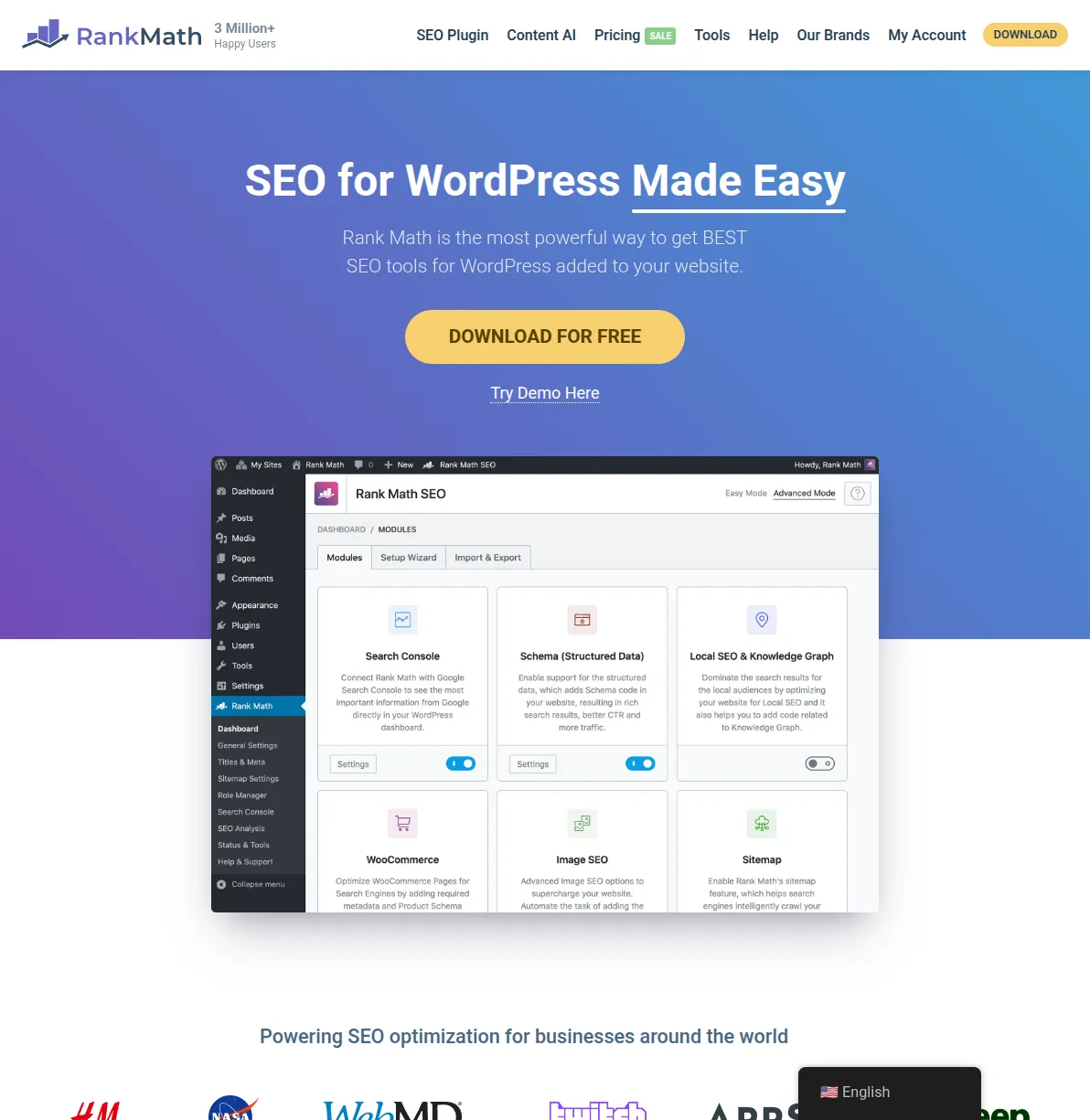
Rank Math's interface is more feature-dense. The setup wizard is excellent — it even imports your existing Yoast settings seamlessly — but once you're inside the dashboard, there are more toggles, more modules, more options. Rank Math uses an "Easy Mode" and "Advanced Mode" toggle to manage this, which helps, but I've had clients who found the sheer number of options intimidating compared to Yoast's streamlined sidebar.
That said, Rank Math isn't complicated — it's just not as minimal. If you've been using WordPress for more than a few months, you'll be fine. But for true beginners who want the simplest possible experience, Yoast still has a slight edge here.
One thing I'll give Rank Math credit for: their setup wizard is arguably better than Yoast's first-run experience. It auto-detects your site type, imports settings from your existing SEO plugin, configures schema defaults, and connects your Google Search Console — all in about five clicks. Yoast's wizard covers the basics but doesn't go as deep. So while Yoast's day-to-day interface is simpler, Rank Math's onboarding is actually smoother for the initial setup.
Schema Markup — Rank Math Offers More, for Free
Schema markup is how you tell Google exactly what your content is — articles, recipes, products, events, FAQs, how-tos, and so on. Getting this right can earn you rich snippets in search results, which translates to higher click-through rates.
Yoast's free version handles basic schema (Article, Person, Organization, FAQ, HowTo) and does it well. Their Schema API is excellent for developers. But if you need schema types like Product, Recipe, Event, Video, Course, Software Application, or Local Business in the free version, you're out of luck — those require Yoast Premium or the dedicated WooCommerce add-on.
Rank Math's free version includes 20+ schema types out of the box: Article, Product, Recipe, Event, Video, Local Business, Course, Job Posting, Music, Restaurant, Software Application, and more. You can even set custom schema per post. For a free plugin, this is remarkably generous, and it's one of the main reasons Rank Math gained traction so quickly.
If schema markup matters to your site — and if you're running anything beyond a simple blog, it should — Rank Math's free tier is significantly more capable.
I recently set up an event-focused WordPress site and needed Event schema on every post. With Rank Math, I toggled it on in the post editor and filled in the fields — done. With Yoast, I would have needed to either go Premium or write custom code using their Schema API. For developers, Yoast's API is excellent and highly flexible. But most WordPress users aren't developers, and Rank Math's point-and-click schema builder is far more accessible.
Performance and Speed — Essentially a Tie
Both plugins have gotten serious about performance over the past few years. Early criticisms of Rank Math being "bloated" with features haven't held up — the modular architecture lets you disable features you don't need, keeping overhead low.
In my testing across a handful of sites, the difference in page load time between Yoast and Rank Math is negligible — we're talking single-digit milliseconds. Both plugins generate clean, well-structured markup. Neither will be the bottleneck on your site's performance. If your site is slow, look at your hosting, theme, and image optimization before blaming your SEO plugin.
Yoast has made meaningful performance improvements in recent versions, including a faster indexable system and reduced database queries. Rank Math similarly benefits from its modular approach — you only load the features you actually use.
One area where Rank Math has a slight architectural advantage: its modular system. You can toggle individual modules on or off (Schema, Redirections, SEO Analysis, 404 Monitor, etc.), which means unused features don't load at all. Yoast takes a more monolithic approach — the entire plugin loads regardless of which features you use. In practice, the performance difference is trivial, but the modular approach is cleaner from a code perspective.
My honest take: Don't choose between these two based on performance. Choose based on features, price, and workflow. They're both well-optimized in 2026.
Pricing — Rank Math Pro Costs Less and Covers More Sites
Let's talk money, because this is where the math gets interesting.
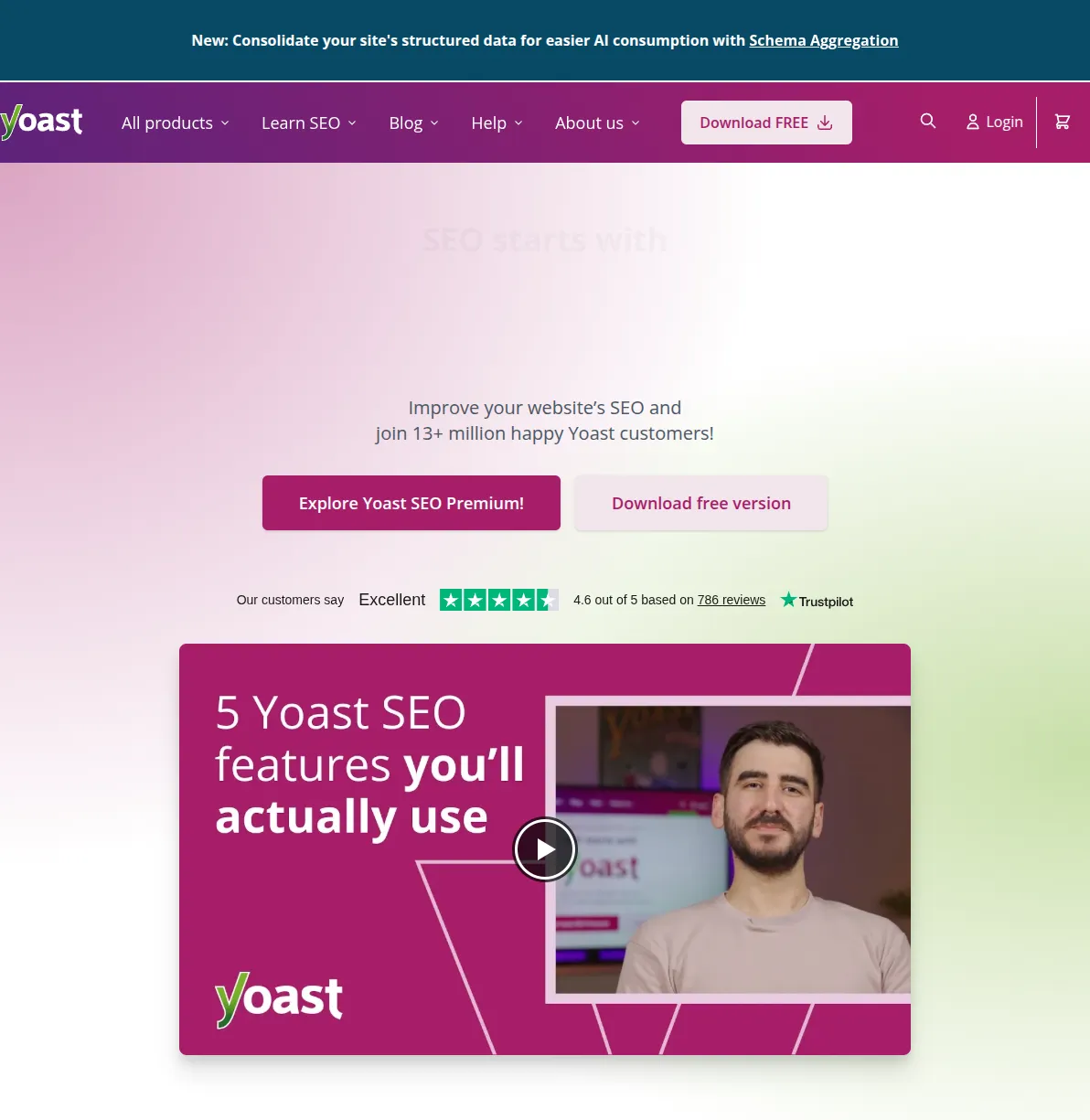
Yoast SEO Premium costs $99/year for a single site. That includes the redirect manager, internal linking suggestions, social previews, AI content tools, and 24/7 support. If you need their WooCommerce, Local, Video, or News SEO extensions, those used to be sold separately but are now bundled with Premium. Solid value if you're running one site.
Rank Math Pro costs $59/year and covers unlimited personal sites. Their Business plan at $199/year covers 100 client sites. The Pro tier adds advanced schema options, Google Analytics integration, keyword rank tracking, a more powerful redirect manager, and their Content AI system (with limited credits).
For a solo blogger or small business owner, Rank Math Pro at $59/year vs. Yoast Premium at $99/year is a $40/year savings — plus you can use it on all your personal sites. If you're running multiple WordPress projects, the cost difference adds up quickly. Yoast charges per site, so two sites would cost you $198/year vs. Rank Math's $59.
Migration — Easy to Switch Either Way
If you're already using one plugin and want to switch to the other, the good news is that migration is painless in both directions.
Rank Math has a built-in migration tool that imports all your Yoast data — focus keywords, meta titles, meta descriptions, sitemaps, redirects, and even social settings. I've migrated several sites from Yoast to Rank Math and never lost a single piece of SEO data. The process takes about two minutes.
Going the other direction, Yoast also supports importing from Rank Math (and other SEO plugins like All in One SEO). The import wizard handles meta data, focus keywords, and basic settings. It's not quite as comprehensive as Rank Math's migration tool, but it gets the job done.
One important tip: after migrating, spot-check your most important pages. Open 5-10 of your highest-traffic posts and verify the meta title, meta description, and focus keyword all transferred correctly. In my experience they always do, but it takes two minutes and gives you peace of mind.
The key thing to remember: deactivate the old plugin after migration. Running two SEO plugins simultaneously will cause conflicts — duplicate meta tags, schema errors, and other issues that can actively hurt your rankings. Pick one, migrate, verify your data imported correctly, and delete the old plugin. I've seen sites lose rankings because someone left both plugins active — don't make that mistake.
Who Should Use Yoast?
Yoast is the right choice if you're a complete WordPress beginner who wants the simplest possible SEO experience. The traffic light system is genuinely intuitive, the interface is clean, and there are fewer decisions to make. Yoast also makes sense if you're already paying for Premium and happy with it — there's no compelling reason to switch mid-year just because Rank Math exists. If you're a developer who relies on Yoast's well-documented APIs and hook system, that's another legitimate reason to stay. And if you value Yoast's SEO Academy courses (included with Premium), that educational component is genuinely excellent and has no Rank Math equivalent.
Who Should Use Rank Math?
Rank Math is the right choice for everyone else. Budget-conscious bloggers get more features for free. Affiliate marketers benefit from the built-in redirect manager and multiple focus keywords. WooCommerce store owners get product schema without buying a separate add-on. Agencies love the per-site pricing. And anyone who wants Google Search Console data inside WordPress — without installing yet another plugin — should look at Rank Math first. It's what I recommend in my guide to the best WordPress SEO plugins.
My Honest Pick
If I were starting a brand-new WordPress site today, I'd install Rank Math. Not because Yoast is bad — it isn't — but because Rank Math gives me more tools to work with for less money. The five focus keywords, the built-in redirect manager, the Search Console integration, and the generous schema support all make my daily workflow smoother. And at $59/year for Pro across all my personal sites, it's significantly cheaper than paying $99/site for Yoast Premium.
But I want to be honest: I still have a couple of client sites running Yoast Premium, and I haven't rushed to migrate them. Yoast is stable, well-supported, and does exactly what it promises. If a client specifically asks for Yoast, I don't argue. The "best" SEO plugin is whichever one you'll actually use consistently to optimize your content. Both of these plugins will get you there.
Yoast vs Rank Math FAQ
Can I switch from Yoast to Rank Math without losing my SEO settings?
Yes. Rank Math includes a built-in migration tool that imports all your Yoast data — meta titles, descriptions, focus keywords, redirects, and social settings. I've done this migration on multiple sites and never lost any SEO data. Just make sure to deactivate Yoast after the migration is complete.
Is Rank Math really free, or is it freemium with hidden limitations?
Rank Math's free version is genuinely feature-rich — not a crippled trial. You get 5 focus keywords, 20+ schema types, a redirect manager, Google Search Console integration, and more. The Pro version ($59/year) adds advanced features like keyword rank tracking and Content AI, but the free tier is fully functional for most sites.
Does Yoast slow down my WordPress site?
Both Yoast and Rank Math have minimal impact on page load times in their current versions. Any performance difference between the two is negligible — we're talking single-digit milliseconds. If your site is slow, investigate your hosting provider, theme, and unoptimized images before blaming your SEO plugin. The SEO plugin is almost never the bottleneck.
Which plugin has better support?
Yoast Premium includes 24/7 support from SEO specialists, which is a genuine advantage. Rank Math offers support through their forum and ticket system, with faster response times on paid plans. For free users, both rely primarily on community forums and documentation. If premium support is critical to you, Yoast has the edge.
Can I use Yoast and Rank Math together?
No — you should never run two SEO plugins simultaneously. They'll generate duplicate meta tags, conflicting schema markup, and compete for control over your XML sitemaps. This can actively hurt your search rankings. Pick one, use the built-in migration tool to transfer your data, deactivate the old plugin, and then delete it. I've personally seen sites tank in Google because both plugins were running at the same time — it's one of the most common SEO mistakes I encounter.

Written by Marvin
Our team tests and reviews WordPress products to help beginners make confident choices.
Learn more about our team →You might also like
Best WordPress AI Internal Link Plugins in 2026 — 5 Smart Options Compared
I checked the current WordPress AI internal linking landscape and narrowed it to 5 realistic options: Link Whisper, Rank Math, LinkBoss, AI Internal Links, and Squirrly SEO.
postBest WordPress AI Content Optimization Plugins in 2026 — 5 Tools Compared
I checked the current WordPress AI content optimization landscape and narrowed it to 5 tools that actually make sense: SEO Engine, AI Engine, Rank Math, Squirrly SEO, and GetGenie.
postBest WordPress SEO Services in 2026 (Honest Comparison)
I researched dozens of WordPress SEO agencies, consultants, and service providers so you don't have to. Here's an honest breakdown of 6 top options — who they're best for, what they charge, and whether you actually need one.
postHow to Improve WordPress SEO: 15 Tips That Actually Work
Your WordPress site is live but traffic is flat. After 20 years of building and optimizing WordPress sites, here are the 15 things I do on every single project to get Google traffic flowing.