
WordPress 7.0: Everything You Need to Know (April 2026)
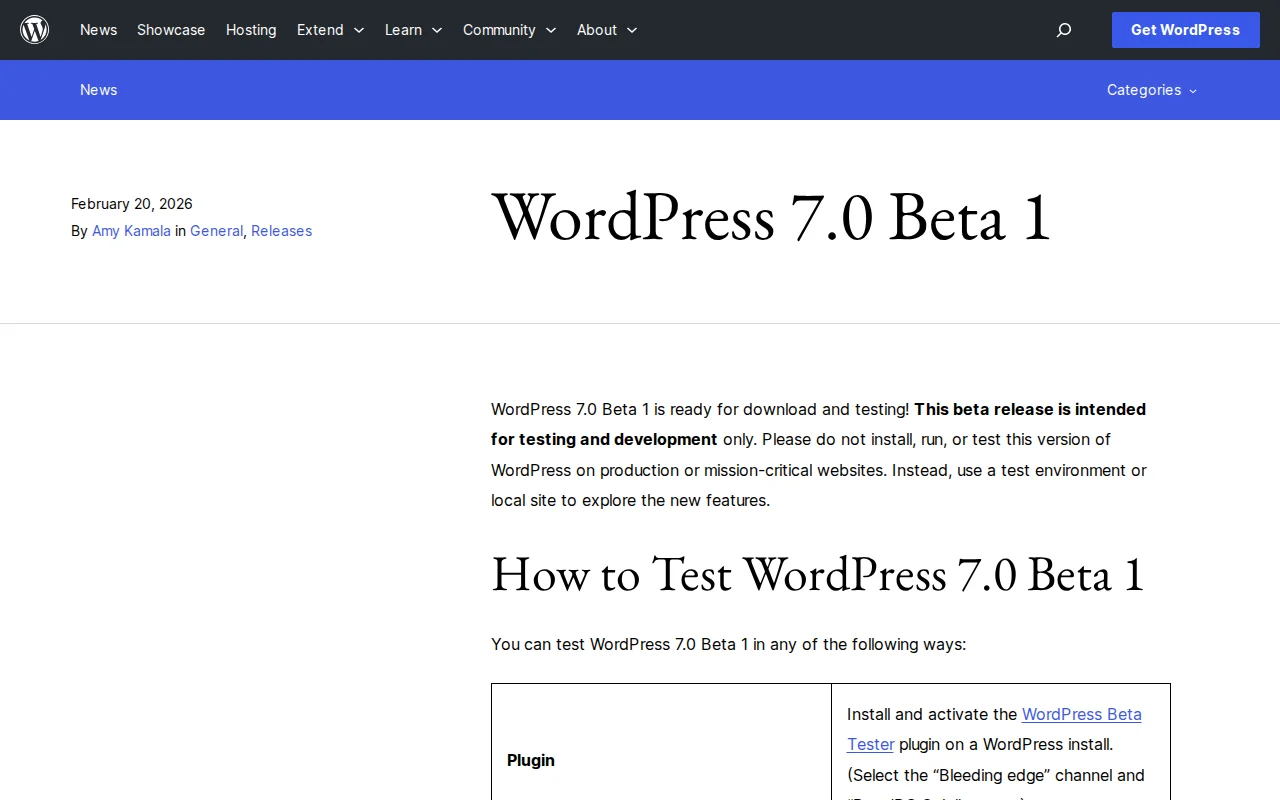
WordPress 7.0 Is Coming — Mark April 9
WordPress 7.0 is set to launch on April 9, 2026, coinciding with WordCamp Asia. Originally planned for late 2025, the release was delayed by the legal dispute with WP Engine and a temporary pause in Automattic contributions. The result? An update that is not just a collection of incremental improvements, but a clear shift in what WordPress wants to be.
The headline: WordPress is moving from a single-author content management system to a collaborative platform where teams can create, edit, and review content together — without leaving the editor. This is Phase 3 of the Gutenberg project, and it is the biggest change to how WordPress works since the block editor launched in 2018.
Real-Time Collaboration
The feature everyone has been waiting for. WordPress 7.0 introduces real-time co-editing, similar to Google Docs:
- Multiple users can edit the same post or page simultaneously
- You see live cursors showing where your colleagues are working
- Content is no longer locked when someone else is editing
- Offline editing with automatic sync when you reconnect
The system uses HTTP polling by default, with websocket support available for hosting providers that offer it. During the beta period, real-time collaboration is opt-in — your hosting environment needs to support the sync infrastructure. But the direction is clear: the days of "This post is currently being edited by..." are numbered.
Redesigned Admin Interface
The WordPress dashboard is getting its biggest visual overhaul in years. The traditional list tables (those rows and columns from 2010) are being replaced by DataViews — a modern, app-like interface that blurs the line between the admin panel and the visual editor.
DataViews brings a new activity layout, better filtering, and a foundation for third-party types in future releases. The admin also gets view transitions — smooth animations when navigating between screens, making the dashboard feel like a modern web app rather than a legacy control panel.
New Blocks and Responsive Controls
WordPress 7.0 adds blocks that previously required page builders like Elementor or Divi:
- Breadcrumbs block — Native breadcrumb navigation
- Icons block — Insert icons without a plugin
- Cover block upgrade — Now supports video embed backgrounds
- Grid block — Responsive-enabled grid layouts
- Gallery lightbox — Built-in lightbox for image galleries
- Navigation overlays — Customizable mobile menu overlays with breakpoint settings
The biggest quality-of-life improvement: responsive editing. For the first time, you can show or hide blocks per viewport — desktop only, mobile only, or any combination. No more custom CSS or extra plugins for something that should have been standard years ago.
AI Foundation: Client API and Abilities API
WordPress 7.0 does not ship with a built-in AI writer. Instead, it introduces the infrastructure for AI to work within the ecosystem:
- Web Client AI API — A unified interface for connecting to external AI models (ChatGPT, Claude, Gemini, etc.) through your hosting provider or a plugin
- Abilities API — A machine-readable registry of what your site can do, working with the Model Context Protocol (MCP) so AI assistants can discover capabilities, request permissions, and execute tasks within defined boundaries
This is the WordPress way: instead of building its own AI, it creates the standard that the community builds on. Whether this is smarter than Wix and Squarespace baking AI directly into their interfaces remains to be seen — but it is consistent with how the platform has always worked.
Other Notable Changes
- Visual Revisions — Compare page versions visually in the editor, not just text diffs
- Font Library for all themes — Browse, install, and manage fonts regardless of your theme
- Client-side media processing — Image resizing and compression happen in the browser, reducing server load
- Server-side block creation — PHP-only blocks and patterns with auto-registration
- Pattern editing improvements — Spotlight mode, tree view for buttons/lists, isolated editing for synced patterns
How to Prepare
WordPress 7.0 is already in beta testing. Here is what you should do before April 9:
- Test on staging first — Never update production on day one. Create a staging site and test the update there
- Check your plugins — Some plugins may need updates for 7.0 compatibility. Keep an eye on your critical must-have plugins
- Check PHP version — Make sure your hosting runs PHP 7.4 or higher (PHP 7.2 and 7.3 support is being dropped)
- Back up everything — Use a backup plugin before any major update
- Wait a week — For production sites, I always recommend waiting at least a week after a major release for the first patch (7.0.1) to land
Frequently Asked Questions
When does WordPress 7.0 come out?
WordPress 7.0 is scheduled for release on April 9, 2026, coinciding with WordCamp Asia.
Will real-time collaboration work on my hosting?
It depends. The feature uses HTTP polling by default, which works on most hosts. For full websocket-based real-time editing, your host needs to support it. During the initial release, the feature may be opt-in while hosting providers update their infrastructure.
Do I need to update immediately?
No. For production sites, wait at least a week for the 7.0.1 patch release. Always test on a staging site first and make sure your plugins are compatible.
What PHP version does WordPress 7.0 require?
WordPress 7.0 requires PHP 7.4 or higher. Support for PHP 7.2 and 7.3 is officially dropped. Check with your hosting provider if you are unsure which version you are running.
Will my page builder still work?
Yes. Elementor, Divi, Beaver Builder, and other page builders will continue to work. The new native blocks (tabs, breadcrumbs, icons) reduce the need for a page builder for simpler layouts, but they do not replace page builders for complex designs.

Written by Marvin
Our team tests and reviews WordPress products to help beginners make confident choices.
Learn more about our team →You might also like
WordPress MCP: What Is the Model Context Protocol? (2026 Guide)
WordPress 7.0 introduces MCP support via the Abilities API. Here is what the Model Context Protocol is, how it works, and what it means for your site.
postHow to Start a WordPress Blog and Make Money: A Complete Beginner's Guide
Learn how to start a profitable WordPress blog from scratch, including setup, monetization strategies, and proven methods to generate income.
postWordPress 7.0 RC1 Delayed: Real-Time Collaboration Switched Off by Default, Client-Side Media Pulled
WordPress 7.0 Release Candidate 1 delayed to March 24. Client-side media processing pulled from the release entirely, real-time collaboration switched off by default.
postHeadless WordPress: What It Is and When You Need It (2026)
Headless WordPress uses WordPress as a backend CMS while a separate frontend handles the display. Here is when it makes sense and when it does not.