
WPvivid Review: Is It Worth It? (2026)
What Is WPvivid?
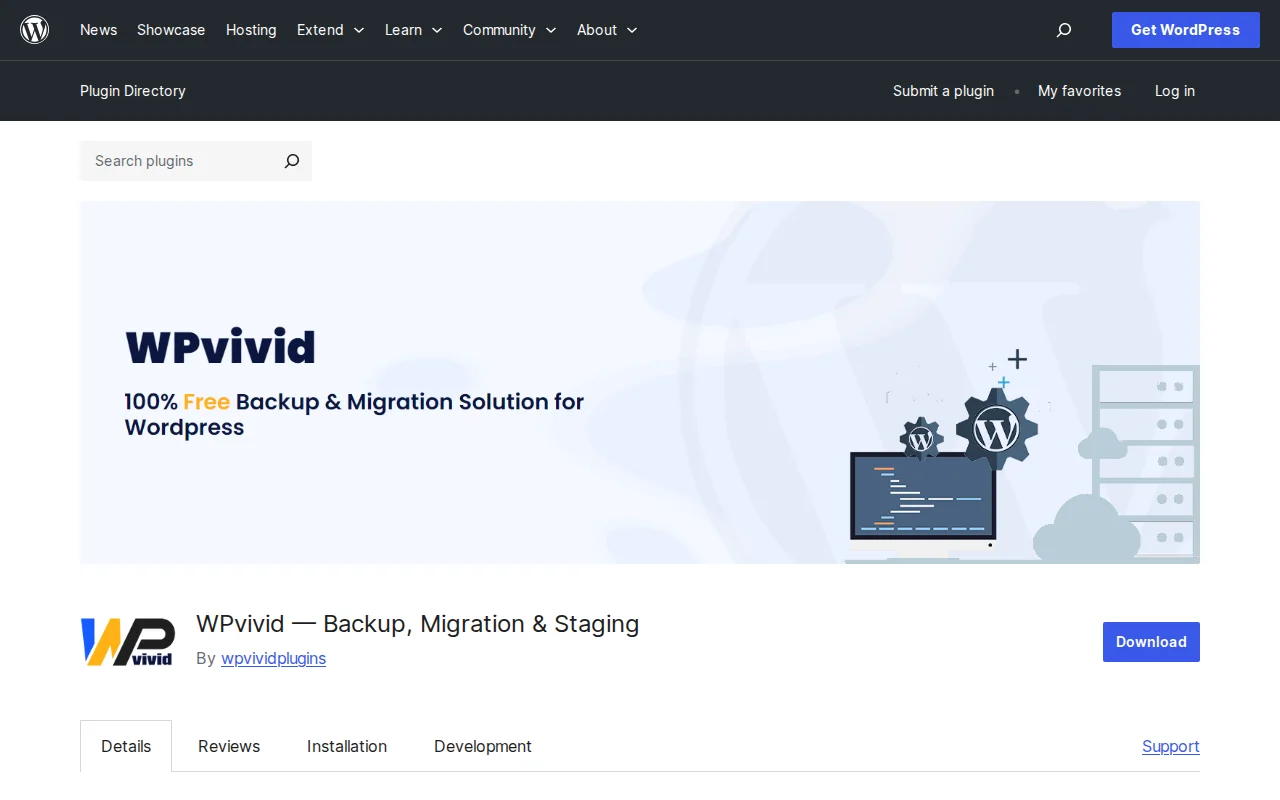
WPvivid is a free WordPress backup, migration, and staging plugin. It lets you create full-site backups, migrate your site to a new domain with one click, and set up staging environments for safe testing — all without paying a cent. With a 4.9/5 star rating from over 1,400 reviews and millions of downloads, it has quietly become one of the most popular backup solutions in the WordPress ecosystem.
Key Features
- Full, Files-Only, or Database-Only Backups — Choose exactly what to back up based on your needs
- One-Click Migration — Clone and migrate your entire site to a new domain or host without manual database edits
- Staging Sites — Create a staging environment on a subdirectory of your live site to test updates safely before going live
- Scheduled Backups — Automate backups on a 12-hour, daily, weekly, or monthly schedule
- Cloud Storage Integration — Send backups to Google Drive, Dropbox, Amazon S3, OneDrive, DigitalOcean Spaces, or FTP/SFTP
- One-Click Restore — Restore your site from any backup with a single click
- 40+ Languages — Translated into 40 locales for international users
Free vs Premium
The free version is genuinely generous — you get full backups, scheduled backups, one-click migration, staging, and cloud storage to major providers. For most small site owners, the free version is all you need.
WPvivid Pro adds features for power users and agencies:
- Starter — $49/year (2 sites): incremental backups, database encryption, push staging to live
- Freelancer — $69/year (10 sites): plus white label and user role management
- Small Business — $99/year (50 sites): advanced scheduling, Wasabi/Backblaze/pCloud support
- Ultimate — $149/year (unlimited sites): everything included, priority support
Lifetime plans are also available, which is rare among backup plugins.
Pros and Cons
Pros
- Extremely generous free version — backups, migration, staging, and cloud storage all included
- 4.9/5 rating with 1,400+ reviews speaks for itself
- One of the most affordable Pro options starting at just $49/year
- Lifetime plans available for a one-time payment
- Migration is genuinely one-click and works well
- Supports a wide range of cloud storage providers
Cons
- A security vulnerability in February 2026 affected many installations — now patched, but a reminder to always keep plugins updated
- Free version only supports one scheduled backup (Pro allows multiple)
- UI can feel cluttered with so many features crammed into one plugin
- Incremental backups require Pro — free backups are full copies each time
- No real-time backup option (unlike premium services like BlogVault)
Who Should Use WPvivid?
WPvivid is ideal for WordPress site owners who want solid backups and migration without paying for a premium plugin. The free version covers what most small sites need. If you are a freelancer or agency managing multiple client sites, the Pro plans offer excellent value — especially with the lifetime option. For mission-critical sites that need real-time backups, you might want to look at managed solutions like BlogVault or Jetpack instead.
Best Alternatives
- UpdraftPlus — The most popular backup plugin (3M+ installs). Similar free features, but WPvivid has a better migration tool. Read our UpdraftPlus review
- All-in-One WP Migration — Simpler and better for pure migrations, but lacks scheduled backups and staging. Read our review
- BlogVault — Premium-only service with real-time incremental backups and offsite storage. More reliable but costs $89+/year.
Frequently Asked Questions
Is WPvivid free?
Yes, the core plugin is completely free and includes backups, migration, staging, and cloud storage. The Pro version adds incremental backups, encryption, multisite support, and more advanced features starting at $49/year.
Can I migrate my site with the free version?
Yes. One-click migration is included in the free version. You install WPvivid on both the source and destination sites, create a backup, and use the auto-migration feature to move everything — files, database, and all.
Is WPvivid safe to use?
WPvivid is generally safe, but a security vulnerability was disclosed in February 2026 that affected many installations. It was quickly patched in version 0.9.124. Always keep the plugin updated to the latest version.
How does WPvivid compare to UpdraftPlus?
Both offer similar free features. WPvivid has a better built-in migration tool and includes staging for free, while UpdraftPlus has a larger user base and more third-party integrations. WPvivid Pro is also cheaper than UpdraftPlus Premium.
Does WPvivid work with multisite?
Multisite support is a Pro-only feature. It includes full network backups and individual subsite extraction.

Written by Marvin
Our team tests and reviews WordPress products to help beginners make confident choices.
Learn more about our team →You might also like
Backuply Review: Is It Worth It? (2026)
Honest review of Backuply — WordPress backup plugin with cloud storage, one-click restore, and migration tools.
postAll-in-One WP Migration Review: Best Free Migration Plugin? (2026)
All-in-One WP Migration has 5M+ installs, but the free version has a catch. Here is what you actually get for free and when you need to pay.
postBetter Search Replace Review: Fix URLs After Migration (2026)
Better Search Replace lets you find and replace text in your WordPress database — essential after domain changes, HTTP to HTTPS migrations, and content updates. 1M+ installs, free.
postWordPress Importer Review: How to Move Content Between Sites (2026)
WordPress Importer is the official tool for transferring posts, pages, and media between WordPress sites via XML export files. Free, built by Automattic, but it has real limitations.