
Backuply Review: Is It Worth It? (2026)
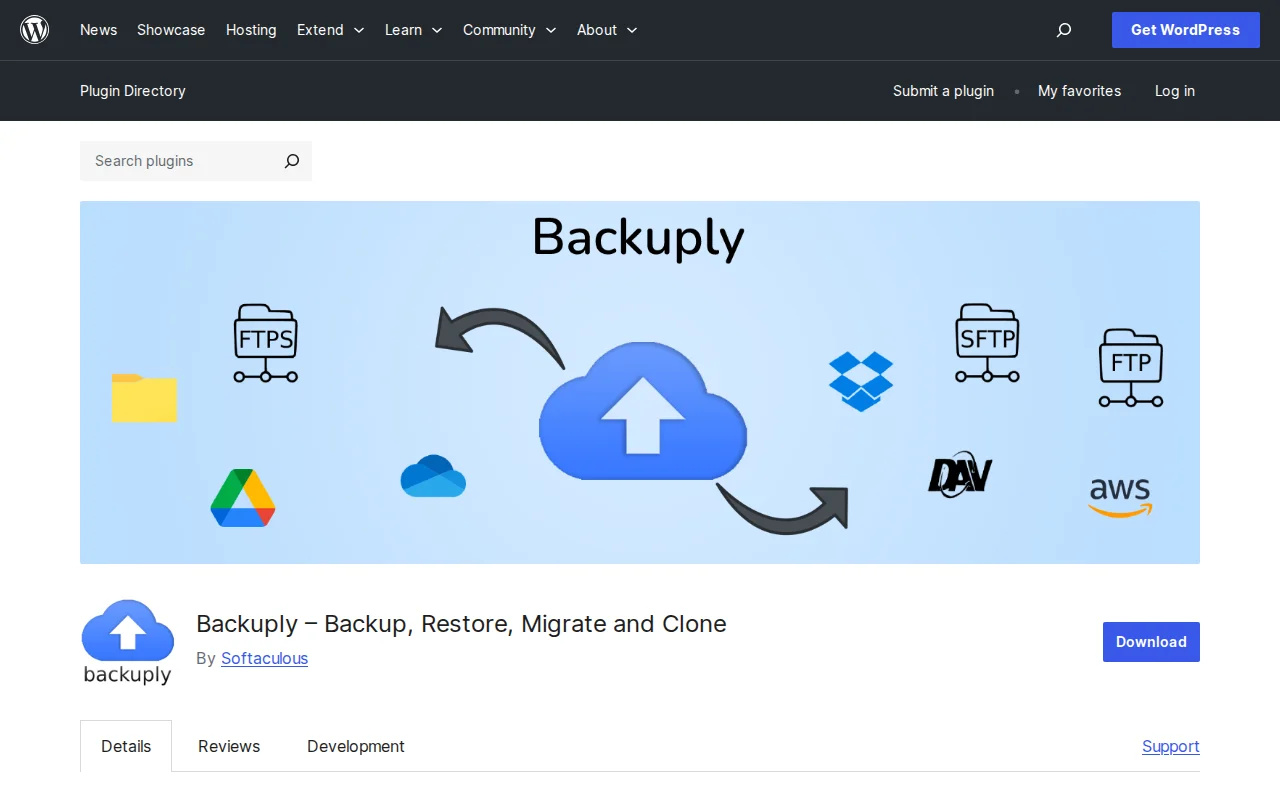
Backups are one of those things you never think about — until your site goes down and you wish you had one. Backuply is a WordPress backup plugin by Softaculous that promises simple backups with cloud storage, one-click restore, and site migration. It's trusted by over 700,000 WordPress sites and has a 4.5-star rating on WordPress.org.
I've tested quite a few backup plugins over the years. Here's an honest look at what Backuply does well, where it falls short, and whether it deserves a spot on your site.
What Is Backuply?
Backuply is a free WordPress plugin that creates full backups of your website — files and database — and lets you restore or migrate them with a single click. It's developed by Softaculous, the company behind the one-click installer that ships with most cPanel hosting providers. That background in server-level tooling shows in how the plugin handles backups under the hood.
The free version covers local backups, FTP, and Google Drive. The premium version adds scheduled automatic backups, more cloud storage destinations (Dropbox, OneDrive, Amazon S3, and more), and website cloning.
Key Features
One-Click Backup and Restore
Backuply keeps things simple. You click a button, the plugin creates a tar archive of your entire WordPress installation including the database, and you can restore it just as easily. No complicated multi-step wizards or confusing configuration screens. The backup history is sorted by date with the most recent first, making it easy to find what you need.
Cloud Storage Integration
The free version supports local backups, FTP, and Google Drive. The pro version adds FTPS, SFTP, Dropbox, Microsoft OneDrive, Amazon S3, WebDAV, and S3-compatible storage like DigitalOcean Spaces, Vultr Object Storage, and Cloudflare R2. That's a solid range of destinations — more than many competitors offer at this price point.
Smart Retry Mechanism
This is one of Backuply's standout features. If a backup fails partway through — because of a server timeout, memory limit, or a momentary hosting hiccup — the plugin picks up where it left off instead of starting over. On shared hosting where resources are tight, this alone can be the difference between a backup that completes and one that fails every time.
Site Migration
Since Backuply creates a complete tar archive of your WordPress install, you can use it to migrate your site to a different host or domain. Download the backup, upload it to the new server, and restore. It's not as polished as a dedicated migration tool, but it gets the job done without needing a separate plugin.
Selective Backups
The pro version lets you choose between full backups, files-only backups, or database-only backups. Database-only backups are especially useful for sites where the content changes frequently but the media files don't — they're smaller and faster to create.
WP-CLI Support
If you manage sites from the command line, Backuply supports WP-CLI commands for creating and managing backups. This is a nice touch for developers and agencies managing multiple sites.
Free vs. Premium
| Feature | Free | Pro |
|---|---|---|
| Local backups | Yes | Yes |
| FTP backup | Yes | Yes |
| Google Drive | Yes | Yes |
| Scheduled automatic backups | No | Yes |
| Dropbox, OneDrive, Amazon S3 | No | Yes |
| SFTP, FTPS, WebDAV | No | Yes |
| S3-compatible storage | No | Yes |
| Selective backups (files/DB only) | No | Yes |
| Website cloning | No | Yes |
| Priority support | No | Yes |
Pricing starts at $18/year for Backuply Cloud (1 site, 10GB cloud storage, auto backups — no pro plugin needed), $39/year for Personal (1 site, all pro features), $69/year for Professional (5 sites), and $249/year for Business (unlimited sites, 100GB cloud storage).
Pros and Cons
Pros
- Clean, simple interface — no bloated dashboards or unnecessary complexity
- Smart retry mechanism handles shared hosting limitations well
- Free version includes Google Drive backup, which most competitors lock behind a paywall
- Wide range of cloud storage options in the pro version
- Affordable pricing — the $18/year Cloud plan is one of the cheapest automatic backup solutions available
- Built by Softaculous, a company with deep server-level experience
Cons
- Free version doesn't include automatic scheduled backups — you have to trigger them manually
- No automatic backup rotation in the free tier, so you need to manually delete old backups
- The migration feature works but isn't as user-friendly as dedicated migration plugins
- Fewer tutorials and community resources compared to bigger backup plugins like UpdraftPlus
- No real-time or incremental backups — every backup is a full snapshot
Who Should Use Backuply?
Good fit: Budget-conscious site owners who want a reliable backup solution with cloud storage. The free version with Google Drive is hard to beat for personal blogs and small sites. The $18/year Cloud plan is ideal if you just want automatic backups without dealing with pro plugin features. Agencies managing multiple sites will appreciate the WP-CLI support and the unlimited Business plan.
Not a good fit: Large sites that need incremental or real-time backups, or site owners who want a set-it-and-forget-it free solution (you'll need pro for scheduled backups). If migration is your primary need, a dedicated tool like All-in-One WP Migration is more polished for that specific task.
Best Alternatives
If Backuply doesn't quite fit your needs, here are two solid alternatives worth considering:
- WPvivid — Offers free scheduled backups and free cloud storage destinations that Backuply locks behind pro. A strong choice if you want more features without paying.
- All-in-One WP Migration — The go-to plugin for site migration specifically. If moving your site is the primary goal rather than ongoing backups, this is the better tool.
Frequently Asked Questions
Is Backuply free?
Yes, the core plugin is free on WordPress.org. The free version includes local backups, FTP, and Google Drive as backup destinations. You only need the paid version for automatic scheduling, additional cloud storage services, and selective backups.
Is Backuply safe to use?
Backuply is developed by Softaculous, a well-established company in the hosting industry. The plugin has a 4.5-star rating from 128 reviews on WordPress.org and is actively maintained (last updated February 2026). It creates standard tar archives, so your backups aren't locked into a proprietary format.
Can Backuply migrate my WordPress site?
Yes. Backuply creates a full archive of your WordPress files and database that you can restore on a different server or domain. The pro version also includes a cloning feature for creating duplicate sites. For straightforward migrations it works fine, though dedicated migration plugins offer more automation.
How does Backuply compare to UpdraftPlus?
UpdraftPlus offers free scheduled backups and more cloud destinations in its free tier, making it more feature-rich at the free level. Backuply's advantage is its simplicity, smaller footprint, and the smart retry mechanism that handles unreliable hosting better. Backuply's pro pricing is also significantly lower than UpdraftPlus Premium.
Does Backuply work with multisite?
Backuply supports standard WordPress installations. For multisite networks, you'll want to check the plugin's documentation for your specific setup, as support may vary depending on your network configuration and hosting environment.
Sources: WordPress.org — Backuply · Backuply — Pricing

Written by Marvin
Our team tests and reviews WordPress products to help beginners make confident choices.
Learn more about our team →You might also like
Slider Revolution Review: Is It Worth It? (2026)
Honest review of Slider Revolution — the premium WordPress slider and visual effects plugin powering 9 million sites. Hero sections, carousels, and animations.
postHello Dolly: The Story Behind WordPress's Most Famous Plugin
Hello Dolly ships with every WordPress installation. It displays random lyrics from the Louis Armstrong song. Here is why it exists and whether you should keep it.
post15 Best WordPress Plugins in 2026 — My Essential Picks After 10+ Years
After 10+ years of building WordPress sites, these are the 15 plugins I install on every project. Real recommendations with alternatives for every budget.
postBest WordPress AI Chatbot Plugins in 2026 — 5 Options Compared
I checked the current WordPress AI chatbot plugin landscape and narrowed it to 5 realistic options: AI Engine, Tidio, Chatway, WPBot, and Smartsupp.