
Hello Dolly: The Story Behind WordPress's Most Famous Plugin
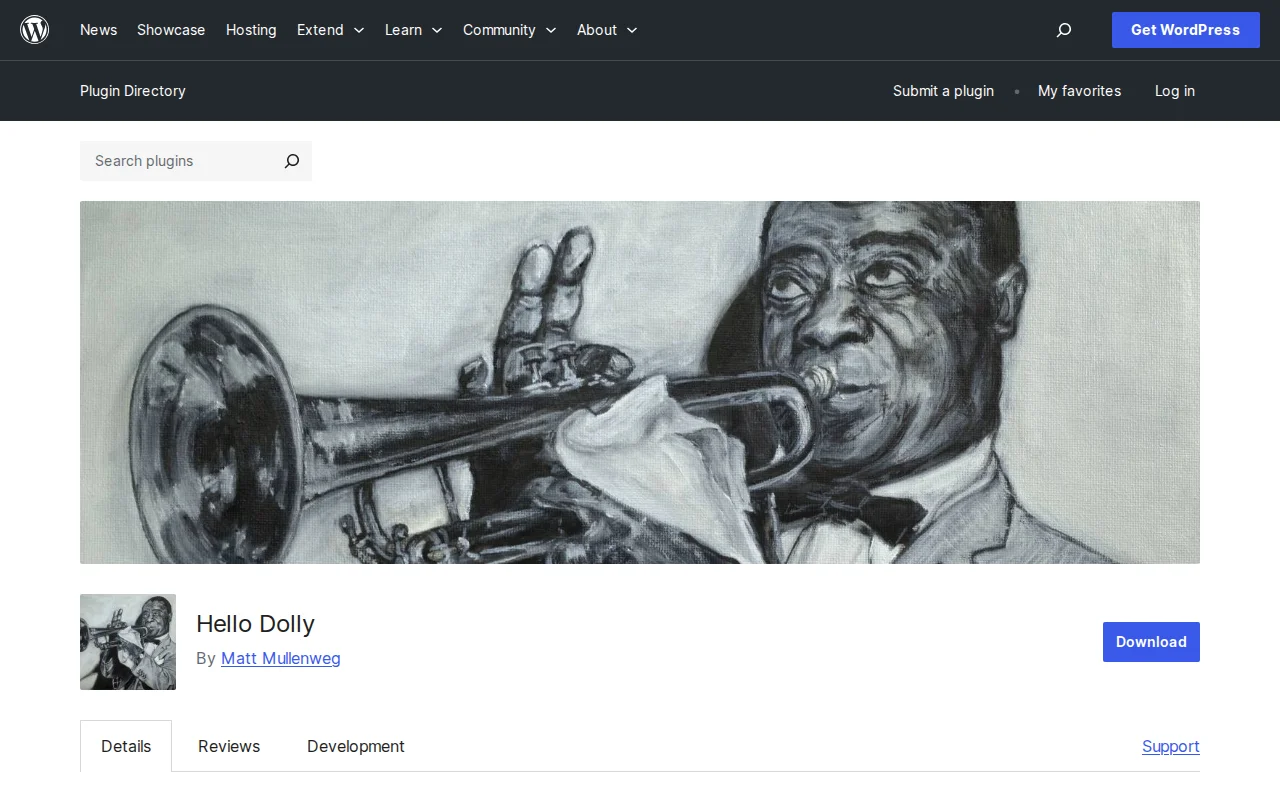
If you have ever installed WordPress, you have seen it sitting in your plugins list: Hello Dolly. It ships with every single WordPress installation on the planet. Most people ignore it. Many delete it immediately. But Hello Dolly has a story worth knowing — it is the very first WordPress plugin ever created, and it has been bundled with WordPress since 2004.
What Is Hello Dolly?
Hello Dolly is a plugin written by Matt Mullenweg, co-founder of WordPress. When you activate it, a random lyric from Louis Armstrong's 1964 classic "Hello, Dolly!" appears in the upper-right corner of your WordPress admin dashboard. That is literally all it does.
No settings page. No configuration options. No premium version. Just a random song lyric on every admin page load. It is a single PHP file with fewer than 100 lines of code.
The plugin currently has over 600,000 active installations and a 4.4-star rating on WordPress.org — which is remarkable for something that does essentially nothing useful.
The History
Hello Dolly was released in May 2004 alongside WordPress 1.2, the version that introduced the plugin architecture. It was one of the first five plugins ever made for WordPress, and it served a very specific purpose: to show developers that writing a WordPress plugin could be simple.
The name is a play on "Hello, World!" — the classic first program that every programmer writes when learning a new language. Mullenweg wanted to capture that same feeling of excitement and possibility. As the plugin's description famously states, it "symbolizes the hope and enthusiasm of an entire generation summed up in two words sung most famously by Louis Armstrong."
When asked why Hello Dolly still ships with every WordPress installation after all these years, Mullenweg's answer was characteristically straightforward: "Because it's nice to have a plugin with every install, and it's funny and weird."
The connection to jazz runs deeper than just this plugin. Every major WordPress release is named after a jazz musician — from Miles Davis (WordPress 1.0) to the more recent releases. Hello Dolly fits right into that tradition. It is a love letter to jazz culture baked into the software itself.
Should You Keep It or Delete It?
The honest answer: delete it.
Hello Dolly does nothing to improve your website. It does not help with SEO, security, speed, or anything else that matters for running a WordPress site. It is a novelty — a charming one, but a novelty nonetheless.
Security experts generally recommend removing any plugin you are not actively using, and Hello Dolly is no exception. While the plugin itself is perfectly safe, unused plugins can become a hiding spot for malicious code if your site is ever compromised. Keeping your plugins list clean is just good WordPress hygiene.
That said, if you want to keep it activated for a small dose of jazz nostalgia every time you log in, it will not hurt anything. The plugin is extremely lightweight and has zero impact on your site's front-end performance.
Frequently Asked Questions
Is it safe to delete Hello Dolly?
Yes, completely safe. Hello Dolly has no impact on your WordPress site's functionality. Deleting it will not break anything. You can remove it from Plugins > Installed Plugins just like any other plugin.
Why does WordPress include Hello Dolly?
It ships with WordPress for historical and sentimental reasons. It was one of the first plugins ever created, and it serves as a simple example of how WordPress plugins work. Matt Mullenweg has kept it in every release since 2004 as a tradition and a nod to the platform's origins.
Does Hello Dolly affect my site's performance?
No. Even when activated, the plugin only runs a single lightweight function that displays a line of text in the admin area. It does not load any scripts or styles on the front end of your site. Your visitors will never know it exists.
Can I use Hello Dolly as a starting point for my own plugin?
That is exactly what it was designed for. Hello Dolly is a clean, minimal example of a working WordPress plugin. If you are learning plugin development, reading its source code is a great first step. It demonstrates the basic structure — the plugin header, hooks, and a simple function — without any unnecessary complexity.
Sources: WordPress.org — Hello Dolly · Speckyboy — An Ode to Hello Dolly with Matt Mullenweg

Written by Marvin
Our team tests and reviews WordPress products to help beginners make confident choices.
Learn more about our team →You might also like
Slider Revolution Review: Is It Worth It? (2026)
Honest review of Slider Revolution — the premium WordPress slider and visual effects plugin powering 9 million sites. Hero sections, carousels, and animations.
postBackuply Review: Is It Worth It? (2026)
Honest review of Backuply — WordPress backup plugin with cloud storage, one-click restore, and migration tools.
postBest WordPress AI Chatbot Plugins in 2026 — 5 Options Compared
I checked the current WordPress AI chatbot plugin landscape and narrowed it to 5 realistic options: AI Engine, Tidio, Chatway, WPBot, and Smartsupp.
postBest WordPress Lead Generation Plugins in 2026 — 5 Tools Worth Using
I researched the current WordPress lead generation plugin landscape and narrowed it to 5 tools that actually make sense: WPForms, OptinMonster, Thrive Leads, Hustle, and Fluent Forms.