
Slider Revolution Review: Is It Worth It? (2026)
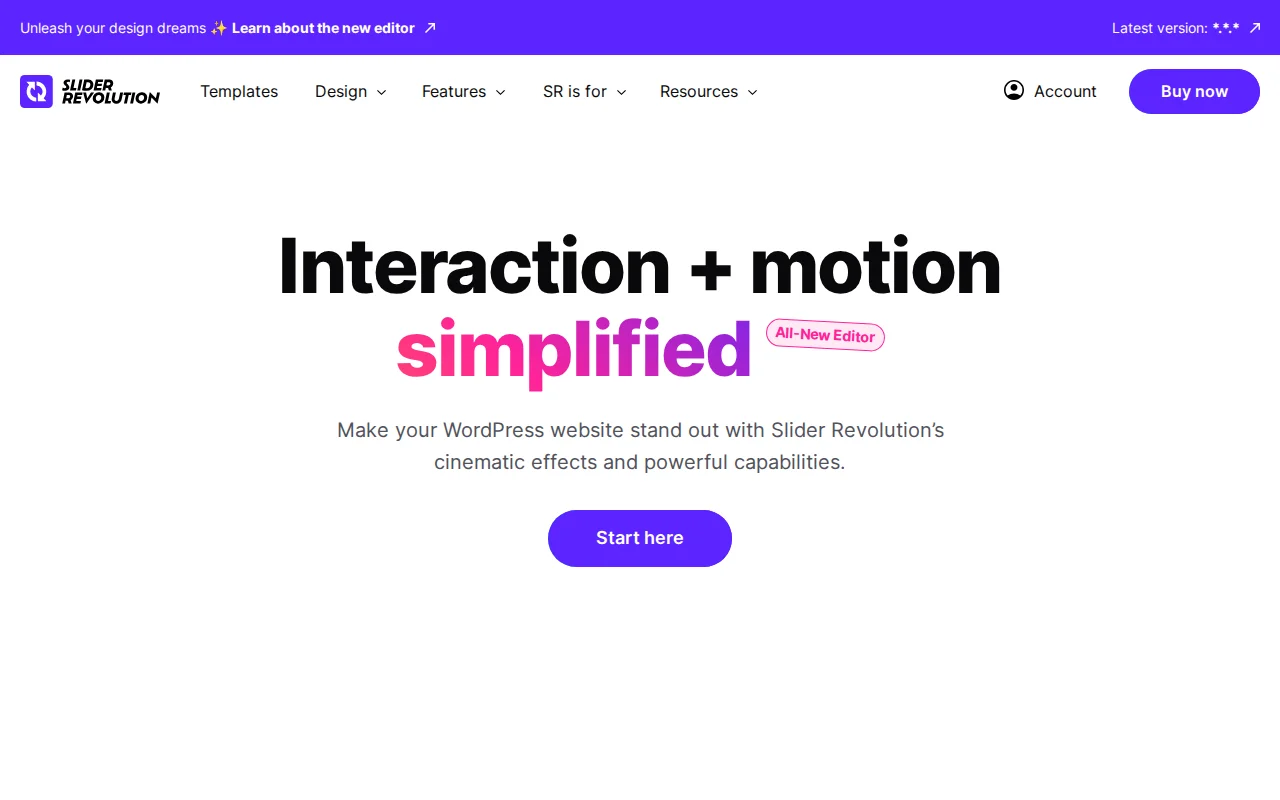
If you have ever bought a premium WordPress theme from ThemeForest, chances are it came bundled with Slider Revolution. This plugin is installed on over 9 million websites worldwide, making it one of the most popular premium WordPress plugins in existence. But is it actually worth using — or is it bloated baggage from a bygone era?
I have used Slider Revolution on multiple client projects over the years. Here is my honest take on what it does well, where it falls short, and whether you should buy it in 2026.
What Is Slider Revolution?
Slider Revolution is a premium visual content creation plugin developed by ThemePunch. While the name says "slider," the plugin has evolved far beyond simple image carousels. It is now a full-blown visual editor for creating hero sections, animated headers, product showcases, video backgrounds, before/after comparisons, and interactive content modules.
Think of it as a visual effects toolkit for WordPress. You design content in a layer-based editor (similar to Photoshop or After Effects), then drop the result into any page or post on your site.
Key Features
Slider Revolution packs a lot into a single plugin:
- 250+ ready-made templates — full-page heroes, carousels, product showcases, blog headers, and more. New templates are added every month.
- Drag-and-drop visual editor — a real-time WYSIWYG editor with timeline-based animations, layer controls, and responsive breakpoints.
- 25+ add-ons included — particle effects, typewriter animations, weather widgets, before/after comparisons, and related posts — all at no extra cost.
- WebGL and special effects — distortion effects, 3D parallax, liquid transitions, and other GPU-accelerated visual effects.
- Video backgrounds — support for YouTube, Vimeo, and self-hosted video as slide backgrounds.
- WooCommerce integration — dynamic product sliders that pull data directly from your WooCommerce store.
- Responsive and mobile-ready — separate editing views for desktop, tablet, and mobile with per-device visibility controls.
Pricing
Slider Revolution is a premium-only plugin — there is no free version on WordPress.org. You can only purchase it from the official website.
The current pricing (as of early 2026):
- Starter — $35/year or $89 lifetime for 1 website
- Enthusiast — $89/year or $227 lifetime for 3 websites
- Professional — $139/year or $365 lifetime for 5+ websites
All plans include the full feature set, all 250+ templates, all 25+ add-ons, and ticket support. The only difference between plans is the number of site activations.
Important note about ThemeForest bundles: Many premium WordPress themes on ThemeForest include a bundled copy of Slider Revolution. This bundled version works but does not include direct support from ThemePunch or automatic updates through the plugin's own system. You rely on the theme developer to push updates. If you want full support and instant updates, you need your own license.
Also worth knowing: Slider Revolution is no longer sold on CodeCanyon as of 2026. All sales now go through their own website directly.
Pros
Massive template library
The 250+ templates are genuinely impressive. You can have a professional-looking hero section running in under five minutes. For agencies and freelancers, this alone can justify the price — the time savings are real.
Visual effects that no other plugin matches
WebGL distortions, particle effects, 3D parallax, liquid transitions — Slider Revolution can create visual effects that would normally require a front-end developer writing custom JavaScript. No other WordPress slider plugin comes close in this department.
Lifetime license option
At $89 for a lifetime single-site license, the long-term value is solid. Many premium plugins have moved to annual-only pricing, so having a one-time option is a genuine advantage.
Active development
ThemePunch ships regular updates, new templates monthly, and has maintained the plugin consistently for over a decade. This is not an abandoned project.
Cons
Steep learning curve
The editor is powerful but overwhelming. Layers, timelines, keyframes, responsive breakpoints, global settings — there is a lot to learn. If you just want a simple image slider, Slider Revolution is like using a sledgehammer to hang a picture frame. Many users report needing tutorials before they can use it effectively.
Performance impact
This is the big one. Slider Revolution loads significant CSS and JavaScript on your front end, even when properly configured. A single slider can add 200-400KB to your page weight. If you are chasing a perfect PageSpeed score, Slider Revolution will fight you every step of the way. You can mitigate this with lazy loading and proper caching, but it will never be as lightweight as a simpler alternative.
Feature bloat
Not everyone needs particle effects and WebGL distortions. If you are building a simple blog or business site, 90% of Slider Revolution's features will go unused. You are paying for and loading code you do not need.
No free version
Unlike competitors such as Smart Slider 3, there is no free tier to try before you buy. The 14-day refund policy helps, but you cannot test-drive the plugin on your own site without paying first.
Who Should Use Slider Revolution?
Slider Revolution makes the most sense for agencies, freelancers, and designers who need to deliver visually impressive hero sections and landing pages quickly. The template library and visual effects toolkit are genuinely time-saving for client projects where "wow factor" matters.
It is also a solid choice for WooCommerce stores that want dynamic, eye-catching product showcases on their homepage.
If you are a blogger or run a simple business site that just needs a basic image carousel, Slider Revolution is overkill. Look at Smart Slider 3 instead — it offers a similar editor experience with a generous free version and much lighter footprint.
Best Alternative
Smart Slider 3 is the most direct alternative. It has a similar drag-and-drop editor, a solid template library, and a free version that handles most slider needs. It is noticeably lighter on page weight and easier to learn. If you do not need Slider Revolution's advanced visual effects, Smart Slider 3 is the better choice for most WordPress sites.
Frequently Asked Questions
Is Slider Revolution worth $35 per year?
For agencies and freelancers who build client sites, yes — the template library alone saves hours of design work. For a personal blog or simple business site, probably not. There are lighter, free alternatives that handle basic sliders perfectly well.
Does Slider Revolution slow down my website?
It can. The plugin loads substantial CSS and JavaScript. A single complex slider can add 200-400KB to your page. You can reduce the impact with lazy loading, caching, and only loading the plugin on pages that need it — but it will never be as fast as a lightweight alternative or a custom-coded solution.
My theme came with Slider Revolution bundled. Do I need a separate license?
Bundled copies work fine for creating and displaying sliders. However, you will not get direct support from ThemePunch, and your updates depend on the theme developer. If you need reliable update and support access, purchasing your own license is recommended.
Can I use Slider Revolution without WordPress?
Yes. Slider Revolution also works as a standalone JavaScript library and has versions for Shopify, OpenCart, and PrestaShop. The WordPress plugin is the most popular version, but it is not WordPress-exclusive.
Is there a free version of Slider Revolution?
No. Slider Revolution is entirely premium. There is no free or lite version available on WordPress.org. If you want a free slider plugin with a similar editor experience, Smart Slider 3 is the closest alternative.
Sources: Slider Revolution Official Site · Slider Revolution Licensing FAQ

Written by Marvin
Our team tests and reviews WordPress products to help beginners make confident choices.
Learn more about our team →You might also like
Hello Dolly: The Story Behind WordPress's Most Famous Plugin
Hello Dolly ships with every WordPress installation. It displays random lyrics from the Louis Armstrong song. Here is why it exists and whether you should keep it.
postBackuply Review: Is It Worth It? (2026)
Honest review of Backuply — WordPress backup plugin with cloud storage, one-click restore, and migration tools.
postBest WordPress AI Chatbot Plugins in 2026 — 5 Options Compared
I checked the current WordPress AI chatbot plugin landscape and narrowed it to 5 realistic options: AI Engine, Tidio, Chatway, WPBot, and Smartsupp.
postBest WordPress Lead Generation Plugins in 2026 — 5 Tools Worth Using
I researched the current WordPress lead generation plugin landscape and narrowed it to 5 tools that actually make sense: WPForms, OptinMonster, Thrive Leads, Hustle, and Fluent Forms.