
Headless WordPress: What It Is and When You Need It (2026)
What Is Headless WordPress?
In a traditional WordPress setup, WordPress handles everything: it stores your content, applies your theme, and generates the HTML that visitors see. The backend and frontend are one tightly coupled system.
Headless WordPress breaks that coupling. WordPress still manages your content — posts, pages, media, users — but it no longer controls what visitors see. Instead, a separate frontend application built with a modern JavaScript framework like Next.js, Astro, or Vue fetches content through an API and renders the pages.
Think of it like a restaurant. Traditional WordPress is a place where the kitchen and the dining room are one room — the chef cooks and serves. Headless WordPress separates the kitchen (WordPress backend) from the dining room (your frontend). The kitchen still prepares the food, but a completely different dining experience can be designed around it.
How It Works
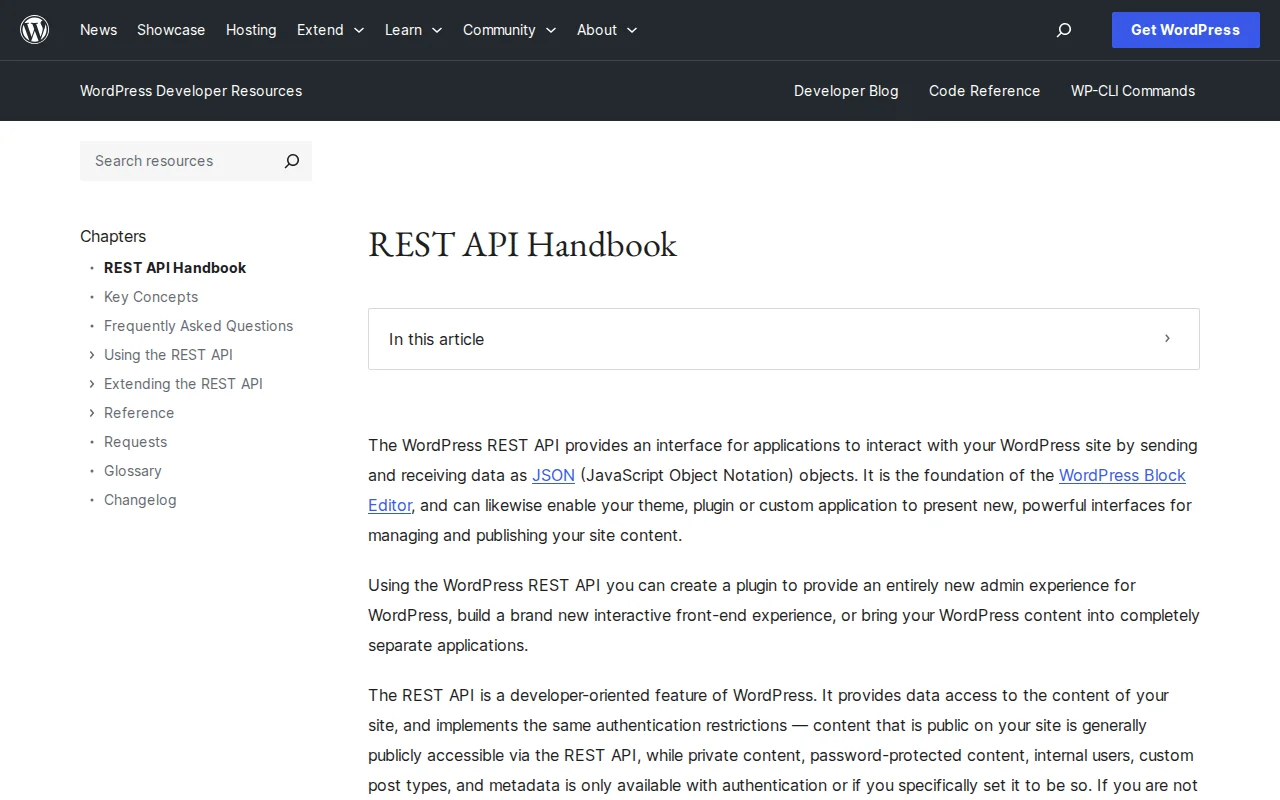
The magic happens through APIs. WordPress ships with a built-in REST API that exposes your content as JSON data. Every WordPress site already has this running at /wp-json/wp/v2/.
Here is the flow:
- Content editors write and publish in the WordPress admin dashboard — same as always.
- WordPress REST API (or WPGraphQL) serves that content as structured JSON data.
- The frontend app fetches the JSON, applies its own templates and styling, and delivers the final page to visitors.
In practice, a Next.js frontend might call yoursite.com/wp-json/wp/v2/posts at build time, generate static HTML for every post, and deploy those pages to a CDN. The result: pages that load in milliseconds with no database queries on each visit.
Two API options dominate the headless WordPress world:
- REST API — built into WordPress core since version 4.7. No plugins needed. Returns predictable JSON. Best for straightforward content fetching.
- WPGraphQL — a free plugin that adds a GraphQL endpoint. You query exactly the fields you need in a single request. Better for complex data relationships and reducing over-fetching.
Traditional vs Headless: Key Differences
| Traditional WordPress | Headless WordPress | |
|---|---|---|
| Rendering | PHP generates HTML on each request | JavaScript framework renders pages (SSR, SSG, or ISR) |
| Speed | Depends on hosting and caching plugins | Typically 2-5x faster with static/edge delivery |
| Flexibility | Limited to WordPress themes and PHP | Any frontend technology, any design |
| Complexity | One system to manage | Two systems: WordPress backend + frontend app |
| Cost | Affordable shared hosting works | Separate hosting for backend and frontend (Vercel, Netlify, etc.) |
| Plugin ecosystem | Full access to 60,000+ plugins | Backend plugins work; frontend plugins (page builders, themes) do not |
| SEO | Built-in with plugins like Yoast | Must implement meta tags, sitemaps, and schema manually in frontend |
When Headless Makes Sense
Headless WordPress is not for everyone, but it shines in specific scenarios:
- Multi-platform content delivery. You need the same content on a website, mobile app, smart display, or third-party platform. The API serves all of them from one WordPress backend.
- Extreme performance requirements. When sub-second page loads are a business requirement — not just a nice-to-have — static generation and edge delivery outperform traditional WordPress even with aggressive caching.
- Custom user experiences. Interactive applications, dashboards, or highly dynamic interfaces that go far beyond what WordPress themes can offer.
- Developer teams with JavaScript expertise. If your team already works in React, Vue, or Svelte, headless lets them use familiar tools while editors keep the WordPress admin they know.
- Security-sensitive projects. The WordPress admin lives on a separate, locked-down URL. Your public-facing site is static HTML or a Node.js app with no exposed database.
When You Should Stick With Traditional WordPress
Be honest with yourself. Headless adds complexity, and complexity costs money and time.
- Blogs and content sites. A well-optimized traditional WordPress site with a caching plugin loads fast enough for most blogs. Going headless for a personal blog is overengineering.
- Small business websites. If you need a five-page brochure site, traditional WordPress with a quality theme gets you there in a weekend. Headless would take weeks.
- Non-technical site owners. Headless requires ongoing developer support. If you do not have a developer on call, stick with traditional WordPress.
- Heavy plugin dependency. If your site relies on Elementor, WPForms, or other frontend-facing plugins, going headless means rebuilding that functionality from scratch.
- Limited budget. Two hosting environments, developer time for a custom frontend, and ongoing maintenance — headless costs more. Period.
Popular Frontend Frameworks
Several frameworks pair well with headless WordPress. The right choice depends on your team and project requirements.
- Next.js — The most popular choice in 2026. React-based with server-side rendering (SSR), static generation (SSG), and incremental static regeneration (ISR). Backed by Vercel. Ideal for dynamic sites that still need great SEO.
- Astro — Ships zero JavaScript by default and uses an "islands" architecture for interactive components. Excellent for content-heavy sites where raw performance matters most. Has official WordPress integration docs.
- Nuxt — The Vue.js equivalent of Next.js. SSR, SSG, and hybrid rendering. Great choice if your team prefers Vue over React.
- SvelteKit — Lightweight, fast, compiler-based framework. Smaller ecosystem but gaining momentum for its simplicity and performance.
- Gatsby — A React-based static site generator that was an early pioneer in headless WordPress. Still works but has lost mindshare to Next.js and Astro due to slow build times on large sites.
Real-World Examples
Headless WordPress is not theoretical. Major organizations run it in production:
- TechCrunch — The tech news giant uses WordPress as its CMS with a React frontend, built by Human Made. The decoupled architecture enables single-page-app-style navigation without full page reloads.
- Al Jazeera — All five Al Jazeera news sites share one codebase using WordPress on WordPress VIP with a React frontend and GraphQL API layer. After going headless, they achieved 100% uptime and an 82% increase in site traffic.
- Haruki Murakami (official site) — The author's website uses WordPress as the backend with an API-driven frontend, delivering smooth page transitions and app-like interactions.
These range from enterprise media to personal branding — proof that headless works at any scale when the use case justifies it.
WordPress 7.0 shipped the Abilities API, which adds granular, capability-based access control for API consumers — a clear signal that WordPress core is investing in headless workflows.
Frequently Asked Questions
Is headless WordPress free?
WordPress itself is still free and open source. The added cost comes from hosting the separate frontend (platforms like Vercel and Netlify have free tiers) and the developer time to build and maintain it. Budget more for development than you would for a traditional WordPress site.
Do I lose the WordPress editor with headless?
No. Content editors still use the full WordPress admin dashboard and the block editor to create and manage content. What changes is only how that content gets displayed to visitors. The editing experience stays the same.
Can I use WooCommerce with headless WordPress?
Yes, but with caveats. WooCommerce exposes its own REST API endpoints for products, orders, and customers. You can build a custom storefront, but you lose the built-in WooCommerce checkout flow and need to rebuild cart, checkout, and payment handling in your frontend. Projects like the Shogun Frontend and Saleor have tackled this.
Is headless WordPress better for SEO?
It depends on implementation. Static HTML pages served from a CDN load faster, which helps Core Web Vitals. But you must manually handle meta tags, sitemaps, structured data, and social previews in your frontend code. With traditional WordPress, plugins like Yoast handle this automatically. Headless gives you more control at the cost of more responsibility.
What is the difference between the REST API and WPGraphQL?
The REST API is built into WordPress core — no plugins needed. It returns fixed data structures at predictable URLs. WPGraphQL is a free plugin that lets you request exactly the fields you need in a single query, reducing over-fetching. Most new headless projects in 2026 lean toward WPGraphQL for its flexibility, but the REST API remains perfectly capable for simpler setups.

Written by Marvin
Our team tests and reviews WordPress products to help beginners make confident choices.
Learn more about our team →You might also like
How to Start a WordPress Blog and Make Money: A Complete Beginner's Guide
Learn how to start a profitable WordPress blog from scratch, including setup, monetization strategies, and proven methods to generate income.
postWordPress MCP: What Is the Model Context Protocol? (2026 Guide)
WordPress 7.0 introduces MCP support via the Abilities API. Here is what the Model Context Protocol is, how it works, and what it means for your site.
postWebflow vs WordPress: Which Should You Choose? (2026)
Honest comparison of Webflow and WordPress — pricing, ease of use, flexibility, SEO, and who each platform is best for.
postWordPress 7.0: Everything You Need to Know (April 2026)
WordPress 7.0 launches April 9, 2026 with real-time collaboration, a redesigned admin, new blocks, responsive editing, and an AI foundation. Here is everything that is changing.