
Yoast Duplicate Post Review: Clone Any Page in One Click (2026)
What Is Yoast Duplicate Post?
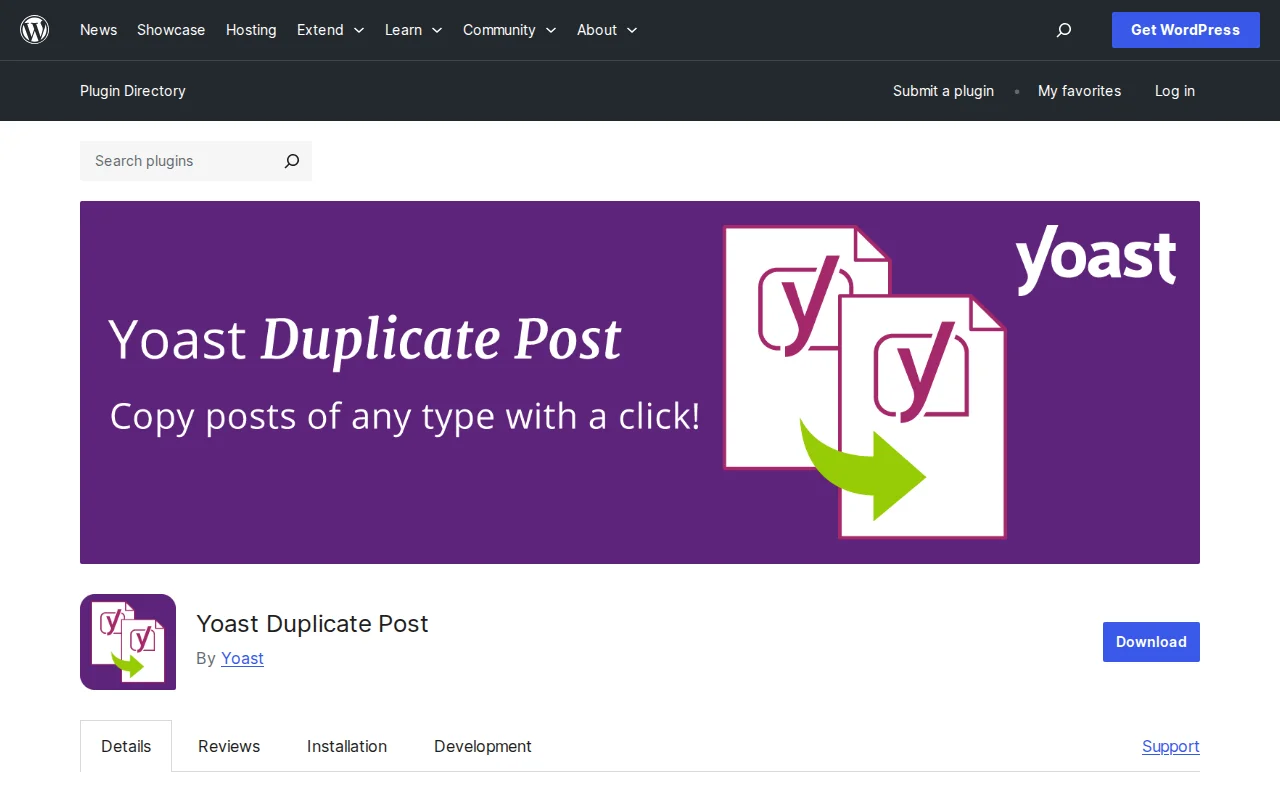
Yoast Duplicate Post is a free WordPress plugin that lets you duplicate any post, page, or custom post type with a single click. It copies everything — content, featured image, categories and tags, custom fields, and SEO metadata. With over 4 million active installs and a 4.7/5 rating, it is the most popular duplication plugin in the WordPress ecosystem.
Key Features
- One-click cloning — Hover over any post or page in your admin, click "Clone" or "New Draft," and an exact copy is created instantly
- Rewrite & Republish — The standout feature. Creates a draft copy of a published post so you can make major edits without touching the live version. When you publish the draft, it merges back into the original post, keeping the same URL and SEO value
- Granular copy control — Choose exactly what gets duplicated: content, excerpt, featured image, template, format, categories, tags, custom fields, comments, menu order
- Custom post type support — Works with any registered custom post type, not just posts and pages
- Bulk clone — Select multiple posts and clone them all at once via bulk actions
- Block and Classic Editor support — Works seamlessly with both Gutenberg and the Classic Editor
Free vs Premium
Yoast Duplicate Post is 100% free. There is no premium version. Every feature — including Rewrite & Republish, bulk cloning, and granular copy control — is included in the free plugin. It is developed and maintained by the Yoast team (the same people behind Yoast SEO).
Pros and Cons
Pros:
- Completely free with no upsells
- Rewrite & Republish is genuinely useful for major post updates
- Fine-grained control over what gets copied
- Works with custom post types and both editors
- Maintained by a reputable team (Yoast)
Cons:
- Adds 45KB to admin page load — negligible but larger than minimal alternatives
- No cross-site cloning for multisite networks
- Settings page could be more intuitive for beginners
- Does not duplicate attached media files (copies the reference, not the file)
Who Should Use It?
Anyone who regularly creates similar content. If you build landing pages with a consistent layout, write product reviews with the same structure, or manage a site with templated content, this plugin saves hours of copy-paste work. The Rewrite & Republish feature is essential for anyone who does major updates to published content without wanting to risk breaking the live version.
Best Alternatives
- Duplicate Page — Lighter (12KB vs 45KB), simpler, but lacks Rewrite & Republish. Good if you just need basic cloning.
- WP Clone — Designed for multisite networks. Can clone posts across different sites within the same network.
- Manual copy-paste — For occasional use, you can duplicate content by creating a new post and copying from the original. But this misses metadata, categories, and custom fields.
Frequently Asked Questions
Does cloning a post affect SEO?
No. The cloned post is created as a draft, so it is not publicly visible or indexed. You should edit the title, slug, and content before publishing to avoid duplicate content issues.
What is Rewrite & Republish?
It creates a draft copy of a live post. You edit the draft, and when you publish it, the changes merge into the original post — keeping the original URL, publish date, and SEO value intact. Perfect for major content rewrites.
Does it work with WooCommerce products?
Yes. Yoast Duplicate Post works with any custom post type, including WooCommerce products. You can clone products with all their attributes, prices, and metadata.
Can I choose what gets copied?
Yes. Go to Settings → Duplicate Post and select which elements to copy: title, content, excerpt, featured image, template, categories, tags, custom fields, and more.
Is it safe to use on a live site?
Yes. Cloned posts are always created as drafts. They are not published or visible to visitors until you explicitly publish them.
Sources: WordPress.org, Yoast

Written by Marvin
Our team tests and reviews WordPress products to help beginners make confident choices.
Learn more about our team →You might also like
Duplicate Page Review: The Lightest Way to Clone WordPress Content (2026)
Duplicate Page is the lightweight alternative to Yoast Duplicate Post. 3M+ installs, 4.8 stars, and just 12KB of overhead. But is simpler always better?
postSlider Revolution Review: Is It Worth It? (2026)
Honest review of Slider Revolution — the premium WordPress slider and visual effects plugin powering 9 million sites. Hero sections, carousels, and animations.
postWPBakery Page Builder Review: Is It Worth It? (2026)
Honest review of WPBakery Page Builder — the legacy WordPress page builder powering 5.8 million sites. Dual editors, 200+ addons, and a one-time license. But is it still worth choosing in 2026?
postHello Dolly: The Story Behind WordPress's Most Famous Plugin
Hello Dolly ships with every WordPress installation. It displays random lyrics from the Louis Armstrong song. Here is why it exists and whether you should keep it.