
Featured Image
Quick Definition
A featured image is the main visual that represents a WordPress post or page. It typically appears at the top of articles, in blog listings, and when shared on social media.
What Is a Featured Image?
A featured image (originally called "Post Thumbnail") is an image that represents an individual post, page, or custom post type in WordPress. The feature was introduced in WordPress 2.9 and renamed to "Featured Image" in WordPress 3.0.
Your theme determines where and how featured images are displayed. Common locations include:
- At the top of the article — as a hero/banner image
- On the blog page — as thumbnails in post cards
- In category archives — alongside post titles and excerpts
- On social media — when someone shares your link (via Open Graph tags)
- In RSS feeds — as the post's visual preview
WordPress automatically generates multiple sizes when you upload an image: Thumbnail (150×150px), Medium (300×300px), Medium Large (768px wide), and Large (1024×1024px), plus the original full-size image.
Featured Images in Practice
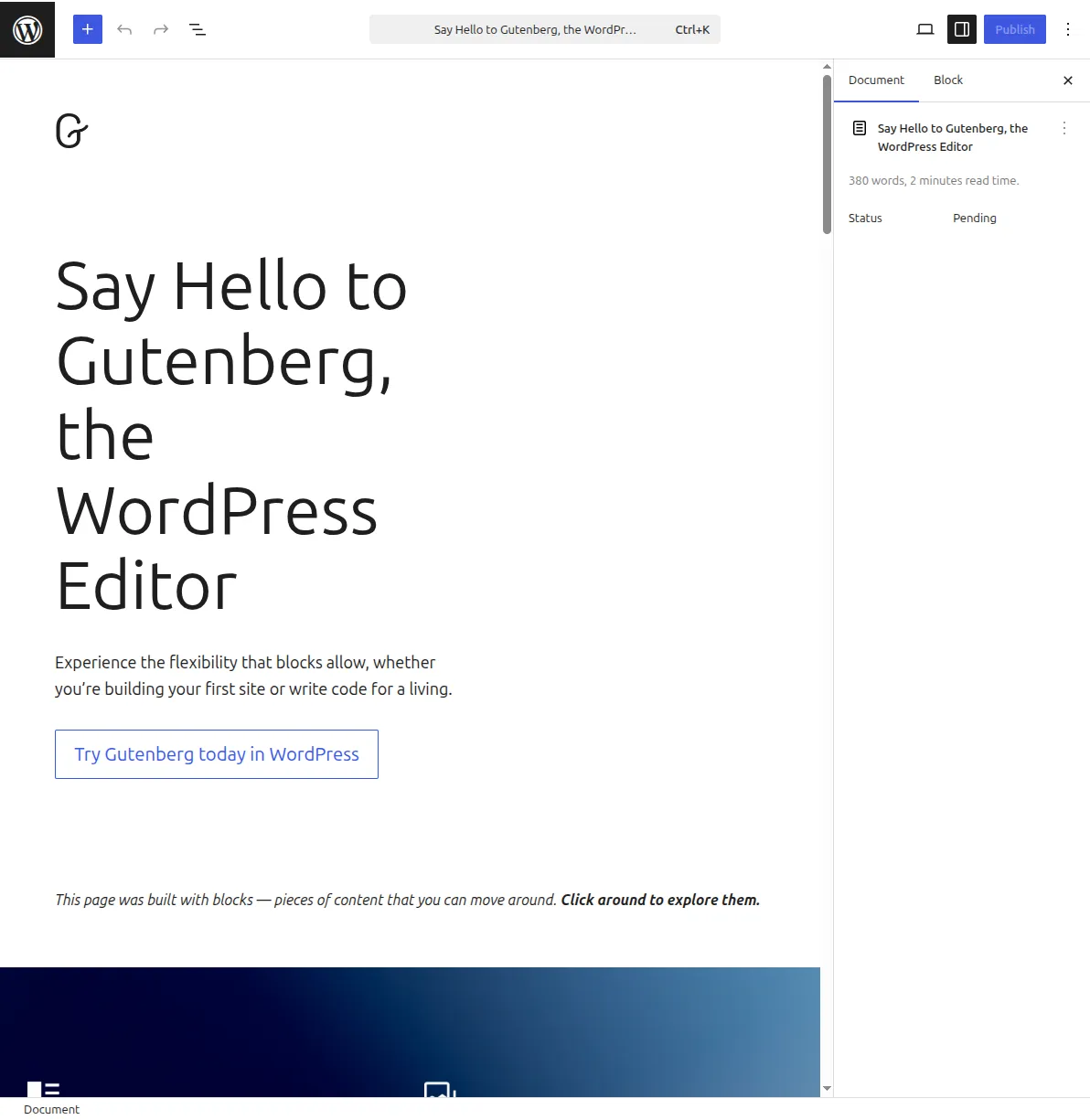
To set a featured image: in the block editor, open the post settings sidebar (gear icon) and look for the "Featured image" panel. Click "Set featured image," choose from your Media Library or upload a new image, then click "Set featured image" to confirm.
Best practices:
- Use a consistent size — most themes work best with 1200×630px or 16:9 ratio images
- Optimize for speed — compress images before uploading (use WebP format if your theme supports it)
- Add alt text — describe the image for accessibility and SEO
- Every post should have one — posts without featured images look broken in most themes
- Don't use text-heavy images — they don't scale well on mobile
Note: your theme must declare support with add_theme_support('post-thumbnails') in functions.php. All modern themes include this by default.
Why It Matters
Featured images are often the first thing visitors see. A compelling image increases click-through rates on your blog page and social media shares. A missing image makes your content look unfinished. See our image optimization guide for tips on keeping images fast, and our blog post writing guide for the complete publishing workflow.
Sources: WordPress Theme Handbook: Featured Images & Post Thumbnails, WordPress Developer Resources: the_post_thumbnail()