
Post
Quick Definition
A post is a piece of content in WordPress that appears in reverse chronological order — newest first. Posts are used for blog articles, news, tutorials, and any content that has a publish date.
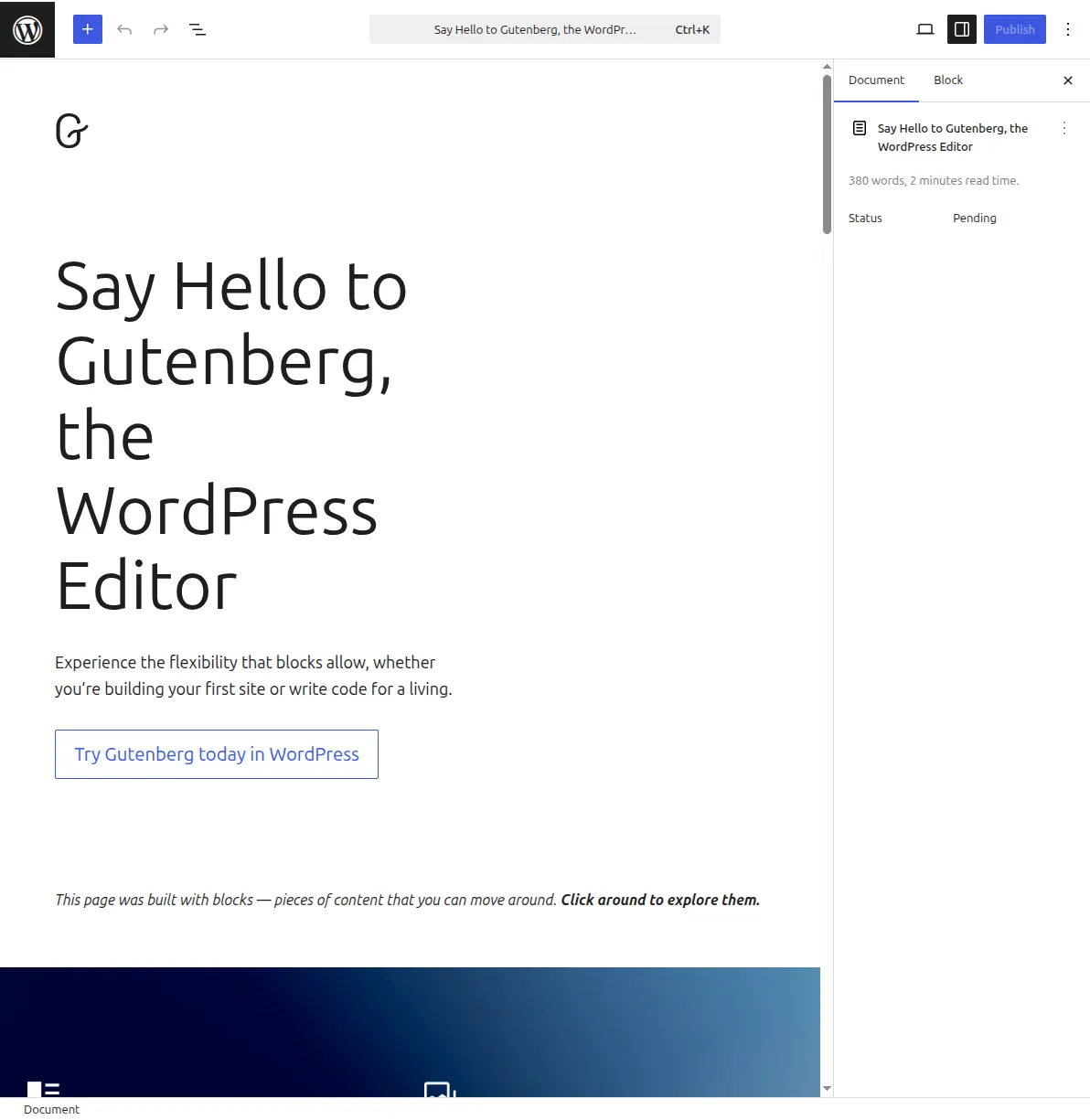
What Is a Post?
In WordPress, a post is a content entry that displays in reverse chronological order on your blog or home page. According to the official WordPress documentation, posts are the primary content type for blogging — they have a publish date, an author, and are organized using categories and tags.
Every post includes:
- Title — the headline
- Body content — text, images, videos, embeds
- Publish date — automatically timestamped (can be scheduled or back-dated)
- Author — who wrote it
- Categories and tags — for organizing content
- Excerpt — a short summary shown in archives and search results
- Permalink — the permanent URL
- Comments — reader discussions below the post
Posts appear in your site's RSS feed, in category archives, in tag archives, and in widgets like Recent Posts.
Posts vs. Pages
This is one of the most common beginner questions. The key differences:
- Posts are timely, dated content displayed chronologically. Blog articles, news, reviews, tutorials.
- Pages are static, timeless content. About, Contact, Privacy Policy, Services.
- Posts have categories and tags. Pages don't.
- Posts appear in RSS feeds. Pages don't.
- Posts typically have comments enabled. Pages typically don't.
Use posts for content you publish regularly. Use pages for content that rarely changes.
Why It Matters
Posts are the backbone of most WordPress sites. Every blog article, tutorial, and news update is a post. Understanding how to write, categorize, and publish posts effectively is essential for building an audience and ranking in search engines. Learn how in our guide to writing posts that rank and our how to start a blog tutorial.
Sources: WordPress.org: What Is Post Type?, Plugin Handbook: Post Types, Learn WordPress: Posts vs. Pages