
Gutenberg
Quick Definition
Gutenberg is the codename for the WordPress block editor project. Launched in WordPress 5.0 (December 2018), it replaced the classic editor with a modern, block-based content editing experience.
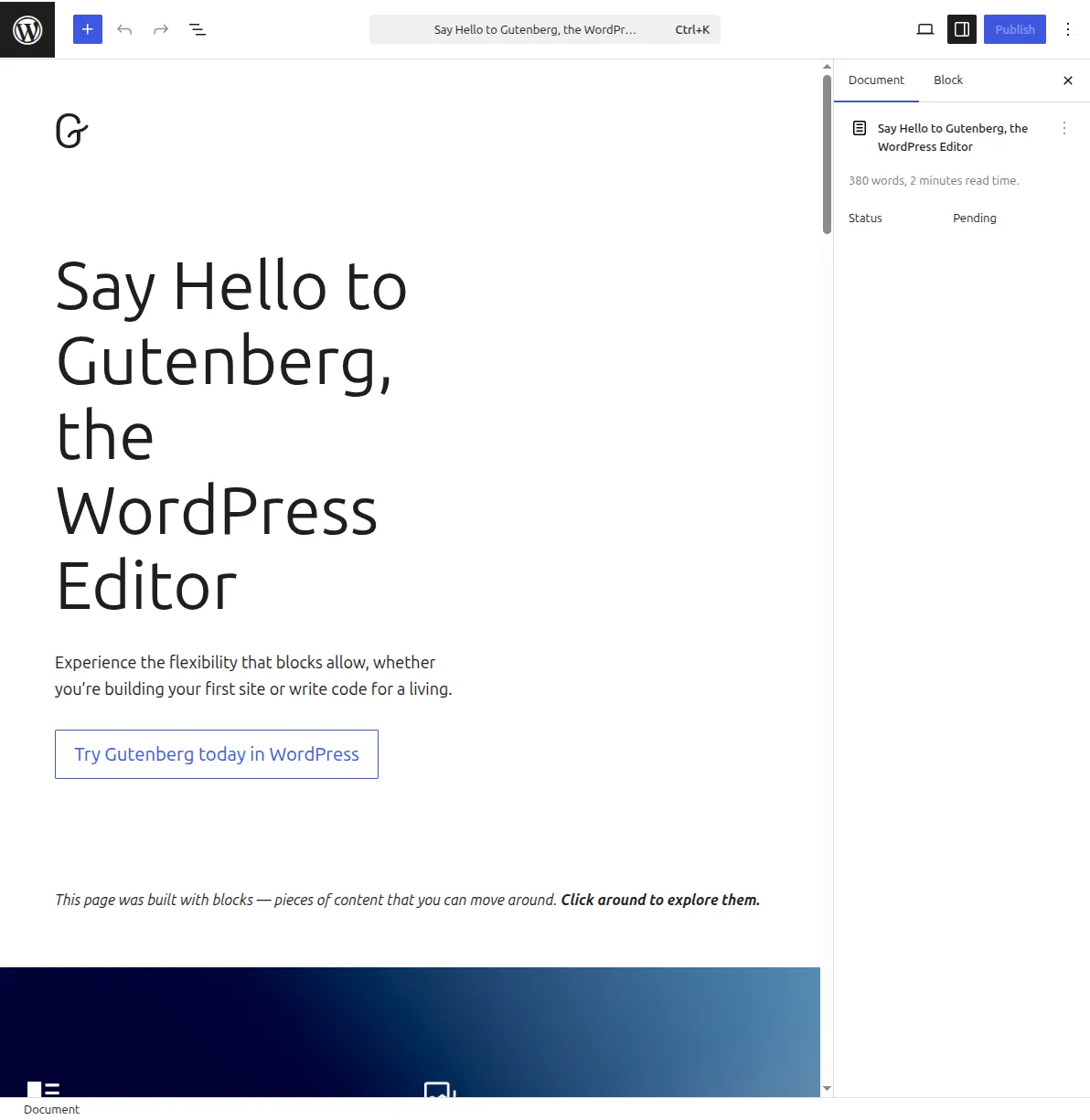
What Is Gutenberg?
Gutenberg is the codename for the WordPress block editor project. Named after Johannes Gutenberg — the inventor of the printing press — it represents the biggest change to WordPress content editing since the platform launched in 2003.
Development started in January 2017, and Gutenberg was merged into WordPress 5.0 in December 2018 as the default editor, replacing the classic TinyMCE editor that WordPress had used for 15 years.
The core idea: instead of writing content in one big text area, you build pages using blocks — modular, moveable content units. Each piece of content is its own block: a paragraph, a heading, an image, a list, a table, a video embed, a button, and dozens more.
Gutenberg in Practice
Today, "Gutenberg" and "Block Editor" are used interchangeably, though officially WordPress now calls it the Block Editor. The Gutenberg plugin still exists on wordpress.org as a testing ground where new features are developed before being merged into WordPress core.
The block editor comes with 90+ built-in blocks, organized in categories:
- Text — Paragraph, Heading, List, Quote, Code, Verse
- Media — Image, Gallery, Audio, Video, Cover
- Design — Buttons, Columns, Group, Separator, Spacer
- Widgets — Search, Social Icons, Latest Posts, Categories
- Embeds — YouTube, Twitter, Spotify, and 30+ services
The Gutenberg project has four planned phases:
- Easier editing — the block editor (completed, WordPress 5.0)
- Customization — Full Site Editing (completed, WordPress 5.9)
- Collaboration — real-time co-editing (in progress)
- Multilingual — built-in translation support (future)
Why It Matters
Gutenberg made WordPress accessible to people who previously needed a page builder plugin to create custom layouts. You can now build complex page designs — columns, media grids, call-to-action sections — without any code or third-party tools. Learn how to use it in our beginner's guide and blog setup tutorial.
Sources: Block Editor Handbook, WordPress.org: Block Editor, WordPress.org: Gutenberg