
Slug
Quick Definition
A slug is the URL-friendly version of a title in WordPress. It's the part of the URL that identifies a specific post or page — for example, "my-first-blog-post" in yoursite.com/my-first-blog-post/.
What Is a Slug?
A slug is a URL-safe string that WordPress generates from a title. Technically, WordPress uses the sanitize_title() function to convert any title into a slug by lowercasing it, replacing spaces with dashes, removing special characters, and stripping accents.
For example:
- Title: "How to Install WordPress" → Slug:
how-to-install-wordpress - Title: "Best Plugins for 2026!" → Slug:
best-plugins-for-2026 - Title: "What Is SEO?" → Slug:
what-is-seo
A slug only contains lowercase letters, numbers, and dashes. No spaces, no special characters, no uppercase.
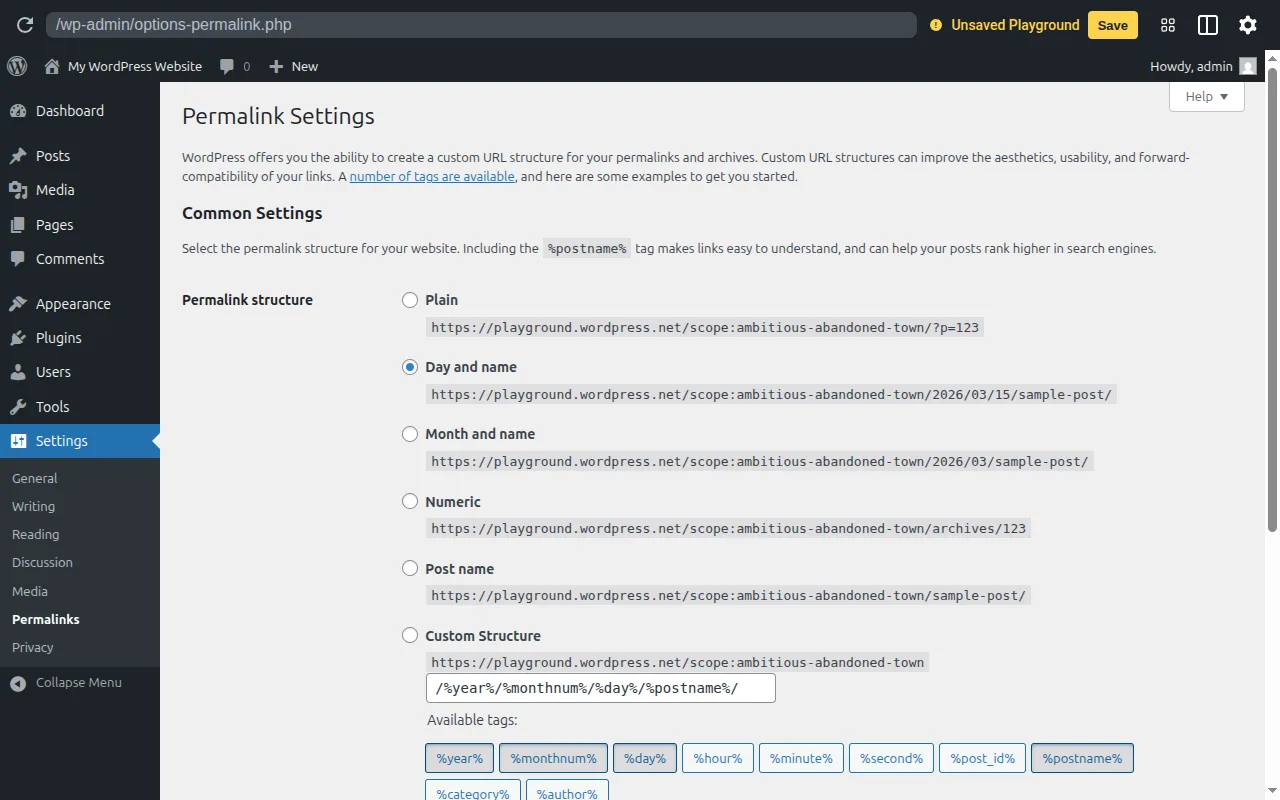
The slug becomes part of your permalink — the full URL. If your permalink structure is set to "Post name" (/%postname%/), the slug is essentially the URL of your content.
Slugs in Practice
WordPress auto-generates a slug from your title when you create a post or page. But you can (and should) edit it manually to make it shorter and more focused.
To edit a slug: in the block editor, click the URL field in the post settings sidebar. A dialog appears where you can type a custom slug.
Best practices for slugs:
- Keep them short —
best-hostingis better thanthe-best-wordpress-hosting-providers-for-beginners-in-2026 - Include your target keyword —
wordpress-seo-tipsnotsome-helpful-stuff - Use dashes, not underscores — Google treats dashes as word separators
- Don't include dates or filler words ("the," "a," "and")
- Never change a slug after publishing (unless you set up a redirect)
Slugs aren't just for posts — categories, tags, and author pages also have slugs that form their archive URLs.
Why It Matters
Your slug directly affects SEO and click-through rates. A clean, keyword-rich slug helps search engines understand your content and makes links more clickable in search results. See our SEO tips guide and SEO checklist for more URL optimization advice.
Sources: WordPress.org — Customize Permalinks, Developer.WordPress.org — get_permalink()