
WPBakery Page Builder Review: Is It Worth It? (2026)
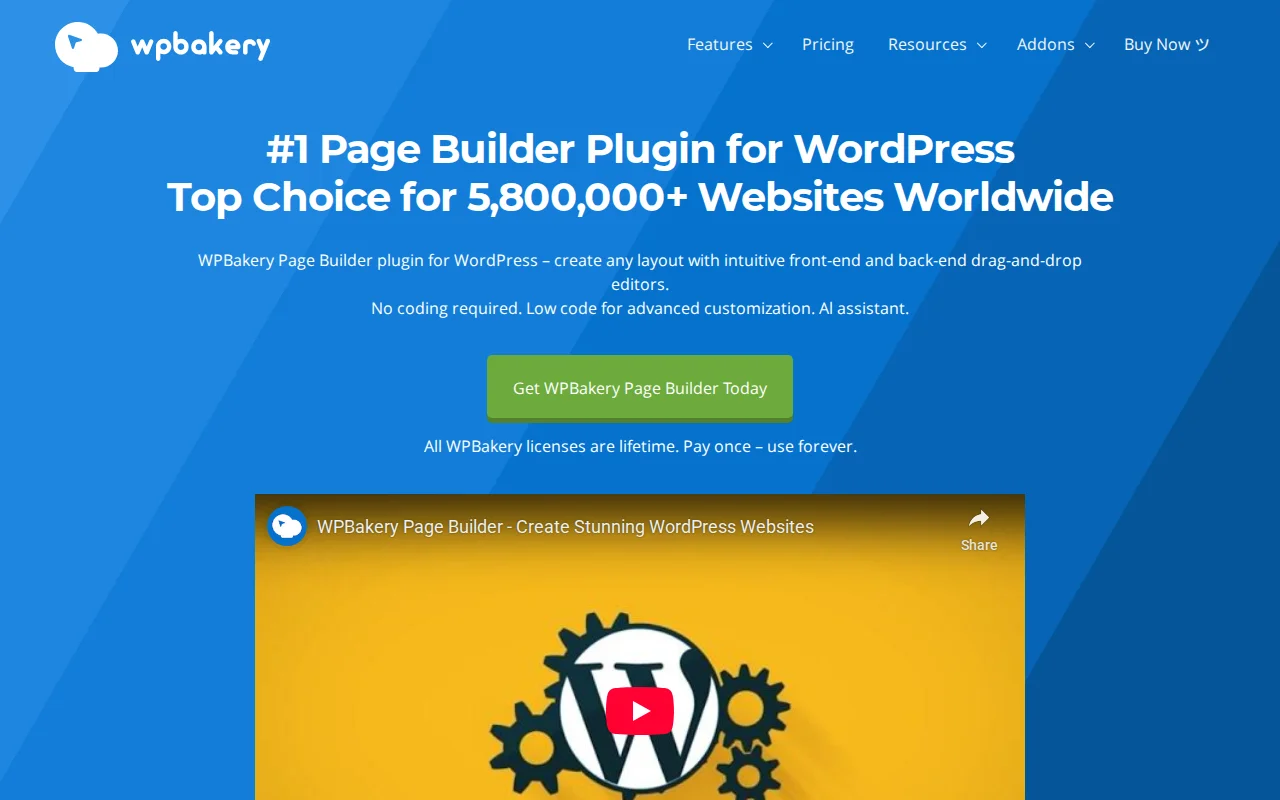
What Is WPBakery Page Builder?
WPBakery Page Builder (formerly Visual Composer, slug: js_composer) is a premium WordPress page builder that has been around since 2008 — making it one of the oldest page builders in the ecosystem. It powers over 5.8 million websites and is the best-selling page builder on CodeCanyon. It offers both a frontend (live) and backend (classic) editor, 50+ content elements, and 200+ third-party addons. It is a premium-only plugin with no free version on wordpress.org.
Key Features
- Dual Editor — Frontend editor for live visual editing and a backend editor for quick structural changes. WPBakery is the only major page builder that offers both modes.
- 50+ Content Elements — Text blocks, images, galleries, tabs, accordions, buttons, grids, sliders, carousels, and more
- 200+ Third-Party Addons — Extensive ecosystem of add-on packs that expand functionality
- Template Library — Pre-built page and section templates for quick page creation
- WPBakery AI — Generate text, headlines, and custom CSS/JS directly inside the builder
- Skin Builder — Customize the look of any content element without CSS
- Responsive Controls — Adjust visibility and styling per device (desktop, tablet, mobile)
Free vs Premium
WPBakery is premium-only — there is no free version. Pricing is a one-time lifetime license:
- Regular License ($69, 1 site) — Full plugin with all features, 1 year of updates and support
- 5 Sites ($256) — Same features, 5 site licenses
- 10 Sites ($499) — Same features, 10 site licenses
After the first year, updates and support cost a discounted renewal fee. The lifetime license means you can continue using the plugin forever — you just lose access to updates if you do not renew. Many themes on ThemeForest include WPBakery bundled for free, which is how most people encounter it.
Pros and Cons
Pros
- One-time lifetime license — no recurring annual fees for basic use
- 5.8M+ sites — massive installed base, extensive compatibility with themes
- Backend editor is fast for quick structural changes without waiting for live preview
- Bundled free with many ThemeForest themes
- 200+ third-party addons extend functionality significantly
- WPBakery AI for content and code generation
Cons
- Dated interface compared to Elementor, Bricks, and Breakdance
- Uses shortcodes internally — switching away from WPBakery leaves messy
[vc_row]shortcode residue in your content - Heavier page output — more DOM elements and inline styles than modern builders
- Steeper learning curve than Elementor for beginners
- No free version — you cannot try before buying unless a theme includes it
- Frontend editor feels slow compared to modern live editors
Who Should Use WPBakery?
WPBakery makes sense if your theme already includes it (many ThemeForest themes do) and you need to make edits to an existing site built with it. Migrating away from WPBakery is painful because of the shortcode lock-in, so if your site already uses it, continuing with it is often the pragmatic choice. For new sites in 2026, I would not recommend choosing WPBakery over modern alternatives like Elementor, Bricks, or even the native WordPress block editor.
Best Alternatives
- Elementor — The most popular modern page builder with a free version, 90+ widgets, and a vastly more intuitive interface. Pro from $59/year. Read our Elementor vs Divi comparison
- Bricks Builder — Performance-focused page builder for developers. Clean output, no shortcodes. $99/year. Growing fast in 2026.
- WordPress Block Editor — The native Gutenberg editor with block themes now covers many use cases that previously required a page builder — and it is free. WordPress 7.0 adds even more blocks.
Frequently Asked Questions
Is WPBakery free?
No. WPBakery is premium-only, starting at $69 for a one-time lifetime license. However, many ThemeForest themes include it bundled for free — check if your theme already includes a license.
What is the difference between WPBakery and Visual Composer?
They were originally the same product. In 2018, they split into two separate plugins: WPBakery Page Builder (the original, sold on CodeCanyon) and Visual Composer Website Builder (a separate product with a different codebase). They are not interchangeable.
Can I switch from WPBakery to Elementor?
Technically yes, but it is painful. WPBakery stores content as shortcodes ([vc_row][vc_column]). When you deactivate it, those shortcodes appear as raw text in your posts. You need to either rebuild pages manually or use a migration plugin to clean up the shortcode residue.
Does WPBakery slow down my site?
WPBakery generates more DOM elements and inline CSS than modern builders. Performance tests show similar full-load times to Elementor (~3.5 seconds) but worse CLS (Cumulative Layout Shift) scores. For page speed optimization, modern builders produce cleaner output.
Is WPBakery still being updated?
Yes. WPBakery continues to receive updates including the recent AI feature. However, the pace of innovation is slower than Elementor or Bricks, and the core architecture (shortcode-based) has not changed since its initial design.

Written by Marvin
Our team tests and reviews WordPress products to help beginners make confident choices.
Learn more about our team →You might also like
Slider Revolution Review: Is It Worth It? (2026)
Honest review of Slider Revolution — the premium WordPress slider and visual effects plugin powering 9 million sites. Hero sections, carousels, and animations.
postRoyal Addons for Elementor Review: Is It Worth It? (2026)
Honest review of Royal Addons for Elementor — 100+ widgets, theme builder, WooCommerce builder, mega menu, and 150+ templates. Most features free.
postPremium Addons for Elementor Review: Is It Worth It? (2026)
Honest review of Premium Addons for Elementor — 90+ widgets, 550+ templates, and WooCommerce integration. Does not require Elementor Pro.
postSeedProd Review: Is It Worth It? (2026)
Honest review of SeedProd — WordPress landing page and website builder with coming soon pages, maintenance mode, and drag-and-drop editor.