
SeedProd Review: Is It Worth It? (2026)
What Is SeedProd?
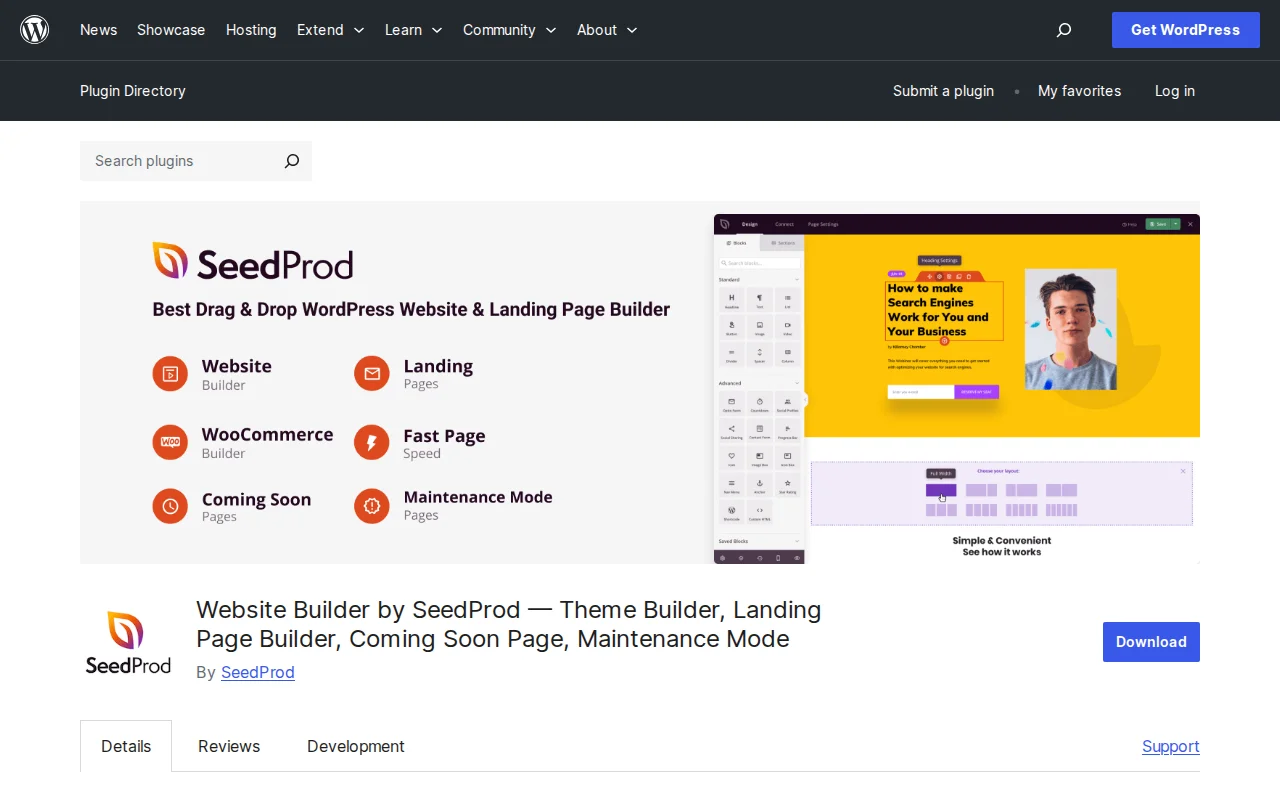
SeedProd is a drag-and-drop WordPress website builder and landing page plugin. It started as a simple coming soon page plugin but has evolved into a full website and theme builder. 1M+ active installations, 4.9/5 stars with 4,697 reviews on WordPress.org. Last updated March 2026.
It lets you build complete WordPress sites, landing pages, coming soon pages, maintenance mode pages, 404 pages, and login pages — all without writing code. The visual builder is noticeably faster than Elementor (556ms vs 1.8s in GTmetrix tests).
Key Features
- Drag-and-drop builder — 80+ blocks including headlines, buttons, countdown timers, pricing tables, testimonials, and contact forms
- 300+ templates — Full website kits, landing pages, and WooCommerce designs
- Coming soon and maintenance mode — Coming soon serves HTTP 200 (Google indexes it), maintenance mode serves HTTP 503
- Theme builder — Build custom headers, footers, archives, single post templates, and sidebar layouts
- WooCommerce integration — Product grids, custom cart, checkout, and product page templates (Elite plan)
- Email marketing integrations — MailChimp, ActiveCampaign, ConvertKit, Constant Contact, GetResponse, Drip, and 10+ more
- 2M+ stock photos — Built-in library so you do not need to leave the editor
Free vs Premium
SeedProd Lite is free forever on WordPress.org. It includes the coming soon page builder, basic landing pages, and a handful of templates. But the free version is limited — most templates, the theme builder, email integrations, and WooCommerce support require a paid plan.
- Basic ($79/yr) — 1 site, 50 pro templates, drag-and-drop builder, subscriber management
- Plus ($199/yr) — 3 sites, 100 templates, full website kits, theme builder, email integrations
- Pro ($399/yr) — 5 sites, 300+ templates, priority support, dynamic text, 3,000+ Zapier integrations
- Elite ($599/yr) — 100 sites, WooCommerce and Easy Digital Downloads support, domain mapping
All paid plans include a 14-day money-back guarantee.
Pros
Fast visual builder (loads 3x faster than Elementor), 300+ templates, beginner-friendly, excellent coming soon and maintenance mode, lightweight code output, 2M+ stock photo library, strong email integrations
Cons
Free version very limited (paywall-heavy), premium starts at $79/yr, WooCommerce locked to $599/yr Elite plan, no monthly billing option, some users report excessive admin dashboard notifications
Who Should Use It?
SeedProd is ideal for beginners who need to build landing pages, launch coming soon pages, or create a full WordPress site without code. The free version is fine for a quick coming soon page. If you need theme building or WooCommerce support, expect to pay $199-599/yr.
Developers and agencies managing many sites should look at the Elite plan for domain mapping and 100-site licenses.
Best Alternatives
- Elementor (free / $59/yr) — More feature-rich free tier, larger ecosystem, but heavier on page speed
- Beaver Builder ($99/yr) — Lightweight and stable, great for developers
- Thrive Architect ($99/yr) — Conversion-focused builder with A/B testing built in
- Spectra (free) — Gutenberg-native page builder, zero bloat
Frequently Asked Questions
Is SeedProd really free?
SeedProd Lite is free forever on WordPress.org. It includes coming soon pages and basic landing pages. But most templates, the theme builder, and integrations require a paid plan starting at $79/yr.
Does SeedProd slow down my site?
No. SeedProd generates lightweight, clean code. In tests it loaded pages in 556ms — about 3x faster than Elementor. It does not load unnecessary scripts on pages where it is not used.
Can I use SeedProd with my existing theme?
Yes. You can use SeedProd just for landing pages or coming soon pages alongside any theme. The theme builder is optional — you only use it if you want SeedProd to replace your theme entirely.
Does SeedProd work with WooCommerce?
Yes, but only on the Elite plan ($599/yr). It includes custom product pages, cart, checkout, and product grid blocks.
What is the difference between coming soon and maintenance mode?
Coming soon mode returns HTTP 200 so search engines can index your page. Maintenance mode returns HTTP 503, telling search engines to check back later. Use coming soon before launch, maintenance mode for temporary downtime.
Sources: WordPress.org, SeedProd Pricing

Written by Marvin
Our team tests and reviews WordPress products to help beginners make confident choices.
Learn more about our team →You might also like
Under Construction Review: Is It Worth It? (2026)
Honest review of Under Construction — the quickest way to put your WordPress site in maintenance mode. 30+ templates, lead capture, social links, and scheduling in under a minute.
postWPBakery Page Builder Review: Is It Worth It? (2026)
Honest review of WPBakery Page Builder — the legacy WordPress page builder powering 5.8 million sites. Dual editors, 200+ addons, and a one-time license. But is it still worth choosing in 2026?
postRoyal Addons for Elementor Review: Is It Worth It? (2026)
Honest review of Royal Addons for Elementor — 100+ widgets, theme builder, WooCommerce builder, mega menu, and 150+ templates. Most features free.
postPremium Addons for Elementor Review: Is It Worth It? (2026)
Honest review of Premium Addons for Elementor — 90+ widgets, 550+ templates, and WooCommerce integration. Does not require Elementor Pro.