
Premium Addons for Elementor Review: Is It Worth It? (2026)
What Is Premium Addons for Elementor?
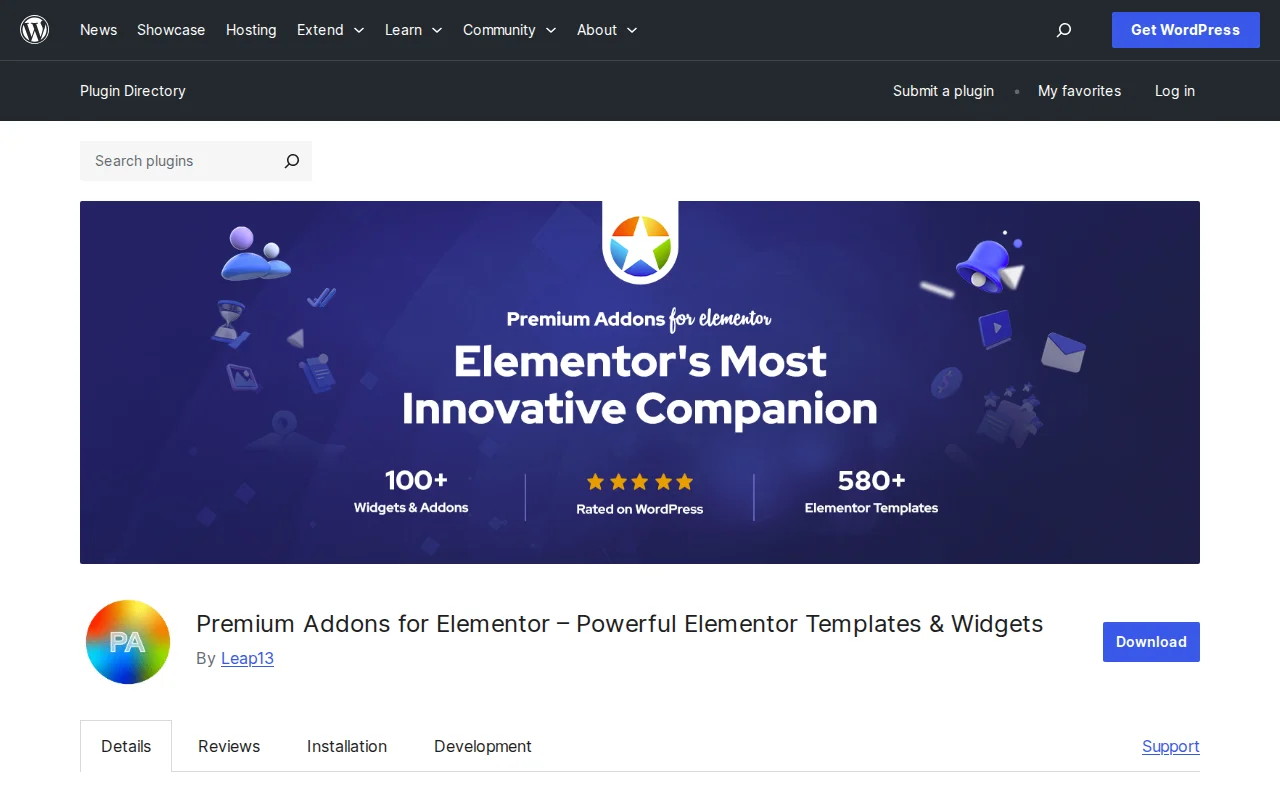
Premium Addons for Elementor is a widget library that extends Elementor Page Builder with 90+ additional widgets and 550+ pre-made templates. It is developed by Leap13 and has over 58 million downloads with a 4.9/5 star rating from 1,665 reviews — making it one of the highest-rated Elementor addon plugins available. The best part: it works with the free version of Elementor — you do not need Elementor Pro.
Key Features
- 50+ Free Widgets — Carousel, Blog Posts, AJAX Search, Google Maps, Pricing Tables, Testimonials, Countdown, Modal Box, Animated Text, Media Gallery, and more
- 550+ Ready-Made Templates — Full page and section templates you can insert with one click
- WooCommerce Widgets — Product listings, product carousels, mini-cart, category listings, and CTA blocks for online stores
- Mega Menu Builder — Build complex dropdown navigation menus with any Elementor content inside
- Display Conditions — Show or hide content based on user role, location, URL parameters, WooCommerce data, or ACF fields
- Advanced Effects — Parallax, particles background, magic scroll animations, glassmorphism, and Lottie animation support
- Modular Architecture — Enable only the widgets you need. Disabled widgets do not load any JavaScript or CSS, keeping your site fast
Free vs Premium
The free version includes 50+ widgets and a large template library — genuinely enough for many sites. The Pro version adds approximately 40 more widgets plus advanced features:
- Pro ($50/year, 1 site) — All 90+ widgets, all templates, WooCommerce bundle, mega menu builder, display conditions, advanced effects, premium support
Higher tiers are available for multiple sites. Premium Addons Pro is an independent plugin — it does not require Elementor Pro. You only need the free Elementor installed. This is a significant advantage over addons that lock features behind an Elementor Pro requirement.
Pros and Cons
Pros
- 4.9/5 stars from 1,665 reviews — exceptional user satisfaction
- 50+ genuinely useful free widgets — more than most competitors offer for free
- Does not require Elementor Pro — works with the free Elementor plugin
- Modular loading — disabled widgets add zero overhead to page speed
- WooCommerce integration without needing Elementor Pro
- Active development — last updated March 2026, regular feature additions
Cons
- Only works with Elementor — if you switch page builders, these widgets are useless
- With 90+ widgets, the settings panel can feel overwhelming for beginners
- Some advanced widgets (mega menu, display conditions) have a learning curve
- Adding too many widget-heavy sections can impact page speed — use the modular toggle wisely
- WPML compatibility is listed but some users report translation issues with specific widgets
Who Should Use Premium Addons for Elementor?
If you build sites with Elementor and need widgets beyond what the free version offers — carousels, WooCommerce product grids, mega menus, or advanced design effects — Premium Addons is the best value option. It is especially compelling if you use free Elementor (not Pro), since it gives you many Pro-level features at a fraction of the cost. For agencies building multiple client sites, the multi-site Pro plans offer excellent value.
Best Alternatives
- Essential Addons for Elementor — The most popular Elementor addon (1M+ installs). Similar widget count but different selection. Free version is competitive; Pro starts at $39.97/year.
- Ultimate Addons for Elementor (UAE) — By Brainstorm Force (makers of Astra). Focused on quality over quantity with fewer but more polished widgets. Pro from $57/year.
- Elementor Pro — Elementor's own premium version ($59/year) adds 30+ widgets and a theme builder. More integrated but narrower widget selection than Premium Addons.
Frequently Asked Questions
Do I need Elementor Pro to use Premium Addons?
No. Premium Addons works with the free version of Elementor. The Pro version of Premium Addons is also independent — you only need free Elementor installed.
Will Premium Addons slow down my site?
Not if you use the modular toggle. Disable widgets you do not use and they load zero JavaScript or CSS. The plugin uses lazy loading for JS files and is optimized for performance.
How many widgets do I get for free?
The free version includes 50+ widgets plus access to the template library. This is more than most Elementor addon plugins offer for free.
Can I use it with WooCommerce?
Yes. The Pro version includes a WooCommerce bundle with product listings, carousels, mini-cart, category listings, and CTA widgets. The free version does not include WooCommerce widgets.
Is it compatible with other Elementor addons?
Yes. Premium Addons is designed to work alongside other addon plugins. However, running multiple addon plugins simultaneously increases the total number of loaded assets — only install what you actually need.

Written by Marvin
Our team tests and reviews WordPress products to help beginners make confident choices.
Learn more about our team →You might also like
Royal Addons for Elementor Review: Is It Worth It? (2026)
Honest review of Royal Addons for Elementor — 100+ widgets, theme builder, WooCommerce builder, mega menu, and 150+ templates. Most features free.
postElementsKit Review: The All-in-One Elementor Addon (2026)
ElementsKit packs 90+ widgets, a header/footer builder, mega menu, and 1000+ templates into one Elementor addon. 1M+ installs, 4.9 stars. Here is the honest verdict.
postEssential Addons for Elementor Review: 110+ Widgets Worth It? (2026)
Essential Addons is the most popular Elementor addon with 2M+ installs and 110+ widgets. Here is what the free version offers and whether Pro is worth $50/year.
postUltimate Addons for Elementor Review: 50+ Free Widgets Worth It? (2026)
UAE by Brainstorm Force adds 50+ widgets to Elementor for free — headers, footers, navigation menus, and more. 2M+ installs, 4.9 stars. Here is the honest review.