
MainWP Child Review: Is It Worth It? (2026)
What Is MainWP Child?
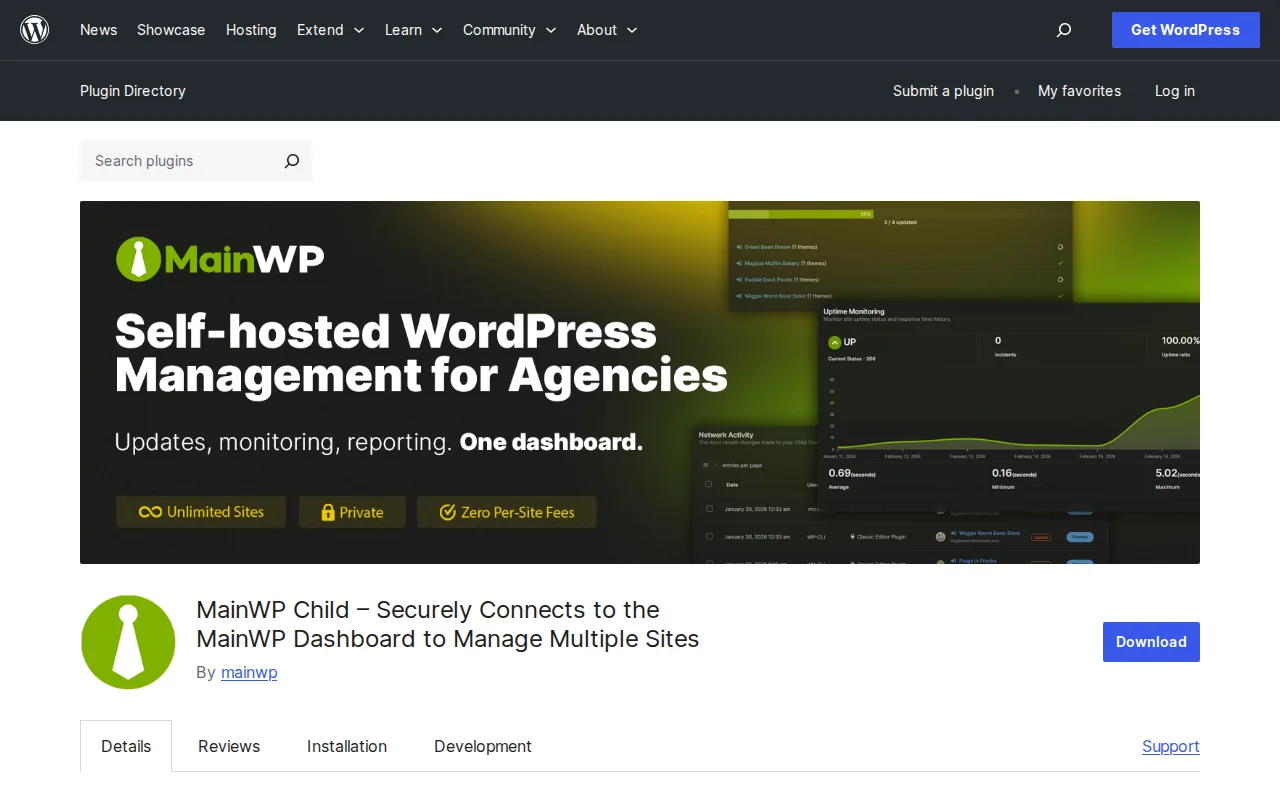
MainWP Child is one half of a two-plugin system for managing multiple WordPress sites from a single dashboard. You install the MainWP Dashboard on one dedicated WordPress site, then install MainWP Child on every site you want to manage. The Child plugin creates a secure connection back to your dashboard, letting you update plugins, run backups, manage content, and monitor security across all your sites in one place. With 700,000+ active installations and a perfect 5/5 star rating from 70 reviews, it is the most trusted self-hosted WordPress management solution.
Key Features
- One-Click Bulk Updates — Update WordPress core, themes, and plugins across all connected sites simultaneously from your dashboard
- Automated Backups — Schedule backups for all sites with integration for UpdraftPlus, BackupBuddy, and other backup plugins
- Security Monitoring — Integrates with Wordfence, Solid Security, and Sucuri for centralized security scanning and monitoring
- Content Management — Create, edit, and publish posts and pages across multiple sites from a single interface
- Client Reporting — Generate maintenance reports for clients showing updates performed, uptime, and security scans
- White Labeling — Hide the MainWP Child plugin from client sites so they never see it in their plugin list
- Site Changes Logging — Audit trail of all changes made to connected sites for accountability
Free vs Premium
MainWP is completely free for the core functionality — and that includes unlimited sites. There are no per-site fees, no monthly subscriptions, and no limits on the number of connected sites. This is the biggest advantage over competitors like ManageWP (owned by GoDaddy) and InfiniteWP.
MainWP does offer optional paid extensions for advanced features:
- Individual extensions — $29-$69/year each (e.g., WooCommerce integration, advanced uptime monitoring, vulnerability scanning)
- Pro bundle — All extensions in one package, priced for agencies
But the free version alone — updates, backups, content management, security integration, reporting — covers what most freelancers and small agencies need.
Pros and Cons
Pros
- Perfect 5/5 rating — the highest-rated management plugin on WordPress.org
- Completely free for unlimited sites — no per-site fees ever
- Self-hosted — your data stays on your own server, not a third-party cloud
- Open-source with GitHub repository and bug bounty program
- Integrates with popular plugins (WooCommerce, Yoast, Wordfence, UpdraftPlus)
- Active development — v6.0.3 released March 2026
Cons
- Requires a separate WordPress installation for the dashboard — you need to host and maintain it
- Steeper initial learning curve than cloud-based alternatives like ManageWP
- Not recommended for WordPress Multisite networks — designed for separate WP installations
- Advanced features (vulnerability scanning, uptime monitoring) require paid extensions
- Dashboard site itself needs to be secured and backed up — it is a single point of failure
Who Should Use MainWP Child?
MainWP is built for freelancers, agencies, and developers who manage multiple WordPress client sites and want full control over their management infrastructure. If you value data privacy (self-hosted, no third-party cloud), need unlimited sites without per-site pricing, and are comfortable maintaining a dedicated dashboard installation, MainWP is the best option. If you prefer a simpler cloud-hosted setup and do not mind per-site fees, ManageWP may be easier to get started with.
Best Alternatives
- ManageWP — Cloud-hosted WordPress management by GoDaddy. Easier setup (no dashboard installation needed) but stores data on GoDaddy servers. Free for basic features; premium from $2/site/month.
- InfiniteWP — Another self-hosted option similar to MainWP. Slightly different interface and extension model. Free core with paid add-ons.
- Jetwp.com (Developer from Developer) — Newer entrant focused on WordPress maintenance with a modern UI. Cloud-based with competitive pricing.
Frequently Asked Questions
Is MainWP Child free?
Yes, completely free with no site limits. You can connect and manage unlimited WordPress sites at no cost. Optional paid extensions are available for advanced features.
Do I need a separate WordPress site for the dashboard?
Yes. The MainWP Dashboard runs on its own dedicated WordPress installation. You should not install it on a live client site — use a separate, secured WordPress install specifically for management.
Is my data safe with MainWP?
Yes. MainWP is self-hosted, so all data stays on your own server. Nothing is sent to MainWP's servers or any third-party cloud. The code is open-source on GitHub with a bug bounty program for security researchers.
Can I hide MainWP Child from my clients?
Yes. MainWP includes white-labeling that hides the Child plugin from the WordPress plugin list on client sites. Clients will not know it is installed unless you tell them.
How does MainWP compare to ManageWP?
MainWP is self-hosted (full data control, unlimited free sites) but requires more setup. ManageWP is cloud-hosted (easier setup, no dashboard to maintain) but stores data on GoDaddy's servers and charges per site for premium features. Choose based on whether you prioritize control or convenience.

Written by Marvin
Our team tests and reviews WordPress products to help beginners make confident choices.
Learn more about our team →You might also like
ManageWP Review: Manage Multiple WordPress Sites From One Dashboard (2026)
ManageWP lets you update, backup, and monitor all your WordPress sites from a single cloud dashboard. Free for unlimited sites with premium add-ons.
postSlider Revolution Review: Is It Worth It? (2026)
Honest review of Slider Revolution — the premium WordPress slider and visual effects plugin powering 9 million sites. Hero sections, carousels, and animations.
postWPBakery Page Builder Review: Is It Worth It? (2026)
Honest review of WPBakery Page Builder — the legacy WordPress page builder powering 5.8 million sites. Dual editors, 200+ addons, and a one-time license. But is it still worth choosing in 2026?
postHello Dolly: The Story Behind WordPress's Most Famous Plugin
Hello Dolly ships with every WordPress installation. It displays random lyrics from the Louis Armstrong song. Here is why it exists and whether you should keep it.