
Best WordPress Security Plugins in 2026 — 5 Plugins I Actually Trust
Let me tell you something that still gives me a knot in my stomach: the first time I discovered one of my WordPress sites had been hacked, I didn't even know it. A reader emailed me to say my blog was redirecting them to some shady pharmaceutical site. I checked on my laptop — looked fine. Checked on my phone — fine too. Turned out the malware was only targeting visitors from search engines. Sneaky, right?
That was back in 2019, and it was a wake-up call I desperately needed. Since then, I've installed, tested, broken, and reconfigured just about every WordPress security plugin out there. I've cleaned up hacked client sites at 2 AM, watched brute force attacks hammer login pages at 50 requests per second, and learned the hard way that "it won't happen to me" is the most dangerous mindset in WordPress.
So when I say these are the 5 security plugins I trust, I mean it. Not because some vendor paid me to say it, but because I've put them through real-world hell and they held up.
Quick Comparison: The 5 Best WordPress Security Plugins
Before we dive deep, here's a bird's-eye view of how these five plugins stack up against each other:
| Plugin | Active Installs | Free Firewall | Free Malware Scan | 2FA (Free) | Starting Price | Best For |
|---|---|---|---|---|---|---|
| Wordfence | 5M+ | Yes | Yes | Yes | $149/yr | Overall protection |
| Sucuri Security | 600K+ | No (premium) | Limited | No | $229/yr | Enterprise / agencies |
| Solid Security | 700K+ | Limited | Limited | Yes | $99/yr | Beginners / ease of use |
| All-In-One Security | 1M+ | Yes | Premium only | Yes | $84/yr | Budget-conscious users |
| MalCare | 500K+ | Yes | Yes | No | $149/yr | One-click malware removal |
Why You Actually Need a Security Plugin
I know what you're thinking: "My site is small, nobody's going to target me." I thought the same thing. But here's the reality — most WordPress attacks are automated. Bots don't care whether you're running a Fortune 500 company or a personal blog about houseplants. They scan the entire internet looking for known vulnerabilities, weak passwords, and outdated plugins. If your site is on WordPress (and over 40% of all websites are), you're a target by default.
On average, 30,000 websites get hacked every single day. That's not a scare tactic — it's a stat from Zippia's cybersecurity research. And the aftermath isn't pretty: Google can blacklist your domain, your hosting provider might suspend your account, and your visitors lose trust. I've seen small business owners lose months of work because they didn't take 10 minutes to install a security plugin.
The good news? A solid security plugin handles the hard stuff for you — firewall rules, login protection, malware scanning, file integrity checks. You don't need to be a cybersecurity expert. You just need to pick the right tool and configure it properly.
Let's get into my top picks.
1. Wordfence Security — My #1 Pick
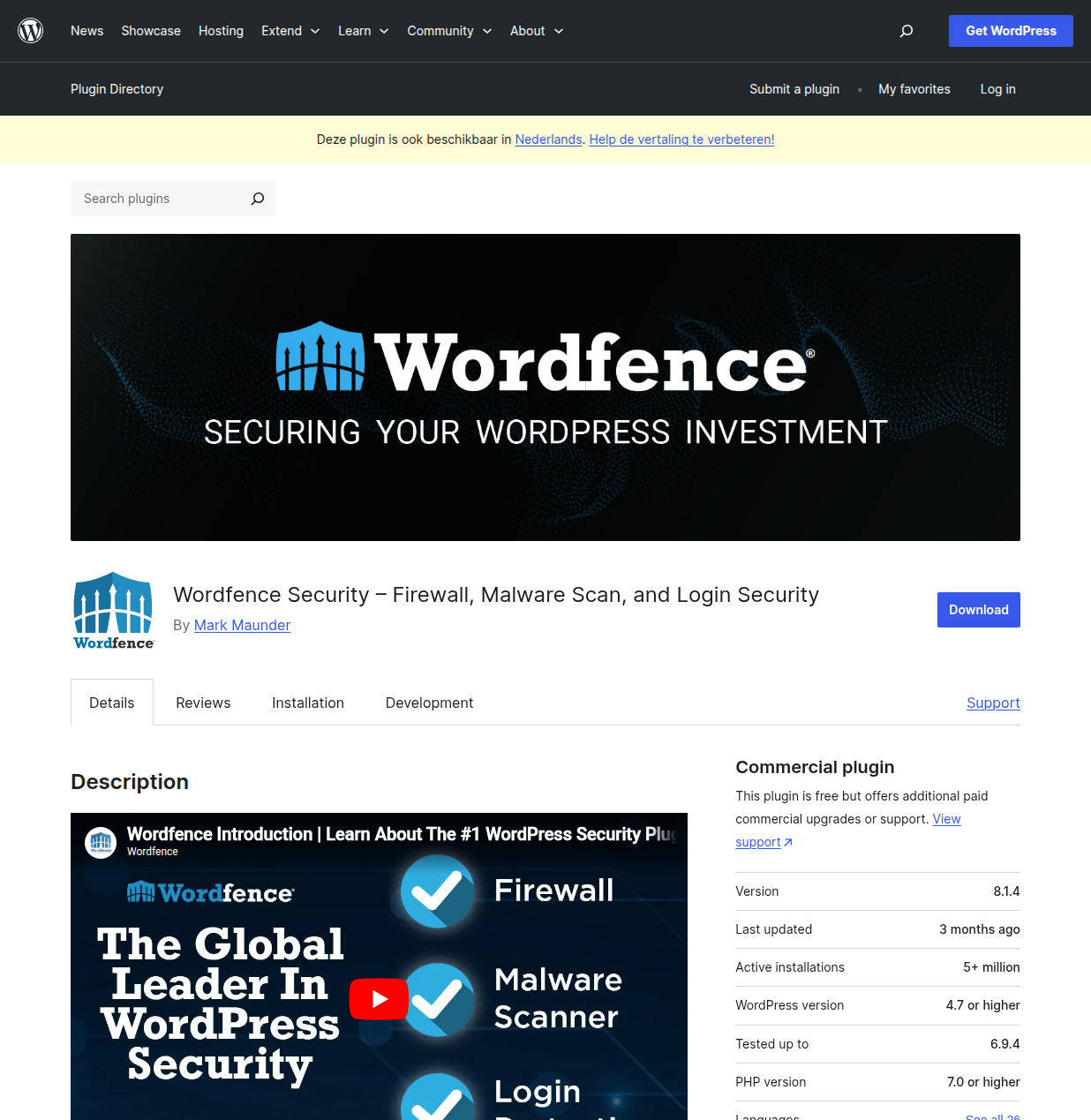
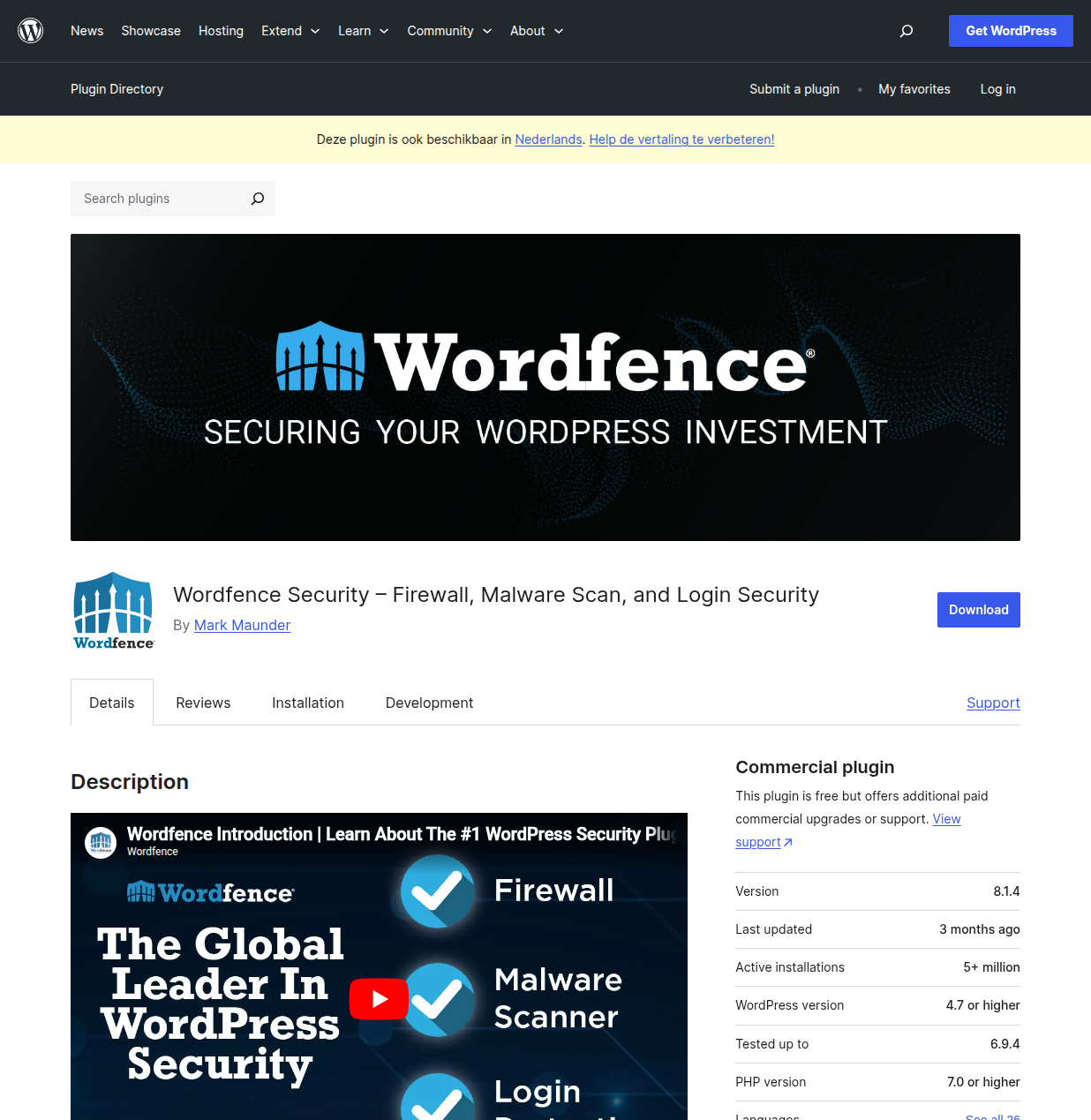
If I could only install one security plugin on every WordPress site I manage, it would be Wordfence. No hesitation. I've been using it since 2018, and it has saved my sites more times than I can count.
My Experience with Wordfence
The moment that sold me on Wordfence forever happened on a Tuesday morning in 2020. I was sipping my coffee, checking my sites, when Wordfence's Live Traffic feature showed me something alarming: someone from an IP address in Eastern Europe was systematically trying to log in to my site's admin. Not random attempts — they were using an actual username I'd used on a forum years ago, paired with variations of common passwords.
Wordfence had already locked them out after 5 failed attempts (my configured limit), but watching it happen in real-time was both terrifying and reassuring. The firewall had my back. Over the next 48 hours, I watched it block over 12,000 login attempts from a botnet. Not a single one got through.
What really sets Wordfence apart is the endpoint firewall. Unlike cloud-based firewalls that sit between the visitor and your server (and can be bypassed), Wordfence runs directly on your WordPress installation. It sees everything — every request, every file change, every suspicious pattern. And because it integrates deeply with WordPress, it catches things that generic WAFs miss.
Key Features
- Web Application Firewall (WAF): Blocks malicious traffic with rules that are constantly updated by Wordfence's dedicated security research team. Premium users get real-time rule updates; free users get them after a 30-day delay.
- Malware Scanner: Scans core files, themes, and plugins against the WordPress.org repository. It caught a backdoor in a theme I downloaded from a sketchy "free themes" site (lesson learned — always use official sources).
- Live Traffic: Watch requests hit your site in real-time. This is invaluable for understanding who's visiting, what they're doing, and spotting attack patterns.
- Two-Factor Authentication: Built right in — works with Google Authenticator, Authy, or any TOTP app. Free, no premium required.
- Brute Force Protection: Configurable lockout rules. I set mine to lock after 3 failed attempts with a 4-hour lockout. Aggressive? Yes. Effective? Absolutely.
- Login Page CAPTCHA: Stops bots from even attempting to log in.
- Country Blocking (Premium): If your audience is primarily in the US and Europe, you can block traffic from regions that consistently generate attack traffic.
Pros and Cons
Pros:
- The free version is incredibly generous — firewall, scanner, 2FA, and brute force protection all included
- Endpoint firewall means it can't be bypassed by simply finding your server's real IP
- Massive threat intelligence network (5+ million sites contribute data)
- Live Traffic view is genuinely useful, not just a gimmick
- Excellent email alerts — you'll know the moment something suspicious happens
Cons:
- Can be resource-intensive on shared hosting — the scanner temporarily spikes CPU usage
- The dashboard can feel overwhelming for beginners
- Free version delays firewall rules and malware signatures by 30 days
- Premium at $149/year per site can add up if you manage multiple sites
Who Should Use Wordfence?
Honestly? Almost everyone. If you're running a single WordPress site and want the best all-around protection, Wordfence's free version alone puts you ahead of 90% of WordPress sites out there. If you're running a business site where downtime means lost revenue, the premium version is worth every penny.
My Verdict: Wordfence is the gold standard for WordPress security. The free version alone is better than most premium security plugins. If you install nothing else, install this.
2. Sucuri Security — Best for Enterprise Sites
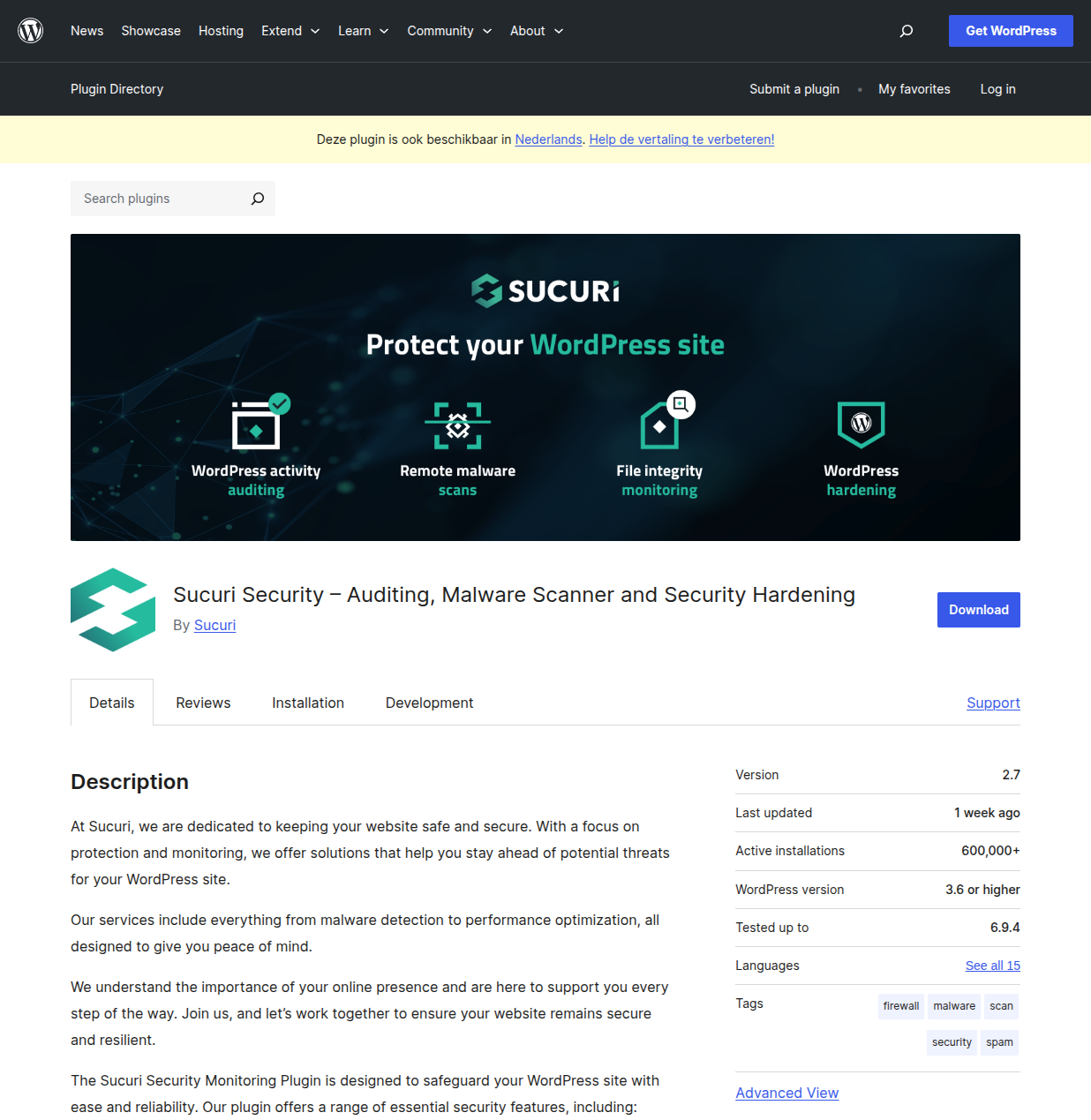
Sucuri is the security plugin I recommend when someone tells me they've already been hacked and need professional help, or when they're running a high-traffic site that can't afford a single minute of downtime.
My Experience with Sucuri
I first encountered Sucuri when a client came to me in a panic. Their WooCommerce store had been compromised — someone had injected a credit card skimmer into the checkout page. This wasn't a run-of-the-mill hack. It was sophisticated, and it had been running for weeks before anyone noticed.
I called in Sucuri's incident response team, and I was genuinely impressed. Within hours, they'd identified the initial entry point (an outdated version of a payment gateway plugin), removed all malicious code, and set up their cloud-based firewall to prevent re-infection. Their malware removal guarantee (unlimited cleanups with their platform plans) gave my client peace of mind that money alone usually can't buy.
Where Sucuri really shines is their cloud-based Web Application Firewall. Unlike Wordfence's endpoint approach, Sucuri's WAF sits in front of your server. All traffic passes through their network first, where it's filtered before reaching your site. This has a major benefit: DDoS protection. During a particularly aggressive DDoS attack on a client's site, Sucuri's network absorbed it without breaking a sweat. The site stayed up while thousands of malicious requests per second were quietly dropped.
Key Features
- Cloud-Based WAF (Premium): Filters traffic before it reaches your server, providing DDoS protection and virtual patching for known vulnerabilities.
- Security Activity Auditing: Logs every security-related event — plugin installs, user logins, file changes. The audit trail is stored remotely, so even if a hacker compromises your server, the logs are safe.
- File Integrity Monitoring: Detects unauthorized changes to WordPress core files, helping you spot injections early.
- Remote Malware Scanning: Scans your site from the outside using their SiteCheck scanner. Useful for catching SEO spam and redirect hacks that only show up to external visitors.
- Blocklist Monitoring: Checks whether Google, Norton, or other services have flagged your site.
- Post-Hack Security Actions: Tools to help you recover after a compromise — regenerate security keys, reset passwords, reinstall plugins.
Pros and Cons
Pros:
- Cloud-based WAF provides genuine DDoS protection
- Unlimited malware removal with platform plans — huge peace of mind
- Remote audit logs can't be tampered with by an attacker who gains server access
- CDN included with WAF plans, which actually speeds up your site
- Professional incident response team available
Cons:
- The free plugin alone is quite limited — you really need the paid WAF for meaningful protection
- Starting price of $229/year makes it the most expensive option on this list
- DNS changes required to set up the WAF can be confusing for beginners
- The free scanner only checks from the outside — it can miss server-side malware
- Support can be slower for free plugin users
Who Should Use Sucuri?
Sucuri is the right choice for agencies managing client sites, WooCommerce stores processing real transactions, and anyone who needs enterprise-grade DDoS protection. If your site generates significant revenue and you can justify the price tag, Sucuri's combination of WAF + CDN + malware removal guarantee is hard to beat. For personal blogs and smaller sites, though, it's overkill — save your money and go with Wordfence.
My Verdict: Sucuri is the premium choice for high-stakes sites. The free plugin is fine for basic monitoring, but the real value is in the paid WAF and malware removal service. Worth every penny for business-critical sites.
3. Solid Security (Formerly iThemes Security) — Best for Beginners
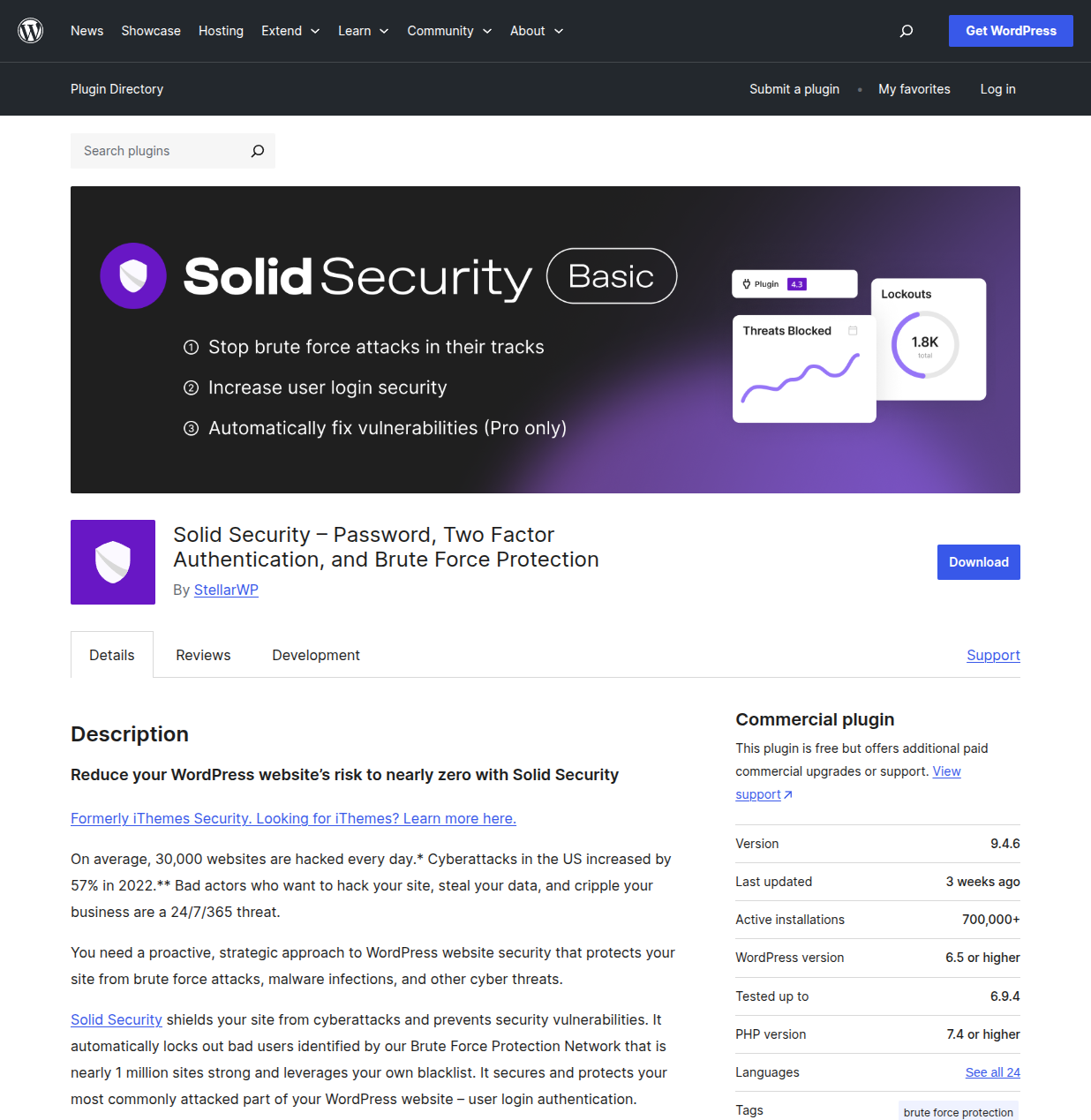
If Wordfence is the Swiss Army knife and Sucuri is the armored vehicle, then Solid Security is the friendly neighborhood security guard who actually explains what's going on in plain English.
My Experience with Solid Security
I started recommending Solid Security (back when it was still called iThemes Security) to clients who panicked every time Wordfence sent them an alert email. You know the type — they'd call me in a frenzy because Wordfence reported blocking 200 login attempts overnight, convinced their site was under some kind of targeted attack. In reality, that's just... Tuesday on the internet.
Solid Security takes a different approach. The setup wizard walks you through everything step by step, asks you what kind of site you're running (blog, ecommerce, portfolio), and applies appropriate security settings automatically. No jargon, no panic-inducing dashboards. It's genuinely refreshing.
I've set up Solid Security on about 15 client sites over the years, and the number of "help, what does this alert mean?" emails I get from those clients compared to my Wordfence clients? Practically zero. The plugin just quietly does its job without making the site owner feel like they're under siege.
The rebrand from iThemes Security to Solid Security in 2023 came with a genuinely improved UI and the addition of Patchstack integration in the Pro version. Patchstack is a game-changer — it virtually patches known plugin vulnerabilities before the plugin developer even releases a fix. So if a popular plugin gets a zero-day vulnerability disclosed on a Monday, your site is already protected by Monday afternoon, even if the plugin developer doesn't release a patch until Wednesday.
Key Features
- Site Templates: Six pre-configured security profiles (ecommerce, blog, portfolio, etc.) so you don't have to guess which settings to enable.
- Two-Factor Authentication: Supports all the major apps — Google Authenticator, Authy, Microsoft Authenticator. Free in the basic version.
- Brute Force Protection Network: Nearly 1 million sites share threat data. If an IP gets caught attacking one site in the network, it's blocked across all of them.
- Real-Time Security Dashboard: Clean, intuitive overview of your site's security status without the information overload.
- Passwordless Login (Pro): Let users log in with a magic link instead of a password. Eliminates the biggest attack vector entirely.
- Patchstack Integration (Pro): Automated virtual patching for known vulnerabilities. This alone justifies the Pro price for me.
- File Change Detection: Monitors your files and alerts you to unexpected changes.
Pros and Cons
Pros:
- By far the most beginner-friendly security plugin I've tested
- Setup wizard takes under 10 minutes and actually makes sense
- Patchstack integration (Pro) provides proactive protection that's hard to find elsewhere
- Clean, modern UI that doesn't overwhelm non-technical users
- User Groups let you apply different security levels to different roles
- Affordable at $99/year
Cons:
- The free version's firewall is very basic compared to Wordfence
- No standalone malware scanner — relies on Site Scanner which checks for known vulnerabilities rather than scanning file contents
- The branding change from iThemes has caused some confusion in the community
- Database backup feature creates database-only backups, not full site backups
- Less transparent about what the firewall actually blocks compared to Wordfence's Live Traffic
Who Should Use Solid Security?
This is the plugin I install for clients who aren't technical and don't want to be. If you're building a site for a client, a friend, or a family member who just wants things to work without having to understand firewall rules and malware signatures, Solid Security is the answer. The Pro version with Patchstack is also excellent for developers managing multiple client sites who want automated vulnerability protection without the manual overhead.
My Verdict: The most approachable security plugin on the market. Perfect for beginners and client sites. The Pro version with Patchstack integration is genuinely innovative.
4. All-In-One Security (AIOS) — Best Free Option
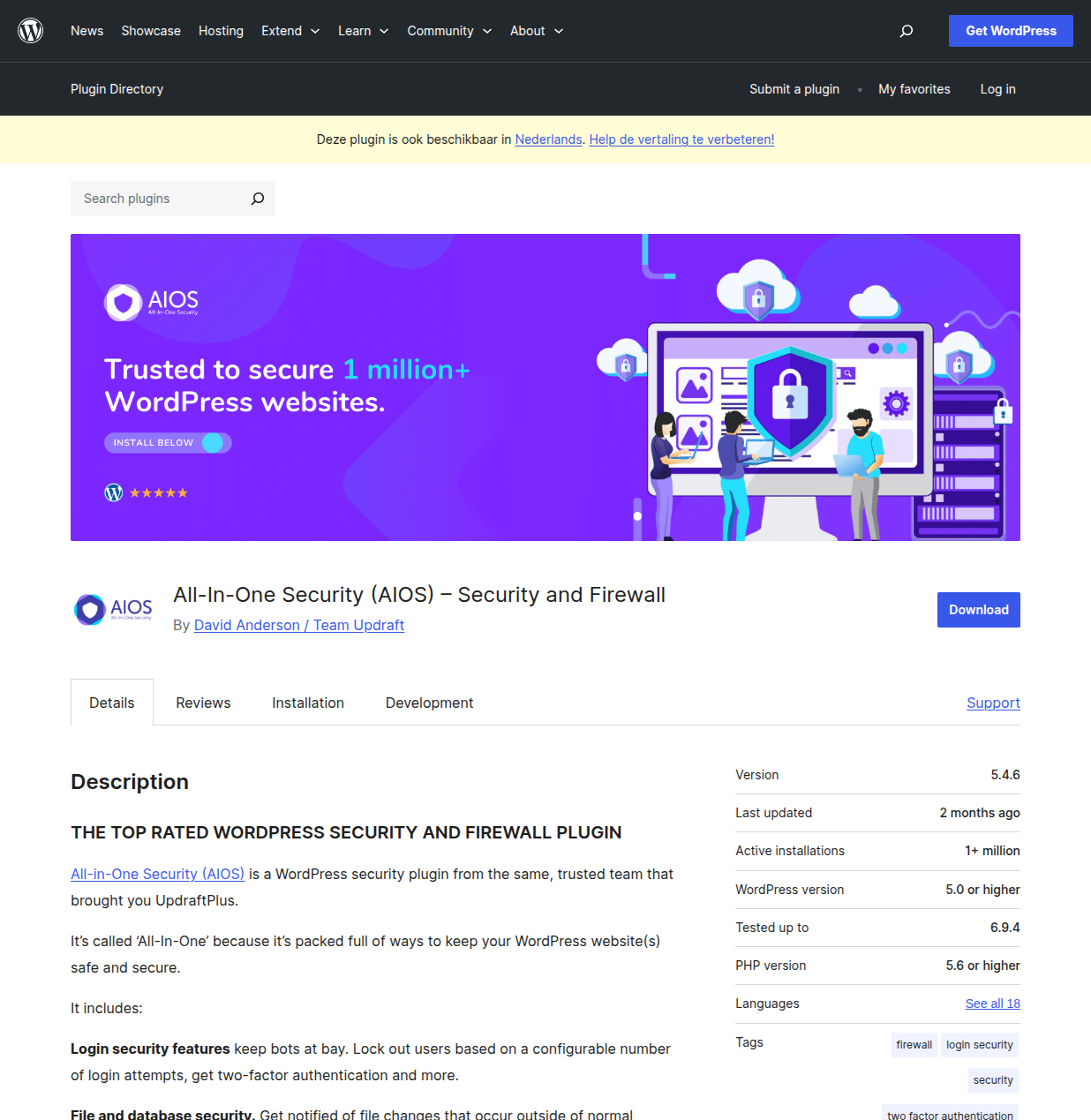
If your budget is exactly zero dollars and you want more granular control than what Wordfence Free offers, All-In-One Security deserves a serious look. It's made by the same team behind UpdraftPlus (the most popular backup plugin), so you know the developers know what they're doing.
My Experience with AIOS
I first installed AIOS on a network of small niche sites I was running back in 2021. I had about 12 sites at the time, and paying for premium security on all of them wasn't in the budget. AIOS was the answer — a genuinely comprehensive free security plugin that didn't nag me every five seconds to upgrade.
What I appreciated most was the security scoring system. AIOS assigns each security feature a point value, and your total score gives you an at-a-glance view of how hardened your site is. When I first installed it, my score was something depressing like 35 out of 505. By the time I'd worked through all the recommended settings — changing the database prefix, disabling XML-RPC, enabling the .htaccess firewall rules, setting up login lockouts — I was above 350. It gamified the process in a way that made tightening security oddly satisfying.
One thing that genuinely surprised me: the firewall rules in AIOS are based on the 6G Blacklist by Perishable Press, which is a well-respected set of .htaccess rules that block common attack patterns. They're not fancy machine learning or AI-powered (buzzword alert), but they're battle-tested and effective. I had one site that was getting hammered by SQL injection attempts, and the 6G rules blocked every single one.
The plugin also has a really nice feature where it can detect if someone changes a file on your server. When I was testing, I deliberately modified a core WordPress file (wp-settings.php), and within the next scan cycle, AIOS flagged it and emailed me. That kind of file integrity monitoring is usually a premium feature in other plugins.
Key Features
- Login Lockdown: Configurable brute force protection with customizable attempt limits and lockout durations.
- Two-Factor Authentication: Supports Google Authenticator, Microsoft Authenticator, and more. Free — no premium required.
- .htaccess Firewall Rules: Pre-built rule sets including the 6G Blacklist that block common attack patterns at the server level.
- PHP Firewall Rules: Block XML-RPC exploits, disable RSS feeds to prevent content scraping, and more.
- File Change Detection: Monitor your WordPress files for unauthorized changes and get email notifications.
- Spam Prevention: Block spam comments from bots, monitor spam IP addresses, and auto-block repeat offenders.
- Database Security: Change the default wp_ table prefix and schedule database backups.
- User Enumeration Prevention: Block the /?author=1 trick that attackers use to discover usernames.
- Security Scoring: Visual security score that increases as you enable features — great for motivation.
Pros and Cons
Pros:
- The free version is genuinely comprehensive — not a stripped-down teaser for premium
- Security scoring system makes hardening your site feel like a game
- 6G firewall rules are battle-tested and effective
- Very lightweight — noticeably less server impact than Wordfence
- Made by the UpdraftPlus team, so you know it's well-maintained
- Premium version is one of the most affordable at $84/year
Cons:
- No malware scanner in the free version — you need Premium for that
- The firewall operates at the .htaccess/PHP level, not at the application level like Wordfence
- No Live Traffic equivalent — you can't watch requests in real-time
- The UI feels more dated compared to Wordfence or Solid Security
- Some features (like country blocking) are Premium only
- Doesn't have its own threat intelligence network
Who Should Use AIOS?
AIOS is perfect for budget-conscious site owners who want real security without spending a dime. It's also great as a companion to a backup plugin — pair AIOS Free with UpdraftPlus Free and you have a solid security + backup combo for zero dollars. I'd also recommend it for people managing multiple small sites where paying for premium security per site doesn't make financial sense.
My Verdict: The best free security plugin if you want granular control without paying a cent. The security score feature alone makes hardening your site almost fun.
5. MalCare — Best for One-Click Malware Removal
MalCare is the plugin I reach for when the primary concern is malware — specifically, detecting it early and removing it without needing a computer science degree.
My Experience with MalCare
I discovered MalCare after a particularly frustrating experience with a hacked client site. The malware kept coming back. I'd clean it, verify every file, check the database for injected content, and within 48 hours, the site was reinfected. Three cleanup cycles later, I was pulling my hair out.
I installed MalCare as a second opinion, and it found what I'd missed: a backdoor hidden inside a seemingly innocent image file. The attacker had embedded PHP code inside a JPEG's EXIF data — a technique I'd read about but never encountered in the wild. MalCare's deep scanner caught it because it doesn't just compare files against a known-clean database like other scanners. It uses pattern recognition and machine learning to identify malicious code structures, even in files that look legitimate.
The one-click malware removal was almost anticlimactic. After spending hours on manual cleanup attempts, MalCare cleaned the entire site in about 3 minutes. It removed the malware without breaking anything — no missing CSS files, no broken plugin functionality. It just... worked.
What's particularly clever about MalCare's approach is that the scanning happens on their servers, not yours. The plugin sends your site's files to MalCare's cloud infrastructure for analysis, which means zero performance impact on your hosting. I've run MalCare alongside Wordfence on a shared hosting account without any issues — no timeout errors, no memory limit problems.
Key Features
- Deep Malware Scanner: Cloud-based scanning that checks every file on your site, including non-WordPress files. Runs daily by default.
- One-Click Malware Removal: The killer feature. When malware is found, you click one button and MalCare removes it safely. No waiting for a support ticket.
- Real-Time Firewall: Blocks malicious traffic using patterns learned from protecting over 300,000 sites.
- Login Protection: CAPTCHA-based login page protection and brute force prevention.
- Hardening Measures: Disable file editing, block PHP execution in uploads, and other standard hardening tweaks.
- Uptime Monitoring (Premium): Checks your site every 5 minutes and alerts you if it goes down.
- Activity Log: Track all user actions — helpful for identifying how a breach happened.
- Staging Integration: Test changes in a staging environment before pushing to production. A nice bonus feature.
Pros and Cons
Pros:
- One-click malware removal actually works — tested it multiple times
- Cloud-based scanning means zero performance impact on your server
- Catches malware that file-comparison scanners miss (obfuscated code, EXIF injections)
- Clean, intuitive dashboard that doesn't overwhelm
- Bot protection is surprisingly effective
- Free version includes basic scanning (though you need Premium for removal)
Cons:
- One-click removal requires Premium ($149/year)
- No two-factor authentication built in — you'll need a separate plugin for that
- Smaller user base means a smaller threat intelligence network than Wordfence
- Free version only tells you if malware is found but won't remove it or show details
- No real-time traffic monitoring like Wordfence's Live Traffic
- The firewall is less configurable than Wordfence's
Who Should Use MalCare?
MalCare is the right choice if your biggest fear is malware and you want the simplest possible cleanup process. It's excellent for site owners who've been hacked before and want insurance against it happening again. I also recommend it for people on shared hosting where resource-intensive plugins like Wordfence cause issues, since MalCare's scanning happens off-server. If you're running a WooCommerce store that handles sensitive customer data, MalCare's deep scanning gives extra peace of mind.
My Verdict: The best plugin specifically for malware detection and removal. If you've been hacked before or you're paranoid about malware (which, honestly, you should be), MalCare is a fantastic choice.
Free vs. Premium: Is It Worth Paying for Security?
This is the question I get asked more than any other, so let me give you my honest take based on years of experience.
For most personal blogs and small sites: No, you don't need to pay. Wordfence Free + common sense (strong passwords, keep everything updated, use 2FA) gives you better security than 95% of WordPress sites out there. That's not marketing speak — it's genuinely true.
For business sites that generate revenue: Yes, pay for security. The cost of a premium security plugin ($99-$229/year) is nothing compared to the cost of dealing with a hack — lost revenue, damaged reputation, potential legal liability if customer data is compromised, and the cost of professional cleanup services (which can easily run $200-$500 per incident).
For agencies and developers managing client sites: Absolutely pay. Your reputation is on the line. A client whose site gets hacked on your watch is a client you're going to lose, and they'll tell everyone about it. Wordfence Care or Sucuri's platform plans are built for this use case.
Here's my rule of thumb: if your site makes money, protect it with money. If it doesn't, protect it with Wordfence Free and good habits.
Security Basics You Should Do Regardless of Plugin Choice
No security plugin can protect you from every threat, especially if you're leaving the front door wide open. Here are the non-negotiable security habits I follow on every single site:
- Use strong, unique passwords: "admin123" is not a password. Use a password manager like Bitwarden (free) or 1Password to generate and store complex passwords.
- Enable two-factor authentication: This single step blocks 99.9% of automated login attacks. Every plugin on this list offers 2FA in some form.
- Keep everything updated: WordPress core, themes, and plugins. Most hacks exploit known vulnerabilities in outdated software. Enable auto-updates for minor releases at minimum.
- Use a reputable hosting provider: Cheap shared hosting with no server-level security is asking for trouble. I've had good experiences with SiteGround, Cloudways, and WP Engine on the security front.
- Install a backup plugin: Security plugins prevent hacks, but backups save you when prevention fails. UpdraftPlus is free and excellent.
- Don't use nulled themes or plugins: "Free" premium themes from shady websites are the #1 source of malware I see. If you can't afford a premium theme, use a quality free one from the official WordPress repository.
- Limit user accounts: Only give admin access to people who truly need it. Use the Editor or Author role for content creators.
- Use SSL (HTTPS): Most hosts offer free SSL via Let's Encrypt. There's no excuse for running a site over HTTP in 2026.
Which Security Plugin Should You Choose?
After everything I've laid out, here's my simplified recommendation:
- Best overall protection: Wordfence — it's the most complete package with the largest threat intelligence network.
- Best for enterprise/high-traffic sites: Sucuri — the cloud WAF and DDoS protection are unmatched.
- Best for beginners: Solid Security — the setup wizard makes security approachable.
- Best free option: All-In-One Security — comprehensive without spending a dime.
- Best for malware removal: MalCare — one-click cleanup that actually works.
If you're still unsure, just install Wordfence Free. Seriously. You can always switch later, but getting some protection in place today is infinitely better than researching the "perfect" plugin for another month while your site sits unprotected.
Your WordPress site deserves better than being an easy target. Take 10 minutes, install a security plugin, and sleep a little better tonight knowing your site has a guard on duty.
For a comprehensive hardening strategy beyond just plugins, read my complete WordPress security guide and my WordPress security essentials. Security plugins are just one piece of the puzzle — proper hosting, strong passwords, regular updates, and good backup habits matter just as much. And if you're looking for more plugin recommendations beyond security, check out my best WordPress plugins roundup and the WordPress plugins hub for guides across every category.
Got questions about securing your WordPress site? Drop a comment below — I've probably dealt with whatever scenario you're worried about and I'm happy to help.

Written by Marvin
Our team tests and reviews WordPress products to help beginners make confident choices.
Learn more about our team →You might also like
15 Best WordPress Plugins in 2026 — My Essential Picks After 10+ Years
After 10+ years of building WordPress sites, these are the 15 plugins I install on every project. Real recommendations with alternatives for every budget.
postFile Manager Plugin Review: Convenient but Handle With Care
WP File Manager puts FTP-style file access right in your WordPress dashboard. I explain what it does, who should use it, and why you need to be careful about security before installing it.
postBest WordPress AI Chatbot Plugins in 2026 — 5 Options Compared
I checked the current WordPress AI chatbot plugin landscape and narrowed it to 5 realistic options: AI Engine, Tidio, Chatway, WPBot, and Smartsupp.
postBest WordPress Lead Generation Plugins in 2026 — 5 Tools Worth Using
I researched the current WordPress lead generation plugin landscape and narrowed it to 5 tools that actually make sense: WPForms, OptinMonster, Thrive Leads, Hustle, and Fluent Forms.