
WooCommerce Stripe Review: Is It Worth It? (2026)
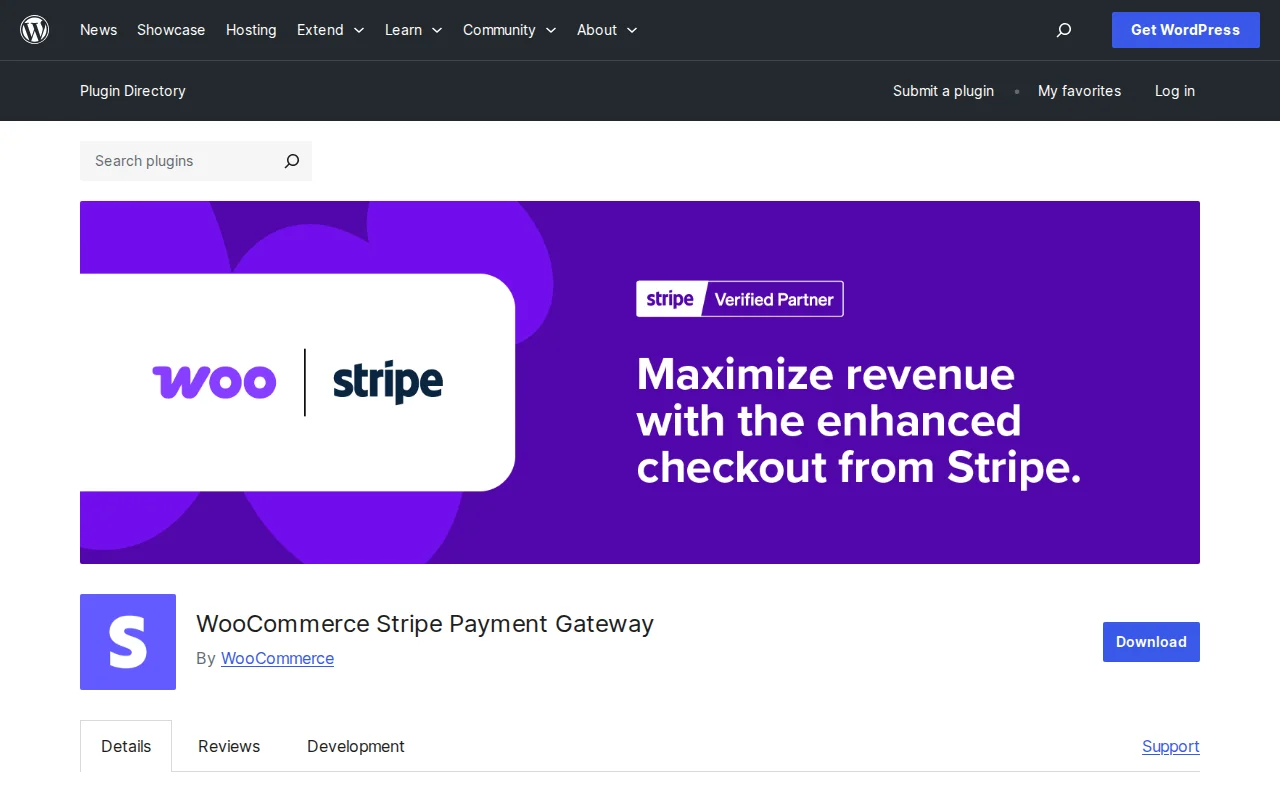
What Is WooCommerce Stripe?
WooCommerce Stripe Payment Gateway is the official plugin that connects your WooCommerce store to Stripe — one of the most popular payment processors in the world. It lets your customers pay with credit cards, Apple Pay, Google Pay, Klarna, Afterpay, and 20+ other payment methods. With 700,000+ active installations, it is the standard way to accept Stripe payments on WooCommerce. The plugin is built and maintained jointly by Stripe and WooCommerce.
Key Features
- 23+ Payment Methods — Credit/debit cards, Apple Pay, Google Pay, Link (Stripe's one-click checkout), Klarna, Affirm, Afterpay, Alipay, WeChat Pay, iDEAL, Bancontact, SEPA, and more
- Optimized Checkout — Responsive payment form that adapts to mobile, tablet, and desktop. Stripe claims an 11.9% revenue increase with their optimized flow
- Stripe Radar Fraud Detection — Machine learning-based fraud prevention built into every transaction at no extra cost
- In-Person Payments — Supports Stripe Terminal M2 readers and Tap to Pay on iPhone and Android
- PCI-DSS Compliance — Card data is handled by Stripe's hosted input fields, so your server never touches sensitive payment data
- Subscription Support — Works with WooCommerce Subscriptions for recurring payments
- 46 Countries, 135+ Currencies — Stripe is available globally with local payment method support
Free vs Premium
The plugin is completely free. No premium version, no license fees, no annual cost. You pay Stripe's standard per-transaction processing fees:
- US cards — 2.9% + 30¢ per transaction
- International cards — +1% additional fee
- Currency conversion — +1% additional fee
These rates are competitive and identical to what you get using Stripe directly. There are no setup fees, monthly fees, or hidden charges. Compare this to PayPal (3.49% + fixed fee) — Stripe is slightly cheaper for domestic card transactions.
Pros and Cons
Pros
- Official plugin by Stripe + WooCommerce — guaranteed compatibility and active development
- 23+ payment methods in one plugin — cards, wallets, BNPL, and local methods
- Stripe Radar fraud detection included at no extra cost
- Lower fees than PayPal for standard card processing (2.9% vs 3.49%)
- PCI-compliant without any effort on your part
- In-person payments via Stripe Terminal for hybrid stores
Cons
- Mixed reviews — rated 3.1/5 stars on WordPress.org (220 reviews), with complaints about bugs in recent major version updates
- No PayPal support — customers who prefer PayPal need a separate plugin
- Optimized Checkout styling customization is limited
- Major version updates (v10.x) introduced breaking changes that frustrated some store owners
- Requires an SSL certificate in live mode (standard for any payment gateway)
Who Should Use WooCommerce Stripe?
If you run a WooCommerce store and want the broadest payment method support with competitive fees, WooCommerce Stripe is the standard choice. It is especially strong for stores that want Apple Pay, Google Pay, and buy-now-pay-later options like Klarna without installing multiple plugins. For stores that also need PayPal, pair this with the WooCommerce PayPal Payments plugin to cover both bases.
Best Alternatives
- WooPayments — Stripe-powered but managed by WooCommerce with a simpler setup and built-in dashboard. Same fees but fewer payment methods. Read our WooPayments review
- Payment Plugins for Stripe WooCommerce — Third-party Stripe integration with a 4.9/5 rating. More customizable checkout experience but not officially maintained by Stripe.
- WooCommerce PayPal Payments — For PayPal, Venmo, and Pay Later. Many stores use both Stripe and PayPal together. Read our PayPal review
Frequently Asked Questions
Is the WooCommerce Stripe plugin free?
Yes, the plugin is free. You pay Stripe's per-transaction fees (2.9% + 30¢ in the US). No setup fees, monthly fees, or premium tiers.
What is the difference between WooCommerce Stripe and WooPayments?
Both use Stripe under the hood. WooPayments is a simplified wrapper with fewer payment methods but a built-in payment dashboard inside WooCommerce. WooCommerce Stripe gives you direct Stripe access with 23+ payment methods and the full Stripe Dashboard. See our WooPayments review for a detailed comparison.
Does it support Apple Pay and Google Pay?
Yes, both are included out of the box via Stripe's Express Checkout feature. Customers see the Apple Pay or Google Pay button automatically if their device supports it.
Can I use Stripe and PayPal together?
Yes. Many stores install both WooCommerce Stripe and WooCommerce PayPal Payments to give customers maximum checkout flexibility.
Is Stripe available in my country?
Stripe is available in 46 countries and supports 135+ currencies. Check Stripe's website for the full list of supported countries and payment methods available in your region.

Written by Marvin
Our team tests and reviews WordPress products to help beginners make confident choices.
Learn more about our team →You might also like
WooCommerce PayPal Payments Review: Is It Worth It? (2026)
Honest review of WooCommerce PayPal Payments — the official PayPal plugin for WooCommerce. PayPal, Venmo, Apple Pay, Google Pay, and card processing in one plugin.
postGoogle for WooCommerce Review: Is It Worth It? (2026)
Honest review of Google for WooCommerce — sync your products to Google Shopping, run Performance Max campaigns, and track conversions. All free.
postRoyal Addons for Elementor Review: Is It Worth It? (2026)
Honest review of Royal Addons for Elementor — 100+ widgets, theme builder, WooCommerce builder, mega menu, and 150+ templates. Most features free.
postFluent Forms Review: Is It Worth It? (2026)
Honest review of Fluent Forms — the fastest WordPress form builder with drag-and-drop editor, conversational forms, payments, and 40+ integrations. Under 30KB footprint.