
One Click Demo Import Review: Import Theme Demos Instantly (2026)
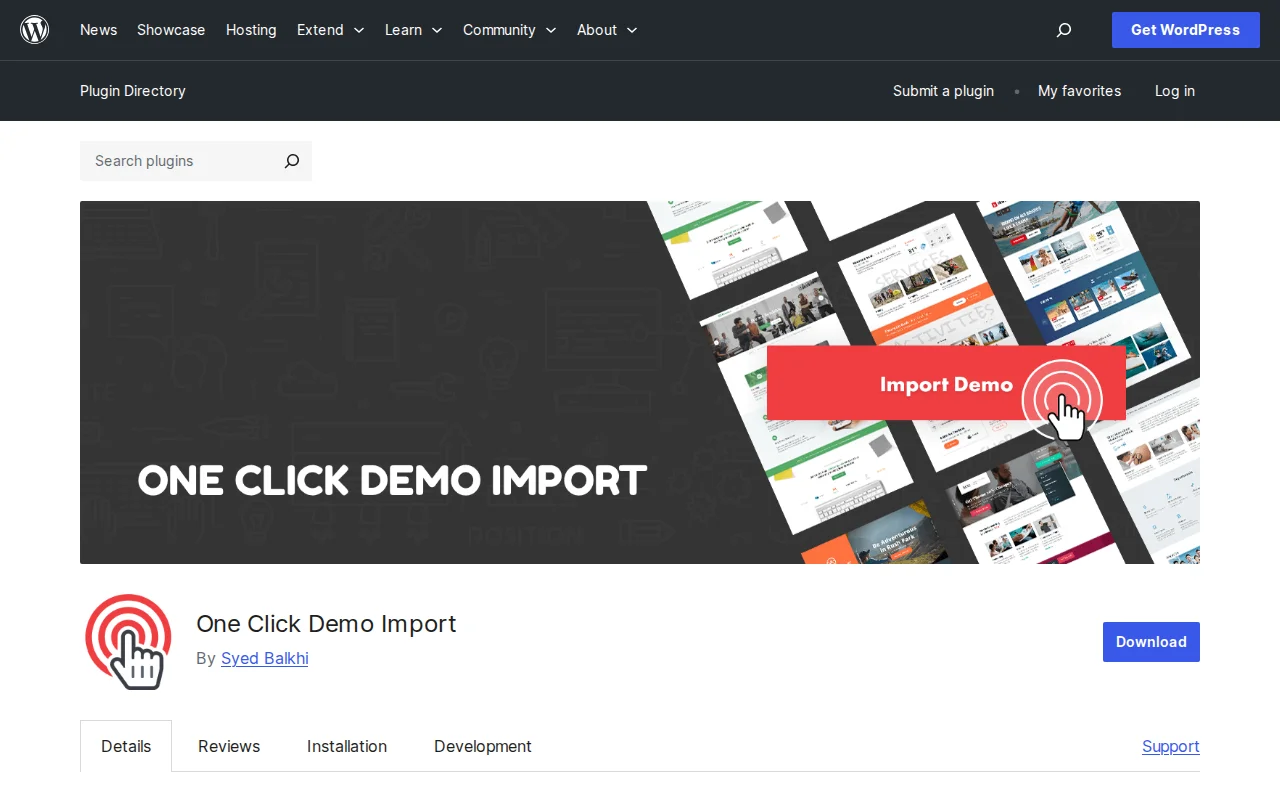
What Is One Click Demo Import?
OCDI imports demo content, widgets, menus, and customizer settings from your theme with one click. 20M+ downloads, 4.3/5 stars.
Key Features
- One-click import of content, widgets, customizer
- Multiple demo options per theme
- Theme author integration
- Manual XML/JSON/DAT upload
- WP-CLI support
- Safe to deactivate after import
Free vs Premium
100% free. No premium version.
How It Works
- Install and activate
- Go to Appearance → Import Demo Data
- Choose demo layout, click Import
- Wait 1-3 minutes
- Deactivate — content stays
Pros and Cons
Pros: Free, minutes instead of hours setup, hundreds of themes support it, safe to deactivate
Cons: No undo, imports unnecessary content, some themes have own importer, can fail on low-memory hosting
Best Alternatives
- Starter Templates (Astra) — Curated site designs
- WordPress Importer — Built-in, but no widgets/customizer
- Theme-bundled importers — Avada, Divi, OceanWP have their own
Frequently Asked Questions
Can I deactivate after importing?
Yes. Content stays in database.
Does it overwrite existing content?
No for posts/pages. Yes for widgets and customizer settings.
How to remove demo content?
Manual deletion — no automatic undo.
Why does import fail?
Low PHP memory. Increase to 256MB in wp-config.php.
Sources: WordPress.org, OCDI.com

Written by Marvin
Our team tests and reviews WordPress products to help beginners make confident choices.
Learn more about our team →You might also like
Slider Revolution Review: Is It Worth It? (2026)
Honest review of Slider Revolution — the premium WordPress slider and visual effects plugin powering 9 million sites. Hero sections, carousels, and animations.
postWPBakery Page Builder Review: Is It Worth It? (2026)
Honest review of WPBakery Page Builder — the legacy WordPress page builder powering 5.8 million sites. Dual editors, 200+ addons, and a one-time license. But is it still worth choosing in 2026?
postHello Dolly: The Story Behind WordPress's Most Famous Plugin
Hello Dolly ships with every WordPress installation. It displays random lyrics from the Louis Armstrong song. Here is why it exists and whether you should keep it.
postUnder Construction Review: Is It Worth It? (2026)
Honest review of Under Construction — the quickest way to put your WordPress site in maintenance mode. 30+ templates, lead capture, social links, and scheduling in under a minute.