
Menu
Quick Definition
A WordPress menu is a customizable navigation bar that helps visitors find their way around your site. You can add pages, posts, categories, and custom links, and arrange them with drag and drop.
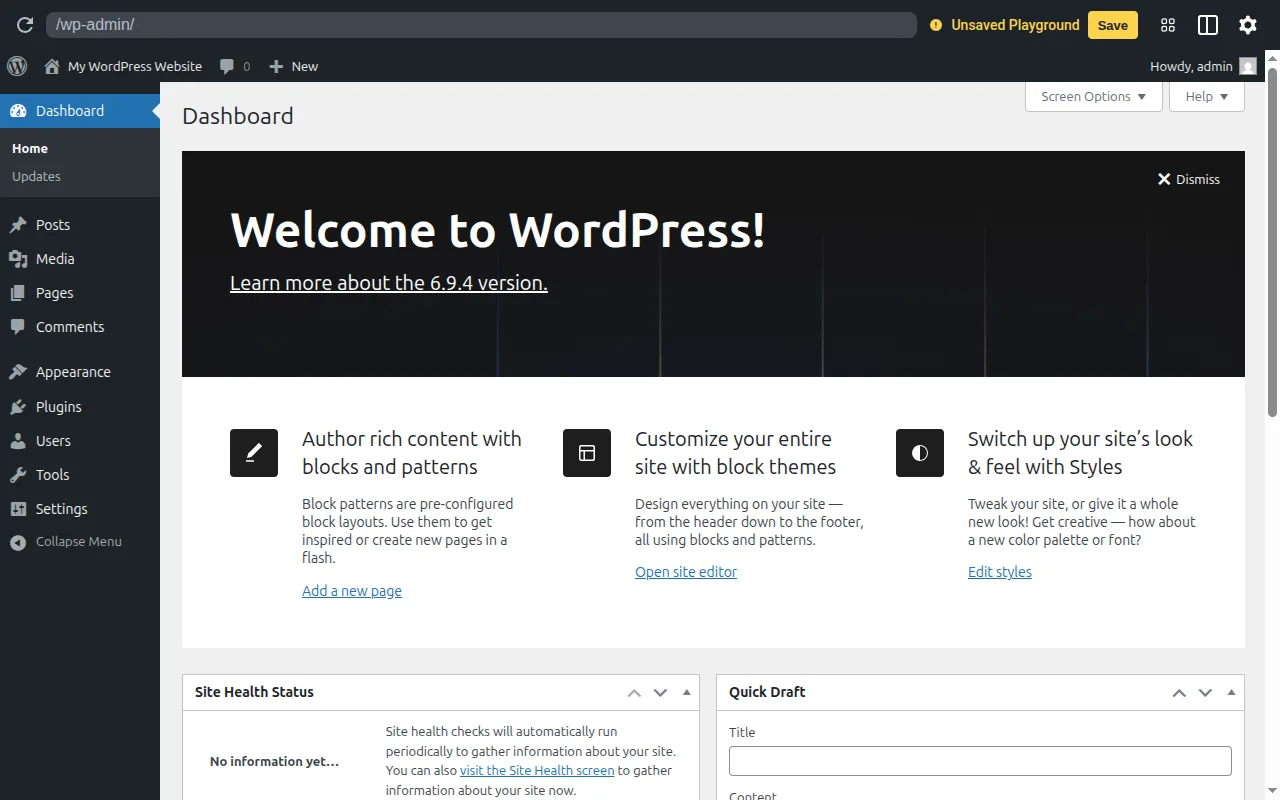
What Is a Menu?
A WordPress menu (also called a navigation menu or nav bar) is a customizable set of links that helps visitors navigate your site. According to the official documentation, the Menus screen enables you to create a custom menu with links to pages, posts, categories, and any custom URL.
Most WordPress sites have at least two menus:
- Primary/Header menu — the main navigation at the top of every page
- Footer menu — links at the bottom (often legal pages like Privacy Policy, Terms)
Your theme defines the available menu locations. Common locations include Primary Navigation, Secondary Navigation, Footer Menu, and Mobile Menu.
Menus in Practice
Classic themes: Go to Appearance → Menus in your dashboard. Create a menu, add items from the left panels (Pages, Categories, Custom Links), then drag and drop to reorder. Drag items slightly right to create dropdown submenus.
Block themes (WordPress 6.0+): The classic Menus screen has been replaced by the Navigation Block. You edit menus directly in the Site Editor using the same block editor you use for posts. This gives you more visual control over how your menu looks.
You can add these item types to a menu:
- Pages — your static site pages
- Posts — individual blog posts
- Categories — links to category archive pages
- Custom Links — any URL (external sites, anchor links, etc.)
- Tags — links to tag archives (hidden by default, enable via Screen Options)
Each menu item can be customized with a Navigation Label (display text), Title Attribute (tooltip), CSS classes, and an option to open in a new tab.
Why It Matters
Your menu is how visitors explore your site. A confusing menu means people leave. A clear, well-organized menu keeps them browsing. Limit your primary menu to 5-7 items — too many links overwhelm visitors. For help structuring your site, see our beginner's guide and SEO checklist.
Sources: Theme Handbook: Navigation Menus, WordPress.org: Navigation Block, Developer.WordPress.org: wp_nav_menu()