
Learn WordPress SEO — Your Complete Guide to Ranking on Google
I started my first WordPress blog in 2006. I wrote what I thought were brilliant posts, hit publish, and then... nothing. No traffic. No Google rankings. Not a single visitor from search. It took me months to realize that publishing content is only half the battle — the other half is making sure Google can actually find your content, understand it, and decide it's worth showing to people.
That was nearly 20 years ago, and I've spent every year since then learning, testing, and refining how WordPress SEO works. I've taken sites from zero to 50,000 monthly visitors. I've recovered sites hit by Google algorithm updates. I've helped clients who were on page 10 get to page 1. And I've made every mistake in the book along the way — so you don't have to.
This guide is the learning path I wish someone had handed me back in 2006. It's structured as six clear steps, each building on the last. Follow them in order and you'll go from "I don't even know what SEO means" to "I'm confidently optimizing every post I publish." Let's get into it.
What Is WordPress SEO?
SEO stands for Search Engine Optimization — the practice of making your website more visible in Google's organic (non-paid) search results. WordPress SEO specifically refers to the techniques, settings, and tools you use within WordPress to improve your rankings. The good news? WordPress is already one of the most SEO-friendly platforms out there. It generates clean HTML, supports proper heading structures, creates SEO-friendly URLs by default, and has an entire ecosystem of plugins designed to push your SEO even further.
But here's what most beginners get wrong: they think installing an SEO plugin is all it takes. It's not. An SEO plugin is like a set of power tools — incredibly useful, but only if you know how to use them. That's exactly what this learning path will teach you. If you want a deeper dive into why WordPress is such a strong foundation for SEO, I cover that in detail in my article on whether WordPress is good for SEO.
Your 6-Step WordPress SEO Learning Path
I've organized this guide as a step-by-step learning path. Each step links to a full, in-depth article where I walk you through everything you need to know. Think of this page as your roadmap — bookmark it and work through the steps at your own pace.
Step 1: Understand Why WordPress Is SEO-Friendly
Before you start tweaking settings and installing plugins, it helps to understand why WordPress is such a strong starting point for SEO. I hear people ask "should I use WordPress or Wix?" or "is Squarespace better for SEO?" all the time, and honestly, the answer is almost always WordPress — and it's not even close. WordPress gives you full control over your site's technical SEO: you can customize your URL structure, edit your robots.txt, add structured data, control your XML sitemap, and optimize your page speed in ways that closed platforms simply don't allow.
In my full article, I break down the specific features that make WordPress the SEO powerhouse it is — from its clean permalink structure to its massive plugin ecosystem. I also cover the few areas where WordPress needs a little help (like image optimization and caching), and exactly how to fill those gaps.
Read the full guide: Is WordPress Good for SEO?
Step 2: Choose Your SEO Plugin
Here's the thing about WordPress out of the box — it handles the fundamentals well, but it doesn't give you a way to set custom meta titles, write meta descriptions, generate XML sitemaps, or analyze your content for keyword optimization. That's where an SEO plugin comes in. And choosing the right one matters more than you might think, because you'll be using it on every single post and page you create.
I've used all the major SEO plugins extensively — Yoast SEO, Rank Math, All in One SEO, SEOPress — and I have strong opinions about each of them. Yoast was the gold standard for years, but Rank Math has caught up and arguably surpassed it in terms of features per dollar. In my detailed comparison, I walk you through the pros and cons of each plugin, what they cost, and which one I actually recommend depending on your situation and budget.
Read the full guide: Best WordPress SEO Plugins
Step 3: Follow the SEO Checklist
Once you've picked your SEO plugin, you need a systematic approach to actually using it. That's why I created a comprehensive WordPress SEO checklist — a step-by-step list of every setting you need to configure, every optimization you need to make, and every box you need to check before (and after) you publish a post. I'm talking about everything from setting your preferred URL structure in Settings > Permalinks to configuring your XML sitemap, adding your site to Google Search Console, optimizing your images, and setting up proper internal linking.
This checklist is what I use myself every time I launch a new WordPress site. I've refined it over hundreds of projects, and it covers both the one-time setup tasks (like configuring your SEO plugin settings) and the ongoing per-post tasks (like writing meta descriptions and optimizing headings). Print it out, stick it next to your monitor, and work through it methodically.
Read the full guide: WordPress SEO Checklist
Step 4: Master Keyword Research
This is where most beginners either skip ahead or get completely overwhelmed — and I get it. Keyword research sounds intimidating and technical. But here's what it really is: figuring out what your audience is actually typing into Google, and then creating content that answers those exact questions. It's less about "keywords" and more about understanding your readers. Once that clicks, everything else falls into place.
In my keyword research guide for beginners, I walk you through the exact process I use — from free tools like Google's own autocomplete and "People Also Ask" sections, to paid tools like Ahrefs, Semrush, and Ubersuggest. I show you how to evaluate whether a keyword is worth targeting (hint: search volume isn't everything — keyword difficulty and search intent matter just as much), and how to build a content plan that systematically targets the right keywords for your niche.
Read the full guide: Keyword Research for Beginners
Step 5: Write Content That Actually Ranks
You can nail your keyword research and have a perfectly configured SEO plugin, but if your content doesn't satisfy what Google calls "search intent," you won't rank. Period. I've seen plenty of technically optimized posts sitting on page 5 because the content just didn't deliver what searchers were looking for. On the flip side, I've seen well-written posts with minimal SEO optimization rank on page 1 because they genuinely solved the reader's problem better than anything else out there.
My guide on writing blog posts that rank walks you through the entire content creation process — from analyzing what's currently ranking for your target keyword (so you know what Google considers "good" content for that topic), to structuring your post with proper headings, writing an intro that hooks readers, using images effectively, and optimizing for both humans and search engines without sounding like a robot. This is where I share the writing framework I've developed after publishing hundreds of articles across multiple niche sites.
Read the full guide: How to Write a Blog Post That Ranks
Step 6: Set Up Google Analytics
Here's something most tutorials won't tell you: SEO without analytics is just guessing. You need to know which posts are bringing in traffic, which keywords you're actually ranking for, how long visitors are staying on your pages, and where they're dropping off. Google Analytics gives you all of that data for free — and Google Search Console (which I also cover) shows you exactly how your site appears in search results, including your click-through rates, impressions, and average positions.
In my step-by-step guide, I walk you through installing Google Analytics on your WordPress site (there are multiple ways to do it — I recommend the one that doesn't require editing your theme files), connecting it to Google Search Console, and setting up the specific reports that matter for SEO. I also cover the mistakes I see beginners make with analytics, like obsessing over pageviews instead of engagement metrics, or panicking over normal traffic fluctuations.
Read the full guide: How to Install Google Analytics in WordPress
Essential SEO Tools You'll Need
Throughout this learning path, you'll encounter several tools that I consider essential for WordPress SEO. Here's a quick overview so you know what's coming:
| Tool | What It Does | Price |
|---|---|---|
| Rank Math | On-page SEO optimization, sitemaps, schema markup | Free (Pro from $59/yr) |
| Google Search Console | Monitor search performance, submit sitemaps, fix indexing issues | Free |
| Google Analytics | Track visitors, behavior, traffic sources, conversions | Free |
| Google PageSpeed Insights | Test page load speed and Core Web Vitals | Free |
| Ahrefs / Semrush | Keyword research, competitor analysis, backlink tracking | From $29/mo |
| Ubersuggest | Budget-friendly keyword research and site audits | Free (paid from $12/mo) |
Pro tip: You can get surprisingly far with just the free tools. Google Search Console and Google Analytics are non-negotiable — install both from day one. For keyword research, start with Ubersuggest's free tier or even just Google's autocomplete suggestions. You don't need to spend $100/month on Ahrefs until you're serious about scaling your content strategy. See our complete toolkit for all the SEO tools and plugins I recommend. And if you'd rather have an expert handle the technical side, check out my guide to the best WordPress SEO services.
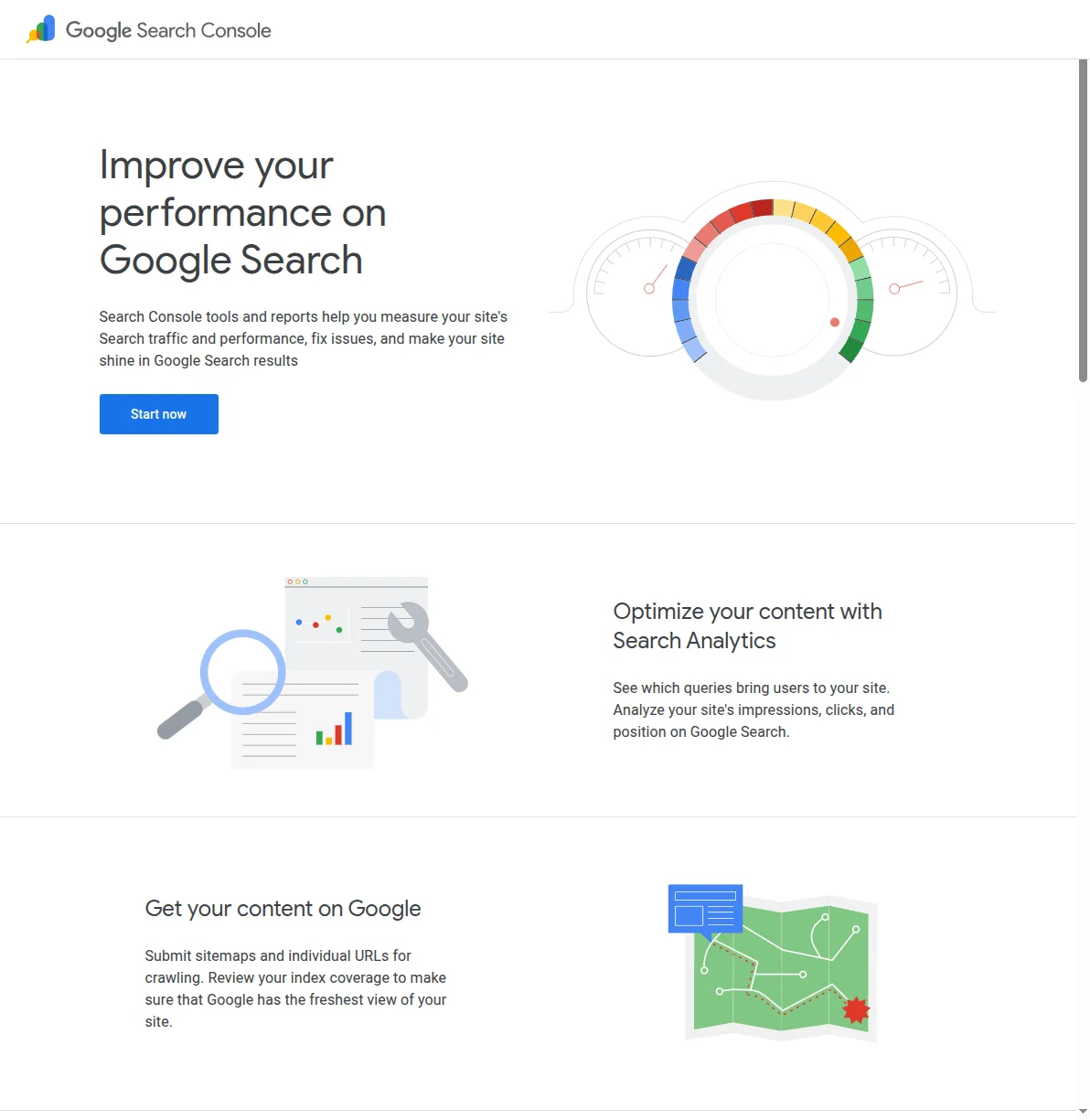
Google Search Console is the single most important free SEO tool available. It tells you exactly which queries are bringing people to your site, which pages are indexed, and whether Google has found any issues with your site. If you only set up one tool from this list, make it this one.
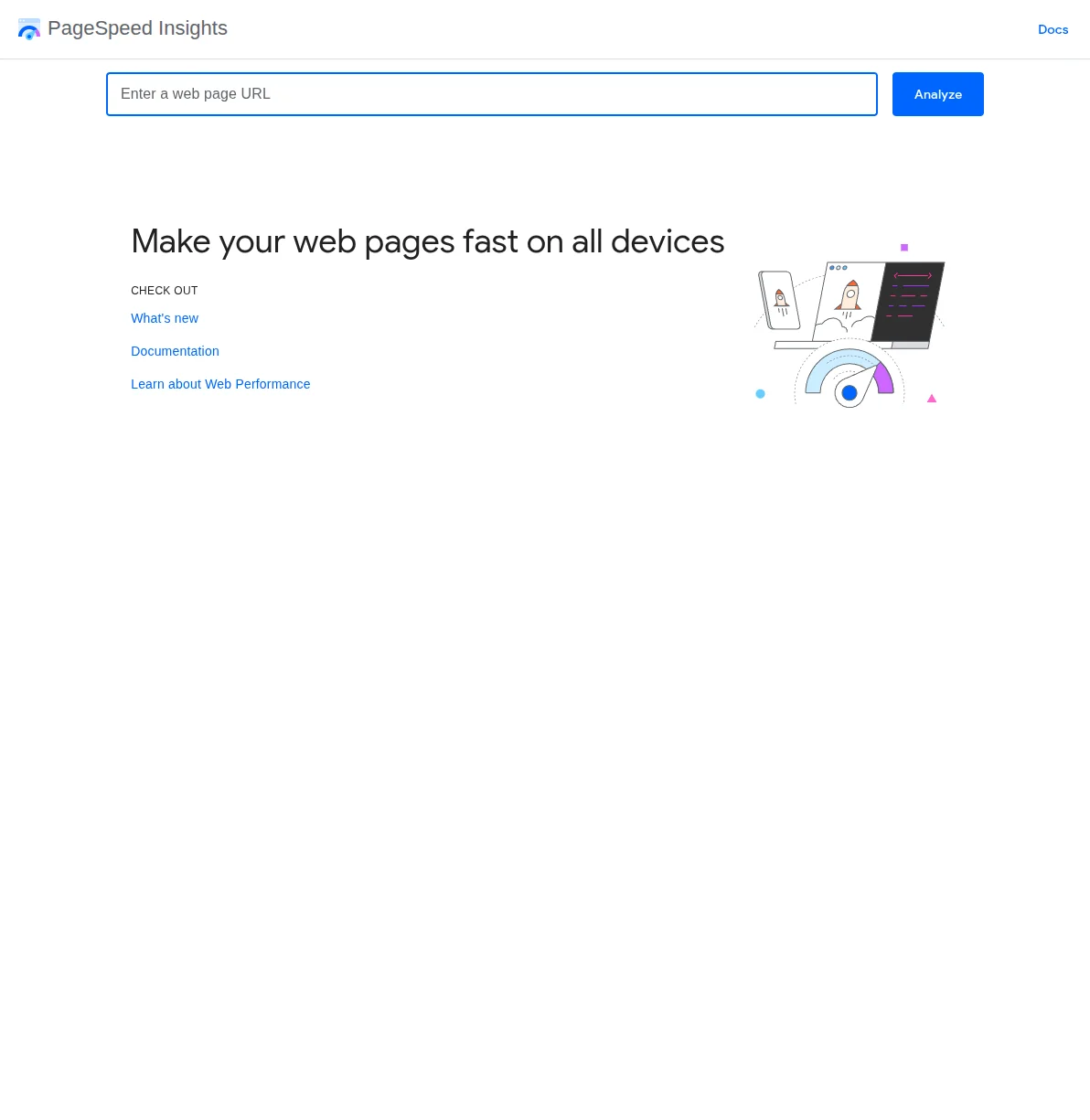
PageSpeed Insights analyzes your page load speed on both mobile and desktop. Since Google uses Core Web Vitals as a ranking factor, keeping your scores in the green is more important than ever. Run your homepage through it after every major change to your site.
Frequently Asked Questions
How long does it take for WordPress SEO to work?
Honestly? It depends. I've seen new posts rank within a week for low-competition keywords, and I've seen others take 6-12 months to crack the first page for competitive terms. As a general rule, expect to see meaningful results within 3-6 months if you're consistently publishing well-optimized content. The key word there is consistently — Google rewards sites that demonstrate expertise over time, not sites that publish 10 posts in week one and then disappear for three months.
Do I need a paid SEO plugin?
No. The free versions of both Rank Math and Yoast SEO are genuinely excellent and cover everything a beginner (and most intermediate users) need. I used Yoast's free version for years before upgrading. The paid versions add nice-to-haves like advanced schema markup, redirect management, and multiple keyword optimization per post — but they're not essential to rank. I cover the free vs. paid comparison in detail in my SEO plugins guide.
Is WordPress better for SEO than Wix or Squarespace?
Yes, and it's not a close contest. WordPress gives you full control over your technical SEO — URL structure, robots.txt, header tags, schema markup, server-side caching, CDN configuration — in ways that Wix and Squarespace simply don't allow. That said, Wix and Squarespace have improved significantly. For a simple portfolio or brochure site, they're fine. But for a site where organic search traffic is your primary growth channel, WordPress is the clear winner. I break this down in my article on whether WordPress is good for SEO.
What's the most important SEO factor for WordPress sites?
Content quality. Full stop. You can have perfect technical SEO, a blazing-fast site, and every schema markup in the book — but if your content doesn't genuinely help the searcher better than the other results on page 1, you won't rank. Google has gotten remarkably good at identifying content that actually answers the question vs. content that's just optimized to look like it does. Focus on being the best result for your target keyword, and the rankings will follow.
How many keywords should I target per post?
One primary keyword and 2-3 closely related secondary keywords. That's it. I see beginners trying to cram 10 keywords into a single post, and it never works — you end up with a post that's mediocre for everything instead of excellent for one thing. Write your post around your primary keyword, and naturally weave in the related terms. Your SEO plugin will help you track this. I cover this in detail in my keyword research guide.
Do backlinks still matter in 2026?
Yes, but less than they used to. Google has gotten much better at evaluating content quality independently of backlinks. That said, backlinks from relevant, authoritative sites are still one of the strongest ranking signals. The best approach is to focus on creating content so good that people want to link to it naturally. Guest posting, HARO (now Connectively), and broken link building still work, but I'd prioritize content quality over link building every time — especially for a new site.
Start Your SEO Journey
If you've made it this far, you've got a solid overview of what WordPress SEO involves and a clear roadmap to follow. Don't try to do everything at once — that's a recipe for overwhelm. Instead, start with Step 1 and work your way through the learning path one step at a time. Each article builds on the previous one, so by the time you finish all six steps, you'll have a WordPress site that's fully optimized for search engines. For hands-on implementation help, explore our WordPress tutorials section.
Here's the beautiful thing about SEO: the work you do today compounds over time. A well-optimized post published today can bring you traffic for years. I have posts from 2019 that still rank on page 1 and send me traffic every single day. That's the power of getting WordPress SEO right from the start. And once your traditional Google SEO is solid, the next layer is optimizing for AI answers — my generative engine optimization (GEO) guide for WordPress covers exactly that.

Written by Marvin
Our team tests and reviews WordPress products to help beginners make confident choices.
Learn more about our team →You might also like
WordPress SEO Checklist — 20 Steps to Rank Higher on Google in 2026
A concise, actionable WordPress SEO checklist covering setup, on-page optimization, technical SEO, and content strategy. Follow these 20 steps to give your WordPress site the best possible chance of ranking on Google.
postHow to Improve WordPress SEO: 15 Tips That Actually Work
Your WordPress site is live but traffic is flat. After 20 years of building and optimizing WordPress sites, here are the 15 things I do on every single project to get Google traffic flowing.
postBest WordPress AI Internal Link Plugins in 2026 — 5 Smart Options Compared
I checked the current WordPress AI internal linking landscape and narrowed it to 5 realistic options: Link Whisper, Rank Math, LinkBoss, AI Internal Links, and Squirrly SEO.
postBest WordPress AI Content Optimization Plugins in 2026 — 5 Tools Compared
I checked the current WordPress AI content optimization landscape and narrowed it to 5 tools that actually make sense: SEO Engine, AI Engine, Rank Math, Squirrly SEO, and GetGenie.