
WPCode Review: The Easiest Way to Add Custom Code to WordPress (2026)
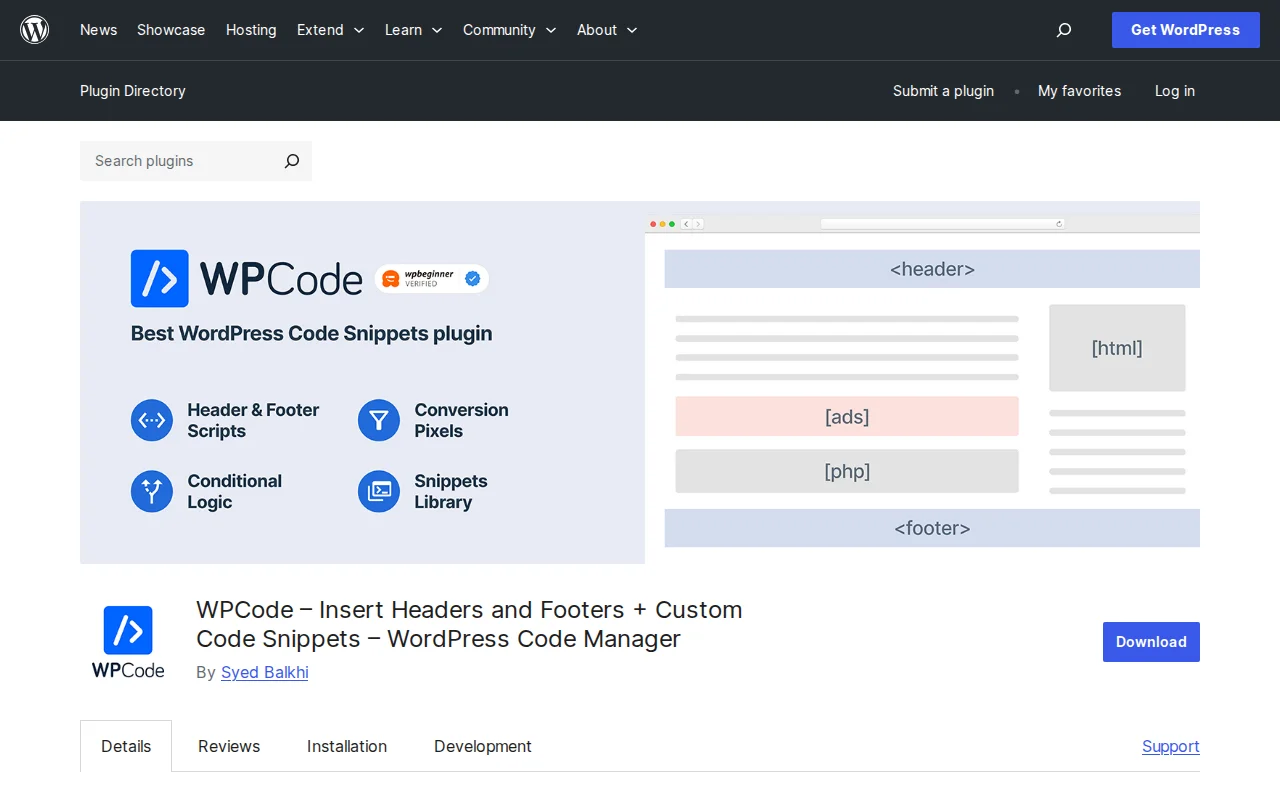
What Is WPCode?
WPCode (formerly Insert Headers and Footers) is a WordPress plugin that lets you add custom code snippets — PHP, JavaScript, CSS, HTML — to your site without editing functions.php or other theme files. With 2+ million active sites and a 4.9/5 star rating (1,765 reviews), it is the most popular code snippets manager in the WordPress ecosystem. Built by the WPBeginner team.
Key Features
- Header and footer scripts — Add Google Analytics, Facebook Pixel, custom CSS, or any tracking code in seconds
- Code snippets library — 500+ pre-built snippets you can activate with one click (disable comments, change excerpt length, add custom admin columns, etc.)
- Multiple code types — PHP, JavaScript, CSS, HTML, and plain text all supported
- Auto-insert locations — Choose where code runs: header, footer, before/after content, specific pages, or site-wide
- Enable/disable toggle — Turn snippets on and off without deleting them. Great for testing.
- Safe mode — If a snippet causes a fatal error, WPCode deactivates it automatically and sends you an email. Your site stays online.
- Theme-independent — Snippets persist when you switch themes. No more losing customizations.
Free vs Premium
The free version covers most use cases:
- Free — Header/footer scripts, code snippets library, PHP/JS/CSS/HTML support, auto-insert, safe mode, enable/disable toggle. This is enough for 90% of users.
- Basic ($49/yr) — Cloud snippet library, revision history, scheduled snippets
- Plus ($99/yr) — Conversion pixel addon (Facebook, Google Ads, TikTok, Pinterest retargeting)
- Pro ($199/yr) — Access controls for non-admin users, advanced conditional logic
- Elite ($399/yr) — Up to 1,000 sites. Designed for agencies.
For most WordPress site owners adding tracking codes and small customizations, the free version is more than enough. The paid plans are targeted at developers and agencies who need cloud storage, team access, and conversion tracking.
Pros and Cons
Pros:
- Eliminates the need to edit theme files — safer and theme-change-proof
- 500+ one-click snippet library saves hours of Googling
- Safe mode prevents broken sites from bad code
- Actively maintained (updated March 2026, version 2.3.5)
- Generous free version — genuinely useful without paying
Cons:
- Premium plans are expensive for individual users ($49-$199/yr)
- Some users report persistent review nag notices
- The name "Insert Headers and Footers" on wordpress.org is confusing — it does much more than that
- Advanced conditional logic requires Pro plan
Who Should Use WPCode?
Anyone who needs to add code to WordPress without touching theme files. The most common use cases: adding Google Analytics tracking code, Facebook Pixel for retargeting, custom CSS tweaks, PHP snippets from tutorials (like changing excerpt length or disabling features), and schema markup. If you have ever Googled "add this code to functions.php" — WPCode is the safer way to do it.
Best Alternatives
- Code Snippets — Open-source, free alternative focused on PHP snippets. Lighter but no built-in snippet library or header/footer management.
- Manual editing — Add code directly to functions.php or a custom plugin. More technical, and you lose changes when switching themes.
- Theme-specific options — Some themes (like Astra, GeneratePress) have built-in header/footer script fields in their settings.
Frequently Asked Questions
Is WPCode safe to use?
Yes. The built-in safe mode automatically deactivates any snippet that causes a PHP fatal error and sends you an email notification. Your site stays online even if you add broken code.
Do I need the Pro version?
For most users, no. The free version handles header/footer scripts, code snippets, and auto-insertion. Pro is mainly for developers who need cloud storage, revision history, and team access controls.
Will my snippets survive a theme change?
Yes. That is one of the main benefits. Unlike code added directly to functions.php, WPCode snippets are stored independently and persist across theme switches.
Can WPCode replace functions.php edits?
For most use cases, yes. Any PHP snippet you would add to functions.php can be added via WPCode instead — with the added benefits of an on/off toggle, safe mode, and theme independence.
Does WPCode slow down my site?
The plugin itself is lightweight. However, the snippets you add can affect performance — a heavy tracking script will slow your site regardless of whether you add it via WPCode or manually.
Sources: WordPress.org, WPCode.com, WPCode Pricing

Written by Marvin
Our team tests and reviews WordPress products to help beginners make confident choices.
Learn more about our team →You might also like
Simple Custom CSS and JS Review: Is It Worth It? (2026)
Honest review of Simple Custom CSS and JS — the easiest way to add custom CSS, JavaScript, and HTML to WordPress without editing theme files. 700K+ installs.
postRedux Framework Review: Why Is It on My Site? (2026)
Redux Framework powers theme options panels. You probably did not install it — your theme did. 1M+ installs, 4.4 stars. Here is what it does.
postCustom Post Type UI Review: Create Custom Post Types Without Code (2026)
CPTUI lets you register custom post types and taxonomies without writing PHP. 1M+ installs, 4.6 stars. But do you still need it if you use ACF?
postAdvanced Custom Fields (ACF) Review: The Developer's Best Friend (2026)
ACF is the most popular custom fields plugin for WordPress with 2M+ installs. Here is what the free version offers, when you need Pro, and the best alternatives.