
Best WordPress Code Snippet Plugins in 2026 — Stop Editing functions.php
Early in my WordPress journey, I learned a painful lesson: one misplaced semicolon in functions.php can take your entire site offline. I was adding a simple Google Analytics tracking snippet, fat-fingered a bracket, and spent 45 minutes FTP-ing into my server to undo the damage. That was 2009. I haven't touched functions.php directly since.
Code snippet plugins solve this problem completely. They give you a clean interface to add PHP, JavaScript, CSS, and HTML snippets without ever opening a theme file. Your snippets survive theme updates, you can activate and deactivate them individually, and if something breaks, the plugin catches the error before it crashes your site. If you're adding any custom code to WordPress — tracking scripts, custom functions, CSS tweaks, WooCommerce modifications — you need one of these. Here are the four I've tested and trust.
Quick Comparison
| Plugin | Active Installs | Rating | Code Types | Free Version | Best For |
|---|---|---|---|---|---|
| WPCode | 3,000,000+ | 4.9/5 | PHP, JS, CSS, HTML, Text | Excellent | Most users — best all-around |
| Code Snippets | 1,000,000+ | 4.7/5 | PHP, JS, CSS, HTML | Very good | Developers who want clean UI |
| FluentSnippets | 40,000+ | 4.9/5 | PHP, JS, CSS, HTML | Full-featured | Performance-focused sites |
| Woody Code Snippets | 60,000+ | 4.6/5 | PHP, JS, CSS, HTML | Solid | Simple snippet management |
1. WPCode — The Most Popular Choice
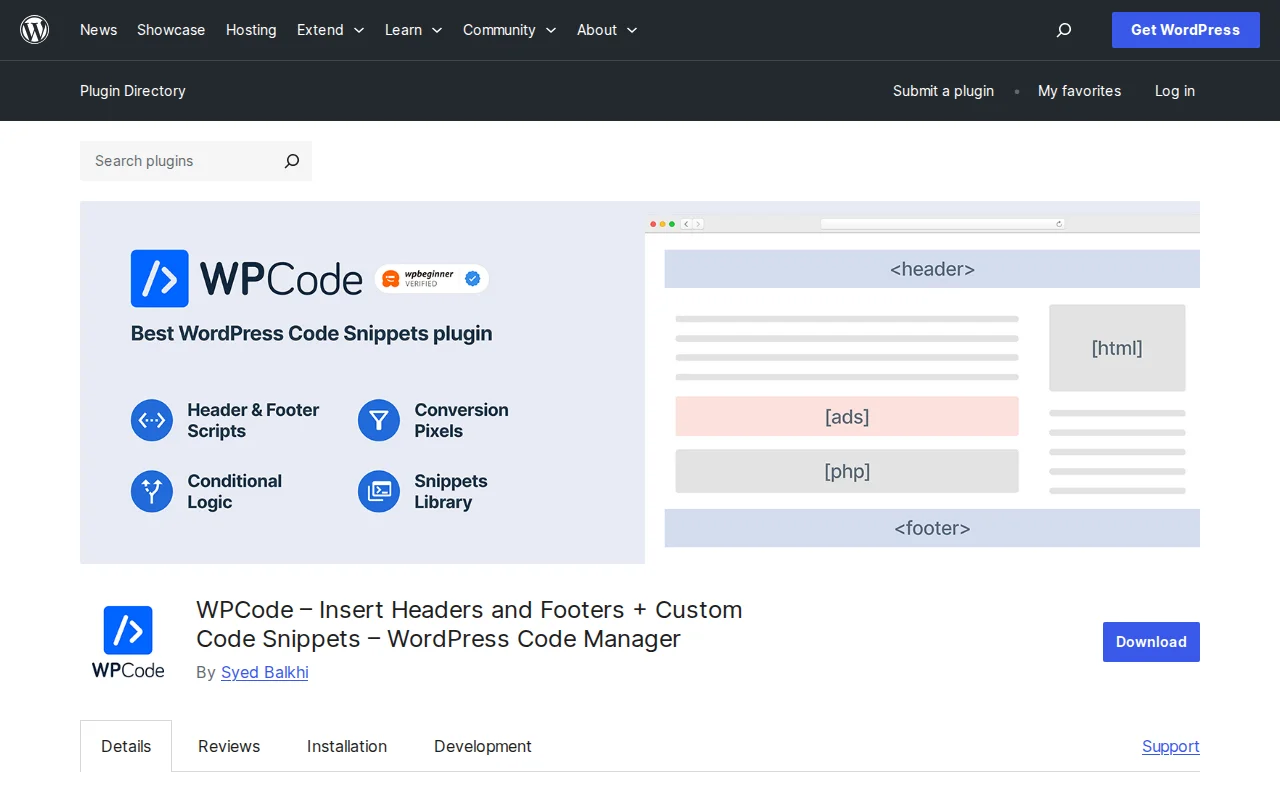
WPCode is the clear market leader with over 3 million active installations and a near-perfect 4.9-star rating from 1,700+ reviews. Originally launched as "Insert Headers and Footers" by the WPBeginner team back in 2011, it was rebuilt into a full code snippet manager in 2022. That history matters — it means the plugin has been battle-tested on millions of sites for over a decade.
What sets WPCode apart is its snippet library. Instead of writing code from scratch, you can browse hundreds of ready-made snippets for common tasks — disabling comments, adding Google Analytics, customizing the login page, modifying WooCommerce checkout fields. One click imports the snippet, and you just activate it. The free version includes smart code validation that catches PHP errors before they can crash your site, conditional logic to load snippets only on specific pages or for specific user roles, and auto-insert options for headers, footers, before/after content, and more. Many site owners use WPCode to add performance-boosting code tweaks or SEO-related snippets without touching theme files.
The Pro version adds code revisions, a cloud snippet library, device-based targeting, and deeper integrations with WooCommerce and Easy Digital Downloads. But honestly, the free version covers everything most site owners need. I've run WPCode free on multiple client sites without ever feeling limited. If you only install one code snippet plugin, make it this one.
2. Code Snippets — Clean UI, Developer-Friendly
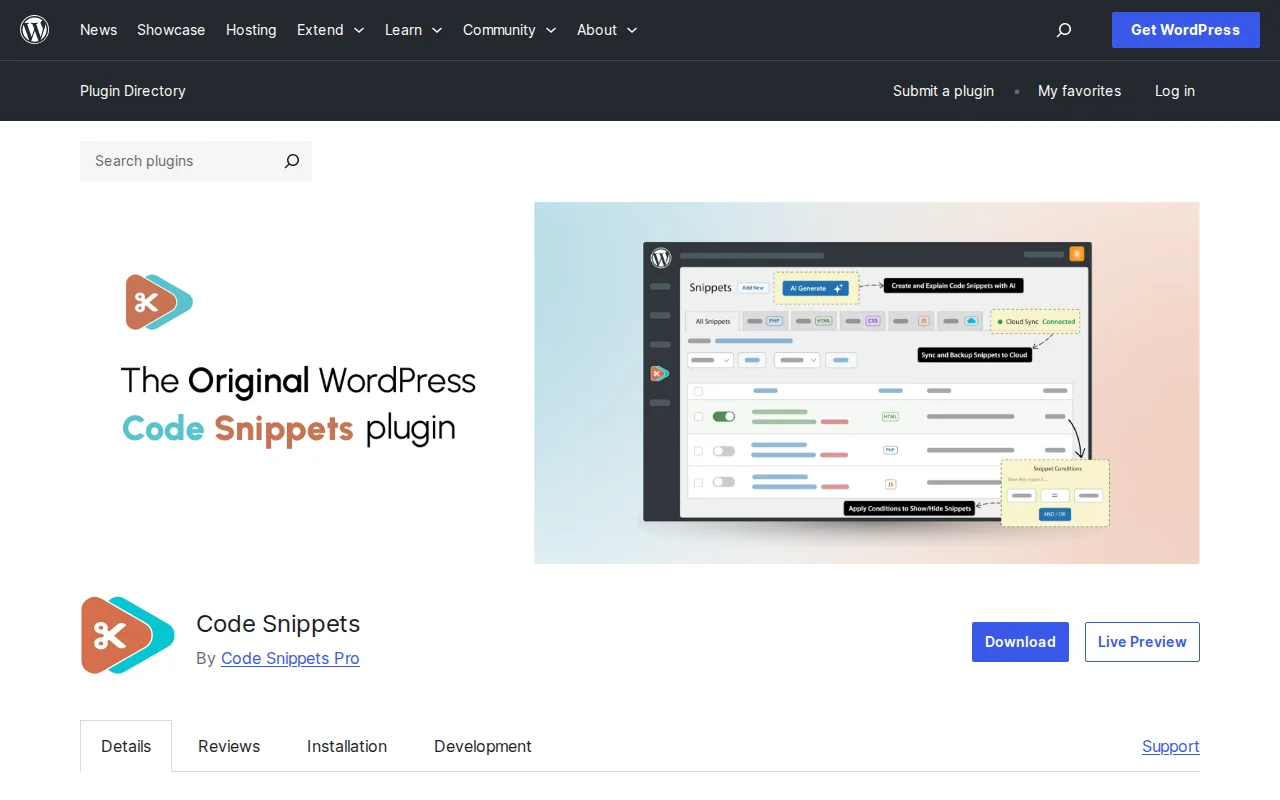
Code Snippets takes a slightly different approach. Where WPCode focuses on breadth and a snippet library, Code Snippets focuses on giving you a clean, organized interface to manage your own code. With over 1 million active installations and a 4.7-star rating, it's the second most popular option — and many developers actually prefer it.
The interface feels like managing plugins. Each snippet gets its own entry with a title, description, tags, and an activate/deactivate toggle. You can filter by PHP, JavaScript, CSS, or HTML, and the syntax-highlighted editor makes writing code comfortable. One feature I particularly like is the safe mode recovery — if a snippet causes a fatal error, Code Snippets catches it and deactivates the problematic snippet automatically, then shows you exactly which one failed.
Code Snippets also supports WordPress multisite, letting you run snippets network-wide or on individual sites. The plugin is open source with a GitHub repository, and it offers a REST API for programmatic snippet management. The Pro version adds conditional logic, Gutenberg and Elementor integration, cloud sync, and AI-generated code explanations. The free version is slightly more limited than WPCode's free tier, but for developers who just want a clean way to manage custom PHP and JS, it's a strong choice.
3. FluentSnippets — File-Based Performance
FluentSnippets is the newer player in this space with 40,000+ active installations, but it brings a genuinely different approach: file-based snippet storage. While WPCode and Code Snippets store your code in the WordPress database, FluentSnippets writes snippets to actual PHP files on your server. The result? Your custom code loads as fast as any native WordPress file, with zero database queries at runtime.
For performance-obsessed site owners, this is a meaningful advantage. On a site running 15-20 snippets, the database overhead from other plugins is negligible. But if you're building a high-traffic site where every millisecond counts, FluentSnippets' approach eliminates that overhead entirely. The plugin supports PHP, JavaScript, CSS, and HTML snippets, includes conditional logic for controlling where snippets load, and handles header and footer script injection.
The interface is clean and functional, though not as polished as WPCode or Code Snippets. There's no snippet library — you write your own code or paste it in. For a free plugin with no paid tier, FluentSnippets punches well above its weight. I recommend it specifically for developers who care about runtime performance and are comfortable writing their own snippets rather than browsing a library.
4. Woody Code Snippets — Simple and Reliable
Woody Code Snippets by Themeisle has 60,000+ active installations and takes the "do one thing well" approach. It lets you add PHP, JavaScript, CSS, and HTML snippets to your site with conditional logic support, and it doesn't try to be anything more than that. If the other plugins feel like they have too many features you'll never use, Woody might be your speed.
The plugin supports inserting code into headers, footers, specific pages, and within post content. It includes a basic conditional logic system for targeting specific pages or post types. The interface is straightforward — add a snippet, choose where it runs, activate it. No cloud libraries, no AI features, no upsell banners. Just a clean snippet manager from a reputable WordPress company (Themeisle also makes Neve, one of the most popular WordPress themes).
Where Woody falls short compared to WPCode and Code Snippets is in its error handling. It doesn't have the same level of smart validation or automatic deactivation when a snippet causes an error. For simple snippets like tracking codes, CSS tweaks, and basic PHP functions, it works great. For complex code that could potentially crash your site, I'd lean toward WPCode or Code Snippets for their safer error handling. Woody is a solid choice if you value simplicity over features.
When You Need a Code Snippet Plugin (and When You Don't)
You need one if you're adding any custom PHP functions, tracking scripts (Google Analytics, Meta Pixel, etc.), custom CSS that should persist across theme changes, WooCommerce checkout modifications, or header/footer scripts. Basically, any time you'd normally edit functions.php, header.php, or add inline CSS that shouldn't vanish when you switch themes.
You don't need one if your only customization is basic CSS — the WordPress Customizer's "Additional CSS" panel handles that fine. You also don't need one if you're a developer maintaining a child theme specifically built for your project. Child themes survive parent theme updates and give you full file-level control. But for everyone else — especially if you manage multiple sites or work with clients — a code snippet plugin saves time and prevents disasters. It's one of the must-have plugins for any new WordPress site.
My Recommendation
For most people, WPCode is the answer. The free version is exceptionally generous, the snippet library saves time, and the error protection has saved me from myself more than once. If you're a developer who prefers a clean interface and doesn't need a library, Code Snippets is excellent. For performance purists, FluentSnippets is worth a look. And if you just want something dead simple, Woody gets the job done without any fuss. All four are free, so install one and stop editing functions.php today. For more plugin recommendations across every category, check the complete best WordPress plugins guide.
Frequently Asked Questions
Will my code snippets survive a theme change?
Yes — that's the entire point. Code snippet plugins store your custom code independently from your theme, either in the WordPress database or in separate files. When you switch themes, all your snippets remain active. This is the biggest advantage over editing functions.php directly, where everything you added gets lost the moment you activate a different theme.
Can a code snippet plugin slow down my site?
The plugin itself adds minimal overhead. WPCode and Code Snippets load from the database, which adds a small query per page load — negligible on most sites. FluentSnippets avoids this entirely with file-based storage. What can slow your site down is the code inside your snippets. A poorly written snippet that runs a complex database query on every page load will hurt performance regardless of which plugin manages it. The plugin is just the container.
Is it safe to run PHP code through a snippet plugin?
Safer than editing functions.php directly. WPCode and Code Snippets both include error detection that catches fatal PHP errors before they take your site offline. If a snippet causes a crash, the plugin deactivates it automatically and shows you what went wrong. That said, you should still understand the PHP code you're adding — never blindly paste code from random internet sources. Stick to trusted sources like the WPCode snippet library or well-known WordPress tutorial sites.

Written by Marvin
Our team tests and reviews WordPress products to help beginners make confident choices.
Learn more about our team →You might also like
Best WordPress AI Chatbot Plugins in 2026 — 5 Options Compared
I checked the current WordPress AI chatbot plugin landscape and narrowed it to 5 realistic options: AI Engine, Tidio, Chatway, WPBot, and Smartsupp.
postBest WordPress Lead Generation Plugins in 2026 — 5 Tools Worth Using
I researched the current WordPress lead generation plugin landscape and narrowed it to 5 tools that actually make sense: WPForms, OptinMonster, Thrive Leads, Hustle, and Fluent Forms.
postSlider Revolution Review: Is It Worth It? (2026)
Honest review of Slider Revolution — the premium WordPress slider and visual effects plugin powering 9 million sites. Hero sections, carousels, and animations.
postHello Dolly: The Story Behind WordPress's Most Famous Plugin
Hello Dolly ships with every WordPress installation. It displays random lyrics from the Louis Armstrong song. Here is why it exists and whether you should keep it.