
Advanced Custom Fields (ACF) Review: The Developer's Best Friend (2026)
What Is Advanced Custom Fields?
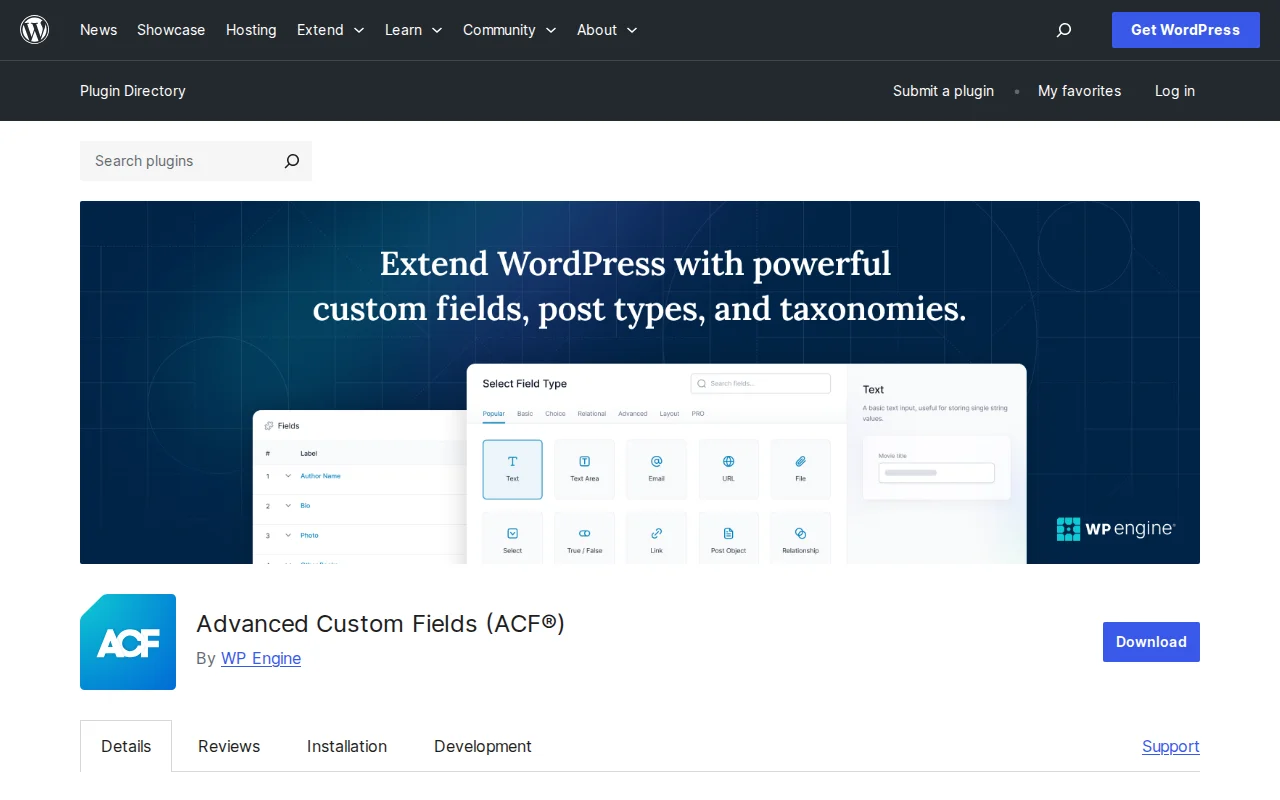
Advanced Custom Fields (ACF) is a WordPress plugin that lets you add custom data fields to any content type — posts, pages, users, taxonomy terms, media, and even custom options pages. Instead of writing PHP code to register custom fields, ACF gives you a visual field builder in the WordPress admin. With 2+ million active installs, a 4.5/5 star rating (1,427 reviews), and 67M+ total downloads, it is the most widely used custom fields plugin for WordPress. Owned by WP Engine since 2022.
Key Features
- Visual field builder — Create field groups with a drag-and-drop interface. No coding required to define fields.
- 30+ field types — Text, textarea, number, email, URL, image, file, gallery, select, checkbox, radio, date picker, color picker, Google Maps, and more.
- Register custom post types and taxonomies — Since ACF 6.1, you can create custom post types and taxonomies directly in the ACF UI without writing code.
- Flexible placement — Attach fields to posts, pages, users, taxonomy terms, media, comments, widgets, and custom options pages.
- Conditional logic — Show or hide fields based on the value of other fields.
- Developer-friendly — Full API with functions like
get_field(),the_field(), andhave_rows(). - Block editor integration — Create custom Gutenberg blocks using ACF fields without React/JavaScript knowledge.
Free vs Premium
- Free version — Field builder, 30+ field types, conditional logic, custom post type and taxonomy registration, developer API.
- ACF PRO ($49/yr single site, $149/yr 10 sites, $249/yr unlimited) — Adds Repeater Field, Flexible Content, Gallery Field, Options Pages, and ACF Blocks.
The Repeater Field alone is why most developers upgrade.
Pros and Cons
Pros:
- Industry standard — massive community and documentation
- Visual field builder intuitive for non-developers
- CPT and taxonomy registration built-in
- Custom Gutenberg blocks without React (Pro)
- Actively maintained by WP Engine
Cons:
- Repeater Field locked behind Pro
- WP Engine ownership raised vendor lock-in concerns
- Can add database bloat (each field = a wp_postmeta row)
- Learning curve for complex configurations
Who Should Use ACF?
Any WordPress developer building custom content models. Also valuable for non-developers who need structured data beyond default WordPress fields.
Best Alternatives
- Meta Box — Code-first approach, lighter database footprint
- Pods — Free, open-source, built-in content type creation
- JetEngine — Visual content modeling for Elementor/Gutenberg users
Frequently Asked Questions
Is the free version enough?
For simple custom fields yes. If you need repeating groups of fields, you need ACF PRO for the Repeater Field.
Does ACF slow down WordPress?
Each custom field creates a wp_postmeta row. For most sites the impact is negligible.
Can I create Gutenberg blocks with ACF?
Yes, with ACF PRO. No React or JavaScript needed.
Is ACF still safe after the WP Engine controversy?
Yes. ACF remains on wordpress.org and receives regular updates.
Can I export field groups between sites?
Yes. ACF supports JSON and PHP export/import of field groups.
Sources: WordPress.org, ACF Official

Written by Marvin
Our team tests and reviews WordPress products to help beginners make confident choices.
Learn more about our team →You might also like
Redux Framework Review: Why Is It on My Site? (2026)
Redux Framework powers theme options panels. You probably did not install it — your theme did. 1M+ installs, 4.4 stars. Here is what it does.
postCustom Post Type UI Review: Create Custom Post Types Without Code (2026)
CPTUI lets you register custom post types and taxonomies without writing PHP. 1M+ installs, 4.6 stars. But do you still need it if you use ACF?
postWPCode Review: The Easiest Way to Add Custom Code to WordPress (2026)
WPCode lets you add code snippets to WordPress without editing theme files. 2M+ active sites, 4.9 stars. Here is whether the free version is enough.
postSlider Revolution Review: Is It Worth It? (2026)
Honest review of Slider Revolution — the premium WordPress slider and visual effects plugin powering 9 million sites. Hero sections, carousels, and animations.