
Custom Field
Quick Definition
A custom field (also called post meta) is extra data you attach to a WordPress post, page, or custom post type — like a price, a rating, a date, or any other information beyond the title and content.
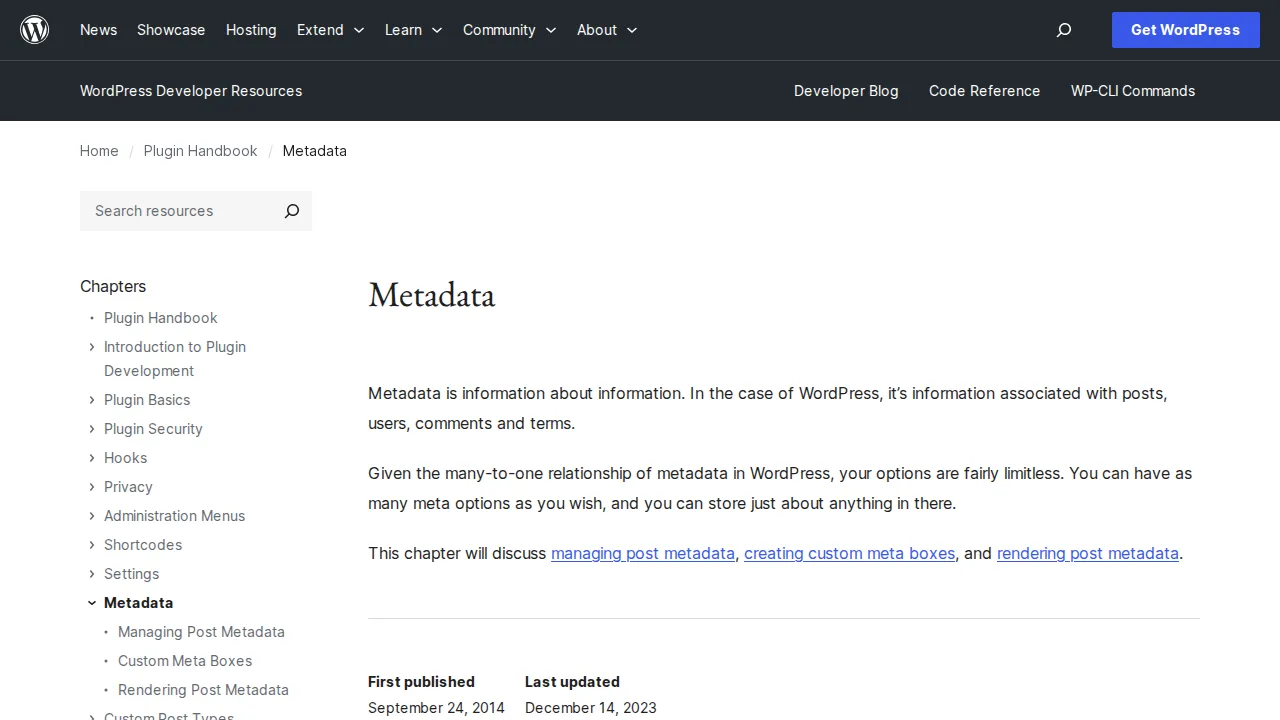
What Is a Custom Field?
"Metadata is information about information" — custom fields store that metadata. Unlimited key-value pairs per post, stored in wp_postmeta.
Use cases: recipe cooking time, product price, event date, property square footage.
Functions: add_post_meta(), get_post_meta(), update_post_meta(), delete_post_meta().
Most people use ACF (Advanced Custom Fields) — 2M+ installs, visual field builder.
Why It Matters
Custom fields turn WordPress into an application platform. See our plugins guide and WooCommerce tutorial.
Related Terms
Custom Post TypeA Custom Post Type (CPT) lets you create new content types in WordPress beyond the default Posts and Pages — like portfolios, testimonials, events, or products.DatabaseA database is where WordPress stores all your content — posts, pages, comments, settings, and user data. WordPress uses MySQL or MariaDB as its database system.TaxonomyA taxonomy is a system for classifying and grouping content in WordPress. The two built-in taxonomies are Categories (hierarchical) and Tags (flat). You can also create custom taxonomies.
Related Articles
How to Create an Online Store with WordPress & WooCommerce (Step by Step)I've built dozens of online stores over the past decade, and WooCommerce remains my go-to recommendation for anyone serious about selling online. In this step-by-step tutorial, I'll walk you through every click — from installing WooCommerce to processing your first test order.15 Best WordPress Plugins in 2026 — My Essential Picks After 10+ YearsAfter 10+ years of building WordPress sites, these are the 15 plugins I install on every project. Real recommendations with alternatives for every budget.The WordPress Dashboard Explained — A Complete Beginner's TourJust logged into WordPress for the first time and feeling overwhelmed? I walk you through every menu, every screen, and every button in the WordPress dashboard so you know exactly where everything lives.