
Simple Custom CSS and JS Review: Is It Worth It? (2026)
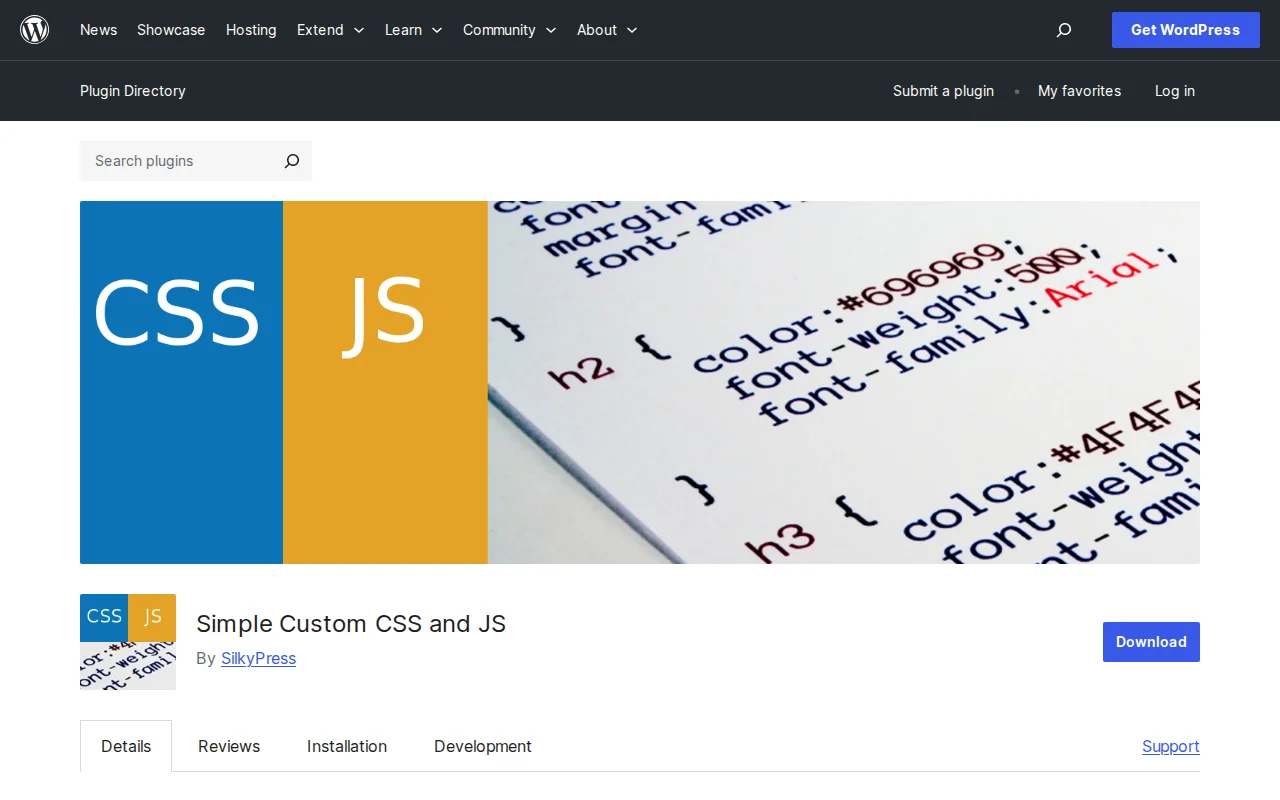
What Is Simple Custom CSS and JS?
Simple Custom CSS and JS is a WordPress plugin that lets you add custom CSS, JavaScript, and HTML code snippets to your site through a simple editor in the dashboard — without touching your theme files. With 700,000+ active installations and a 4.4/5 star rating, it is the most popular code snippet plugin on WordPress.org. Your custom code survives theme changes and updates, and each snippet can be enabled or disabled with a single click.
Key Features
- CSS, JS, and HTML Support — Add custom stylesheets, scripts, and HTML markup in separate, manageable snippets
- Header or Footer Placement — Choose whether each code snippet loads in the
<head>or before</body>for optimal performance - Inline or External File — Output code inline or as a cached external file (reduces database queries)
- Syntax Highlighting — Built-in code editor with syntax highlighting for easier editing
- Frontend and Admin — Apply code to the public site, the admin dashboard, or both
- Theme-Independent — Code persists across theme changes and updates — no more losing customizations
- Web Designer Role — Includes a dedicated user role so you can give non-admin users access to the code editor without full admin privileges
Free vs Premium
The free version covers most use cases: unlimited code snippets, CSS/JS/HTML, header/footer placement, inline or external loading, syntax highlighting, and the Web Designer role.
Simple Custom CSS and JS Pro adds developer-focused features:
- Personal ($48.50, 1 site) — CSS preprocessors (LESS, Sass), code revisions/versioning, per-post/page code assignment, conditional location rules (show code on specific pages, post types, or user roles)
- Developer ($68.50, 10 sites) — Same features, 10 sites
- Big Agency ($148.50, 50 sites) — Same features, 50 sites
All plans are lifetime licenses with 1 year of updates and support (renewal at 40% discount). The per-post/page and conditional rules are the main reason to upgrade — they let you load code only where it is needed, which is better for page speed.
Pros and Cons
Pros
- 700K+ installs — proven and widely trusted
- Dead-simple interface — no learning curve for anyone who knows CSS/JS
- Code survives theme changes — never lose your customizations again
- Cached as external files — no database queries on page load
- Web Designer role for safe team access
- Active development — last updated March 2026
Cons
- No code validation — the plugin prints code exactly as written, including errors that can break your site
- Per-page code targeting requires Pro ($48.50+)
- No PHP code support — CSS, JS, and HTML only (use Code Snippets for PHP)
- The editor works but is basic compared to a real IDE
- Code is stored as custom post types — migrating between sites requires manual export
Who Should Use Simple Custom CSS and JS?
This plugin is for anyone who needs to add quick CSS tweaks, tracking scripts (Google Analytics, Meta Pixel, custom pixels), or HTML widgets to their WordPress site without editing theme files. It is especially useful when you want customizations that survive theme updates. If you need to run custom PHP code, look at Code Snippets instead — this plugin is deliberately limited to CSS, JS, and HTML for safety.
Best Alternatives
- Code Snippets — Runs custom PHP, CSS, and JS code. More powerful (supports PHP) but riskier — a bad PHP snippet can crash your site. Free with Pro from $49/year. Read our code snippet plugins guide
- WPCode (Insert Headers and Footers) — By WPBeginner. Simple header/footer code insertion with a snippet library. Free; Pro from $49/year.
- Custom CSS in Customizer — WordPress has a built-in "Additional CSS" panel in the Customizer. No plugin needed for basic CSS, but no JS/HTML support and no syntax highlighting.
Frequently Asked Questions
Is Simple Custom CSS and JS free?
Yes, the free version includes unlimited CSS/JS/HTML snippets, header/footer placement, inline or external loading, syntax highlighting, and a Web Designer role. Pro ($48.50+) adds Sass/LESS, code versioning, and per-page targeting.
Will my code survive theme updates?
Yes. Code snippets are stored independently of your theme. Switching or updating your theme does not affect them.
Can I add PHP code?
No. This plugin only supports CSS, JavaScript, and HTML. For PHP code snippets, use the Code Snippets plugin or add code to your functions.php in a child theme.
Will custom code slow down my site?
Not significantly. The plugin caches code as external files, avoiding database queries. However, loading heavy JavaScript on every page can impact performance — use the Pro version's conditional loading to limit code to specific pages where needed.
Can I give someone access without making them an admin?
Yes. The plugin includes a "Web Designer" user role that only has access to the code editor. Assign this role to developers or designers who need to add CSS/JS without having full admin access to your site.

Written by Marvin
Our team tests and reviews WordPress products to help beginners make confident choices.
Learn more about our team →You might also like
WPCode Review: The Easiest Way to Add Custom Code to WordPress (2026)
WPCode lets you add code snippets to WordPress without editing theme files. 2M+ active sites, 4.9 stars. Here is whether the free version is enough.
postSlider Revolution Review: Is It Worth It? (2026)
Honest review of Slider Revolution — the premium WordPress slider and visual effects plugin powering 9 million sites. Hero sections, carousels, and animations.
postWPBakery Page Builder Review: Is It Worth It? (2026)
Honest review of WPBakery Page Builder — the legacy WordPress page builder powering 5.8 million sites. Dual editors, 200+ addons, and a one-time license. But is it still worth choosing in 2026?
postHello Dolly: The Story Behind WordPress's Most Famous Plugin
Hello Dolly ships with every WordPress installation. It displays random lyrics from the Louis Armstrong song. Here is why it exists and whether you should keep it.