
How to Choose a Domain Name for Your WordPress Site
Your domain name is one of the first decisions you'll make when building a WordPress site — and it's one you'll live with for a long time. I've been building websites for over 20 years and running WordPress sites for more than a decade, and I still see beginners make the same avoidable mistakes: picking something too long, too clever, or just plain hard to spell.
In this guide I'll share the rules I actually use, where to register your domain, what it costs, and how to handle the situation when the name you want is already taken. By the end you'll have a clear framework for picking something good and moving on — because your domain name matters, but not as much as what you do with your site.
If you haven't figured out your hosting yet, read my WordPress hosting guide first — many hosts include a free domain for the first year, which changes the math a bit.
Why Your Domain Name Matters
Your domain name is the first impression people get before they've even seen your site. It's what shows up in Google results, what you put on business cards, and what people type when they're trying to find you. A good domain name builds trust and makes your site easier to find and share. A bad one creates friction at every step.
From an SEO perspective, domain names matter less than they used to — Google's algorithm is sophisticated enough that a keyword in your domain isn't the ranking signal it once was. What matters more is the quality of your content and the experience you provide. Still, a clean, brandable domain helps people remember you and builds credibility.
The bottom line: your domain doesn't have to be perfect, but it should be good enough that it never gets in your way.
My 7 Rules for Choosing a Great Domain Name
After registering more domains than I care to count, these are the criteria I run every candidate through.
1. Keep It Short
Aim for under 15 characters. Shorter domains are easier to type, easier to remember, and less likely to be mistyped. Compare zerotowp.com (17 characters, but simple) to something like thebestwordpresstutorialsforbeginners.com — the second one is a nightmare to tell someone out loud or type from memory.
Every word you add is another opportunity for a typo. If you can say it in one or two words, do that.
2. Make It Easy to Spell and Pronounce
Here's a test I always do: the radio test. Imagine someone saying your domain on a radio show. Would listeners be able to go home and type it correctly without ever seeing it written down? If there's any ambiguity — if they might type ".net" instead of ".com," or add a hyphen where there isn't one — that's a problem.
Avoid:
- Hyphens — people forget them, and they make the domain sound awkward when spoken ("my-site-dot-com")
- Numbers — is it "4" or "four"? Creates confusion every time
- Double letters — "bookkeeper.com" is legitimately hard to spell correctly
- Unusual spellings — if you have to say "that's with a K not a C" every time, pick something else
3. Use .com If You Can
.com is still the default extension people reach for. It carries more credibility than alternatives, and when people hear a domain name, they instinctively assume it ends in .com. If your .com is taken, you'll lose traffic to whoever owns it.
That said, some alternatives are perfectly fine:
- .org — solid for non-profits, communities, and resources. Well-recognized and trusted.
- .net — acceptable, though slightly less preferred than .com
- Country TLDs (.nl, .co.uk, .de) — work well for local businesses targeting a specific country. If you're building a Dutch business, .nl is completely natural.
I'd avoid the newer TLDs (.blog, .online, .website, .club) for anything serious. They're harder to remember and less trusted.
4. Include a Keyword (But Don't Force It)
If a relevant keyword fits naturally into your domain, great. A domain like bestwordpresshosting.com tells you exactly what the site is about, and that clarity helps with both users and search engines.
But don't stuff keywords in just to have them. Brandable names often work better long-term. zerotowp.com doesn't contain the word "hosting" or "tutorial," but it's clear, memorable, and brandable. Some of the most successful sites in any niche have names that don't describe their content at all — they're just good brand names.
The test: does adding the keyword make it better or just longer? If it makes it longer without adding clarity, skip it.
5. Think Long-Term
A domain you pick today might still be representing you in ten years. Be careful about painting yourself into a corner. marvinsbakingblog.com is fine if you only ever want to write about baking — but what if you expand into cooking, food photography, or restaurant reviews? You're stuck with a name that doesn't fit.
Think about where you might take the site in two or three years. A slightly more general or brandable name gives you room to grow. You can always niche down with your content even if your domain is broad.
6. Check Social Media Availability
Before you commit to a domain name, spend five minutes checking whether the same handle is available on the social platforms you plan to use. Namechk.com lets you search a username across dozens of platforms at once.
You don't need to be active on every platform, but having consistent handles across X (Twitter), Instagram, Facebook, and YouTube makes your brand more cohesive and professional. If someone else already owns @yourdomainname everywhere, that's worth knowing before you commit.
7. Avoid Trademark Issues
Don't use brand names or trademarked terms in your domain. Registering something like cheapnikeshoes.com or applereview.com is a fast track to a cease-and-desist letter and losing your domain. Large companies actively protect their trademarks online.
If you're not sure whether a term is trademarked, Google "USPTO trademark search" and check the US Patent and Trademark Office database. For European trademarks, use the EUIPO's eSearch tool. A quick search can save you a lot of hassle.
Where to Register Your Domain Name
Once you've picked a name, you need to register it through a domain registrar — a company authorized to sell domain names. Here are my recommendations:
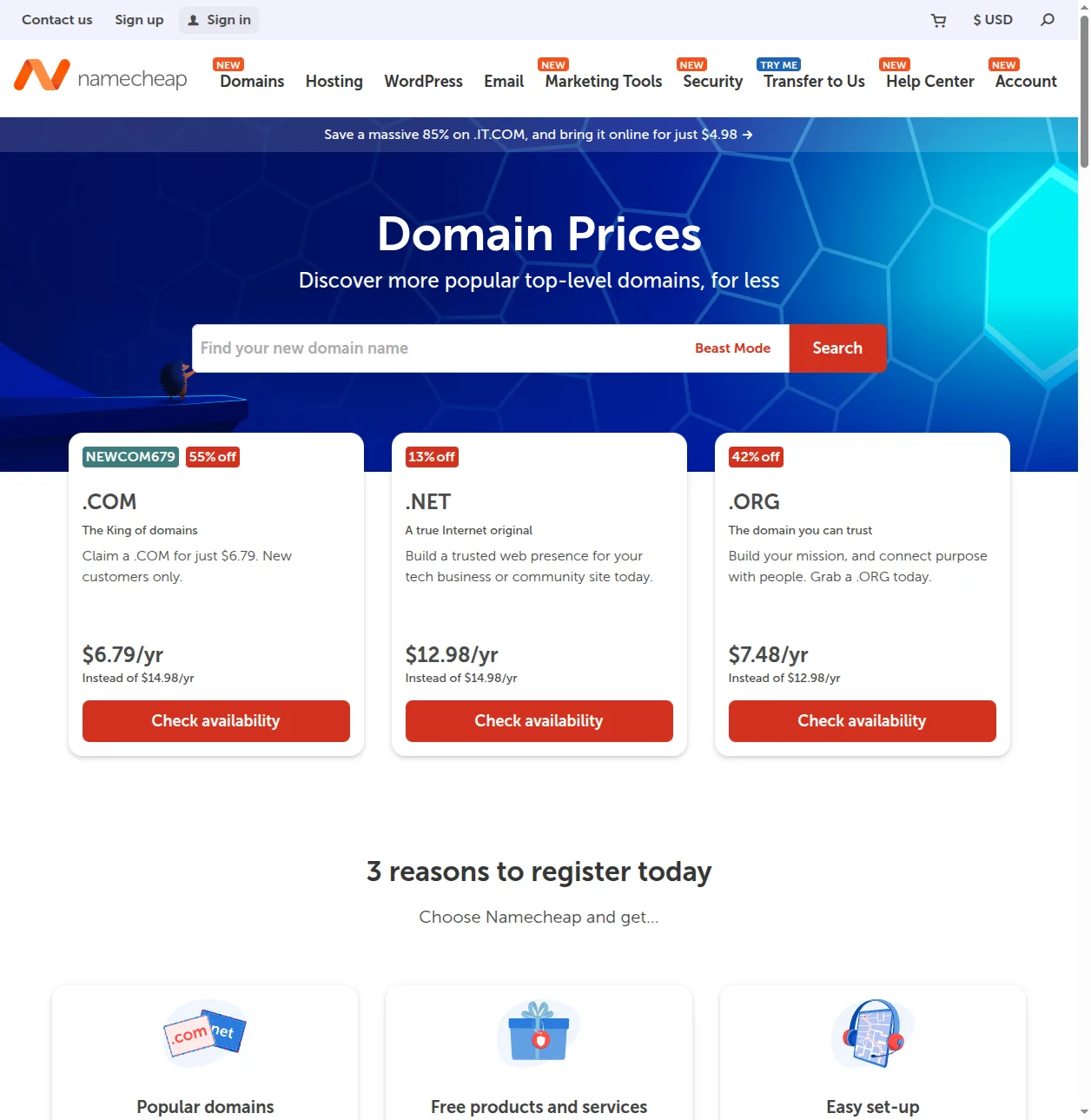
Namecheap
My go-to for straightforward domain registration. Namecheap has competitive pricing (often under $10/year for .com), a clean interface, and includes free WHOIS privacy protection on every domain. Their customer support is solid, and they don't play the same renewal price tricks that some other registrars do. Highly recommended.
Cloudflare Registrar
Cloudflare sells domains at cost — no markup, no profit margin on the registration itself. That makes them genuinely the cheapest option for many TLDs. The interface is more technical than Namecheap, but if you're comfortable with DNS and already use Cloudflare for other things, this is hard to beat on price. Free WHOIS privacy included.
Through Your Hosting Provider
Most hosting providers let you register a domain as part of the signup process, and many include a free domain for the first year with their hosting plan. This is convenient — one login, one dashboard, everything in one place. The downside is that renewal prices are sometimes higher than dedicated registrars, and it's slightly harder to move your domain if you switch hosts. Still, for beginners who value simplicity, it's a perfectly fine option. Check my hosting guide to see which hosts include free domains.
Avoid GoDaddy if you can — aggressive upselling, confusing UI, and renewal prices that are higher than the competition. I've been moving domains away from them for years.
How Much Does a Domain Name Cost?
For a standard .com domain, expect to pay $8–15 per year at a good registrar. Here's what affects the price:
- Registration vs. renewal price — Watch out for registrars that offer $1 first-year deals and then charge $25+ on renewal. Always check the renewal price before registering. Namecheap and Cloudflare Registrar are both honest about this.
- TLD — .com is usually $8-12/year. Country TLDs vary wildly — .io and .ai domains cost $30-60+/year, while .nl or .de might be $5-8/year.
- Premium domains — If a domain is already registered but the owner is selling it, prices can range from a few hundred to millions of dollars. Premium domains listed in the registrar's search results (not yet registered but priced higher by the registry) can cost $50-500+. These are worth avoiding unless you have a specific reason.
- Free with hosting — Many hosting plans include a free .com domain for the first year. After year one, you'll pay the standard renewal price — usually around $15-18/year through the host. Still a good deal if you factor in the first year.
The short version: budget $10-15/year for a .com domain at a decent registrar, and don't get distracted by artificially low first-year prices.
Should You Get Domain Privacy?
Yes, always. Let me explain why.
When you register a domain, your personal information — name, address, phone number, email — is stored in the WHOIS database, which is publicly accessible. Anyone can look up who owns a domain and see your contact details.
Without privacy protection, this leads to:
- Spam emails and phone calls from SEO agencies, web designers, and domain brokers
- Your home address (if you used it) being publicly visible
- Potential exposure to targeted phishing attempts
Domain privacy (also called WHOIS privacy or privacy protection) replaces your personal details in the WHOIS database with the registrar's details, keeping your information private. Namecheap and Cloudflare Registrar both include this for free. Some registrars charge $10-15/year extra for it — which is a bit of a cash grab, but worth paying if you're already using that registrar for other reasons.
There's no downside to enabling domain privacy. Turn it on.
What If the Domain I Want Is Taken?
This happens constantly. The domain you want is already registered, and whoever has it either isn't using it or wants a lot of money for it. Here's what I do in that situation:
Try variations:
- Add a word: "get," "my," "the," "hub," "hq," "guide" — e.g., getdomainname.com, mydomainname.com
- Add your location if you're local: domainnameutrecht.nl
- Add your name: marvindomain.com
- Try a different TLD: if the .com is taken, maybe the .co.uk or .nl is available
Use a domain name generator: Tools like Lean Domain Search, Nameboy, or Bust a Name can help you brainstorm alternatives based on your keywords. Namecheap and GoDaddy both have decent generators built into their search as well.
Consider buying it: If the domain is for sale and the price is reasonable (under $500 for a name you'll use for years), it might be worth it. Check Sedo or Afternic for listed domains.
What I wouldn't do: settle for a confusing variation just to get the .com. If the best available name is too similar to a well-known brand, too long, or hard to spell, keep looking. A mediocre domain name is a permanent drag on your site. Better to spend another hour brainstorming than to live with something that doesn't work for years.
Common Domain Name Mistakes to Avoid
After 20 years of building websites, I've seen all of these — and made some of them myself.
- Buying too many domains — It's tempting to register five variations "just in case." Unless you have a specific plan for them, this is usually wasted money. Register the one you're going to use.
- Choosing something too similar to a big brand — "Amazonseller.com" or "Googleguide.com" might seem clever but invites legal trouble. Keep your distance from well-known brand names.
- Picking something hard to spell — Every time someone misspells your domain, you lose traffic. Test it on a few people who haven't seen it written before they type it.
- Using hyphens — "best-wordpress-tips.com" looks fine written down, but say it out loud and count how many times you have to say "hyphen." People will go to bestwpordpresstips.com (without hyphens) by instinct.
- Obsessing over it for too long — Analysis paralysis is real. Give yourself a budget of two hours to choose a domain. After that, pick the best available option and move on. Your content matters far more than your domain name.
- Forgetting to check trademark status — A quick search before registering can save you a domain dispute later.
Frequently Asked Questions
Can I change my domain name later?
Technically yes, but it's painful. Changing your domain after you've built up content and backlinks means setting up 301 redirects from every old URL to the new one, updating all your internal links, and waiting for Google to re-index everything under the new domain. Rankings often dip during a domain migration, sometimes significantly. It's much better to choose right the first time. That said, if your current domain is genuinely hurting you, a migration is possible — it just takes work. For a brand-new site with no content yet, there's no cost to changing your mind.
What's the difference between a domain name and hosting?
A domain name is your website's address — what people type to find you. Hosting is the server where your website's files actually live. You need both. The domain points visitors to the right server; the server delivers your website. Think of it like a house: the domain is the address, hosting is the actual building. They're usually sold separately, though many hosts include a free domain with their hosting plans.
Can I buy a domain name without having a website yet?
Yes. You can register a domain and just park it — the domain is yours even if there's no website behind it. Registrars usually show a placeholder page for parked domains. Many people register domains for future projects and let them sit for months or years before building anything. Just remember to renew it each year or set up auto-renewal, otherwise someone else can grab it when it expires.
How do I connect my domain to WordPress?
If you registered your domain through your hosting provider, it's usually connected automatically. If you registered it elsewhere, you'll need to update the DNS settings at your registrar to point to your hosting provider's nameservers. Your host will give you the nameserver addresses (they look like ns1.hostname.com and ns2.hostname.com). DNS changes typically propagate within a few hours, sometimes up to 48 hours. My WordPress installation guide covers this step in more detail, and my complete WordPress setup guide walks through the full process from domain to live site.
What about expired domains?
Expired domains — domains that previous owners didn't renew — can sometimes have existing backlinks and domain authority, which is attractive for SEO. But it's a minefield. The domain might have a spammy link profile, been penalized by Google, or been used for something you wouldn't want associated with your brand. For beginners building a real website, I'd skip expired domains entirely and register something fresh. The SEO benefit is usually overstated and the risk of inheriting a bad history isn't worth it unless you know exactly what you're doing.
Ready to Build Your Site?
Once you've registered your domain, you're ready for the next steps: getting hosting and installing WordPress. My WordPress overview is a good starting point if you're still getting familiar with how it all fits together, and my step-by-step WordPress installation guide walks you through the setup process from scratch.
For the full structured path from complete beginner to a live WordPress site, check out my complete WordPress setup guide — it covers every step in order. And when you're ready to start building, the Start Here page maps out the whole learning path.

Written by ZTW Team
Our team tests and reviews WordPress products to help beginners make confident choices.
Learn more about our team →You might also like
How to Install WordPress — The Complete Step-by-Step Guide
I've installed WordPress hundreds of times over the past 20 years. Here's exactly how to do it — from one-click installers to manual setup, with troubleshooting tips for when things go wrong.
postHow to Make a WordPress Website — Complete Beginner's Guide (2026)
Learn how to build a WordPress website from scratch in 2026. I walk through every step with screenshots — hosting, setup, themes, plugins, and your first content.
postWhat Is WordPress? A Beginner-Friendly Explanation
WordPress is the world's most popular website builder, powering over 40% of all websites. In this guide, I'll explain exactly what WordPress is, how it works, and why it's the best choice for beginners.
postWordPress.com vs WordPress.org — What's the Difference?
Confused by WordPress.com and WordPress.org? I break down the key differences, pros and cons, pricing, and which one is right for you as a beginner.