
WordPress 6.9.4 Released: The Emergency Security Cleanup for 6.9.2 and 6.9.3
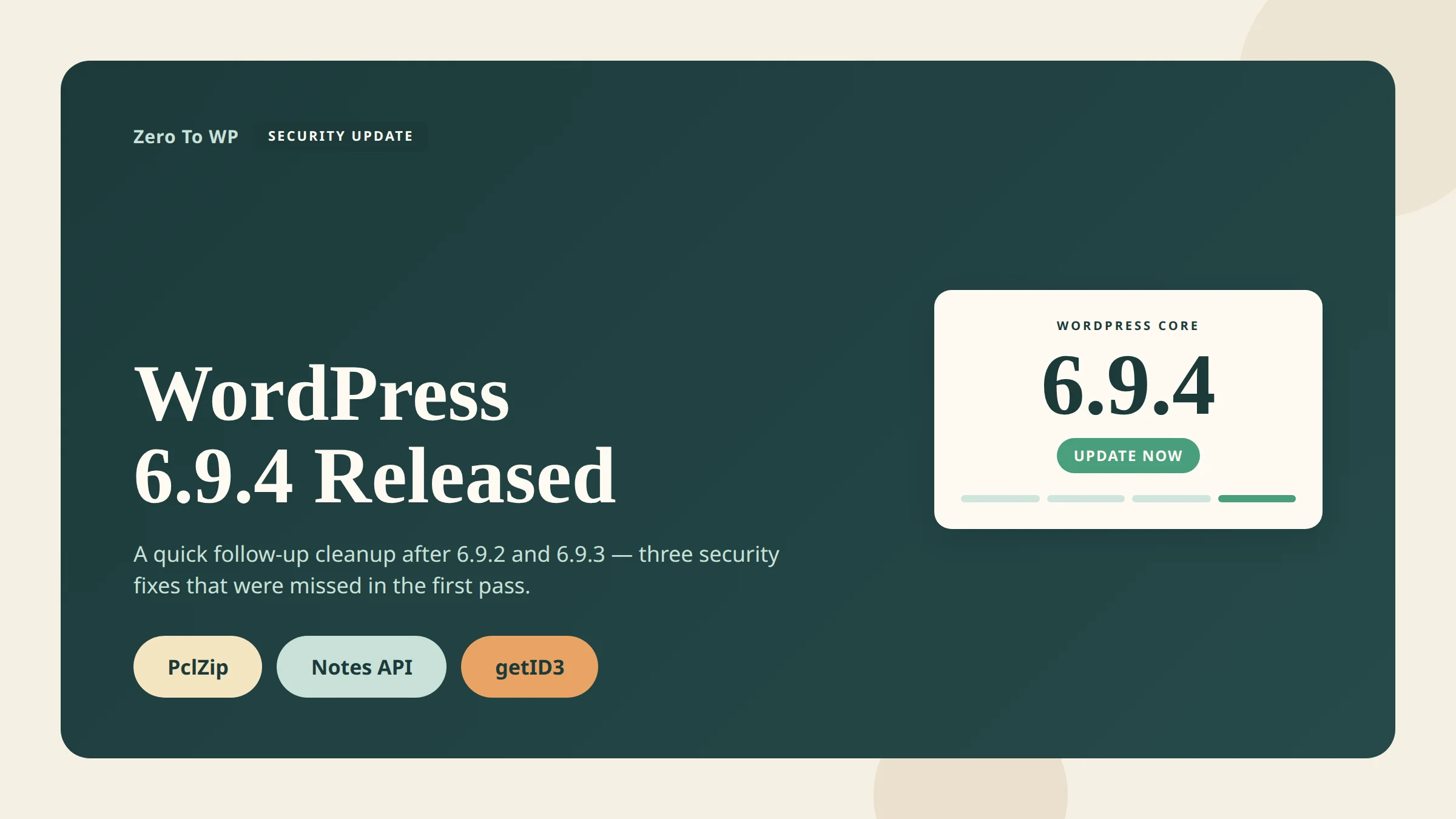
WordPress 6.9.4 is the release that fixes what 6.9.2 and 6.9.3 failed to fully patch. It landed on March 11, 2026, one day after the emergency 6.9.2 security release, after the WordPress Security Team discovered that not all of the previous fixes were fully applied. If you are on any 6.9.x branch, this is the version you need to be on.
Last updated April 18, 2026. Every fact here is cross-referenced with the official announcement on wordpress.org/news, the HelpHub version page, and the WordPress VIP advisory. CVE numbers not confirmed at a primary source are flagged as pending.
TL;DR: What You Need to Know
- Release date: March 11, 2026, released by John Blackbourn.
- Why it exists: 6.9.2 (March 10) and 6.9.3 (March 10) shipped security fixes that were not fully applied. 6.9.4 finishes the job.
- What it patches: PclZip path traversal, an authorization bypass in the Notes feature, and an XXE in the external getID3 library.
- Who should update: Everyone running any 6.9.x version. WordPress only actively supports the most recent release, so moving to 6.9.4 is the safe path.
- How: Dashboard → Updates → Update Now, WP-CLI
wp core update, or let background auto-updates roll it out.
What WordPress 6.9.4 Actually Fixes
The official release note from John Blackbourn is blunt: 6.9.2 addressed 10 security issues, 6.9.3 fixed a template-loading regression that 6.9.2 introduced, but after shipping the Security Team discovered that not all of those fixes were fully applied. 6.9.4 contains the additional fixes required to close the gaps.
Three issues are explicitly called out in the 6.9.4 announcement:
| Issue | Component | Reported by | CVE |
|---|---|---|---|
| Path traversal | PclZip (archive extraction, /wp-admin/includes/file.php) |
Francesco Carlucci and kaminuma (independently) | Pending CVE |
| Authorization bypass | Notes feature (REST comments controller) | kaminuma | CVE-2026-3906 (CVSS 4.3, medium) |
| XXE (XML External Entity) | External getID3 library (/wp-includes/ID3/getid3.lib.php) |
Youssef Achtatal | Pending CVE |
The HelpHub version page also thanks Thomas Kräftner for responsible disclosure related to this cleanup cycle. The List of files revised section confirms the three files touched:
/wp-admin/includes/file.php(PclZip path traversal)/wp-includes/ID3/getid3.lib.php(getID3 XXE)/wp-includes/rest-api/endpoints/class-wp-rest-comments-controller.php(Notes authorization bypass)
No npm/Composer packages were revised in 6.9.4. The WordPress security team also coordinated with James Heinrich, the maintainer of getID3, to publish a fixed upstream version on GitHub.
About CVE-2026-3906 specifically
Of the three fixes, only the Notes authorization bypass has a publicly detailed CVE at the time of writing. CVE-2026-3906 affects WordPress 6.9 through 6.9.1 (partially fixed in 6.9.2/6.9.3, completed in 6.9.4), classified as CWE-862 Missing Authorization, CVSS v3.1 base score 4.3 (medium). The REST comments controller did not verify the edit_post capability, so an authenticated subscriber-level user could create Notes on any post. Public CVE assignments for the PclZip traversal and the getID3 XXE were still pending at time of writing.
Why This Release Matters Right Now
March and April 2026 have been a rough stretch for the WordPress ecosystem. Within a few weeks site owners have had to respond to three separate waves:
- WordPress core released three versions in 24 hours (6.9.2, 6.9.3 and 6.9.4) after the initial security fixes broke sites and then turned out to be incomplete.
- A massive supply-chain compromise forced WordPress.org to close all 31 plugins from the Essential Plugin author in early April — see my deep-dive on the Essential Plugin supply-chain backdoor attack.
- A second supply-chain incident hit the commercial Smart Slider 3 Pro backdoor, affecting paid Nextend users.
In that context, 6.9.4 is not just a maintenance release. It is the foundation. If your core install is still on 6.9, 6.9.1, 6.9.2 or 6.9.3 while attackers are already hunting plugin backdoors on production sites, you are stacking risk. Close the core gap first, then deal with the plugin audit.
How to Update to WordPress 6.9.4 Safely
For most sites this is a one-click update. For high-traffic or ecommerce sites I still recommend a deliberate process.
Step 1 — Back up before you touch anything
Every update checklist starts the same way. Take a full backup (files + database) and verify it downloads cleanly before you click Update.
Affiliate note: I use UpdraftPlus for scheduled and pre-update backups on WordPress. The free version is enough for most sites; Premium adds incremental backups and better offsite storage.
Step 2 — Update from the Dashboard
Log in, go to Dashboard → Updates, and click Update to 6.9.4. If your host or your site has automatic background updates enabled, 6.9.4 should already be installing itself — check your WordPress admin footer or the Site Health tool to confirm.
Step 3 — Or use WP-CLI
On managed servers and staging environments, WP-CLI is faster and less error-prone:
wp core update --version=6.9.4
wp core update-db
wp core verify-checksums
verify-checksums compares your installed core files with the signed manifest from WordPress.org. If any file has been tampered with (for example by an earlier plugin compromise), you will see it here.
Step 4 — Test on staging and keep a monitor running
For WooCommerce, membership, and high-traffic sites, clone to staging, apply 6.9.4 there, and click through checkout or login before touching production. 6.9.4 is a targeted security patch (three files), so breakage is unlikely, but a 10-minute staging pass has saved me more than one bad morning.
Affiliate note: For ongoing vulnerability monitoring I recommend Patchstack or Wordfence. Patchstack ships virtual patches faster for plugin CVEs; Wordfence has the strongest malware scanner in the free tier. See my WordPress security complete guide for the full hardening stack.
Who Built This Release
WordPress 6.9.4 was released by John Blackbourn (johnbillion), who also led the 6.9.2 security release the day before. The 6.9.2 contributor list — which rolled directly into 6.9.4 because 6.9.4 finishes that work — credits Dennis Snell, Alex Concha, Jon Surrell, Isabel Brison, Peter Wilson, Jonathan Desrosiers, Jb Audras, Luis Herranz, Aaron Jorbin, Weston Ruter and Dominik Schilling, alongside the external security researchers credited above. The WordPress security team also coordinated the upstream getID3 patch with maintainer James Heinrich. The official 6.9.4 post does not publish a dedicated 6.9.4-only contributor list.
What About WordPress 7.0?
7.0 is still in release-candidate territory. RC1 dropped on March 24, 2026 and RC2 on March 26, 2026. The official release has slipped from the original early-2026 target — see my WordPress 7.0 complete guide for what changed, what is still landing, and when to actually expect the stable build.
In the meantime, 6.9.x is the active maintenance branch and 6.9.4 is the current secure version. Do not wait for 7.0 before you apply today's security fixes.
Frequently Asked Questions
Is WordPress 6.9.4 safe to auto-update?
Yes. The whole reason 6.9.4 exists is that 6.9.2 shipped incomplete fixes, and the point of 6.9.4 is to close those gaps. It only touches three files, and automatic background updates are the recommended delivery channel for security releases. If you manage multiple sites and have auto-updates on, 6.9.4 has likely already rolled out.
Will WordPress 6.9.4 break my plugins or theme?
Very unlikely. 6.9.4 is a targeted security patch — not a feature release. It edits three files: the file-handling helper, the getID3 library, and the REST comments controller. Unless a plugin is doing something unusual with those surfaces, compatibility should be unchanged from 6.9.
Do I need to update immediately, or can I wait?
Update immediately. The security team explicitly calls this out: "Because this is a security release, it is recommended that you update your sites immediately." With the April 2026 plugin supply-chain wave in play, you want every known core hole closed.
How do I know if I am already on 6.9.4?
Log in to WordPress and look at the footer of any admin page — it prints the version. You can also go to Tools → Site Health → Info → WordPress, or run wp core version on the command line. If it says 6.9.4, you are current.
What happened to 6.9.2 and 6.9.3? Should I skip them?
Effectively, yes. 6.9.2 was the emergency security release that shipped partial fixes and caused a template-loading regression on some sites. 6.9.3 was the same-day bug-fix release for that regression, plus a beta 4 cut. 6.9.4 is the correct landing spot. If you are on 6.9.2 or 6.9.3, go straight to 6.9.4.
Is 6.9.4 the last release before 7.0?
Possibly, but there is no guarantee. WordPress ships minor maintenance releases when they are needed. Until 7.0 hits stable, expect more point releases if another security issue surfaces.
Can I delay 6.9.4 if my last update broke my site?
Briefly, yes — apply 6.9.4 on staging, reproduce your workflow, then push to production. Do not sit on 6.9.0–6.9.3 indefinitely. See how to make a WordPress website for a cleaner staging setup.
Primary Sources
- WordPress.org News: WordPress 6.9.4 Release (March 11, 2026)
- WordPress HelpHub: Version 6.9.4 (changelog and files revised)
- WordPress.org News: WordPress 6.9.2 Release (contributor list and original 10-issue advisory)
- Freshy Security Bulletin: CVE-2026-3906 (Notes authorization bypass, CVSS 4.3)
- James Heinrich: upstream getID3 patched release

Written by Marvin
Our team tests and reviews WordPress products to help beginners make confident choices.
Learn more about our team →You might also like
Smart Slider 3 Pro Hit by Supply-Chain Attack: What WordPress Users Must Do Now
A poisoned Smart Slider 3 Pro update (v3.5.1.35) shipped a full remote access toolkit on April 7, 2026. Here is exactly how to check if your site was compromised and what to do next.
postEssential Plugin Supply-Chain Attack: 31 WordPress Plugins Backdoored for 8 Months
In April 2026 attackers activated a dormant backdoor buried inside 31 Essential Plugin WordPress plugins. Here is the full plugin list, timeline, how the PHP deserialization backdoor worked, and exactly what to do if your site is affected.
postCustomer Reviews for WooCommerce Auth Bypass (CVE-2026-4664): Patch Now
CVE-2026-4664 lets unauthenticated attackers post reviews on any WooCommerce product through the Customer Reviews plugin. Update to 5.104.0 today.
postWordPress File Permissions — Security Best Practices Explained
Wrong file permissions are one of the most overlooked WordPress security holes. I've seen sites hacked because wp-config.php was world-readable. Here's exactly what every file and folder should be set to, and how to fix it.