
Customer Reviews for WooCommerce Auth Bypass (CVE-2026-4664): Patch Now
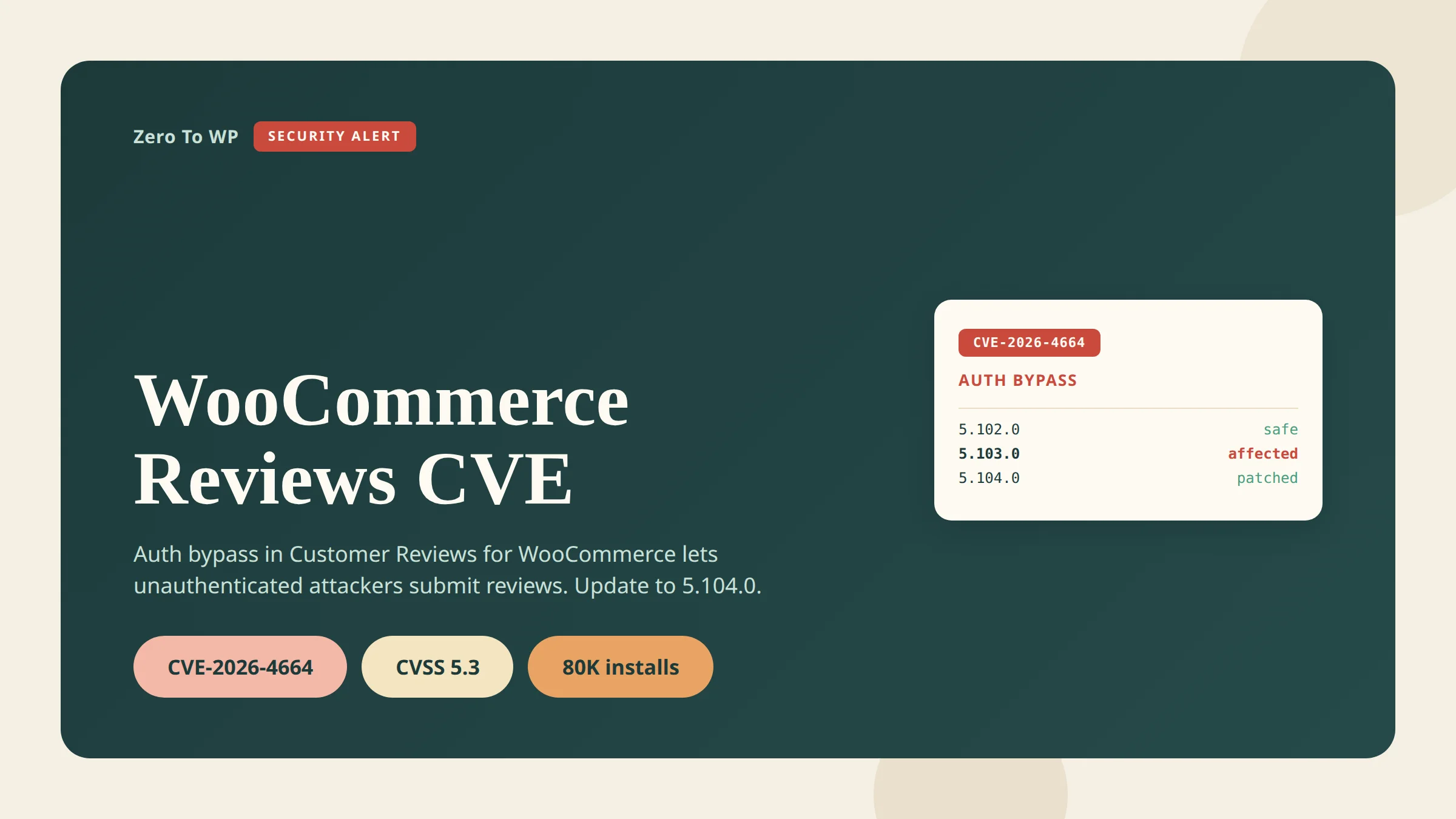
CVE-2026-4664 is an authentication bypass in the "Customer Reviews for WooCommerce" plugin that lets anyone on the internet submit fake reviews on any product in your store. Disclosed April 13, 2026, it affects every version up to and including 5.103.0. The fix is in 5.104.0. Roughly 80,000 stores run this plugin — update today.
Last updated April 18, 2026. CVE number, version range and technical detail below are cross-referenced with NIST NVD, WP-Firewall and WPScan.
TL;DR: What You Need to Know
- CVE: CVE-2026-4664 (CWE-287 Improper Authentication).
- Affected versions: Customer Reviews for WooCommerce up to and including 5.103.0.
- Patched version: 5.104.0.
- CVSS: 5.3 (medium) — but the real-world impact on a store's reputation and SEO is higher than the score implies.
- Impact: Unauthenticated attackers can submit, modify and inject product reviews on any product through the plugin's REST API.
- Action: Update to 5.104.0 from Plugins → Installed Plugins, or run
wp plugin update customer-reviews-woocommerce.
What's the Vulnerability
The flaw lives in the plugin's REST API endpoint POST /ivole/v1/review, which is meant to accept verified customer reviews coming back from a review-request email. The permission callback create_review_permissions_check() is supposed to verify that the caller supplied the correct secret token for the order being reviewed.
The callback reads the order's ivole_secret_key post-meta and compares it to the key parameter in the request using strict equality (===). What it does not check is whether the stored key is non-empty. For any order where no review reminder email has been sent, ivole_secret_key was never written, so get_post_meta() returns an empty string.
An attacker sends key: "" in the request body. Stored value empty. Submitted value empty. Strict comparison returns true. The permission check passes, and the review is accepted — on any product, as any display name, with any rating, with any message. No authentication, no rate limit, no tie back to the referenced order.
What an attacker can do
- Reputation manipulation — flood a competitor with 1-star reviews or inflate their own store with fake praise.
- SEO spam — reviews can contain links, turning a trusted store into a distribution point for spam, gambling or malware sites.
- Phishing — crafted text can impersonate the store owner ("for a refund, contact support@malicious.example").
- Brand damage — arbitrary display names let attackers post under real customer or public-figure names.
Affected Versions
| Version range | Status | Notes |
|---|---|---|
| 5.0.0 – 5.103.0 | Vulnerable | All versions in this range accept empty key values and bypass the permission check. |
| 5.104.0 | Patched | Adds a non-empty check on the stored secret before the strict comparison. |
| 5.104.1 and later | Safe | Current stable branch at time of writing is already past 5.104.0. Any recent version is fine. |
The plugin had roughly 80,000 active installations at the time the CVE was disclosed, per the WordPress.org plugin page. That is a large attack surface for a single-parameter bypass.
How to Check if You're Vulnerable
From the WordPress dashboard
- Log in to wp-admin.
- Go to Plugins → Installed Plugins.
- Find Customer Reviews for WooCommerce.
- Read the version number directly under the plugin name.
- If it is 5.103.0 or lower, you are vulnerable.
From WP-CLI
On servers where you have shell access, WP-CLI is faster and works across a fleet:
wp plugin list --name=customer-reviews-woocommerce --fields=name,version,status,updateIf the output shows a version at or below 5.103.0, or update shows available, patch immediately.
If you manage many sites
Run the same WP-CLI command across your inventory. If you use Patchstack or Wordfence, CVE-2026-4664 should already be flagged in your dashboard. (Affiliate links — I recommend both as part of my wider WordPress security stack.)
How to Patch
Option 1 — Dashboard
- Back up first. Take a full file + database backup before touching anything on a production store.
- Go to Plugins → Installed Plugins.
- On the Customer Reviews for WooCommerce row, click Update Now.
- Confirm the new version reads 5.104.0 or higher.
Option 2 — WP-CLI
wp plugin update customer-reviews-woocommerce
wp plugin list --name=customer-reviews-woocommerce --fields=name,version,status
The second command verifies the upgrade landed. For WooCommerce stores with heavy checkout traffic, apply on staging first, click through a review submission on a test product, then promote to production.
Option 3 — Auto-updates
If plugin auto-updates are enabled, 5.104.0 has likely already deployed. Confirm via the dashboard or WP-CLI. For any security-critical plugin I leave auto-updates on; the small regression risk is worth avoiding a patch gap during disclosure windows.
If You Suspect Abuse
If your store was on a vulnerable version after April 13, assume reviews may have been injected and audit.
- List recent reviews. In Products → Reviews, sort by date and filter for entries posted since April 13, 2026.
- Look for non-customer patterns: reviews with no associated completed order, generic display names, near-identical text across products, links in the body, or bursts from the same time window.
- Cross-check against orders. A real submission should trace back to a completed order and its review request email. Reviews with no order link or an empty
ivole_secret_keyon the referenced order are suspicious. - Rotate any API credentials as housekeeping. This CVE does not leak credentials, but incident cleanup is a good moment to rotate.
- Full malware scan with Wordfence or MalCare (affiliate) to confirm the attacker did not pivot from review injection into something deeper.
Remove injected reviews before Google indexes them — the SEO spam angle is the most persistent downside here.
Context: The April 2026 WordPress Security Wave
This is the fourth major WordPress-ecosystem CVE I have covered this month:
- Essential Plugin supply-chain backdoor — WordPress.org closed all 31 plugins from a single author in early April.
- Smart Slider 3 Pro backdoor — a second supply-chain incident affecting paid Nextend customers.
- WordPress 6.9.4 emergency security cleanup — core shipped three releases in 24 hours to finish fixes 6.9.2/6.9.3 missed.
- CVE-2026-4664 (this post) — Customer Reviews for WooCommerce auth bypass.
If you run a WooCommerce store, the pattern is clear: core is secure, but the plugin perimeter is where real risk lives. Audit your full stack this month.
How to Prevent the Next One
Single-plugin patches are reactive. A real security stack covers the gap between disclosure and patch:
- Patchstack (affiliate) — virtual patches for plugin CVEs, often deployed within hours of disclosure.
- Wordfence (affiliate) — endpoint firewall and malware scanner with a strong free tier.
- MalCare (affiliate) — cloud malware detection with one-click cleanup.
Plus auto-updates on for security-critical plugins, quarterly plugin audits, and offsite backups. See my WordPress security complete guide for the full hardening checklist. Disclosure: Patchstack, Wordfence and MalCare links are affiliate links; they do not change the price you pay.
Frequently Asked Questions
Is CVE-2026-4664 being exploited in the wild?
Proof-of-concept details were published alongside the April 13, 2026 advisory, so assume opportunistic exploitation is possible. Because the endpoint is unauthenticated and the crafted payload is trivial (an empty key parameter), automated scanners can weaponize it quickly. Patch rather than wait for confirmed incidents.
Do I need to do anything if I am already on 5.104.0 or higher?
No action required. 5.104.0 is the fix. Anything newer is still safe. Confirm via Plugins → Installed Plugins.
I do not send review reminder emails. Am I still vulnerable?
Yes — in fact you may be more exposed. The bug relies on orders where the ivole_secret_key post-meta was never written. If you never send review emails, every order has an empty stored key, so every order is a valid attack path.
Does disabling the plugin fix it?
Yes. If for any reason you cannot update immediately, deactivate the plugin until you can patch. Deactivation removes the vulnerable REST route from the site.
Will removing injected reviews undo the SEO damage?
Mostly, over time. Once deleted, Google recrawls the product pages and the attacker text drops out of the index. Accelerate this with URL inspection → Request indexing in Google Search Console.
Is there a CVSS v4.0 score?
At time of publication only the CVSS v3.1 score (5.3 medium) was listed in NVD. CVSS v4.0 pending.
Primary Sources
- NIST NVD: CVE-2026-4664 (CVSS 5.3, CWE-287)
- WP-Firewall: Authentication Vulnerability in WooCommerce Reviews (CVE-2026-4664)
- Managed-WP: Authentication Vulnerability in WooCommerce Reviews (April 13, 2026)
- WPScan: Customer Reviews for WooCommerce vulnerability record
- WordPress.org: Customer Reviews for WooCommerce plugin page

Written by Marvin
Our team tests and reviews WordPress products to help beginners make confident choices.
Learn more about our team →You might also like
WordPress 6.9.4 Released: The Emergency Security Cleanup for 6.9.2 and 6.9.3
WordPress 6.9.4 shipped on March 11, 2026 to finish the security patches that 6.9.2 and 6.9.3 failed to fully apply. Here is what it fixes, why it matters, and how to update safely.
postSmart Slider 3 Pro Hit by Supply-Chain Attack: What WordPress Users Must Do Now
A poisoned Smart Slider 3 Pro update (v3.5.1.35) shipped a full remote access toolkit on April 7, 2026. Here is exactly how to check if your site was compromised and what to do next.
postEssential Plugin Supply-Chain Attack: 31 WordPress Plugins Backdoored for 8 Months
In April 2026 attackers activated a dormant backdoor buried inside 31 Essential Plugin WordPress plugins. Here is the full plugin list, timeline, how the PHP deserialization backdoor worked, and exactly what to do if your site is affected.
postWordPress File Permissions — Security Best Practices Explained
Wrong file permissions are one of the most overlooked WordPress security holes. I've seen sites hacked because wp-config.php was world-readable. Here's exactly what every file and folder should be set to, and how to fix it.