
GTM4WP Review: Is It Worth It? (2026)
What Is GTM4WP?
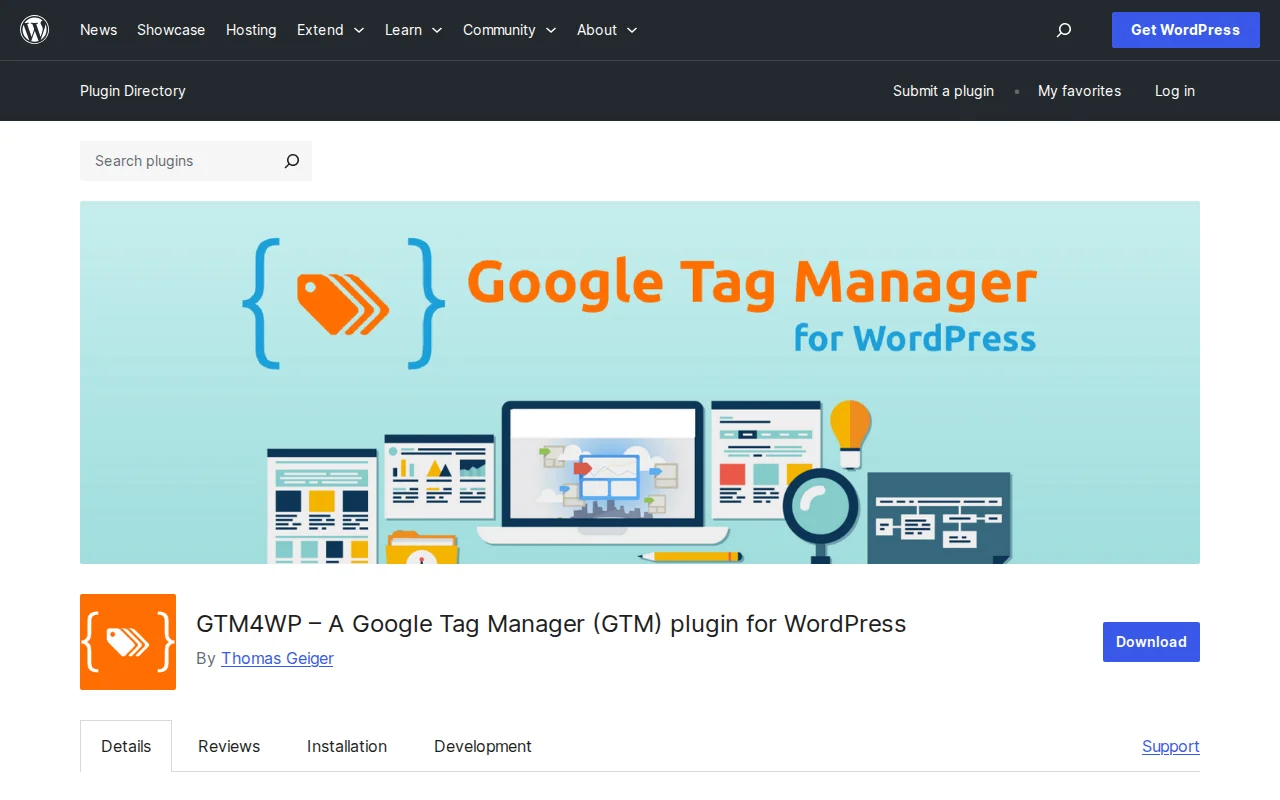
GTM4WP is a free, open-source WordPress plugin that integrates Google Tag Manager into your site without manual code editing. It automatically places the GTM container scripts in the right locations and pushes a rich data layer with page, user, and e-commerce information. With 13.9 million+ downloads and a 4.5/5 star rating from 154 reviews, it is the most widely used GTM plugin for WordPress.
Key Features
- Automatic GTM Code Placement — Injects the GTM container code in the
<head>and after the opening<body>tag without touching theme files - Rich Data Layer — Automatically pushes post titles, categories, tags, author info, post type, and taxonomy terms to the GTM data layer
- WooCommerce GA4 E-commerce Tracking — Tracks view_item, add_to_cart, purchase, and other GA4 e-commerce events out of the box
- Contact Form 7 Integration — Fires events on form submission, validation errors, and spam detection
- Scroll and Reader Tracking — Tracks scroll depth, content bottom reached, and classifies visitors as scanners vs. readers
- Google Consent Mode v2 — Built-in support for consent flags and Cookiebot integration
- Server-Side GTM Support — Configure custom domains for server-side tagging containers
Free vs Premium
GTM4WP is completely free. There is no premium version, no paid add-ons, no upsells. Every feature — WooCommerce tracking, Contact Form 7 events, scroll tracking, consent mode, server-side support — is included at no cost. The developer (Thomas Geiger) maintains it as an open-source project.
This is rare in the WordPress ecosystem. Most analytics plugins charge for e-commerce tracking or advanced data layer features. GTM4WP gives you everything for free.
Pros and Cons
Pros
- Completely free with no premium tier — all features included
- Most comprehensive data layer implementation available for WordPress
- WooCommerce GA4 e-commerce tracking works out of the box
- Minimal performance impact (238 KiB memory, negligible page speed effect)
- Supports multiple GTM containers and server-side tagging
- Google Consent Mode v2 built in
Cons
- WooCommerce tracking can break with themes or page builders that override default WooCommerce templates (especially Elementor Pro custom templates)
- Contact Form 7 v6.0+ has reported compatibility issues
- Support response times can be slow — it is a one-developer project
- Steep learning curve if you are new to Google Tag Manager itself
- Last updated December 2025 — less frequent updates than some alternatives
Who Should Use GTM4WP?
If you use Google Tag Manager and want to push WordPress data (page info, user data, e-commerce events) into your GTM data layer without custom coding, GTM4WP is the standard choice. It is especially valuable for WooCommerce stores that need GA4 e-commerce tracking and for marketers who manage tracking via GTM. If you use a heavily customized WooCommerce theme with Elementor Pro, test thoroughly — the plugin may not track purchase events on modified order confirmation pages.
Best Alternatives
- GTM Kit — Newer, lighter alternative focused on simplicity and performance. Better compatibility with custom WooCommerce templates but fewer data layer features. Free.
- Site Kit by Google — Official Google plugin that connects Analytics, Search Console, and Tag Manager. Simpler but less control over the data layer. Read our Google Analytics setup guide
- Manual GTM Installation — For developers comfortable editing theme files, pasting the GTM snippet directly gives you full control without a plugin dependency.
Frequently Asked Questions
Is GTM4WP free?
Yes, completely free and open-source. There is no premium version. All features including WooCommerce tracking, scroll events, and consent mode are included.
Do I need Google Tag Manager to use this plugin?
Yes. GTM4WP is a bridge between WordPress and Google Tag Manager. You need a GTM account and container ID first. The plugin then injects the GTM code and pushes data to it.
Does GTM4WP work with WooCommerce?
Yes, it provides full GA4 e-commerce event tracking (view_item, add_to_cart, purchase, etc.). However, it may not work correctly if your theme heavily customizes WooCommerce templates — particularly Elementor Pro custom checkout and order confirmation pages.
Will GTM4WP slow down my site?
The plugin itself has minimal impact (238 KiB memory). However, the tags you fire through Google Tag Manager can affect performance. Keep your GTM container lean and use trigger conditions to avoid loading unnecessary scripts on every page.
What is the difference between GTM4WP and Site Kit?
Site Kit is Google's official plugin that provides a dashboard for Analytics, Search Console, and Tag Manager inside WordPress. GTM4WP gives you much deeper control over the data layer — it pushes page metadata, user roles, scroll events, and e-commerce data that Site Kit does not. Use GTM4WP if you need advanced tracking; use Site Kit if you want a simple overview.

Written by Marvin
Our team tests and reviews WordPress products to help beginners make confident choices.
Learn more about our team →You might also like
Slider Revolution Review: Is It Worth It? (2026)
Honest review of Slider Revolution — the premium WordPress slider and visual effects plugin powering 9 million sites. Hero sections, carousels, and animations.
postWPBakery Page Builder Review: Is It Worth It? (2026)
Honest review of WPBakery Page Builder — the legacy WordPress page builder powering 5.8 million sites. Dual editors, 200+ addons, and a one-time license. But is it still worth choosing in 2026?
postHello Dolly: The Story Behind WordPress's Most Famous Plugin
Hello Dolly ships with every WordPress installation. It displays random lyrics from the Louis Armstrong song. Here is why it exists and whether you should keep it.
postUnder Construction Review: Is It Worth It? (2026)
Honest review of Under Construction — the quickest way to put your WordPress site in maintenance mode. 30+ templates, lead capture, social links, and scheduling in under a minute.