
Best Free WordPress Themes in 2026 — 10 Options That Don't Look Free
Here's a truth that would've saved me a lot of money when I started with WordPress: you don't need to pay for a theme to build a professional website. I know that sounds like something you'd hear in a bad infomercial, but in 2026, the gap between free and premium WordPress themes is smaller than it's ever been. I've built client sites, personal projects, and affiliate sites using nothing but free themes — and nobody could tell the difference from a $200 premium setup.
That said, not all free themes are created equal. For every well-built free theme, there are dozens of abandoned, bloated, or just plain ugly ones cluttering the WordPress.org repository. I've tested over 30 free themes in the past year alone, and most of them didn't survive more than 20 minutes on my test site before I hit something that made me uninstall immediately — missing customization options, ugly default typography, non-responsive layouts, or code quality that made me nervous about security.
This guide covers the 10 free WordPress themes that actually deliver. These aren't charity — they're the free tiers of serious theme businesses that use the freemium model. You get a genuinely useful product for free, and the developers make money from the small percentage of users who upgrade to Pro. That model keeps the free versions well-maintained, regularly updated, and secure. Let me show you what each one offers.
Quick Comparison: Free WordPress Themes
| Theme | Best For | Header Builder (Free) | WooCommerce (Free) | Starter Templates | Key Limitation |
|---|---|---|---|---|---|
| Astra Free | All-around | Basic | Yes | 40+ free | No sticky header |
| Kadence Free | Most features free | Full drag-and-drop | Yes | 35+ free | Limited conditional logic |
| GeneratePress Free | Speed & clean code | Basic | Basic | Limited | No Elements module |
| Neve Free | Beginners | Drag-and-drop | Yes | 100+ free | Limited custom layouts |
| OceanWP Free | eCommerce | Multiple styles | Advanced | 40+ free | Some extensions locked |
| Twenty Twenty-Five | FSE & beginners | FSE header editing | Basic | Style variations | Limited design flexibility |
| Storefront | WooCommerce stores | Simple | Advanced | No | Minimal non-ecommerce features |
| Hello Elementor | Elementor users | None (use Elementor) | Via Elementor | Via Elementor | Useless without Elementor |
| Blocksy Free | Modern design | Full drag-and-drop | Yes | 30+ free | No custom content blocks |
| Starter theme (_s) | Developers | None (build your own) | None | No | Requires coding |
1. Astra Free — Best Free Theme Overall
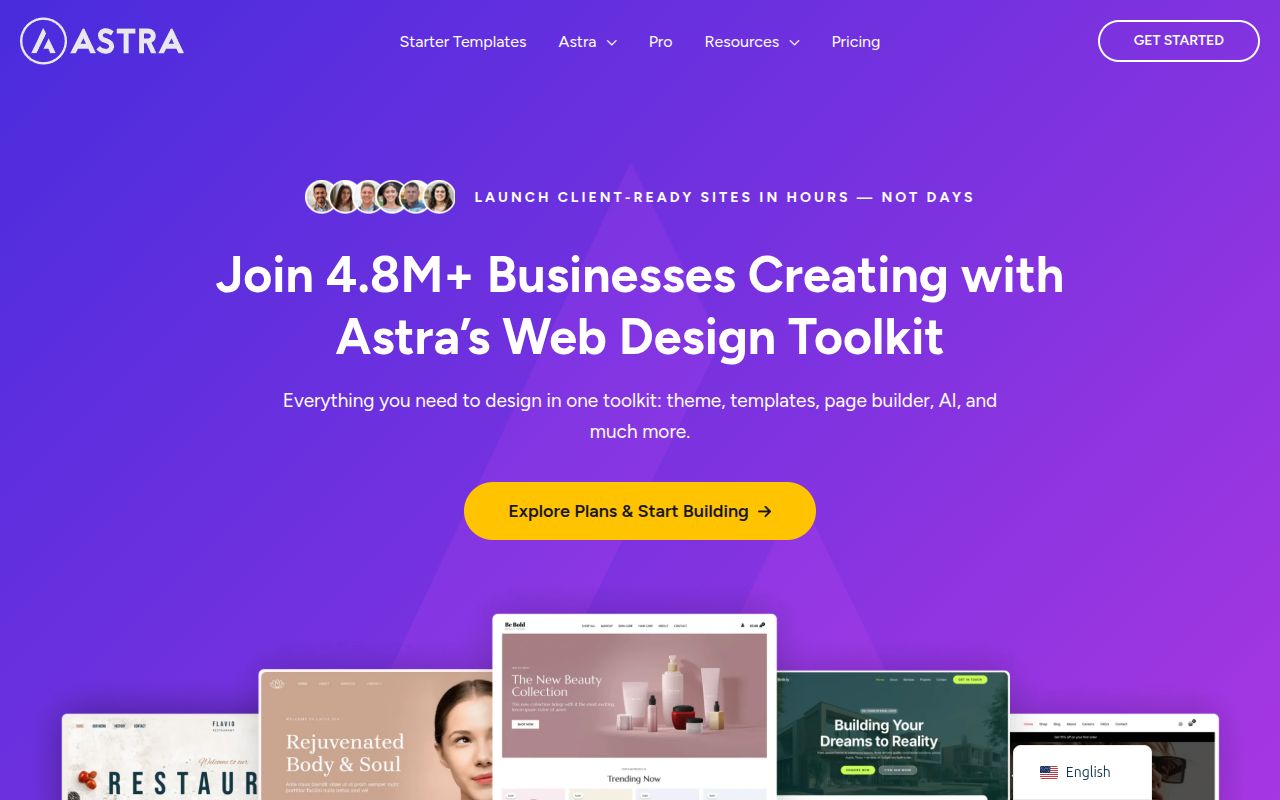
I keep coming back to Astra Free because it hits the sweet spot between customization and simplicity. The free version gives you more than enough to build a professional website without ever touching the Pro features. You get full control over your site's layout structure — container width, sidebar placement, content/sidebar ratio, and page/post specific layouts. The Customizer includes typography controls for body text and headings, a global color palette, and responsive design options. All of this is free.
What Astra Free does particularly well is page builder integration. Whether you use Elementor, Beaver Builder, or the Gutenberg block editor, Astra's free version provides full-width templates, transparent header options, and clean styling that doesn't conflict with your builder's output. I've built a dozen Elementor sites with Astra Free and never felt like I was missing the Pro features. The Starter Templates plugin (also free) gives you access to around 40 full website designs you can import with a single click. They cover niches like fitness, restaurants, agencies, and portfolios.
What's locked behind Pro ($47/year): Sticky header, mega menus, advanced WooCommerce features (quick view, infinite scroll, product gallery customization), blog pro layouts (list, grid, masonry), white label, and the advanced header/footer builder. For a basic blog, portfolio, or business site, you honestly don't need any of these. You'll feel the pull to upgrade when you're building an eCommerce store or need more advanced header layouts.
I wrote a detailed Astra Theme Review that covers the free vs Pro comparison in much more depth, including performance benchmarks and who should upgrade. For most beginners, Astra Free is more than enough to get started and grow with.
2. Kadence Free — Most Generous Free Theme
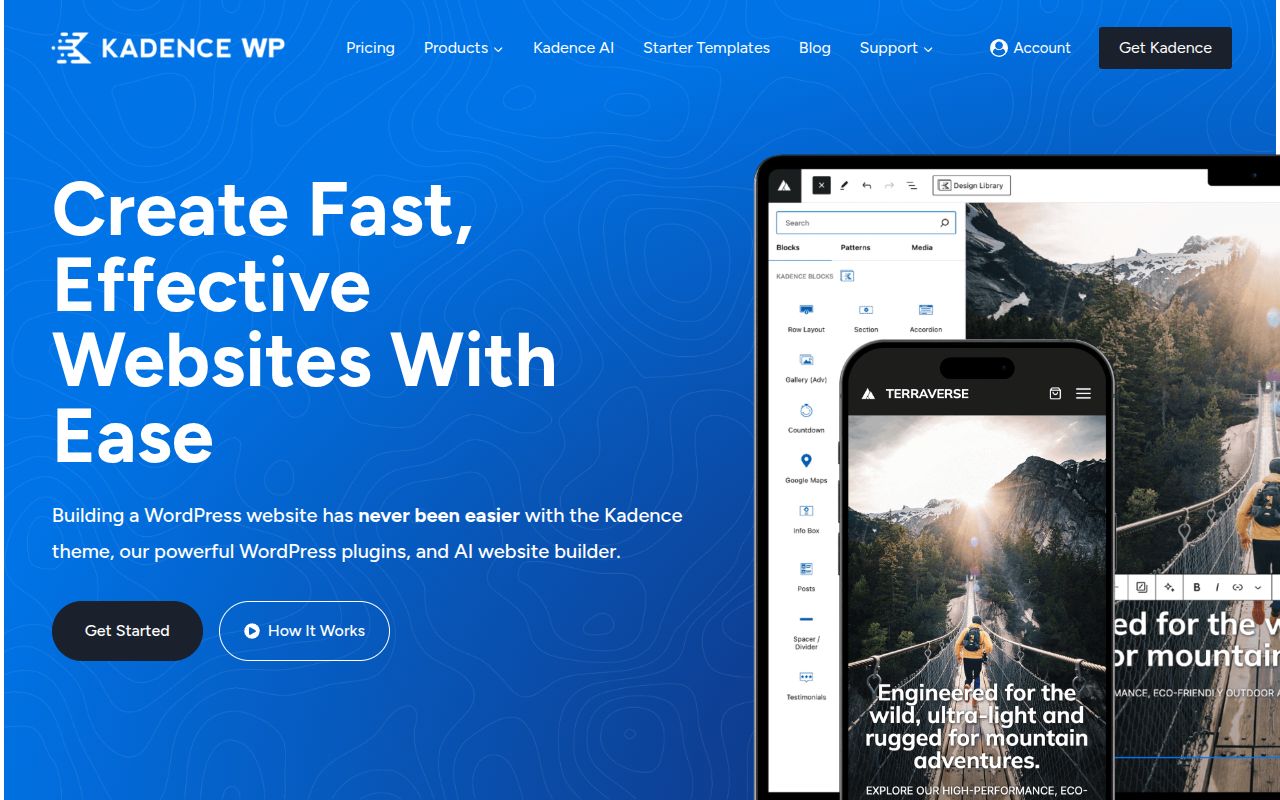
If we're being completely honest about which free theme gives you the most value, Kadence Free wins by a significant margin. The features included for free would cost $49-99 with other theme companies. The standout is the full drag-and-drop header and footer builder — you can create complex headers with multiple rows, add any combination of elements (logo, menu, buttons, search, social icons, HTML), and customize spacing, colors, and fonts for each element individually. Most themes lock this behind a premium upgrade. Kadence includes it for free.
The global color palette system is another highlight. Kadence lets you define a set of global colors that apply throughout your entire site. Change one color and it updates everywhere — buttons, links, headings, backgrounds. You get 9 global color slots in the free version, which is enough for any standard brand. The typography system is equally thorough, with granular controls for body text, headings (H1-H6 individually), navigation, buttons, and more. Combined with the 35+ free starter templates and one-click import, you can have a fully branded, professional site up and running in under an hour without spending a cent.
What's locked behind Pro ($149/year): Advanced header conditionals (show different headers on different pages), infinite scroll for WooCommerce, header/footer scripts injection, Kadence Conversions (pop-ups), and Kadence Blocks Pro features. The Pro pricing is higher than competitors at $149/year for the base plan, which makes the free version even more appealing as a starting point. Unless you need the advanced conditional display features, the free version is remarkably complete. For my full comparison of free themes and what each offers, see my best WordPress themes pillar guide.
Pro tip: Install the free Kadence Blocks plugin alongside the theme. It adds a powerful set of blocks to the Gutenberg editor — advanced row/column layouts, info boxes, icon lists, tabs, accordions, and testimonials. Together with the theme, you can build sophisticated page layouts without paying for a page builder or upgrading to Pro.
3. GeneratePress Free — Best for Performance Purists
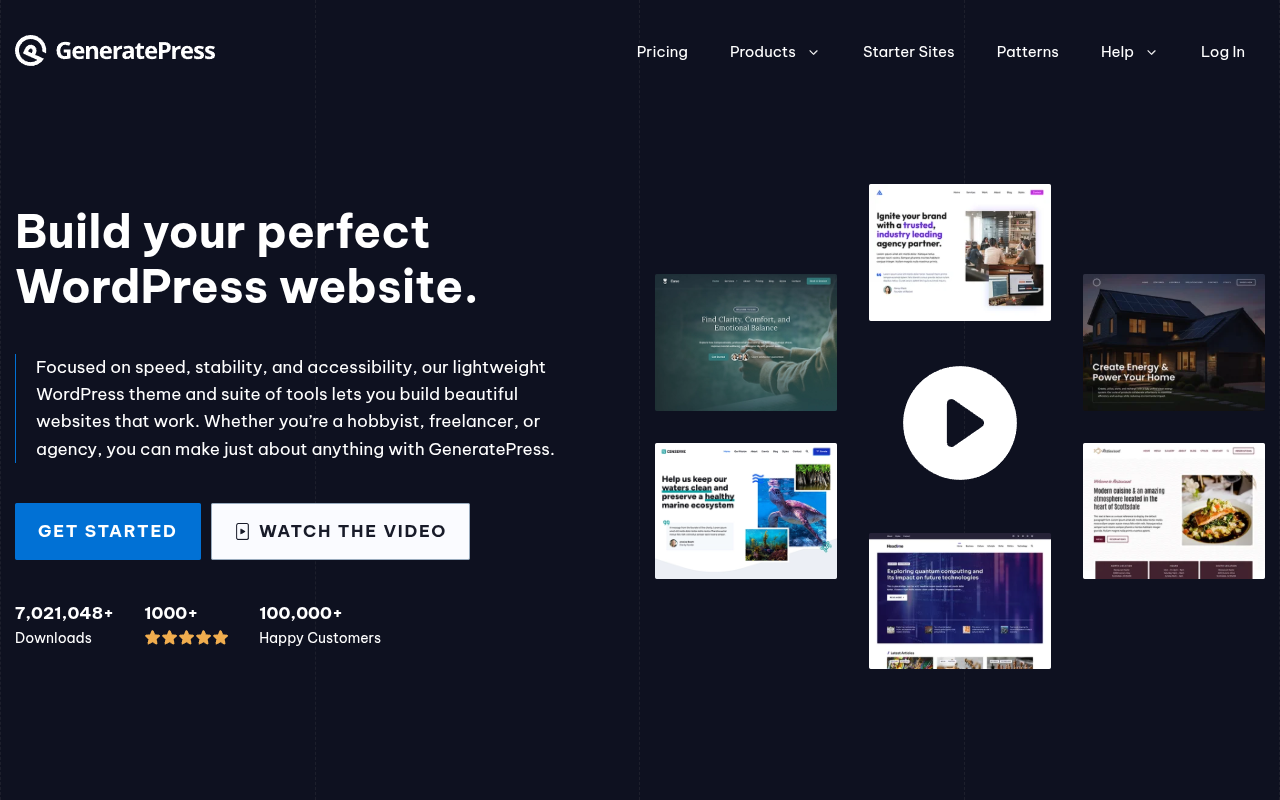
If your primary goal is speed, GeneratePress Free is the theme to beat. I've been using it on performance-critical projects since 2018, and it consistently produces the fastest page loads of any theme I test. A default GeneratePress page loads in under 300ms and uses less than 30KB of resources. The code is immaculate — semantic HTML, minimal CSS, zero JavaScript dependencies, full accessibility compliance. Developer Tom Usborne treats every unnecessary byte like a personal offense, and it shows.
The free version is intentionally minimal. You get Customizer controls for site identity, layout, typography (limited to system fonts), colors, and navigation. The blog layout is clean and functional but not particularly exciting — single column, standard featured images, excerpt or full content display. There are no fancy header builders or visual drag-and-drop interfaces in the free version. You configure everything through the Customizer, and while the options are well-organized, there are fewer of them compared to Astra or Kadence.
What's locked behind Premium ($59/year): The Elements module (custom hooks, layouts, headers), Site Library, Google Fonts integration, secondary navigation, background images, blog customization (columns, infinite scroll, masonry), WooCommerce layout options, menu plus (off-canvas, mobile panel), and spacing controls. The Premium upgrade is where GeneratePress really opens up — especially the Elements module, which is one of the most powerful layout tools in any WordPress theme. But I want to be clear: the free version, while limited in visual options, produces a fast, clean, well-coded foundation that beats most premium themes on raw performance.
I recommend GeneratePress Free specifically for developers, performance-focused bloggers, and anyone who values clean code over visual customization. If you want more design flexibility for free, Kadence or Astra are better choices. But if you want the fastest, most standards-compliant free theme on WordPress.org, this is it.
4. Neve Free — Best for Getting Started Fast
Neve Free by ThemeIsle shines in one specific area: onboarding. The first-time setup experience is the smoothest I've seen in any free WordPress theme. When you activate Neve, it immediately offers to walk you through selecting a starter site, importing the demo content, and customizing the basics (logo, colors, fonts). I've guided complete WordPress beginners through this process, and they had a professional-looking site in 15-20 minutes without asking a single question. That's remarkable for a free product.
The free version includes a header and footer builder with drag-and-drop functionality, though it's slightly less flexible than Kadence's free header builder. You get decent blog customization options, mobile-responsive controls, and compatibility with all major page builders. Neve also boasts one of the largest free starter template libraries — over 100 designs available for free import. They cover a wide range of niches: restaurants, gyms, portfolios, agencies, blogs, and more. The quality varies (some are clearly designed to upsell the Pro versions), but the best ones are genuinely good starting points.
What's locked behind Pro ($69/year): Custom layouts, header booster (sticky, transparent, conditional), blog booster (featured post, reading progress), scroll to top, WooCommerce booster (quick view, wish list), white label, and premium starter sites. The Pro pricing is mid-range, and the upgrade is worth it if you need custom conditional layouts or advanced WooCommerce features. For a basic blog or business site, the free version is more than sufficient.
Performance-wise, Neve is in the same tier as Astra Free. Pages load in under 0.7 seconds with a footprint around 50KB. It's not as lean as GeneratePress, but it's fast enough that you'll never have performance concerns unless you're loading heavy page builder content. If you're a beginner who values a guided setup experience, Neve Free is one of the best places to start.
5. OceanWP Free — Best Free Theme for eCommerce
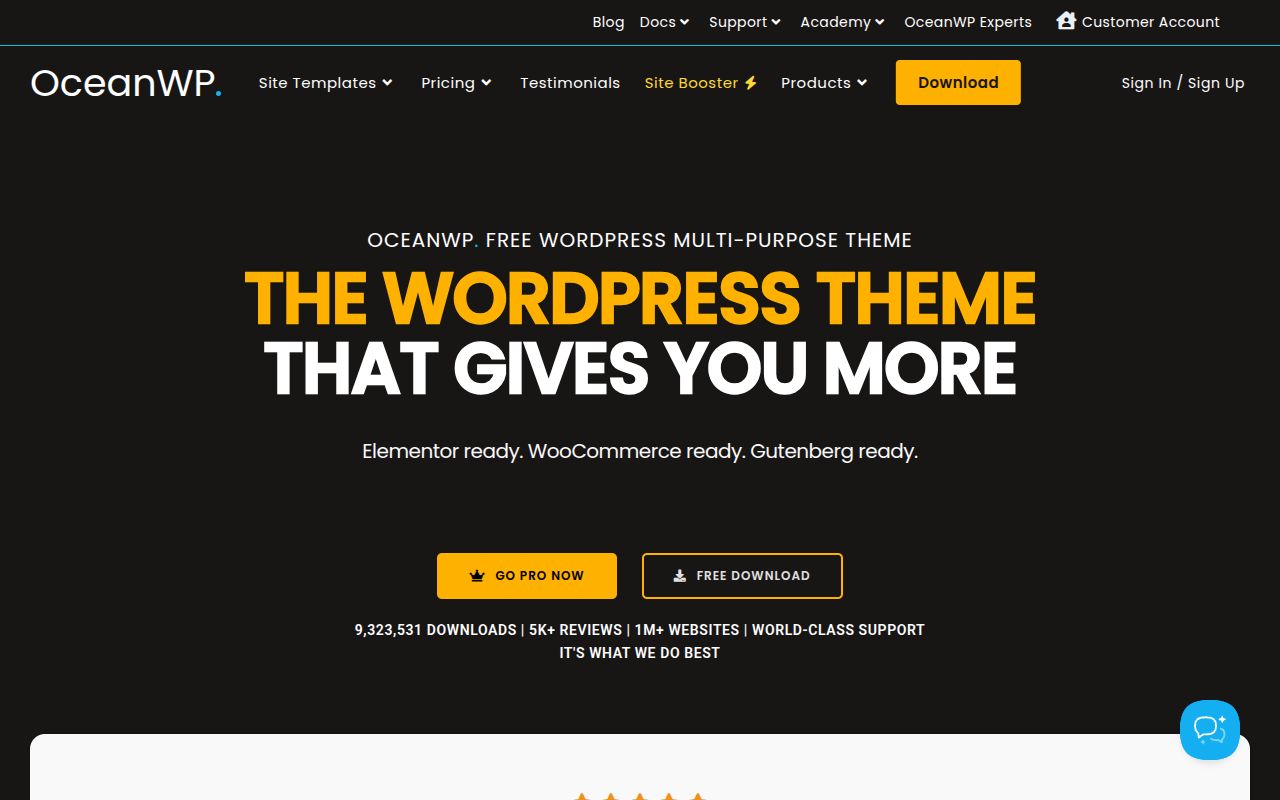
For anyone building an eCommerce site on a budget, OceanWP Free packs more WooCommerce features than any other free theme I've tested. The free version includes a native floating add-to-cart bar, product quick view modals, off-canvas mobile cart, catalog mode, store notice customization, and product layout controls. These are features that other themes charge $49+ for, and OceanWP includes them at no cost. When I built an eCommerce demo site comparing free themes, OceanWP was the only one where the store actually felt like a proper online shop without any premium upgrades.
Beyond eCommerce, OceanWP Free offers multiple header styles (minimal, full-screen, center, vertical, top menu), a library of 40+ free demo sites, and extensive Customizer options for typography, colors, and layout. The blog layout options are solid too — you can choose between grid, list, and large image layouts with controls for excerpt length, meta data display, and pagination style. It's a genuinely feature-rich free theme that tries to give you everything without requiring an upgrade.
What's locked behind Pro ($43/year): Individual premium extensions for features like sticky header, full-screen layout, pop-up login, white label, and some advanced WooCommerce features. OceanWP uses an extension-based model where you can buy individual features or get the full bundle. The bundle at $43/year is one of the cheapest Pro upgrades on this list, which makes the upsell less painful if you eventually need it.
The trade-off with OceanWP is performance. Because it includes so many features in the free version, the CSS and JavaScript footprint is larger than leaner themes like Astra or GeneratePress. A default OceanWP page comes in around 100KB and loads in about 0.8 seconds. That's still perfectly acceptable, but if you're building a speed-focused content site, you might want to look at GeneratePress or Astra instead. For eCommerce sites where you need built-in store features without paying for Pro, OceanWP Free is the clear winner.
6. Blocksy Free — Best Modern Design
Blocksy is the dark horse of the free theme world. It's newer than the other themes on this list, but it's been gaining serious momentum thanks to its polished design, modern interface, and generous free feature set. The Customizer experience is genuinely enjoyable — it uses a clean, visual interface that shows live previews as you adjust settings. The header builder is full drag-and-drop (even in the free version), and it supports transparent headers, sticky behavior, and multiple rows.
What makes Blocksy stand out is the design quality. The default typography, spacing, and color choices look more modern and polished than most free themes. It feels like a premium theme from the moment you activate it. The free starter sites are also higher quality than average — each one looks like it was actually designed by someone who cares about aesthetics, not just thrown together to fill a library. I've been particularly impressed with the blog and portfolio templates.
What's locked behind Pro ($49/year): Custom content blocks, advanced WooCommerce features, conditionals for headers/footers, multiple sidebars, custom fonts, and premium integrations. The free version is feature-rich enough that most bloggers and small business owners won't need to upgrade. If you want a free theme that looks and feels premium without the "this is clearly a free theme" vibe, Blocksy is the one to try.
7. Twenty Twenty-Five — Best Free FSE Theme
Every WordPress installation ships with a default theme, and Twenty Twenty-Five is the current one. Unlike older default themes that felt like afterthoughts, Twenty Twenty-Five is a genuine showcase for Full Site Editing (FSE) — WordPress's native system for designing your entire site using blocks. If you want to learn FSE or build a site using only WordPress's built-in tools with zero third-party dependencies, this is the theme to start with.
Twenty Twenty-Five is a true block theme, meaning all customization happens through the WordPress Site Editor. You design your header, footer, templates, and template parts using the familiar block interface — no separate Customizer or theme options panel. It ships with multiple style variations (different color schemes and typography presets) that you can switch between with a single click. Performance is excellent at under 40KB, and accessibility is top-notch since the WordPress core team builds default themes to WCAG standards.
There's no Pro version and never will be — it's maintained by the WordPress project itself. The trade-off is design flexibility: Twenty Twenty-Five offers less customization depth than commercial themes like Astra or Kadence. But as a free learning tool and a genuinely capable theme for blogs and simple sites, it deserves a spot on this list.
8. Storefront — Best Free WooCommerce Theme
If you're building an online store and don't want to spend money on a theme, Storefront is the answer. Built and maintained by the WooCommerce team at Automattic, Storefront is designed specifically for eCommerce. With over 200,000 active installations, it's the most popular dedicated WooCommerce theme on WordPress.org — and for good reason.
Every WooCommerce feature works perfectly out of the box. Product pages, cart, checkout, account pages, and shop archives all look polished without any extra configuration. Because Storefront is the reference theme that WooCommerce developers use for testing, compatibility with every WooCommerce update and extension is guaranteed from day one. The design is intentionally clean and product-focused — your products are the star, not flashy theme effects.
Storefront is completely free. If you want more visual punch, Automattic offers child themes and extensions (typically $29-$49 each) for features like product hero sections and enhanced layouts. But the base theme is enough to launch a professional-looking store. If you need more design flexibility for non-store pages, consider Astra or OceanWP instead — they offer broader customization while still supporting WooCommerce well.
9. Hello Elementor — Best Free Elementor Canvas
If you've decided to build your site with Elementor, Hello Elementor is the only theme you should consider. Made by the Elementor team, Hello is the most minimal WordPress theme available — under 6KB with zero styling of its own. It's a completely blank canvas designed to let Elementor handle 100% of the design work without any theme interference or CSS conflicts.
On its own, Hello is essentially useless — activate it without Elementor and you'll see an almost completely unstyled page. But paired with Elementor (especially Elementor Pro), you get complete visual control over every pixel. Headers, footers, post templates, WooCommerce pages — everything is designed through Elementor's drag-and-drop interface. The performance advantage is real: because Hello adds essentially zero overhead, your page speed is determined entirely by your content and Elementor's output.
Hello Elementor is completely free with over 1 million active installations. Don't choose it if you're not using Elementor — it makes no sense as a standalone theme. And if you're building a simple blog, you don't need Elementor at all — Astra or Kadence with the block editor will serve you better and cost less. Hello is specifically for people who want the full Elementor page builder experience with zero theme interference.
10. Underscores (_s) — Best Free Developer Theme
Rounding out the list is a pick for developers: Underscores (also known as _s) is a bare-bones starter theme by Automattic that provides the minimal PHP template structure and clean HTML output you need to build a completely custom WordPress theme. Unlike the pre-styled themes above, Underscores gives you nothing visual — no default design, no Customizer options, no starter templates. What you get is a well-organized file structure, properly enqueued styles and scripts, and a clean foundation for writing your own theme code.
I include this because free doesn't have to mean "someone else's design." If you know PHP, CSS, and the WordPress template hierarchy, Underscores lets you build exactly the site you envision without fighting against someone else's framework. The result is typically the fastest, most maintainable WordPress site possible — because every line of code serves a purpose you defined. You can generate a custom Underscores starter at underscores.me.
This isn't for beginners, and I wouldn't recommend it for anyone who just wants a website up and running. But for developers building client sites, Underscores is the ultimate free resource. You own the code, control the output, and never worry about a theme update breaking your customizations.
How to Get the Most from a Free WordPress Theme
Using a free theme doesn't mean settling for less — it means being smart about where you spend your money. Here are my tips for maximizing what you get from a free theme, based on years of building sites this way.
Pair It with the Right Free Plugins
A good free theme combined with the right free plugins can rival a premium setup. Pair Kadence Free with the free Kadence Blocks plugin and you have a page builder alternative. Add a solid SEO plugin like Rank Math (free) and a caching plugin like LiteSpeed Cache, and you've got a fully optimized WordPress site for exactly $0. The key is choosing plugins that complement your theme — don't install five separate plugins for features your theme already includes.
Use Starter Templates as Starting Points
Don't build from scratch if you don't have to. Astra, Kadence, Neve, and OceanWP all include free starter template libraries. Import one that's close to what you want, then customize it. Change the colors, swap the images, rewrite the text, adjust the layout. Starting from a template saves hours compared to building every page from a blank canvas. I use this approach on every project, even when I have access to premium tools.
Know When to Upgrade
Free themes have limitations, and it's worth knowing where they are before you hit them. The most common reasons I see people upgrade to Pro:
- Sticky header: Most free themes don't include this. If your navigation disappears when users scroll, you might need Pro.
- WooCommerce features: Free themes offer basic WooCommerce compatibility, but advanced features like product quick view, infinite scroll, and custom checkout layouts are usually Pro.
- Custom conditional layouts: Want different headers on different pages? Different sidebars for different categories? That's typically a Pro feature.
- White label: Building sites for clients and want to remove the theme branding? You'll need Pro.
If you're building a personal blog, portfolio, or simple business site, you'll likely never hit these limitations. Start free, and let your actual needs guide the upgrade decision.
Frequently Asked Questions
Are free WordPress themes safe?
Free themes from the official WordPress.org repository are reviewed for security and coding standards before they're listed. All the themes in this guide are from reputable developers with track records of regular updates and security patches. The danger comes from "nulled" or pirated premium themes available on shady download sites — these are frequently injected with malware. Stick to WordPress.org and official developer websites, and your free theme is perfectly safe. Back it up with a good security plugin for extra peace of mind.
Will a free theme hurt my SEO?
No. A well-coded free theme like Astra, Kadence, or GeneratePress produces clean HTML that search engines love. These themes are often faster than many premium themes, and speed is a direct ranking factor. What matters for SEO is clean code, fast load times, mobile responsiveness, and proper heading structure — all of which these free themes deliver. Your SEO is determined by your content quality, SEO plugin configuration, and backlink profile, not whether your theme was free or paid.
Can I use a free theme for a business website?
Absolutely. I've built professional business websites using Astra Free and Kadence Free that look indistinguishable from sites using $200 premium themes. The key is customization — change the default colors, fonts, and images to match your brand. Import a starter template and make it your own. A free theme with custom branding looks just as professional as a premium theme with default settings. Your clients and customers won't know or care which theme you used.
Which free theme has the best WooCommerce support?
OceanWP Free offers the most WooCommerce features without requiring a premium upgrade. You get a floating add-to-cart bar, quick view, off-canvas cart, and product layout customization — all for free. Kadence Free and Astra Free also offer solid basic WooCommerce integration, but OceanWP goes further with its free features. For a full comparison of all these themes, check out my best WordPress themes guide.
How often are free themes updated?
The themes in this guide are all actively maintained with regular updates. Astra, GeneratePress, Kadence, Neve, and OceanWP typically release updates every 2-4 weeks, including bug fixes, security patches, and new features. Always keep your theme updated for security and compatibility. You can enable auto-updates in Appearance > Themes so you never fall behind.
Can I switch from a free theme to a premium theme later?
Yes, and it's easier than you think. Your content (posts, pages, media) is stored in the WordPress database and is independent of your theme. When you switch themes, your content stays intact. What changes is the visual styling and theme-specific features like custom header layouts. Always test a new theme on a staging site first, and be prepared to reconfigure your header, footer, sidebar, and widget areas. If you've used standard WordPress features (block editor content, standard widgets), the transition is usually smooth. For a complete guide on building your site the right way from the start, see my WordPress website building guide.
My Recommendation
If I had to pick just one free WordPress theme for a brand-new site in 2026, it would be Kadence Free. The drag-and-drop header builder, global color system, generous Customizer options, and Kadence Blocks integration give you more design flexibility for free than any other theme on this list. It's the free theme that feels the least free.
That said, if you value speed above all else, go with GeneratePress Free. If you want the most starter templates to choose from, Neve Free has the largest library. And if you're building a WooCommerce store, OceanWP Free gives you the most eCommerce features without paying. Every theme on this list is a solid choice — pick the one that matches your priorities and start building. You can always upgrade to Pro later if you need to, but don't assume you will. These free themes are better than you think.

Written by Marvin
Our team tests and reviews WordPress products to help beginners make confident choices.
Learn more about our team →You might also like
How to Choose a WordPress Theme — A Beginner's Decision Framework
A practical, step-by-step guide for choosing a WordPress theme in 2026. Covers the WordPress theme directory, free vs premium themes, 7 must-check criteria, red flags to avoid, and how Full Site Editing changes the game.
postGeneratePress vs Astra — Which Lightweight Theme Is Better?
A detailed comparison of the two most popular lightweight WordPress themes — GeneratePress and Astra. Covers speed benchmarks, customization, template libraries, pricing, code quality, and which theme is better for developers versus beginners.
postElementor vs Divi in 2026 — Which Page Builder Should You Choose?
An honest, in-depth comparison of Elementor and Divi — the two most popular WordPress page builders. Covers pricing, performance, ease of use, WooCommerce support, template libraries, and the Gutenberg question so you can pick the right builder for your project.
postAstra Theme Review 2026 — Is It Really the Best WordPress Theme?
An in-depth, hands-on review of the Astra WordPress theme in 2026. Covering performance benchmarks, Customizer options, Starter Templates, page builder compatibility, free vs Pro features, pricing, and an honest verdict on whether Astra deserves its reputation as the most popular WordPress theme.