
Best Email Marketing Plugins for WordPress (2026)
If there is one thing I wish someone had told me when I launched my first WordPress site back in 2006, it is this: start building your email list on day one. Social media algorithms change, Google updates can tank your traffic overnight, but your email list? That is yours. Nobody can take it away from you. After 20 years of building WordPress sites, I have tested more email marketing tools and plugins than I can count. Some were brilliant. Most were forgettable. These 5 are the ones I keep coming back to — and they cover every use case from sending newsletters to capturing subscribers with smart popups.
Quick Comparison Table
Here is the full picture at a glance. I will go into detail on each tool below, but this table should help you narrow down your options fast:
| Plugin | Best For | Free Tier | Active Installs | Starting Price |
|---|---|---|---|---|
| Brevo | All-in-one email + SMS | 300 emails/day | 100,000+ | $9/mo |
| Mailchimp (MC4WP) | Beginners, blog newsletters | 500 contacts | 2,000,000+ | $13/mo |
| Kit (ConvertKit) | Creators, bloggers, course sellers | 10,000 subscribers | 40,000+ | $25/mo |
| OptinMonster | Email capture (popups, forms) | No free tier | 1,000,000+ | $7/mo |
| MailerLite | Clean, simple newsletters | 1,000 subscribers | 100,000+ | $10/mo |
Pro tip: You do not have to pick just one. I often pair a sending tool (Brevo, Mailchimp, or MailerLite) with a capture tool (OptinMonster) for the best results. The sending tool handles your newsletter; the capture tool gets people on your list in the first place.
1. Brevo (Formerly Sendinblue) — Best Free Tier for Sending
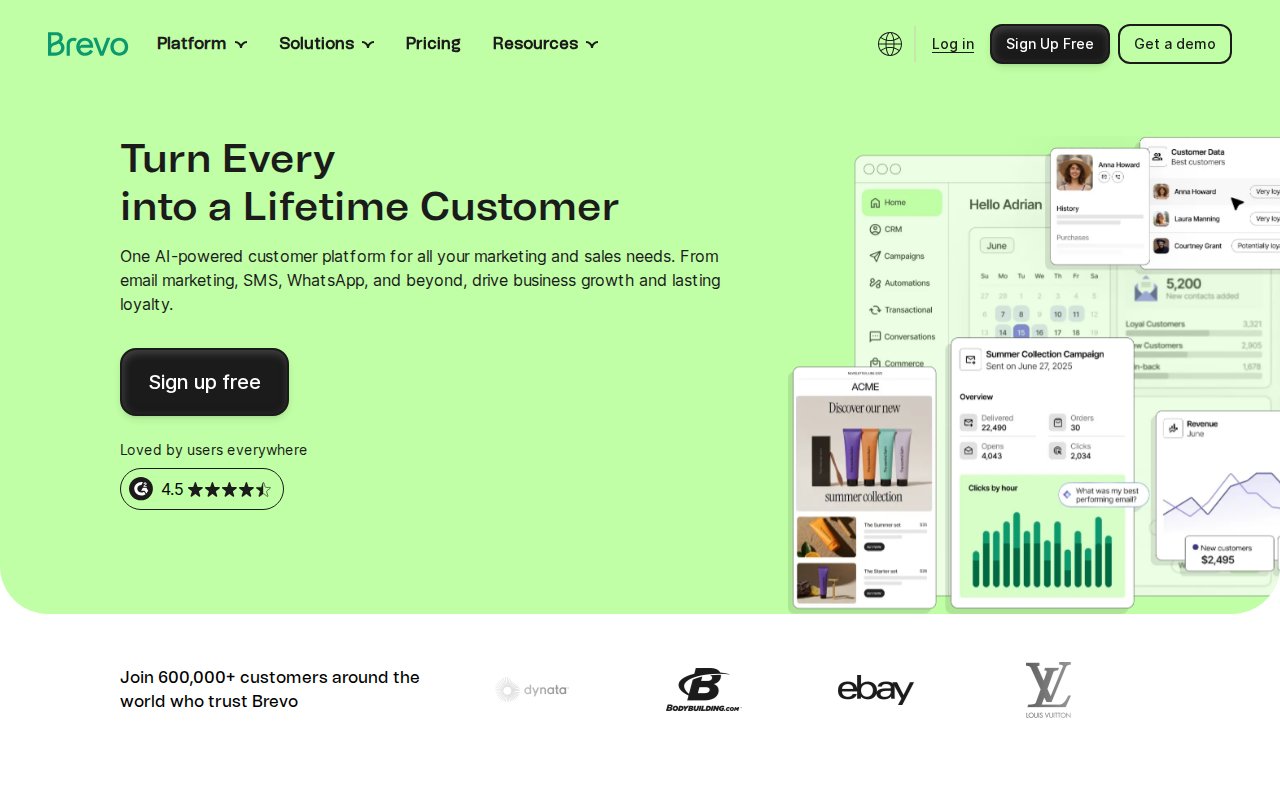
Brevo has been my go-to recommendation for beginners who want to start sending emails without spending a dime. Their WordPress plugin has over 100,000 active installs and the free plan gives you 300 emails per day — that is 9,000 emails a month — with unlimited contacts. Read that again: unlimited contacts. Most competitors cap your contact count on free plans, but Brevo caps sends instead. For a new WordPress site with a growing list, that is a much better deal.
I started recommending Brevo (back when it was still called Sendinblue) to client projects around 2019. What won me over was the all-in-one approach. You get email campaigns, transactional emails, SMS marketing, and even a simple CRM — all from one dashboard. The WordPress plugin lets you add signup forms to your site and syncs subscribers directly to your Brevo account. It also handles your transactional emails (password resets, order confirmations) which means you can replace a separate SMTP plugin too. If you are just getting started with WordPress email setup, Brevo is hands down the easiest path.
What I like: 300 free emails/day with unlimited contacts, built-in SMTP relay, drag-and-drop email builder, SMS marketing included. What I don't: The email builder can feel sluggish, and the free plan puts a small Brevo logo in your emails. Paid plans start at $9/month to remove branding and unlock more sends.
2. Mailchimp for WordPress (MC4WP) — Most Popular Integration
Mailchimp barely needs an introduction — it is the email marketing platform most people think of first. But here is the thing: Mailchimp's own WordPress plugin is clunky. The one you actually want is MC4WP: Mailchimp for WordPress, built by Dutch developer Danny van Kooten. With over 2 million active installs and a 4.8-star rating from nearly 1,500 reviews, it is the best-rated Mailchimp integration by a mile. I have used it on at least a dozen projects and it just works.
MC4WP connects your WordPress site to your Mailchimp account and lets you create lightweight, customizable signup forms. It integrates with practically everything: contact form plugins like Contact Form 7 and WPForms, WooCommerce checkouts, comment forms, and even registration pages. You write the form HTML yourself (or use their form builder), which means the forms load fast and look exactly how you want them to. No bloated JavaScript, no slow iframes.
Mailchimp's free plan gives you up to 500 contacts and 1,000 sends per month. That used to be 2,000 contacts — they cut it in 2022, which annoyed a lot of people, myself included. But for a brand new site, 500 contacts is still enough to get started. Once you outgrow the free tier, paid plans start at $13/month. Honestly, if you are already using Mailchimp for your newsletter, MC4WP is a no-brainer. If you are starting from scratch, I would look at Brevo or MailerLite first — they offer more on their free plans.
3. Kit (Formerly ConvertKit) — Built for Creators
Kit — which you might still know as ConvertKit — is the email platform I recommend to anyone who creates content for a living. Bloggers, YouTubers, podcasters, course creators, newsletter writers. Kit was designed specifically for this audience, and it shows. Their free plan is incredibly generous: up to 10,000 subscribers with unlimited landing pages and forms. That is not a typo. You can build a serious audience before paying a cent.
The WordPress plugin connects your site to your Kit account and lets you embed forms, tag subscribers based on which page they signed up from, and even display targeted content to different subscriber segments. I have been using Kit for a personal project since 2021, and the tagging and automation system is best in class. You can create visual automation flows — "if someone signs up from this post, send them this email sequence" — without touching code. The landing page builder is also surprisingly good if you need a quick opt-in page without installing yet another plugin.
What I like: The most generous free plan in the business (10K subscribers), excellent automation, creator-focused features like paid newsletters and digital product sales. What I don't: The WordPress plugin is fairly basic — it just embeds forms. The real power is in the Kit dashboard. Paid plans start at $25/month when you need advanced automations or to remove Kit branding.
4. OptinMonster — Best for Email Capture
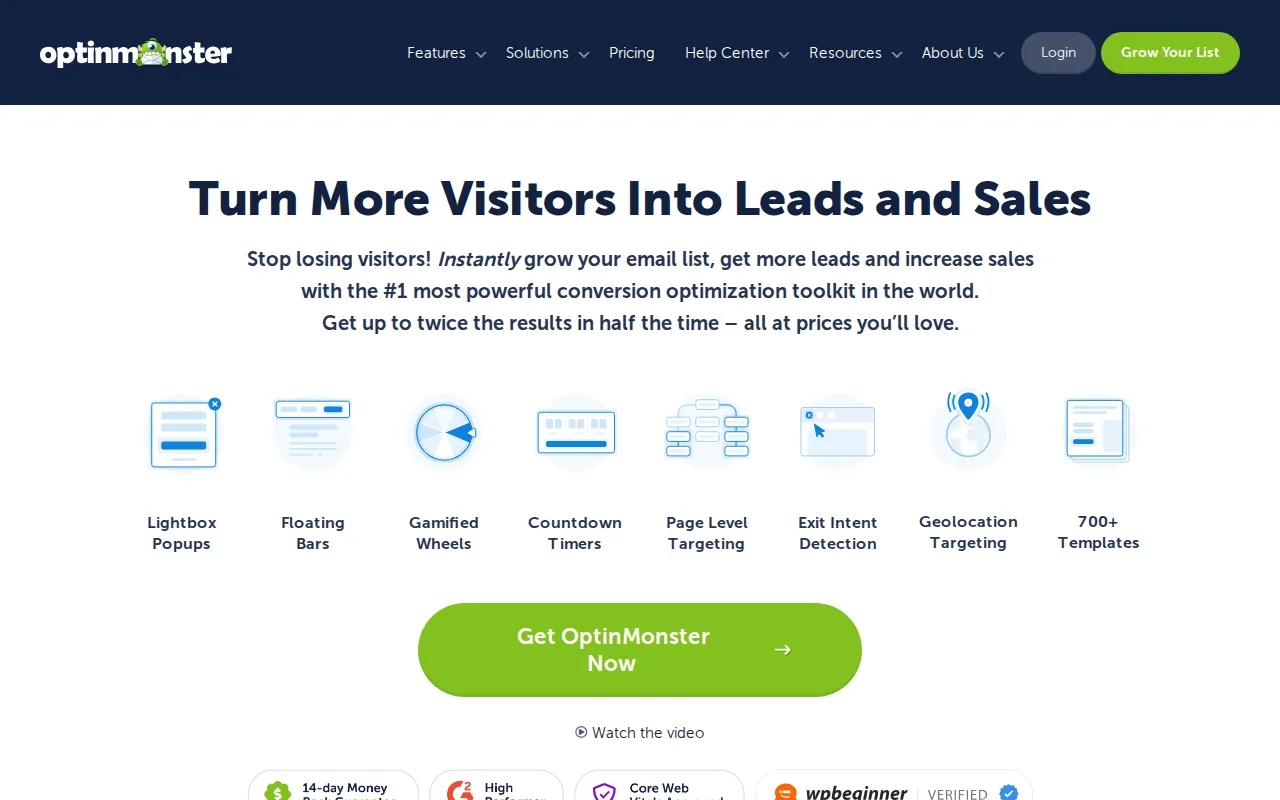
Here is where I need to be clear: OptinMonster does not send emails. It captures them. OptinMonster is a conversion optimization tool that creates popups, slide-ins, floating bars, fullscreen welcome mats, and other attention-grabbing forms to get visitors on your email list. You then connect it to your email service (Mailchimp, Brevo, Kit, whatever you use) and OptinMonster pushes new subscribers there automatically.
Now here is where it gets interesting. I was skeptical about popups for years — I thought they were annoying and would drive visitors away. Then I installed OptinMonster on a client's WooCommerce site in 2020, set up an exit-intent popup offering a 10% discount code, and watched their email signups triple in two weeks. Exit-intent technology detects when someone is about to leave your site and shows the popup at exactly the right moment. It is genuinely effective, and OptinMonster's implementation is the best I have used.
OptinMonster comes with over 700 pre-built templates, A/B testing, page-level targeting (show different popups on different pages), and geolocation targeting. The biggest downside? There is no free plan. Pricing starts at $7/month billed annually for the Basic plan, which covers one site. The Pro plan ($29/month) unlocks exit-intent technology and is where the real value lies. If you are serious about growing your list fast, pairing OptinMonster with any of the other tools on this list is the most effective combo I know. It works alongside everything in our best WordPress plugins roundup.
5. MailerLite — Cleanest Interface, Great Free Plan
MailerLite is the underdog on this list, and honestly, it deserves more attention than it gets. The interface is the cleanest and most intuitive of any email marketing tool I have used — and I have used them all. If Mailchimp feels cluttered to you (it does to me these days), MailerLite will feel like a breath of fresh air. Their WordPress plugin has over 100,000 active installs and lets you embed signup forms and manage subscribers directly from your WordPress dashboard.
The free plan gives you up to 1,000 subscribers and 12,000 emails per month. That is more generous than Mailchimp's free tier. You also get access to the drag-and-drop email editor, landing pages, and basic automations — features that competitors lock behind paid plans. I set up MailerLite for a friend's food blog last year, and she was sending beautiful newsletters within 30 minutes of creating her account. No technical skills needed.
What I like: Beautiful, clean interface that beginners love, generous free plan, excellent drag-and-drop email builder, landing pages included for free. What I don't: The WordPress plugin could use more polish — it has a 3-star rating on WordPress.org, mostly because of occasional sync issues. The email service itself is excellent, though. Paid plans start at $10/month for up to 500 subscribers with unlimited emails and advanced automations.
How to Choose the Right Plugin
After years of testing these tools across different projects, my advice is simple. If you are brand new and want the easiest setup with the most free sends, start with Brevo. If you are a content creator or blogger building an audience, go with Kit — that 10,000 subscriber free tier is unbeatable. If you already use Mailchimp, install MC4WP and be done with it. And if your main goal is capturing more emails from existing traffic, add OptinMonster on top of whatever sending tool you pick. The best email marketing setup is usually two tools working together: one to capture, one to send.
One more thing most tutorials will not tell you: make sure your WordPress site is actually sending emails reliably before you worry about marketing. A broken contact form or missing password-reset email will cost you subscribers too. Check out our WordPress email setup guide to make sure your transactional emails are working first.
Frequently Asked Questions
Do I need a separate email marketing plugin, or can WordPress send newsletters on its own?
WordPress can send basic emails (like password resets and comment notifications), but it is not built for newsletters or marketing campaigns. You need a dedicated email marketing service — Brevo, Mailchimp, Kit, or MailerLite — to send bulk emails reliably. Without one, your emails will land in spam or not arrive at all. The WordPress plugins listed above connect your site to these services so you can add signup forms and sync subscribers automatically.
Which email marketing plugin has the best free plan?
It depends on what matters most to you. Kit (ConvertKit) has the most generous subscriber limit at 10,000 free subscribers. Brevo offers 300 emails per day with unlimited contacts, which is great if you have a big list but send infrequently. MailerLite gives you 1,000 subscribers and 12,000 monthly emails on the free plan. Mailchimp's free tier (500 contacts) is the most limited of the bunch.
Can I use OptinMonster without an email marketing service?
Technically yes — OptinMonster can collect emails and store them in its own dashboard. But that defeats the purpose. You want those emails flowing into a real email marketing service so you can send campaigns, automations, and newsletters. I always pair OptinMonster with a sending tool like Brevo or Kit. OptinMonster captures the emails; the email service does the actual marketing.
Will email marketing plugins slow down my WordPress site?
Most of these plugins are lightweight and will not noticeably affect your page speed. MC4WP is especially lean — it loads minimal JavaScript. OptinMonster loads its assets from a CDN, so the impact is small. The one thing to watch out for is loading too many popup or form plugins at once. Pick one capture tool and one sending tool. You do not need five different form plugins competing for attention on the same page.

Written by Marvin
Our team tests and reviews WordPress products to help beginners make confident choices.
Learn more about our team →You might also like
Best WordPress Lead Generation Plugins in 2026 — 5 Tools Worth Using
I researched the current WordPress lead generation plugin landscape and narrowed it to 5 tools that actually make sense: WPForms, OptinMonster, Thrive Leads, Hustle, and Fluent Forms.
postBest WordPress AI Chatbot Plugins in 2026 — 5 Options Compared
I checked the current WordPress AI chatbot plugin landscape and narrowed it to 5 realistic options: AI Engine, Tidio, Chatway, WPBot, and Smartsupp.
postWooPayments Review: WooCommerce's Built-In Payment Plugin
WooPayments lets you accept credit cards, Apple Pay, Google Pay, and more directly from your WordPress dashboard — no separate Stripe account needed. Here's what it does well, where it falls short, and when you should use the direct Stripe plugin instead.
postAutoptimize Review: Free Speed Plugin That Actually Works
Autoptimize minifies and combines your CSS, JavaScript, and HTML to make your WordPress site load faster. I cover what it does, how it compares to WP Rocket and LiteSpeed Cache, and whether the free version is enough.