
Hostinger Reach Review: Is It Worth It? (2026)
What Is Hostinger Reach?
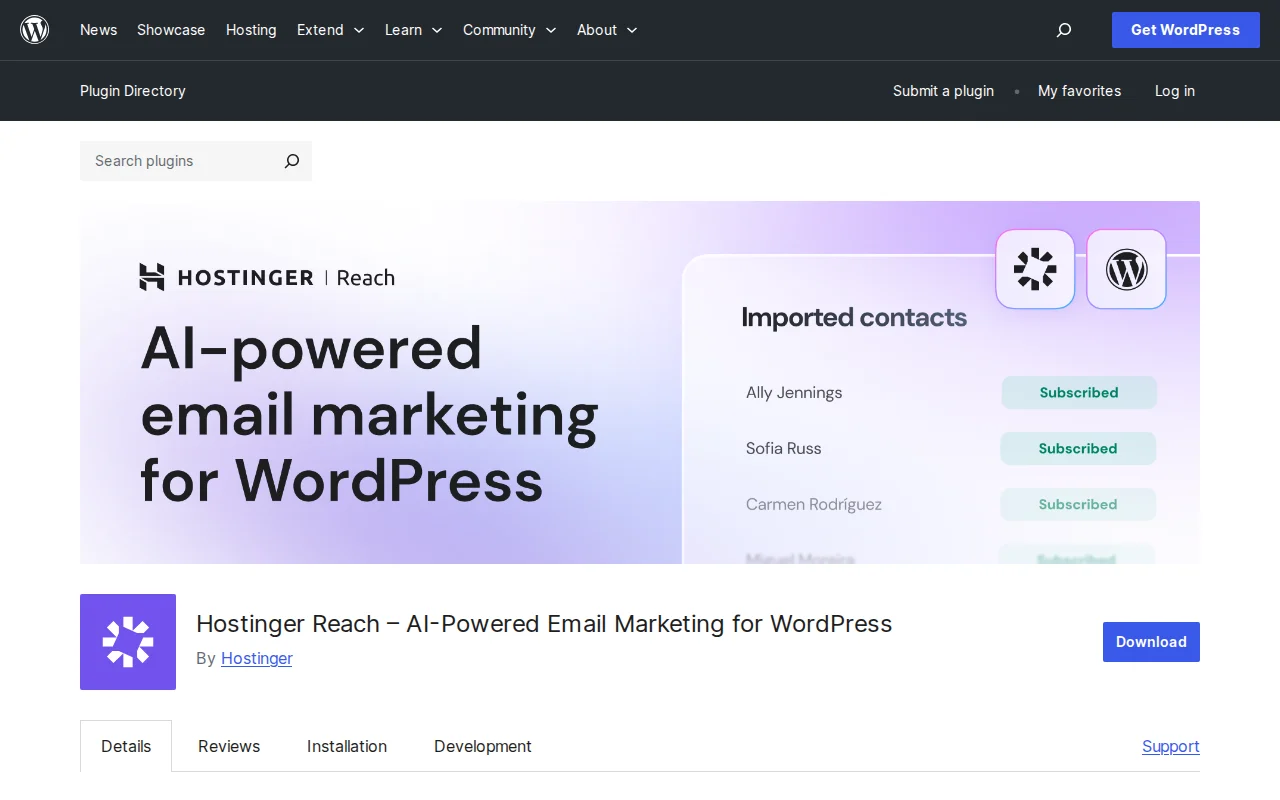
Hostinger Reach is an AI-powered email marketing plugin for WordPress, built by Hostinger. It lets you collect subscribers, build email lists, and send professional campaigns — all from your WordPress dashboard. The plugin launched in 2025 and has already crossed 1 million active installations, making it one of the fastest-growing email marketing tools in the WordPress ecosystem.
What makes Reach stand out is how tightly it integrates with WordPress. Instead of juggling a separate email platform, you manage everything right where you build your site. The AI features help you draft emails quickly, and Hostinger handles the deliverability setup (SPF, DKIM, DMARC) automatically — something that trips up many beginners.
Key Features
- AI Email Generator — Describe what you want to say and the AI creates a ready-to-send email in seconds
- WordPress Contact Sync — Automatically syncs subscribers from your existing forms (WPForms, Contact Form 7, Elementor, WooCommerce, and more)
- Visual Email Builder — Drag-and-drop editor with professional templates, no coding needed
- Automatic Deliverability — SPF, DKIM, and DMARC configured for you out of the box
- Real-Time Analytics — Track opens, clicks, and engagement for every campaign
- GDPR & CAN-SPAM Compliance — Auto-managed unsubscribe links and compliant templates
- WooCommerce Automations — Abandoned cart emails and post-purchase follow-ups
Free vs Premium
The free plan is generous for beginners: you get up to 100 subscribers and 200 emails per month, plus access to the AI editor, unlimited contact storage, and 24/7 support. That is more than enough to test the waters.
Paid plans scale by subscriber count:
- Reach 500 — $5.99/month (500 subscribers, 3,500 emails)
- Reach 1000 — $3.99/month (1,000 subscribers, 7,000 emails)
- Reach 2500 — $8.99/month (2,500 subscribers, 17,500 emails)
- Reach 5K — $15.99/month (5,000 subscribers, 35,000 emails)
- Reach 10K — $25.99/month (10,000 subscribers, 70,000 emails)
Compared to Mailchimp or ConvertKit, these prices are very competitive — especially at the lower tiers.
Pros and Cons
Pros
- Dead-simple setup directly inside WordPress — no separate account needed
- AI email generation saves serious time for content creators
- Automatic SPF/DKIM/DMARC means great deliverability without technical headaches
- Free plan includes the AI editor (most competitors charge for AI features)
- Integrates with popular form builders and WooCommerce out of the box
Cons
- Advanced automation and segmentation features are still limited compared to mature platforms like ActiveCampaign
- Only 3 reviews on WordPress.org so far — relatively new and unproven at scale
- Built specifically for Hostinger infrastructure, which may concern users on other hosts
- No A/B testing for subject lines on the free plan
Who Should Use Hostinger Reach?
If you are a blogger, small business owner, or creator who wants email marketing without the complexity of a full platform like Mailchimp, Hostinger Reach is a great fit. It is especially compelling if you already host with Hostinger, since everything works seamlessly together. For advanced marketers who need complex automation flows, you may outgrow it — but for most WordPress beginners, it is more than enough to start building an audience.
Best Alternatives
- Mailchimp for WordPress (MC4WP) — The classic choice for connecting WordPress to Mailchimp. Better if you need Mailchimp-specific features. Read our email marketing plugins guide
- MailPoet — Another popular in-WordPress email solution with a generous free tier (1,000 subscribers). More mature but lacks AI features.
- Brevo (formerly Sendinblue) — Full marketing platform with email, SMS, and CRM. More powerful but more complex to set up.
Frequently Asked Questions
Is Hostinger Reach free?
Yes, there is a free plan that includes up to 100 subscribers and 200 emails per month, plus the AI editor and 24/7 support. No credit card required.
Do I need to be hosted on Hostinger to use Reach?
The WordPress plugin works on any host, but Reach uses Hostinger infrastructure for sending emails. You create a free Reach account and connect it to your WordPress site regardless of where it is hosted.
How does the AI email generator work?
You describe what you want to communicate in a few words, and the AI generates a complete email draft with professional formatting. You can then edit it in the visual builder before sending.
Is Hostinger Reach GDPR compliant?
Yes. The plugin automatically adds unsubscribe links and follows CAN-SPAM and GDPR requirements. You also get compliant signup form templates.
Can I use Hostinger Reach with WooCommerce?
Yes. Reach integrates directly with WooCommerce for abandoned cart recovery emails, post-purchase follow-ups, and syncing customer data to your subscriber list.

Written by Marvin
Our team tests and reviews WordPress products to help beginners make confident choices.
Learn more about our team →You might also like
Slider Revolution Review: Is It Worth It? (2026)
Honest review of Slider Revolution — the premium WordPress slider and visual effects plugin powering 9 million sites. Hero sections, carousels, and animations.
postWPBakery Page Builder Review: Is It Worth It? (2026)
Honest review of WPBakery Page Builder — the legacy WordPress page builder powering 5.8 million sites. Dual editors, 200+ addons, and a one-time license. But is it still worth choosing in 2026?
postHello Dolly: The Story Behind WordPress's Most Famous Plugin
Hello Dolly ships with every WordPress installation. It displays random lyrics from the Louis Armstrong song. Here is why it exists and whether you should keep it.
postUnder Construction Review: Is It Worth It? (2026)
Honest review of Under Construction — the quickest way to put your WordPress site in maintenance mode. 30+ templates, lead capture, social links, and scheduling in under a minute.