
Popup Maker Review: Is It Worth It? (2026)
What Is Popup Maker?
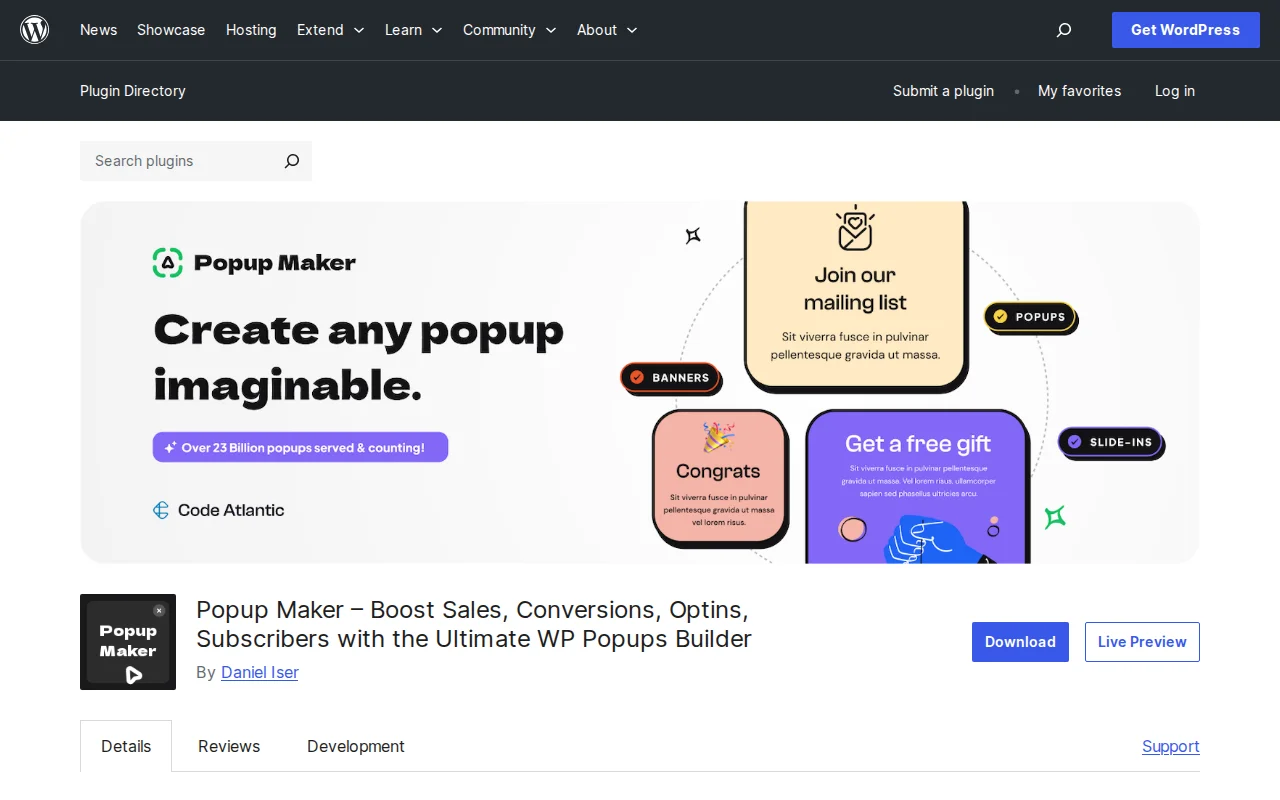
Popup Maker is a free WordPress plugin for creating popups, slide-ins, banners, and modal forms. With 19.7 million downloads, 780,000+ active installations, and an outstanding 4.9/5 star rating from 4,495 reviews, it is the highest-rated and most widely used popup plugin on WordPress.org. The visual editor runs natively inside WordPress — no separate SaaS dashboard needed.
Key Features
- Multiple Popup Types — Email opt-ins, announcements, cookie notices, contact forms, content upgrades, and WooCommerce upsell/cross-sell popups
- Flexible Triggers — Auto-open with delay, click to open, form submission (free). Exit-intent and scroll-triggered (premium).
- Page-Level Targeting — Show popups on specific posts, pages, custom post types, categories, tags, or the front page
- Form Plugin Integrations — Works with Contact Form 7, WPForms, Gravity Forms, Ninja Forms, Fluent Forms, Mailchimp for WordPress, and more
- Visual Editor — Drag-and-drop builder with custom animations, positioning, mobile-responsive design, and 60+ theme customization options
- Cookie Controls — Set display frequency so the same visitor does not see the same popup repeatedly
- Google Fonts — Built-in font picker for on-brand typography
Free vs Premium
The free version is surprisingly complete: visual editor, auto-open and click triggers, page-level targeting, form integrations, cookie controls, and mobile-responsive design. Many sites never need to upgrade.
Premium extensions unlock advanced marketing features:
- Start ($49.50/year) — Exit-intent detection, popup analytics, advanced targeting conditions
- Grow ($99/year) — Scheduling, forced interaction, A/B testing
- Optimize ($247/year) — All extensions, priority support, WooCommerce popups, geolocation targeting
Extensions can also be purchased individually if you only need one or two features. This modular approach means you only pay for what you use.
Pros and Cons
Pros
- 4.9/5 stars from 4,495 reviews — the highest-rated popup plugin on WordPress.org
- Generous free version — most sites never need premium
- Runs inside WordPress — no external dashboard or SaaS dependency
- Integrates with all major form plugins out of the box
- Modular premium extensions — buy only what you need
- Cookie-based frequency controls prevent visitor annoyance
Cons
- Creating polished popups takes 15-20 minutes — more setup time than SaaS tools like OptinMonster
- Last updated October 2025 — updates have slowed compared to previous years
- Exit-intent requires premium ($49.50+/year) — most competitors include this in free tiers
- Page load adds ~450ms compared to CDN-delivered alternatives
- No built-in email service — you need a separate form plugin or email tool
Who Should Use Popup Maker?
Popup Maker is ideal for WordPress site owners who want full control over their popups without paying for a SaaS service. If you already use a form plugin like WPForms or Contact Form 7 and just need a popup to wrap it in, Popup Maker is the easiest way. It is also a great fit for agencies managing client sites on a budget — the free version covers most use cases, and premium extensions are per-site, not per-month.
Best Alternatives
- OptinMonster — SaaS-based popup tool with a visual builder, A/B testing, and CDN delivery. More polished and faster to set up, but starts at $9/month (billed annually). Best for marketers who prioritize conversions.
- Convert Pro — By Brainstorm Force (makers of Astra). WordPress-native like Popup Maker but with a more modern builder. Pro from $87/year.
- Hustle by WPMU DEV — Free popup and email opt-in plugin. Simpler than Popup Maker with fewer options but quicker to set up.
Frequently Asked Questions
Is Popup Maker free?
Yes, the core plugin is free with a full visual editor, auto-open/click triggers, page targeting, form integrations, and cookie controls. Premium extensions (from $49.50/year) add exit-intent, analytics, scheduling, and WooCommerce features.
Does Popup Maker include exit-intent popups?
Exit-intent detection is a premium extension, not included in the free version. It starts at $49.50/year as part of the Start plan or can be purchased individually.
Will popups slow down my site?
Popup Maker runs within WordPress, so popups add some page weight. Testing shows approximately 450ms additional load time compared to CDN-delivered alternatives like OptinMonster. For most sites, this is not noticeable to visitors.
Can I use it with WPForms or Contact Form 7?
Yes. Popup Maker integrates with Contact Form 7, WPForms, Gravity Forms, Ninja Forms, Fluent Forms, Mailchimp for WordPress, and Formidable Forms. You embed your form inside a popup using the visual editor.
How do I prevent popups from showing too often?
Popup Maker includes built-in cookie controls. You can set a popup to show once per visitor, once per day, once per week, or any custom interval. This prevents visitor fatigue and keeps your popups effective.

Written by Marvin
Our team tests and reviews WordPress products to help beginners make confident choices.
Learn more about our team →You might also like
OptinMonster Review: The Best Popup Builder for WordPress? (2026)
OptinMonster is the most popular WordPress popup plugin with 700+ templates and advanced targeting. But it is expensive — starting at $9/mo. Here is the honest review.
postSlider Revolution Review: Is It Worth It? (2026)
Honest review of Slider Revolution — the premium WordPress slider and visual effects plugin powering 9 million sites. Hero sections, carousels, and animations.
postWPBakery Page Builder Review: Is It Worth It? (2026)
Honest review of WPBakery Page Builder — the legacy WordPress page builder powering 5.8 million sites. Dual editors, 200+ addons, and a one-time license. But is it still worth choosing in 2026?
postHello Dolly: The Story Behind WordPress's Most Famous Plugin
Hello Dolly ships with every WordPress installation. It displays random lyrics from the Louis Armstrong song. Here is why it exists and whether you should keep it.