
Best WordPress Membership Plugins in 2026 — My Top 5 Picks
Building a membership site was one of the best decisions I ever made for a client project. Back in 2019, I helped a fitness coach move from Patreon to a self-hosted WordPress membership. Within six months, her revenue doubled — she owned the platform, controlled the experience, and stopped paying Patreon's cut. But getting there meant testing four different membership plugins before we found the right fit. Since then, I've built over a dozen membership sites, and I've learned which plugins deliver and which ones waste your time.
This guide covers the five WordPress membership plugins I recommend in 2026 — each suited to a different type of project.
Quick Comparison — Which Membership Plugin Is Best?
Here's the overview before we get into the details:
| Plugin | Best For | Starting Price | Free Version | My Rating |
|---|---|---|---|---|
| MemberPress | All-in-one membership + courses | $199.50/yr | No | 5/5 |
| Restrict Content Pro | Developers & clean code | $99/yr | No | 4.5/5 |
| Paid Memberships Pro | Budget-friendly with free core | Free / $174/yr | Yes | 4/5 |
| WooCommerce Memberships | Existing WooCommerce stores | $199/yr | No | 4/5 |
| Thrive Apprentice | Courses + membership combo | $299/yr (Thrive Suite) | No | 4/5 |
1. MemberPress — The All-in-One Membership Platform
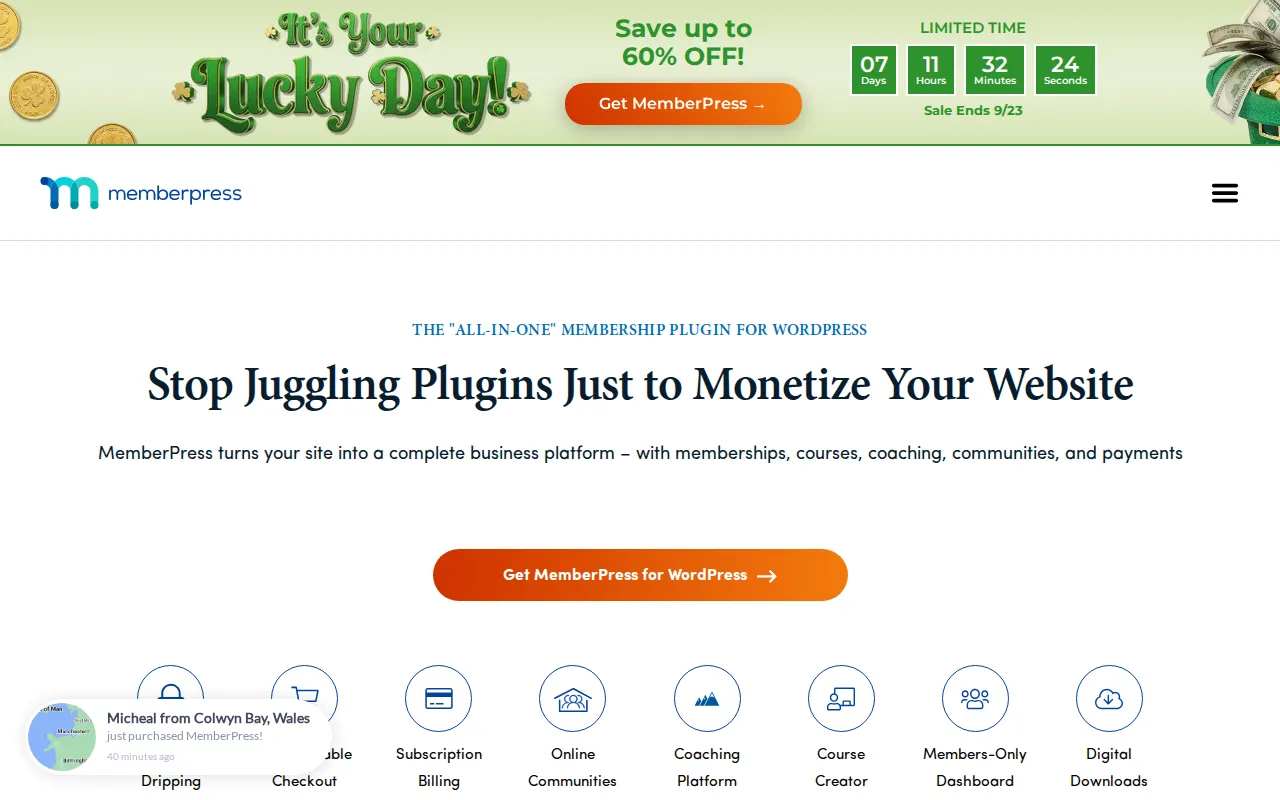
MemberPress is the plugin I reach for first on almost every membership project. It markets itself as the "all-in-one membership plugin for WordPress," and for once that tagline is actually accurate. Out of the box, you get content protection, subscription billing, content dripping, a built-in course creator, community features, coaching tools, and a members-only dashboard. You don't need to bolt on five other plugins to get a complete membership experience.
What sets MemberPress apart is how polished the entire workflow is. Setting up membership levels, creating access rules, and configuring payment gateways (Stripe and PayPal are built in) takes maybe 20 minutes. Content dripping — where you release content on a schedule after someone signs up — works flawlessly without any workarounds. I've used it for a coaching client who drips a new module every week, and the scheduling has never missed a beat.
The built-in course creator is a genuine differentiator. Instead of needing a separate LMS plugin like LearnDash, MemberPress Courses lets you build and sell courses directly inside the same plugin. It's not as feature-rich as a dedicated LMS, but for most membership sites that bundle courses alongside content, it's more than enough.
Pricing starts at $199.50/year for the Launch plan (introductory rate — renewals are $399/year). The Launch plan includes a 4.9% transaction fee, which is worth noting. The Growth plan at $314.55/year (renews at $699/year) drops the transaction fee to 0%, which makes it the better value if you're doing any meaningful volume. It's not cheap, but for a plugin that replaces three or four others, the math works out.
Visit: memberpress.com
2. Restrict Content Pro — Clean, Developer-Friendly, No Bloat
Restrict Content Pro is the membership plugin I recommend to developers and site builders who want a clean, lightweight foundation without the bloat. It was created by Pippin Williamson (the same developer behind Easy Digital Downloads), and you can tell — the code is clean, well-documented, and follows WordPress best practices.
Where MemberPress tries to be everything, Restrict Content Pro focuses on doing the core membership functionality really well: subscription management, content restriction, payment processing, and member management. It supports Stripe and PayPal out of the box, handles unlimited membership levels, and offers solid content dripping. The admin interface is straightforward — no marketing fluff, no unnecessary dashboards, just the tools you need.
The real appeal is extensibility. If you're a developer (or working with one), Restrict Content Pro gives you clean hooks and filters to customize everything. I've used it for a client who needed a completely custom registration flow tied to their CRM, and the integration was remarkably painless compared to other plugins I've worked with.
Pricing starts at $99/year for a single-site license. That's significantly cheaper than MemberPress, and you still get all the core features. The tradeoff is that you won't get a built-in course creator, community features, or coaching tools — you'll need separate plugins for those. For straightforward "pay to access content" memberships, Restrict Content Pro is hard to beat on value.
Visit: restrictcontentpro.com
3. Paid Memberships Pro — Generous Free Version, Open Source
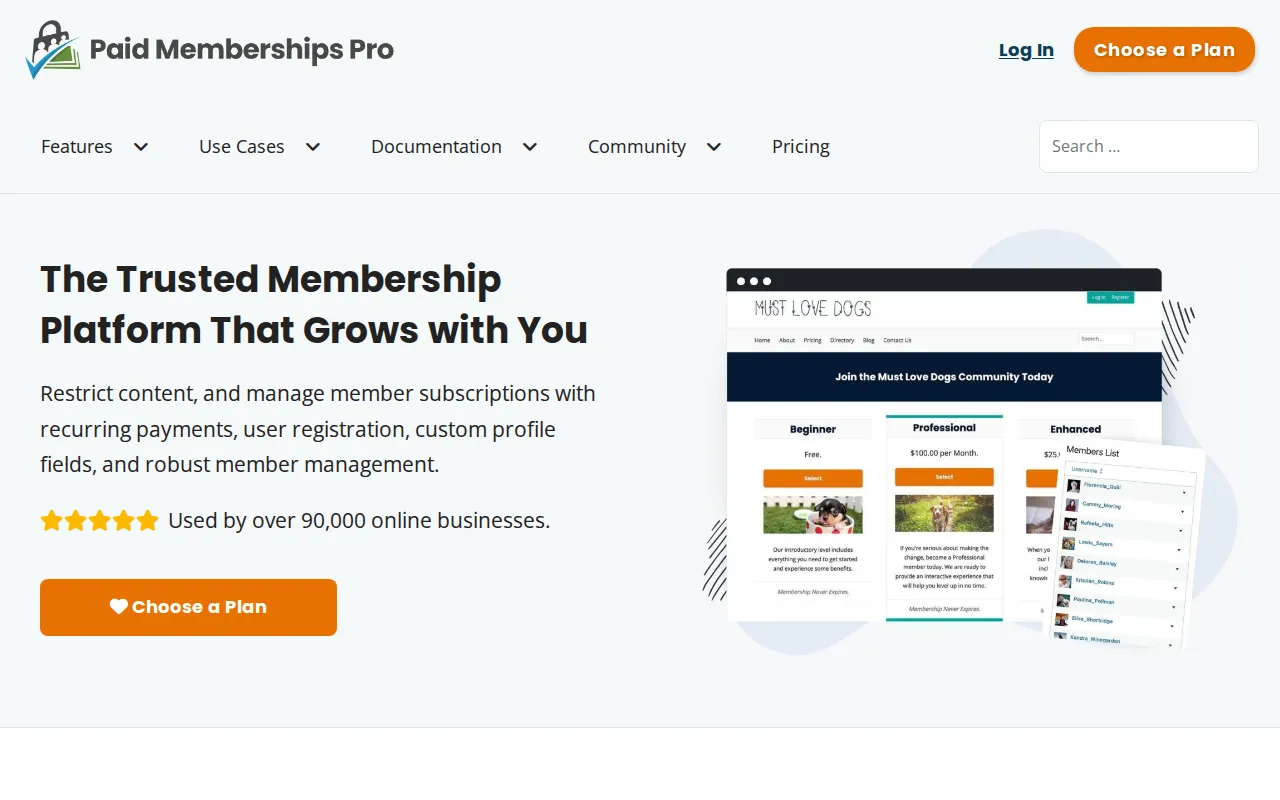
Paid Memberships Pro (PMPro) is the plugin I point people to when they want to start a membership site without spending money upfront. The free core plugin is genuinely useful — not a crippled demo like some "free" plugins. You get unlimited membership levels, content restriction, member management, and payment processing through Stripe and PayPal, all without paying a cent. The plugin is used by over 90,000 online businesses, and it's 100% GPL open source.
The free version also includes 24 free add-ons covering things like email marketing integrations, social login, and member directories. That's a lot of functionality for zero dollars. For a small community site or a creator just testing the waters with paid memberships, you can legitimately launch with the free tier and upgrade only when you need premium add-ons.
The premium plans start at $174/year (introductory first-year price, renews at $347/year) for a single site, which unlocks all premium add-ons. There's also a Plus plan at $299/year (renews at $597/year) for two sites. The add-on library is extensive — over 60 add-ons covering everything from WooCommerce integration to advanced content dripping to group memberships.
The main downside compared to MemberPress is polish. The admin interface is functional but not as refined, and the initial setup requires more configuration. Documentation is solid, though, and the community support is active. If budget is your primary concern, PMPro gives you the most membership features per dollar spent.
Visit: paidmembershipspro.com
4. WooCommerce Memberships — Best If You Already Use WooCommerce
If you're already running a WooCommerce store, WooCommerce Memberships is the natural choice. Instead of adding a separate membership system alongside your store, it extends WooCommerce with membership functionality. Members can get discounts on products, access restricted content, and manage their membership alongside their orders — all from one unified account.
The deep WooCommerce integration is the killer feature. You can tie membership access to product purchases (buy this course bundle, get membership access), offer member-only pricing on physical or digital products, and use WooCommerce's existing payment infrastructure. For a site that sells both products and memberships, this eliminates the awkward "two separate checkout systems" problem that plagues other setups.
Content dripping works well, and you can restrict access to pages, posts, custom post types, and even specific products or product categories. The plugin also plays nicely with WooCommerce Subscriptions (sold separately at $239/year) if you want recurring billing — though it's worth noting that WooCommerce Memberships alone doesn't handle recurring payments. You need Subscriptions for that, which pushes the total cost to $438/year for both.
WooCommerce Memberships costs $199/year for a single-site license. That's competitive, but the hidden cost is the WooCommerce Subscriptions add-on you'll almost certainly need. If you're not already using WooCommerce, I'd steer you toward MemberPress or PMPro instead — spinning up WooCommerce just for memberships adds unnecessary complexity.
Visit: woocommerce.com/products/woocommerce-memberships
5. Thrive Apprentice — Courses and Memberships in One
Thrive Apprentice is the membership solution I recommend for course creators who want a visual, design-first approach. It's part of Thrive Suite ($299/year), which bundles Thrive Apprentice with Thrive Architect (page builder), Thrive Leads (opt-in forms), Thrive Quiz Builder, and several other tools. If you're already in the Thrive ecosystem or plan to use multiple Thrive products, the value proposition is strong.
Thrive Apprentice combines course creation and membership access control in a single plugin. You build courses with a visual editor, organize lessons into modules and chapters, and then protect them behind membership levels. The course player is clean and modern — students get progress tracking, completion certificates, and a dashboard to manage their enrolled courses. It looks professional out of the box without needing custom CSS.
The membership features are solid: you get unlimited membership levels, content protection, drip scheduling, and integration with major payment processors through Thrive's built-in checkout (powered by ThriveCart or SendOwl) or through WooCommerce. The access management is flexible — you can grant access based on purchases, tags, or manual assignment.
The main limitation is that Thrive Apprentice is only available as part of Thrive Suite — you can't buy it standalone. At $299/year for the full suite, it's a good deal if you'll use the other tools. But if you only need membership functionality, you're paying for extras. For course + membership sites where you want design flexibility, though, it's an excellent choice.
Visit: thrivethemes.com/apprentice
Free vs Premium Membership Plugins
The honest truth? You can start a membership site for free with Paid Memberships Pro. Its free core handles the basics — content restriction, membership levels, and Stripe/PayPal payments. That's enough to validate your idea and start collecting revenue. But as your membership grows, you'll hit walls: advanced content dripping, group memberships, affiliate tracking, and premium integrations all require paid add-ons or a premium plugin like MemberPress. My advice: start free with PMPro to prove your concept, then invest in a premium solution once your membership revenue justifies the cost. Don't spend $200+/year on a plugin before you've confirmed people will actually pay for your content.
Frequently Asked Questions
Which membership plugin is best for beginners?
MemberPress. Despite being a premium plugin, it has the smoothest setup experience of any membership plugin I've used. The onboarding wizard walks you through creating your first membership, connecting Stripe, and protecting content. You can have a working membership site in under an hour with zero technical knowledge. If budget is a concern, Paid Memberships Pro's free version is the best no-cost starting point.
Can I switch membership plugins later?
Yes, but it's painful. Member data, subscription records, and content access rules don't transfer cleanly between plugins. You'll need to manually migrate members and reconfigure content restrictions. Some plugins offer import tools (MemberPress can import from several competitors), but expect a few hours of work. This is why picking the right plugin from the start matters more than with most other WordPress plugins.
Do I need a membership plugin or an LMS plugin?
If you're primarily selling access to content (articles, videos, downloads, community), you need a membership plugin. If you're selling structured courses with quizzes, certificates, and progress tracking, you need an LMS. If you want both — which is increasingly common — MemberPress or Thrive Apprentice handle the overlap well. For dedicated LMS features beyond what those offer, consider pairing a membership plugin with LearnDash or LifterLMS.
What payment gateways do membership plugins support?
Every plugin on this list supports Stripe and PayPal — those two cover 90%+ of membership sites. MemberPress and Paid Memberships Pro also support Authorize.net. WooCommerce Memberships inherits all of WooCommerce's payment gateways, giving you the widest selection. For most people, Stripe is the best default: low fees, instant setup, and native recurring billing.
Final Thoughts
After building membership sites for years, here's my honest take:
- MemberPress is the best all-around choice. If you can afford it, it saves time and eliminates plugin conflicts.
- Restrict Content Pro is ideal for developers who want clean code and full control.
- Paid Memberships Pro is the best free option and a smart starting point for anyone testing the membership model.
- WooCommerce Memberships makes sense only if you're already running a WooCommerce store.
- Thrive Apprentice is the pick for course creators who want visual design tools and are willing to buy the full Thrive Suite.
Whatever you choose, the key is to start. A membership site with the "wrong" plugin still beats no membership site at all. You can always migrate later — it's not fun, but it's not the end of the world.
For more on building your WordPress site, check out these related guides:
- Best WordPress Plugins — My complete plugin roundup across every category
- Create an Online Store with WordPress — Step-by-step WooCommerce setup
- WordPress Plugins Hub — All my plugin guides in one place

Written by Marvin
Our team tests and reviews WordPress products to help beginners make confident choices.
Learn more about our team →You might also like
Best WordPress AI Chatbot Plugins in 2026 — 5 Options Compared
I checked the current WordPress AI chatbot plugin landscape and narrowed it to 5 realistic options: AI Engine, Tidio, Chatway, WPBot, and Smartsupp.
postBest WordPress Lead Generation Plugins in 2026 — 5 Tools Worth Using
I researched the current WordPress lead generation plugin landscape and narrowed it to 5 tools that actually make sense: WPForms, OptinMonster, Thrive Leads, Hustle, and Fluent Forms.
postSlider Revolution Review: Is It Worth It? (2026)
Honest review of Slider Revolution — the premium WordPress slider and visual effects plugin powering 9 million sites. Hero sections, carousels, and animations.
postHello Dolly: The Story Behind WordPress's Most Famous Plugin
Hello Dolly ships with every WordPress installation. It displays random lyrics from the Louis Armstrong song. Here is why it exists and whether you should keep it.