
Tax
Quick Definition
Tax in WooCommerce handles sales tax and VAT calculations for your online store. You configure tax rates by country, state, or city, and WooCommerce automatically applies them at checkout based on the customer location.
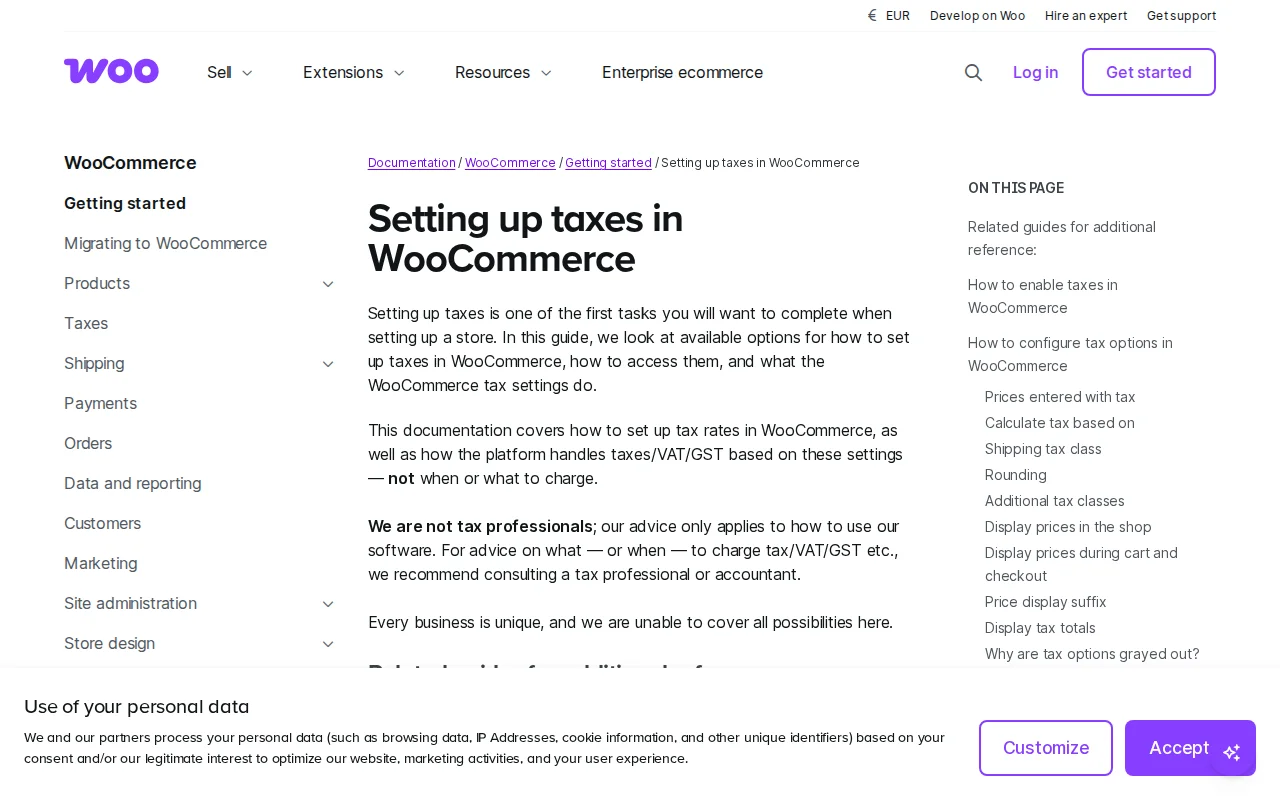
What Is Tax in WooCommerce?
Tax in WooCommerce calculates sales tax, VAT, or GST on orders based on customer location and product type. Enable at WooCommerce → Settings → General.
Key Settings
| Setting | What It Does |
|---|---|
| Prices with tax | Include or exclude in product prices |
| Calculate based on | Shipping address, billing, or store base |
| Shipping tax | Apply tax to shipping costs |
| Display in shop | Show incl/excl tax on product pages |
| Display at checkout | Show incl/excl at checkout |
Tax Rates
3 default classes: Standard, Reduced, Zero. Configure per country/state/city with rate %, tax name, compound, and shipping flags.
Automated Tax
- WooCommerce Tax (free) — Auto-calculates by city/state/country. Best for US.
- TaxJar — Premium calculation + filing + remittance
- Avalara — Enterprise-grade multi-jurisdiction
US has 10,000+ tax jurisdictions — manual entry is impractical.
EU VAT
Must charge VAT at customer's country rate. Enter each EU rate as separate rows (NL 21%, DE 19%, FR 20%).
Why It Matters
Undercharge = you owe the difference. Overcharge = customer frustration and legal risk. Set up correctly from the start.
Sources: WooCommerce, Kinsta