
Shipping
Quick Definition
Shipping in WooCommerce defines how physical products are delivered to customers. You configure shipping zones (geographic regions), shipping methods (flat rate, free shipping, local pickup), and shipping classes to calculate delivery costs at checkout.
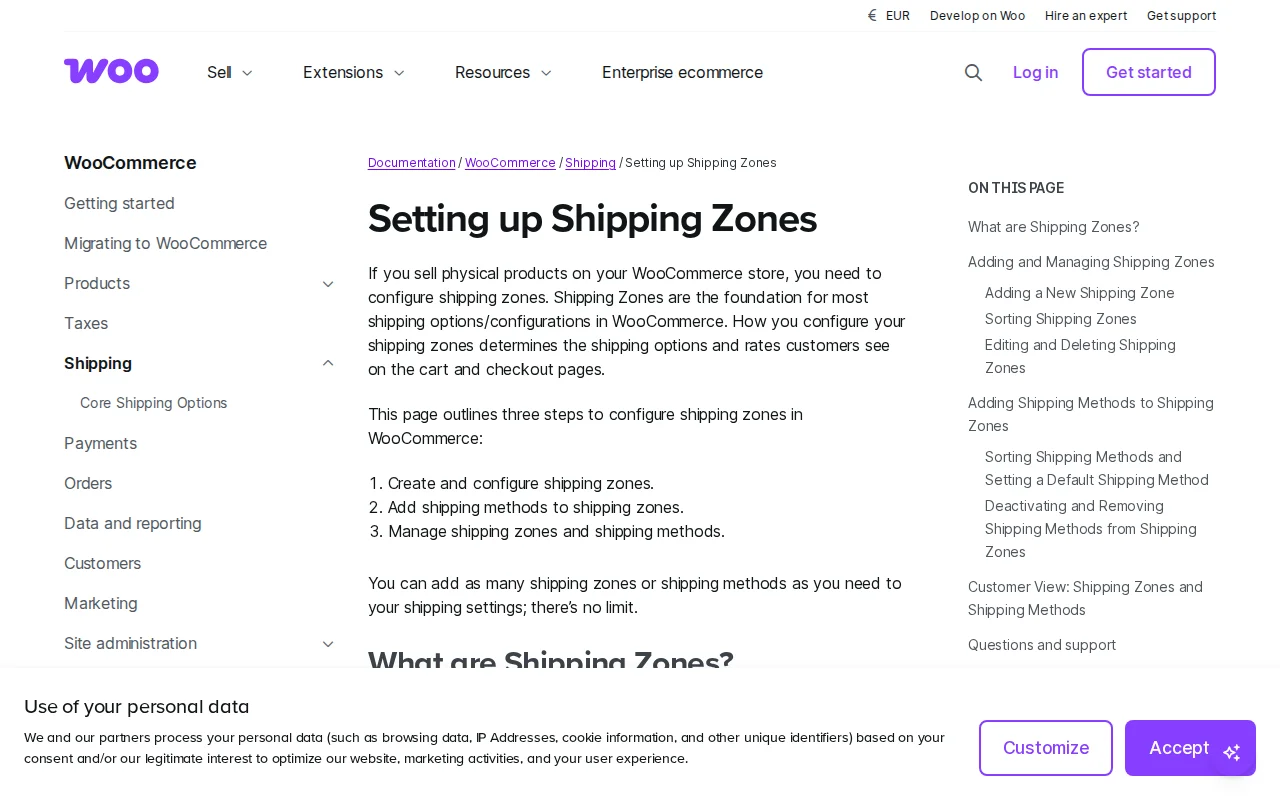
What Is Shipping in WooCommerce?
Shipping in WooCommerce calculates delivery costs at checkout. Built around shipping zones (where), methods (how), and classes (product groups).
Shipping Zones
Geographic regions: country, state/region, or postcode level. Each zone has its own methods and rates.
Built-in Methods
| Method | How It Works | Best For |
|---|---|---|
| Flat Rate | Fixed fee per order/item/class | Simple stores |
| Free Shipping | No charge — can require min order or coupon | Incentivizing larger orders |
| Local Pickup | Customer picks up | Physical locations |
Shipping Classes
Group products by size/weight for different rates. Small items $5, large items $15, fragile $20.
Advanced Plugins
- Table Rate — Dynamic rates by weight/quantity/dimensions
- Live carrier rates — Real-time UPS/FedEx/USPS/DHL pricing
- WooCommerce Shipping — Print labels at discounted rates
Best Practices
- Free shipping threshold increases order value
- Show costs early — surprise fees = cart abandonment
- Use shipping classes for different product sizes
- Test checkout with different addresses
Why It Matters
Overcharge = customers leave. Undercharge = you lose money. Get it right for conversions and profitability.
Sources: WooCommerce, Flat Rate Docs