
HTML
Quick Definition
HTML (HyperText Markup Language) is the standard language that defines the structure of every web page — headings, paragraphs, links, images, and lists. WordPress generates HTML automatically from your content, but understanding basics helps you customize and troubleshoot.
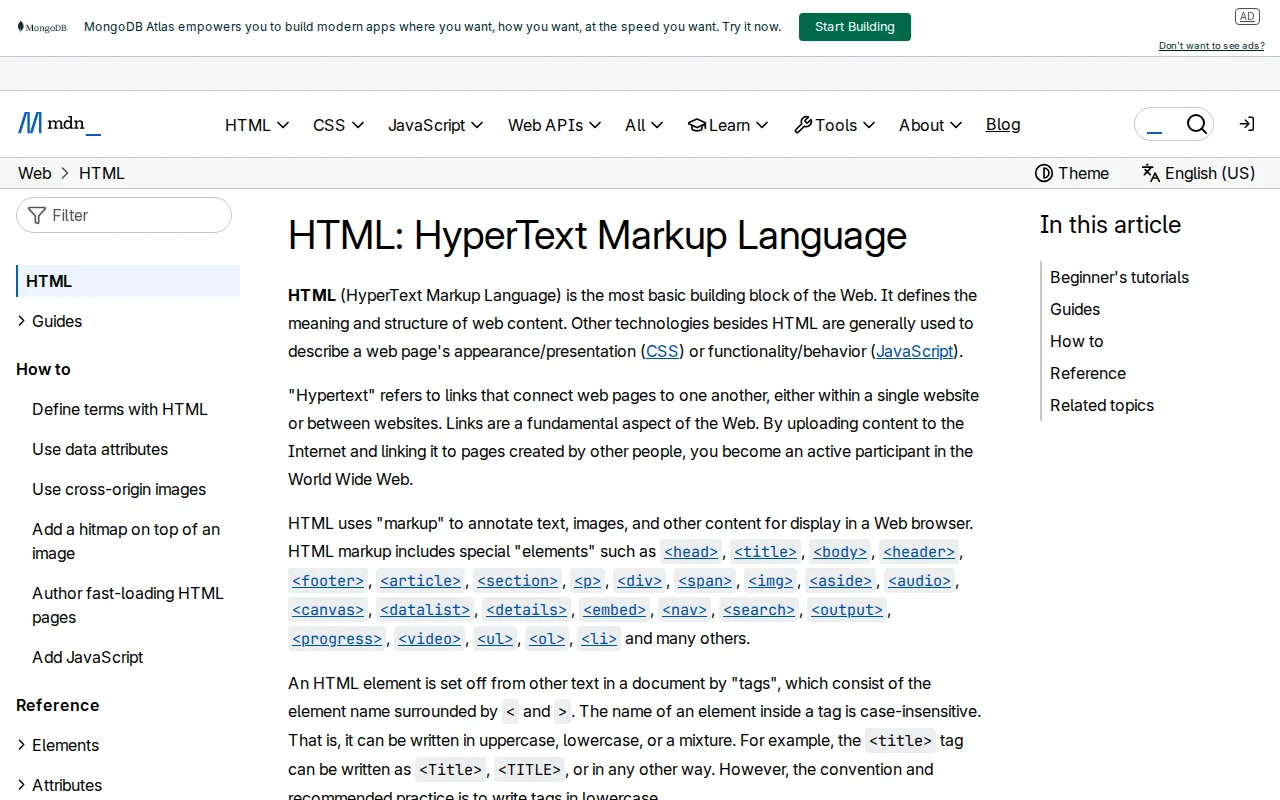
What Is HTML?
HTML defines structure and content of web pages. CSS = appearance, HTML = structure. WordPress block editor generates HTML automatically — heading blocks create <h2>, paragraphs create <p>, images create <img>.
How HTML Works
<a href="https://zerotowp.com" target="_blank">Visit ZeroToWP</a>
- Tag — Defines element type
- Attributes — Extra information (href, target)
- Content — What users see
Essential Tags for WordPress Users
| Tag | Creates | WP Block |
|---|---|---|
<h1-h6> | Headings | Heading block |
<p> | Paragraph | Paragraph block |
<a> | Link | Link in any block |
<img> | Image | Image block |
<ul/ol> | Lists | List block |
<div> | Container | Group block |
HTML in WordPress
- Code Editor view for raw HTML
- Custom HTML block for embeds
- Fix formatting by inspecting HTML
- Add third-party embed codes
- Schema markup via script tags
Why It Matters
Block editor handles HTML for you, but basics let you troubleshoot, add custom elements, and understand SEO concepts like H1 tags and alt text.
Sources: MDN, Learn WordPress
Related Terms
CSSCSS (Cascading Style Sheets) is the language that controls how your WordPress site looks — colors, fonts, spacing, layout, and responsive behavior. Your theme's style.css file contains the CSS rules that define your site's visual design.GutenbergGutenberg is the codename for the WordPress block editor project. Launched in WordPress 5.0 (December 2018), it replaced the classic editor with a modern, block-based content editing experience.Schema MarkupSchema markup is structured data code you add to your WordPress pages to help search engines understand your content. It can earn you rich snippets in Google — like star ratings, FAQs, and recipe cards — which boost click-through rates.
Related Articles
Creating Your First WordPress Pages & Posts (Step-by-Step)Pages vs posts — what's the difference and when to use each? Here's how to create both using the WordPress block editor.WordPress SEO Checklist — 20 Steps to Rank Higher on Google in 2026A concise, actionable WordPress SEO checklist covering setup, on-page optimization, technical SEO, and content strategy. Follow these 20 steps to give your WordPress site the best possible chance of ranking on Google.How to Make a WordPress Website — Complete Beginner's Guide (2026)Learn how to build a WordPress website from scratch in 2026. I walk through every step with screenshots — hosting, setup, themes, plugins, and your first content.