
Mixed Content
Quick Definition
Mixed content happens when an HTTPS page loads resources (images, scripts, stylesheets) over insecure HTTP. Browsers flag this as unsafe, the padlock icon disappears, and Google may penalize your site.
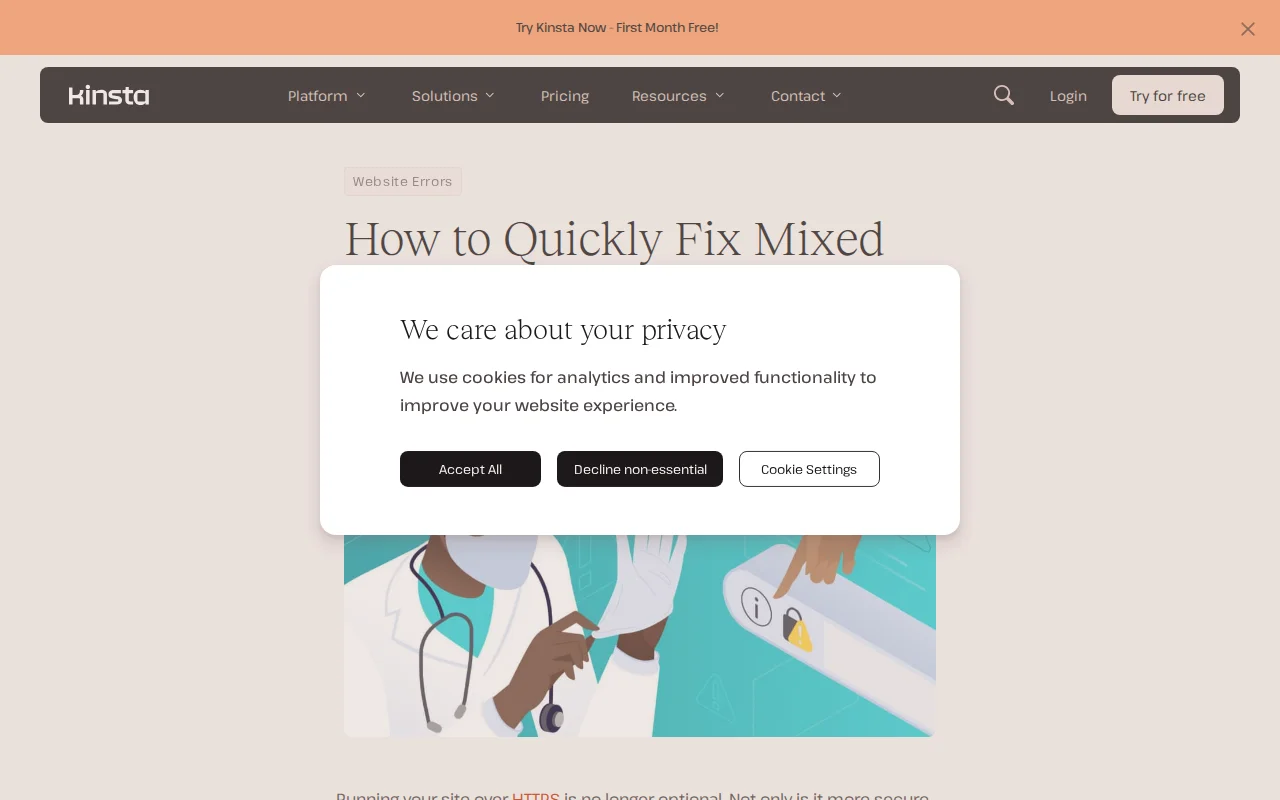
What Is Mixed Content?
Mixed content occurs when a page served over HTTPS loads some of its resources — images, JavaScript files, CSS stylesheets, fonts, or iframes — over plain HTTP. Your browser detects the mismatch and treats the entire page as insecure.
The result: the padlock icon in the address bar disappears, replaced by a warning. Browsers like Chrome display "Not Secure" or block the insecure resources entirely. This destroys visitor trust and can hurt your search rankings.
Mixed content is one of the most common issues WordPress site owners face after installing an SSL certificate, because existing content may still reference HTTP URLs from before the migration to HTTPS.
Two Types of Mixed Content
- Active mixed content — Scripts and stylesheets loaded over HTTP. Browsers block these entirely because they can be intercepted and manipulated (like injecting malware into a JavaScript file). Your site breaks visually or functionally.
- Passive mixed content — Images, audio, and video loaded over HTTP. Browsers allow these but display a warning. Less dangerous but still removes the padlock and looks unprofessional.
How to Detect Mixed Content
- Browser DevTools — Open Chrome DevTools (F12) → Console tab. Mixed content warnings appear as yellow or red messages with the exact URLs of the insecure resources.
- Why No Padlock? — Free online tool at whynopadlock.com that scans any URL for mixed content.
- Really Simple SSL — Our SSL setup guide covers how this plugin automatically detects and fixes mixed content.
How to Fix It in WordPress
- Update WordPress URLs — Go to Settings → General. Make sure both "WordPress Address" and "Site Address" use
https://. - Search and replace — Use the Better Search Replace plugin to find all
http://yourdomain.comreferences in your database and replace them withhttps://yourdomain.com. - Install Really Simple SSL — This plugin automatically fixes most mixed content by rewriting HTTP URLs to HTTPS on the fly. Install, activate, done.
- Check theme and plugin files — Some themes and plugins hardcode HTTP URLs in their code. Update them or contact the developer.
- Force HTTPS via .htaccess — Add a redirect rule to ensure all traffic uses HTTPS, even if someone visits via an old HTTP link.
Why It Matters
Mixed content defeats the purpose of having an SSL certificate. You have paid for (or set up a free) SSL, but your site still shows as insecure because of a few leftover HTTP references. Google uses HTTPS as a ranking signal, browsers actively warn visitors, and a single mixed content error can make your entire site look untrustworthy. Fixing it usually takes 10 minutes with Really Simple SSL and Better Search Replace — there is no reason to leave it broken.
Sources: Kinsta, WP Engine, MDN Web Docs