
Malware
Quick Definition
Malware (malicious software) is code designed to damage, steal data from, or gain unauthorized access to your WordPress site. Common types include backdoors, spam injections, redirect hacks, and cryptominers.
What Is Malware?
Malware — short for malicious software — is any code intentionally designed to harm your website, steal data, or exploit your server. On WordPress sites, malware typically enters through outdated plugins, weak passwords, or vulnerabilities in themes. Once installed, it can operate silently for weeks or months before you notice anything wrong.
WordPress is the most targeted CMS because it powers over 40% of the web — that makes it the biggest attack surface for hackers.
Common Types of WordPress Malware
- Backdoors — Hidden entry points that give attackers access even after you change passwords. Often disguised as legitimate WordPress files.
- SEO spam injection — Injects hidden links, Japanese characters, or pharma keywords into your pages to manipulate search rankings. Your site may look normal to you but appear spammy in Google results.
- Redirect hacks — Sends your visitors to malicious or phishing sites. Often targets mobile users only, making it harder to detect on desktop.
- Cryptominers — Uses your server's CPU to mine cryptocurrency in the background. Slows your site dramatically.
- Phishing pages — Creates fake login pages on your site (often for banks or email providers) to steal visitor credentials.
- Web shells — Gives attackers a command-line interface to your server through your browser. The most dangerous type — full server control.
How to Detect Malware
Warning signs that your WordPress site may be infected:
- Google shows "This site may be hacked" or "Deceptive site ahead" in search results
- Unexpected redirects to unfamiliar websites
- New admin users you did not create
- Sudden drop in traffic or search rankings
- Your hosting provider suspends your account
- Modified files you did not change (check via FTP or File Manager)
Free scanning tools:
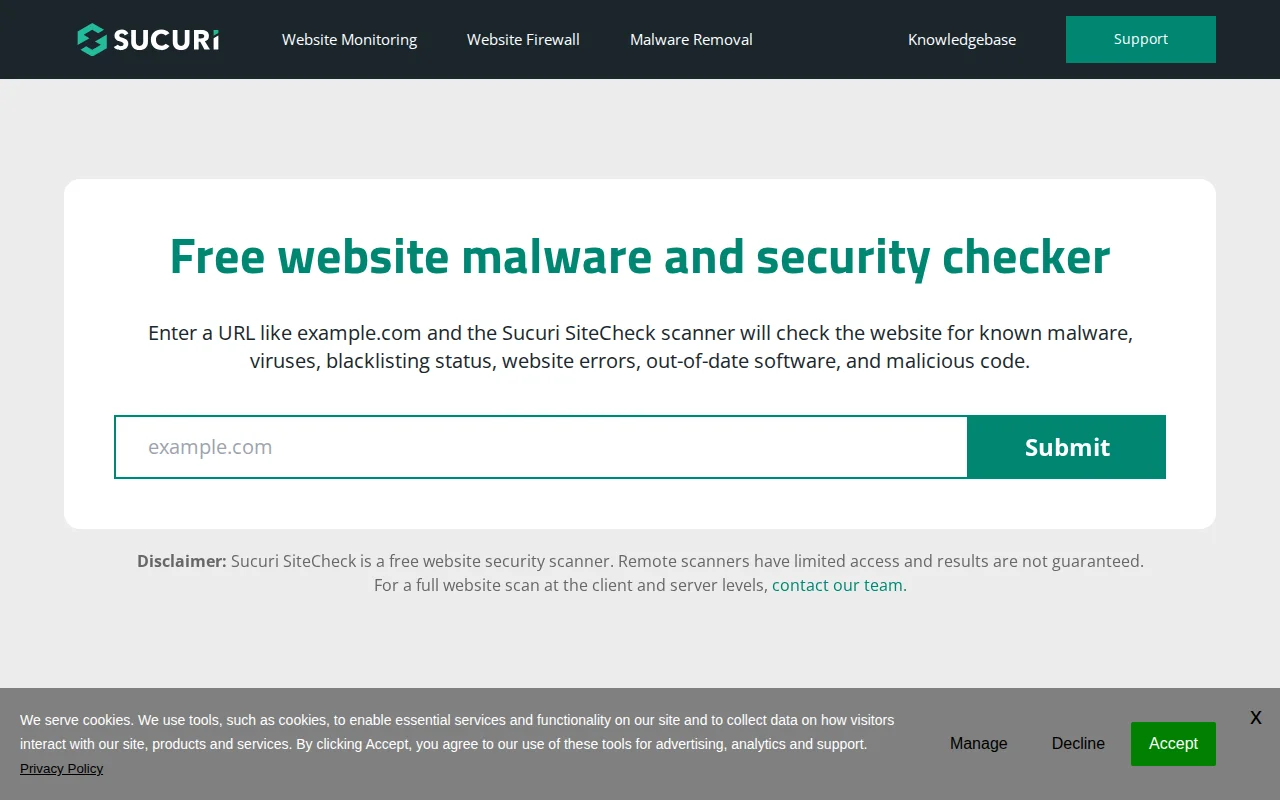
- Sucuri SiteCheck — Free remote scan at sitecheck.sucuri.net. Checks for malware, blacklist status, and known vulnerabilities.
- Wordfence — Server-side scanner that checks WordPress core files, themes, and plugins for modifications.
- Jetpack Scan — Automated daily scans with one-click malware removal (paid feature).
How to Remove Malware
- Take a backup of your infected site (for forensic reference)
- Scan with Wordfence or Sucuri to identify infected files
- Remove or replace infected files with clean versions from wordpress.org
- Change all passwords (WordPress admin, FTP, database, hosting panel)
- Update WordPress core, all plugins, and themes to latest versions
- Check for unknown admin users and remove them
- Submit a reconsideration request to Google if your site was flagged
Why It Matters
A malware infection can destroy your site's reputation overnight. Google blacklists infected sites (showing scary warnings to visitors), your search rankings drop, hosting providers may suspend your account, and visitors lose trust. Prevention — through a good firewall, strong passwords, regular updates, and HTTPS — is always cheaper and easier than cleanup.
Sources: Sucuri, Patchstack, Jetpack