
Block Pattern
Quick Definition
A block pattern is a pre-designed group of WordPress blocks that creates a complete section or layout — like a hero header, pricing table, or testimonial grid. Insert one click, then customize the content. Synced patterns update everywhere when you edit them.
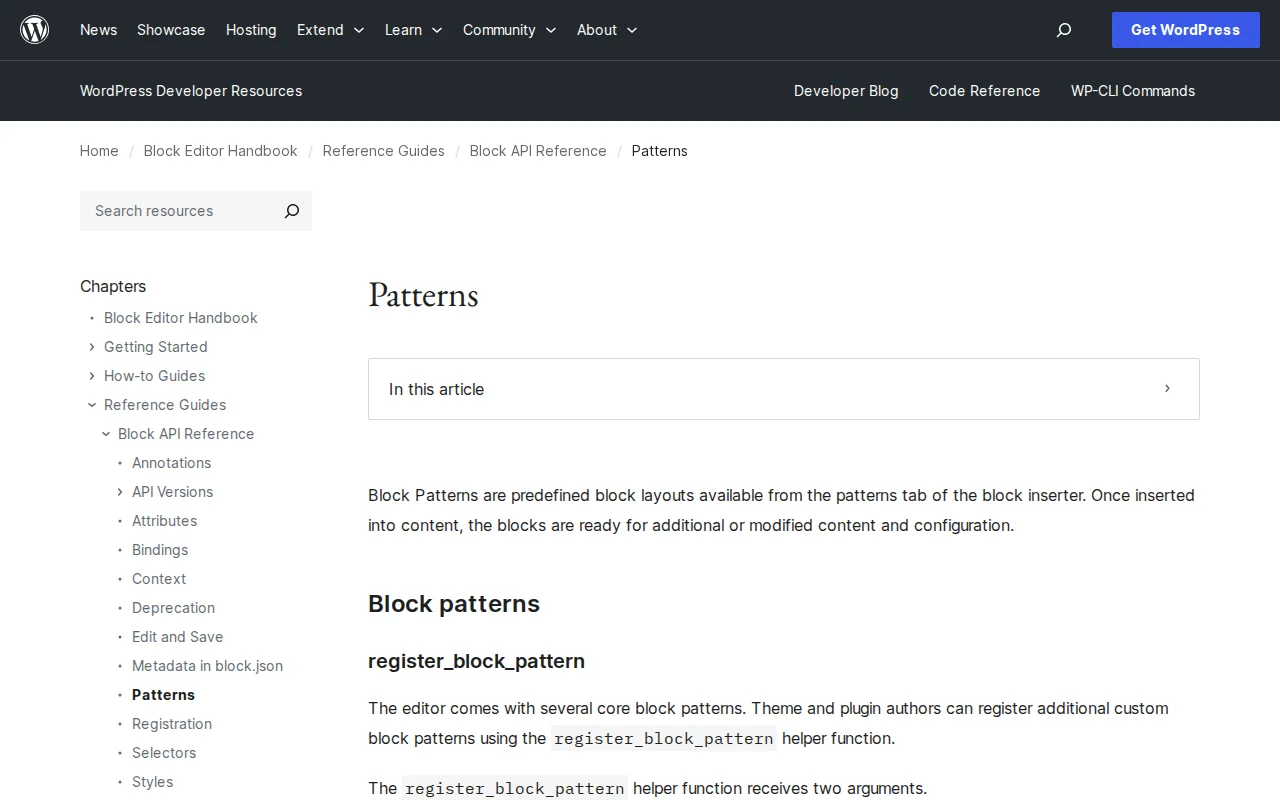
What Is a Block Pattern?
Pre-built combination of Gutenberg blocks arranged into a complete design section. Insert in one click, customize content. WordPress includes dozens, themes add more, you can create your own.
How to Use
- Open block editor
- Click + inserter or Patterns tab
- Browse categories: Headers, Testimonials, CTA, Galleries
- Click to insert
- Edit individual blocks — text, images, colors
Synced vs Unsynced
| Type | Behavior | Best For |
|---|---|---|
| Unsynced | Independent on insert, changes do not propagate | One-off layouts |
| Synced | Linked — edit one, updates ALL instances | Headers, footers, CTAs |
Synced patterns = formerly "Reusable Blocks" (renamed WP 6.3).
Where They Come From
- WordPress core — built-in basics
- Your theme — Astra, Kadence, block themes
- wordpress.org/patterns — community directory
- Block plugins — Spectra, etc.
- Your own — create from any block selection
Patterns vs Page Builders
Similar purpose to page builder templates, but native Gutenberg = lightweight, fast, no vendor lock-in.
Why It Matters
The reason most users no longer need a page builder for basic-to-intermediate design. Professional layouts without performance cost.
Sources: Developer.WordPress.org, WPBeginner