
Admin Bar
Quick Definition
The Admin Bar (officially called the Toolbar) is the horizontal bar at the top of your screen when you are logged into WordPress. It provides quick links to the dashboard, new content creation, and site management.
What Is the Admin Bar?
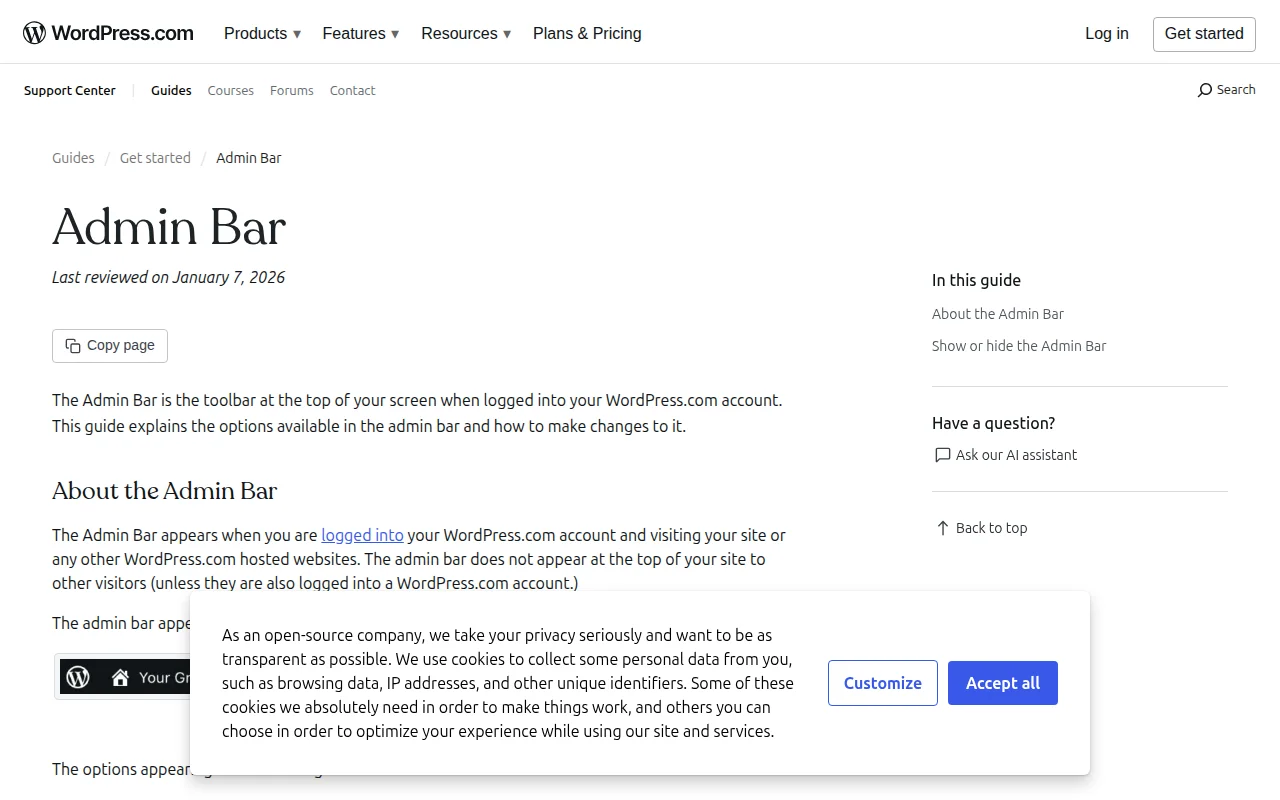
The Admin Bar (officially renamed the Toolbar in WordPress 3.3, though most people still call it the Admin Bar) is the dark horizontal bar that appears at the top of your screen whenever you are logged into WordPress. It is visible on both the front end (your live site) and the back end (dashboard).
The Admin Bar provides quick shortcuts to your most common tasks:
- WordPress logo — Links to WordPress.org, documentation, and support forums
- Site name — Toggle between the front end (your live site) and the dashboard
- + New — Quickly create a new post, page, media upload, or user
- Edit Post/Page — When viewing a page on the front end, click "Edit" to jump directly into the editor
- Comments — Shows pending comment count with a link to moderation
- Updates — Notification icon when updates are available for core, plugins, or themes
- Your name — Profile settings, logout, and "Howdy" greeting (which the community has debated removing for years)
Plugins often add their own items to the Admin Bar. You may see links from your caching plugin ("Clear Cache"), your SEO plugin (keyword analysis), or staging indicators from your host.
Admin Bar in Practice
You can control Admin Bar visibility in several ways:
- Per-user — Go to Users > Your Profile and uncheck "Show Toolbar when viewing site." This hides it on the front end only (it always shows in the dashboard).
- Via code — Add
show_admin_bar( false );in functions.php to hide it for all users on the front end. - By user role — Plugins like Admin Bar Editor let you hide or customize the toolbar per role, so subscribers see a minimal bar while administrators see everything.
A common question: "Can visitors see the Admin Bar?" No. The Admin Bar only appears for logged-in users. Your visitors never see it. However, it does push your site content down by 32px when visible — which is why some developers hide it on the front end to avoid layout interference during design work.
Why It Matters
The Admin Bar is your constant companion when working in WordPress. It is the fastest way to jump between viewing your site and editing it, create new content, check for updates, and access your profile. For beginners, it is worth exploring every item in the bar to understand what shortcuts are available — especially the "Edit" link that appears when viewing any page or post on the front end.